How to complete Switching the Supply in Arc Raiders
Finally fix the water issue in the tunnels under the Spaceport.
Keep up to date with the most important stories and the best deals, as picked by the PC Gamer team.
You are now subscribed
Your newsletter sign-up was successful
Want to add more newsletters?
Every Friday
GamesRadar+
Your weekly update on everything you could ever want to know about the games you already love, games we know you're going to love in the near future, and tales from the communities that surround them.
Every Thursday
GTA 6 O'clock
Our special GTA 6 newsletter, with breaking news, insider info, and rumor analysis from the award-winning GTA 6 O'clock experts.
Every Friday
Knowledge
From the creators of Edge: A weekly videogame industry newsletter with analysis from expert writers, guidance from professionals, and insight into what's on the horizon.
Every Thursday
The Setup
Hardware nerds unite, sign up to our free tech newsletter for a weekly digest of the hottest new tech, the latest gadgets on the test bench, and much more.
Every Wednesday
Switch 2 Spotlight
Sign up to our new Switch 2 newsletter, where we bring you the latest talking points on Nintendo's new console each week, bring you up to date on the news, and recommend what games to play.
Every Saturday
The Watchlist
Subscribe for a weekly digest of the movie and TV news that matters, direct to your inbox. From first-look trailers, interviews, reviews and explainers, we've got you covered.
Once a month
SFX
Get sneak previews, exclusive competitions and details of special events each month!
Trying to find and turn the valve in the tunnels under Spaceport is the trickiest step in Arc Raiders' Switching the Supply quest. After finding the source of the contamination in Water Troubles, Celeste sends you on a little trip to Spaceport to find a way to swap Speranza's supplier for one less contaminated.
While the tunnels under the Spaceport aren't all that hard to find, tracking down the singular valve you have to turn within them is. These tunnels are fairly extensive and right in the centre of the map—the last place you want to hang around or be caught unawares by Raiders in the dark. So, before someone sneaks up on you, here's how to complete Switching the Supply, both in terms of finding the tunnels and the valve you've got to turn.
How to complete Switching the Supply in Arc Raiders
The 'tunnels under the Spaceport' comprise quite a large area, running, as they do, all the way around the base of the Launch Towers. But rather than exploring the whole tunnel system, there's a point you can enter that's super close to your objective. You'll want to look for an opening, marked on the map above, that's directly to the southwest of the Launch Towers in the centre of the map. Simply:
- Head down inside this opening by walking down the concrete slope.
- Turn around at the bottom and walk down the tunnel a little way, looking for a yellow-marked valve wheel on your right.
- Interact with this to 'switch the supply' of water going to Speranza and complete your quest.
Pretty easy, huh? You can also enter the tunnels under the Launch Towers from a variety of other locations, but you'll then have to navigate through them to the marked point.
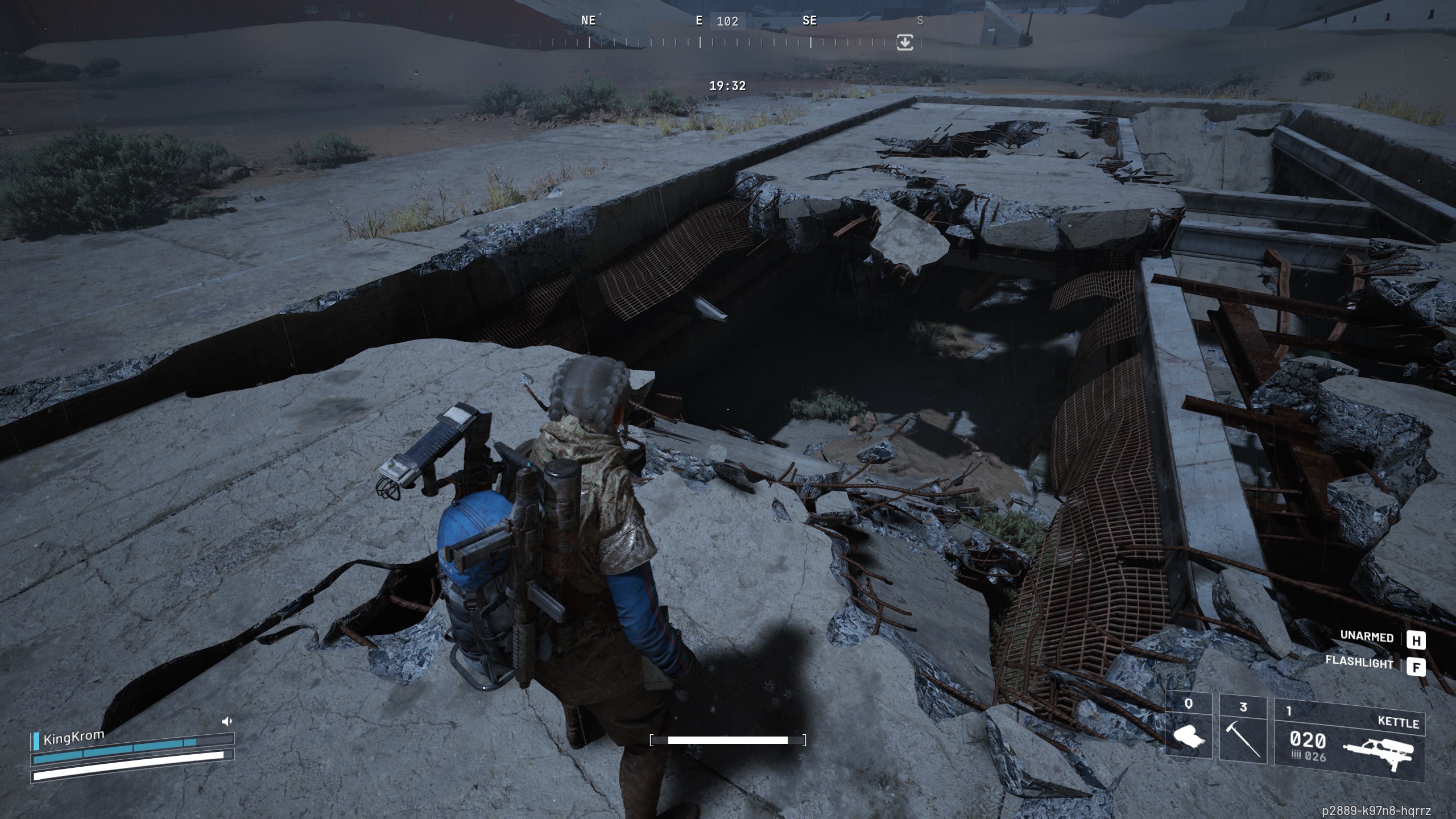
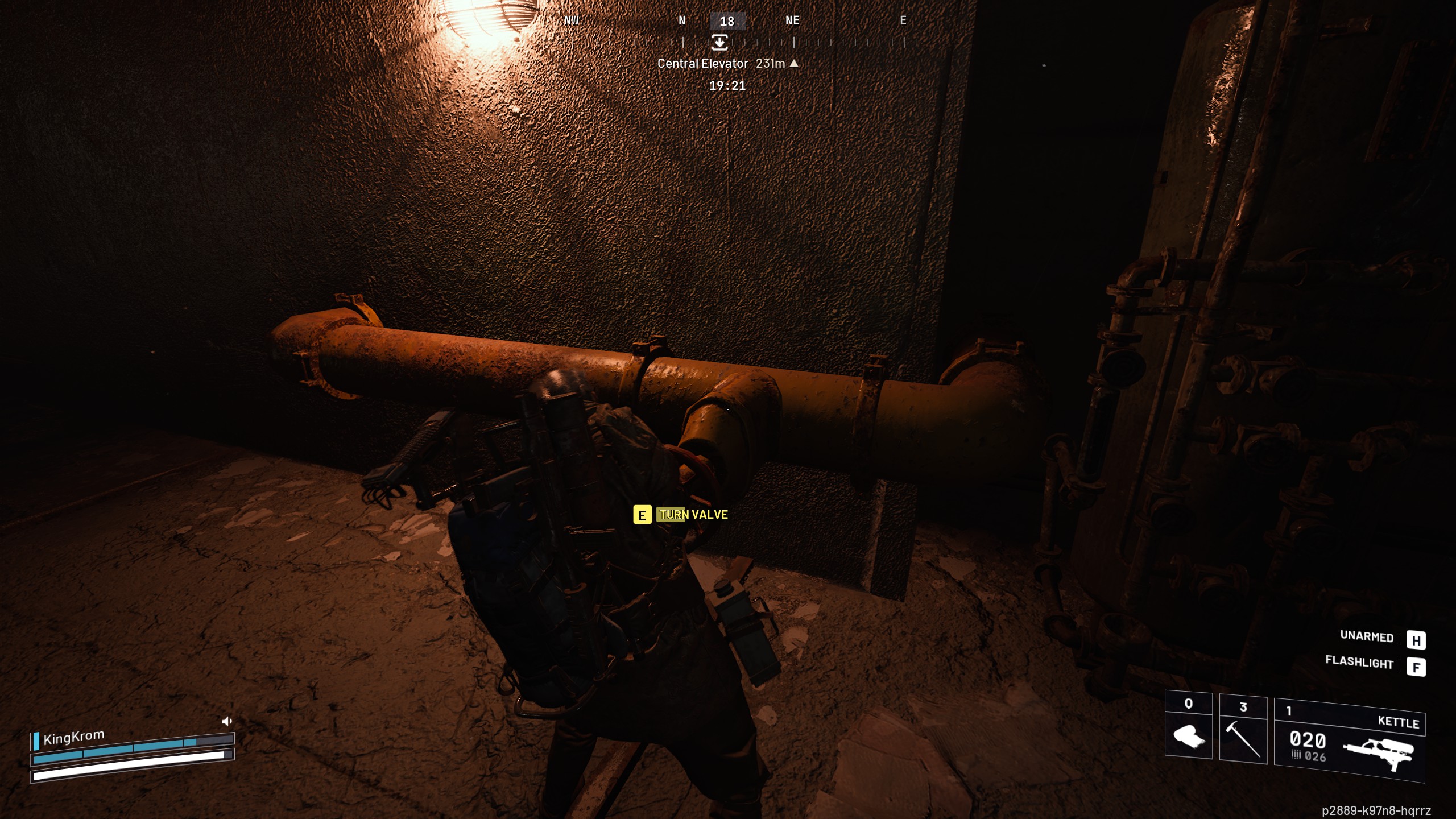
As you can see, the tunnel system is quite long, and it's full of other nuisances like exploding ticks that are hard to kill in the dark, and loot-hungry players.

Arc Raiders Field Depots: Where to find 'em
Arc Raiders Field Crates: How to use 'em
Arc Raiders dog collar: Train Scrappy
Arc Raiders best skills: Survive the surface
Arc Raiders Expeditions: Retire your Raider
Keep up to date with the most important stories and the best deals, as picked by the PC Gamer team.

Sean's first PC games were Full Throttle and Total Annihilation and his taste has stayed much the same since. When not scouring games for secrets or bashing his head against puzzles, you'll find him revisiting old Total War campaigns, agonizing over his Destiny 2 fit, or still trying to finish the Horus Heresy. Sean has also written for EDGE, Eurogamer, PCGamesN, Wireframe, EGMNOW, and Inverse.
You must confirm your public display name before commenting
Please logout and then login again, you will then be prompted to enter your display name.