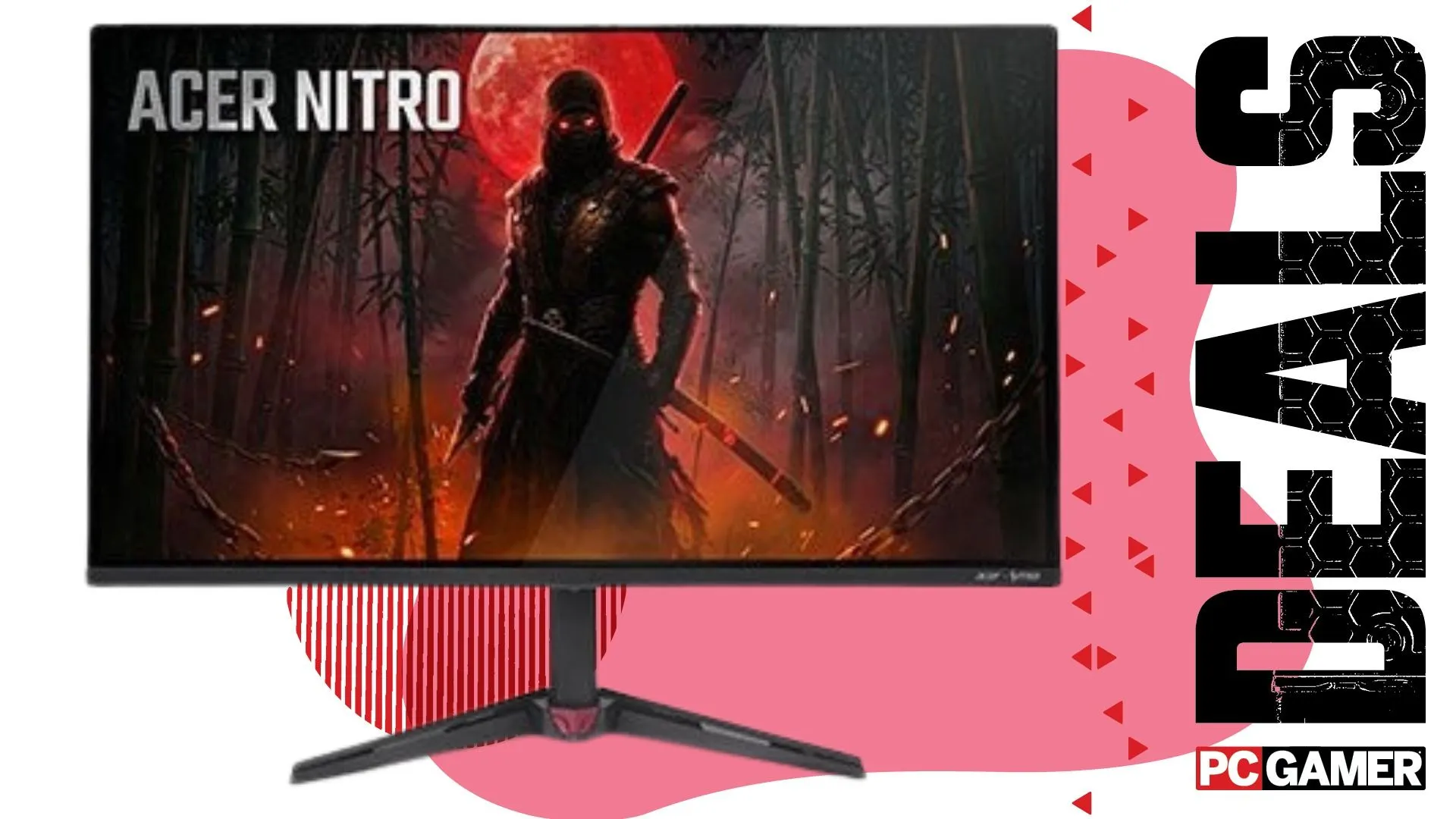
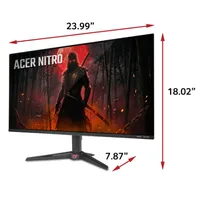
I knew coming into Prime Day that gaming monitor deals would offer a brief reprieve from the misery that is the price of memory, storage, and graphics cards, yet I wasn't expecting an OLED gaming monitor to drop all the way down to $270.
I was even more shocked that the $270 Acer Nitro VG277U Xbiip has stuck at that price point at Walmart even after the Big Deal Days have come to a close. That makes it an absolute steal right now.
One caveat worth mentioning here is that this Acer monitor uses Samsung's budget QD-OLED panel, so it's not majorly bright. In fact, most budget OLED panels around its price point are rocking the same panel (apart from the AOC Agon Pro, but that's seen a price jump). However, it's incredible to think you can get a 1440p OLED gaming monitor for the cash.
There's a reason people (myself included) love OLED monitors. They provide true blacks and offer color that pops. That makes them an incredible way to play games. They're so good, in fact, that I argue the biggest upgrade I've made to my gaming setup in the last half a decade is swapping from an IPS panel to an OLED one (yes, that includes getting a new PC).
This Nitro has some serious stats too, like a 240 Hz refresh rate and a lightning-fast 0.03 ms response time. These are mighty impressive, especially at its price.
OLEDs do have downsides, like they're less resilient to burn-in, and they tend to display font fringing during non-gaming use cases. This can blur text or add extra colors around it. Generally speaking, if you simply need something to edit with or build spreadsheets, I'd be going for an IPS panel.
Still, for gaming it's perfect, and that size makes it a great choice in a dual monitor setup. I have a 1440p OLED and 1080p IPS in my personal setup, and I can't recommend it enough.
👉Shop all of Walmart's gaming monitor deals here👈
1. Best overall / 4K:
MSI MPG 322UR X24
2. Best budget 4K:
Asus ROG Strix XG27UCG
3. Best budget OLED
Alienware AW2726DM
4. Best 1440p:
MSI MPG 271QRX
5. Best budget 1440p:
KTC H27T22C-3
6. Best 1080p:
AOC Gaming C27G4ZXE
7. Best Ultrawide:
Gigabyte MO34WQC2
8. Best budget ultrawide:
Koorui 34E6UC
9. Best competitive
KTC 25M1