Ambient Occlusion
As you may have noticed in the earlier article, one effect in the game I haven't discussed in depth so far is its integrated ambient occlusion setting. Ambient occlusion is a screen-space post-processing effect which aims to simulate global illumination. The basic idea is that less light reaches places which are behind objects, or inside fissures and gaps, so these locations should be darkened.
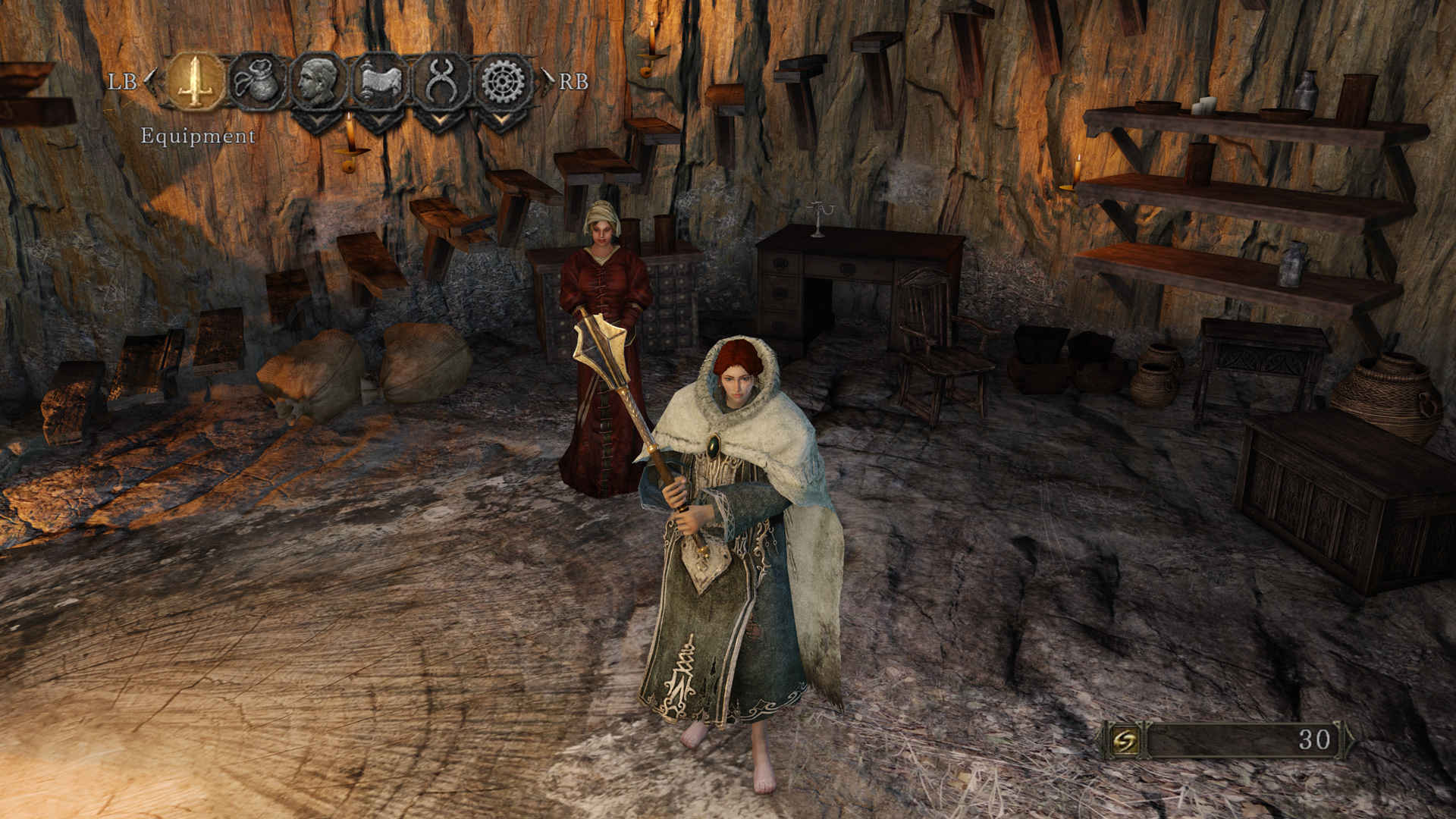
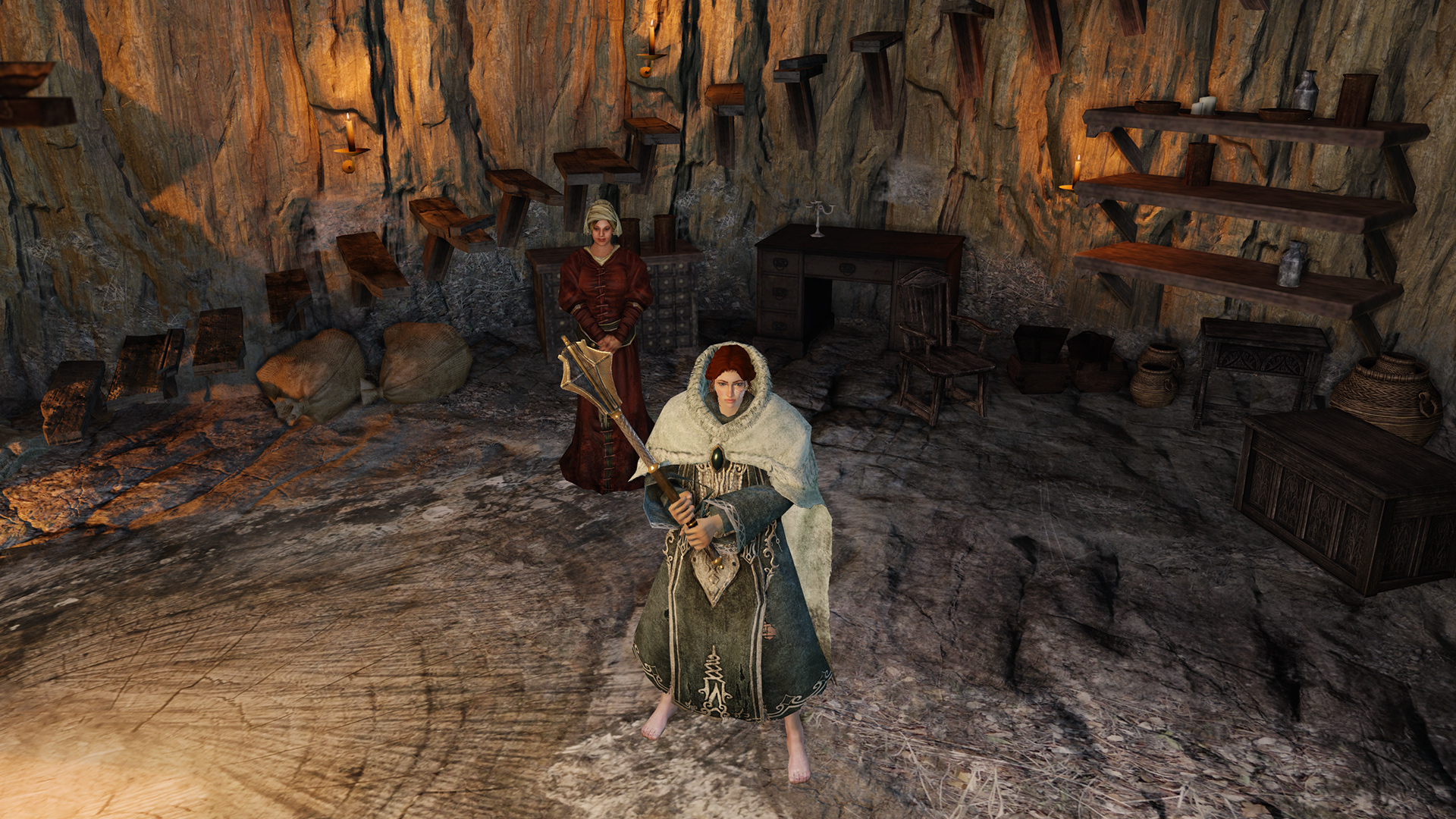
The in-game effect is a quite basic implementation, which sometimes gives more of a “2D drop shadow” effect than an approximation of how real light would behave. It's still preferable to not having ambient occlusion at all, but modern methods can do much better. Perhaps the best realtime ambient occlusion method currently available is Nvidia's HBAO+ . It can be forced in a variety of games using Inspector, and after a long search I found that the compatibility flag “0x0000001F“ works almost perfectly in the game. Sadly, just a lmost, as the effect gets applied after UI elements have been rendered, so you get strange “shadow” effects on the UI. Nvidia should be able to do something about that with an official profile, but whether they will do so remains to be seen.
The picture below compares no ambient occlusion, the in-game method, and HBAO+. Note how HBAO+ gives a much more smooth, natural and detailed lighting effect, without the “halos” and errors common in simpler AO methods. You can also compare the effects using the full-size screenshots hosted here (HBAO+), here (In-game AO) and here (No AO).

One additional advantage of HBAO+ which is not visible in screenshots is that it is much more stable in motion, and does not “flicker” around small objects such as hair or grass.
In terms of performance, the in-game method is very lightweight, increasing GPU usage on my GTX 770 by about 4 percentage points in that particular scene (50% to 54%). HBAO+ requires more computation, but is still very efficient given the high quality result. It increases GPU usage to 60% when testing the same scene.
Post-processing with SweetFX
Some Dark Souls fans who were following the pre-release information closely have been disappointed that the final game does not fully capture the visual splendor of some areas which were shown off in the pre-release demo. While post-processing cannot bring back missing light sources, it can help re-capture a more dramatic mood.
One significant change which, in my opinion, negatively impacts the visuals in the final game is the high level of ambient illumination (i.e. areas which are brightly lit even when there are no light sources). Using SweetFX with a custom profile (downloadable here ), the ambient light level can be reduced, while the impact of existing light sources is strengthened.

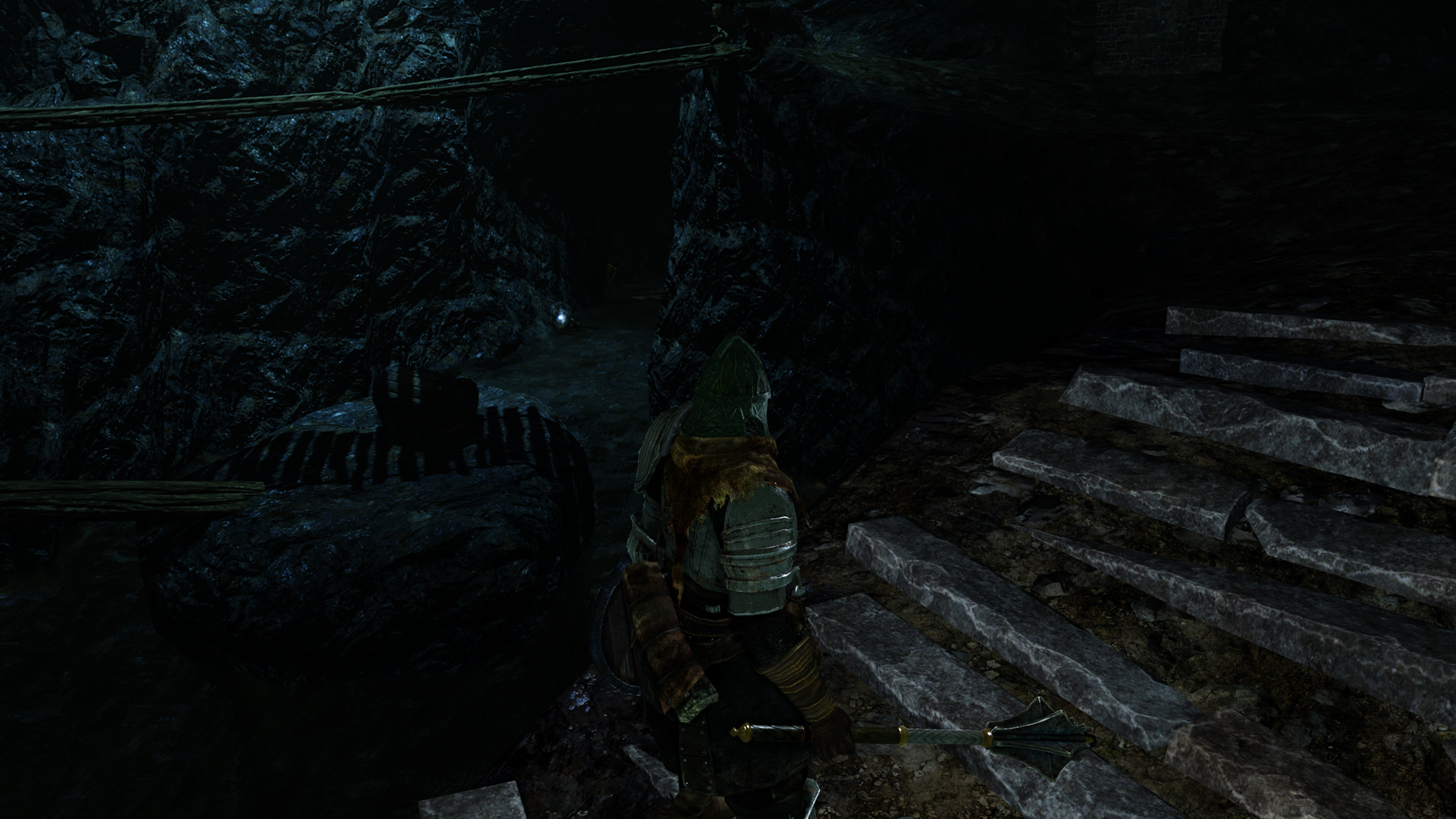


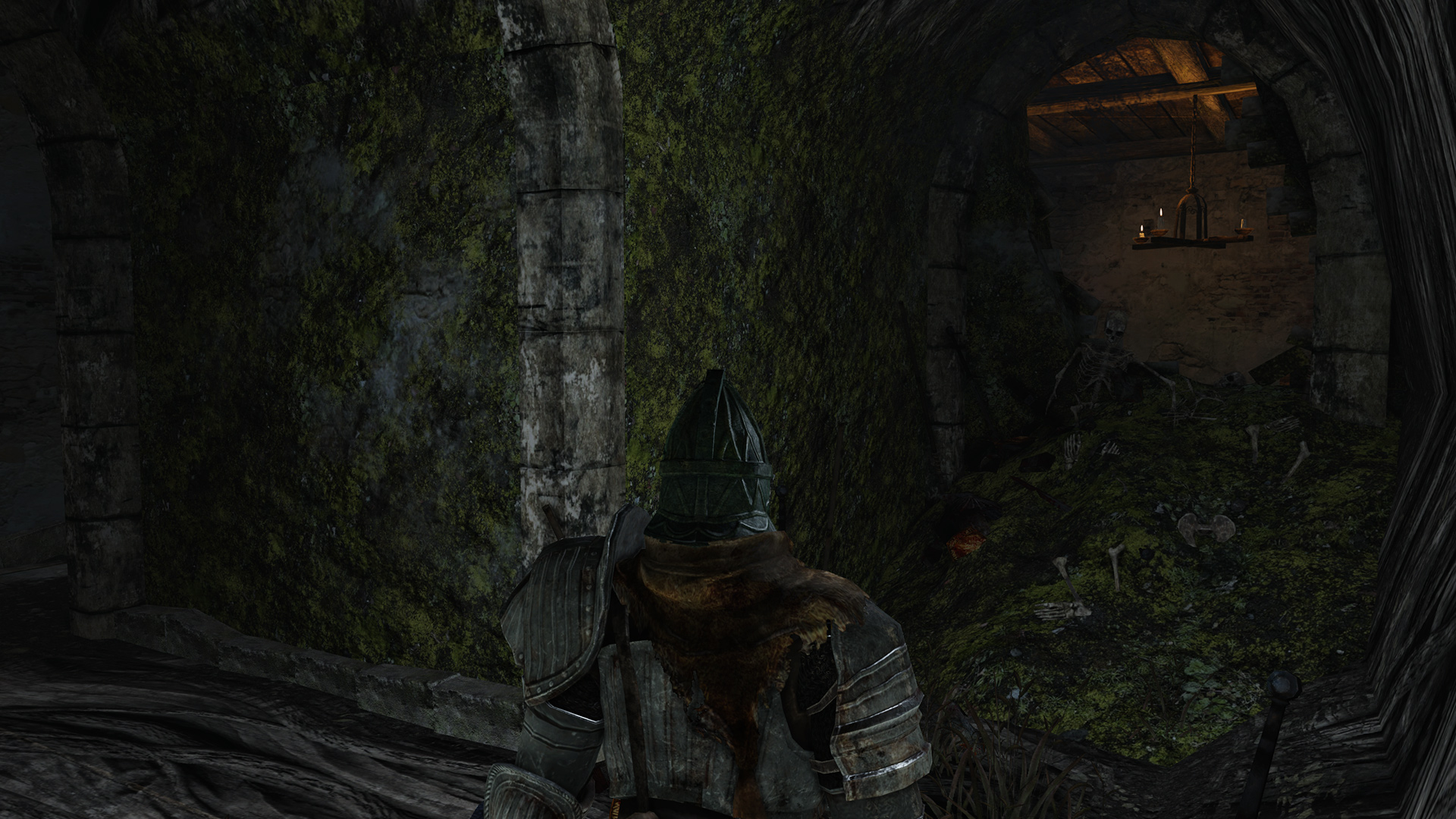
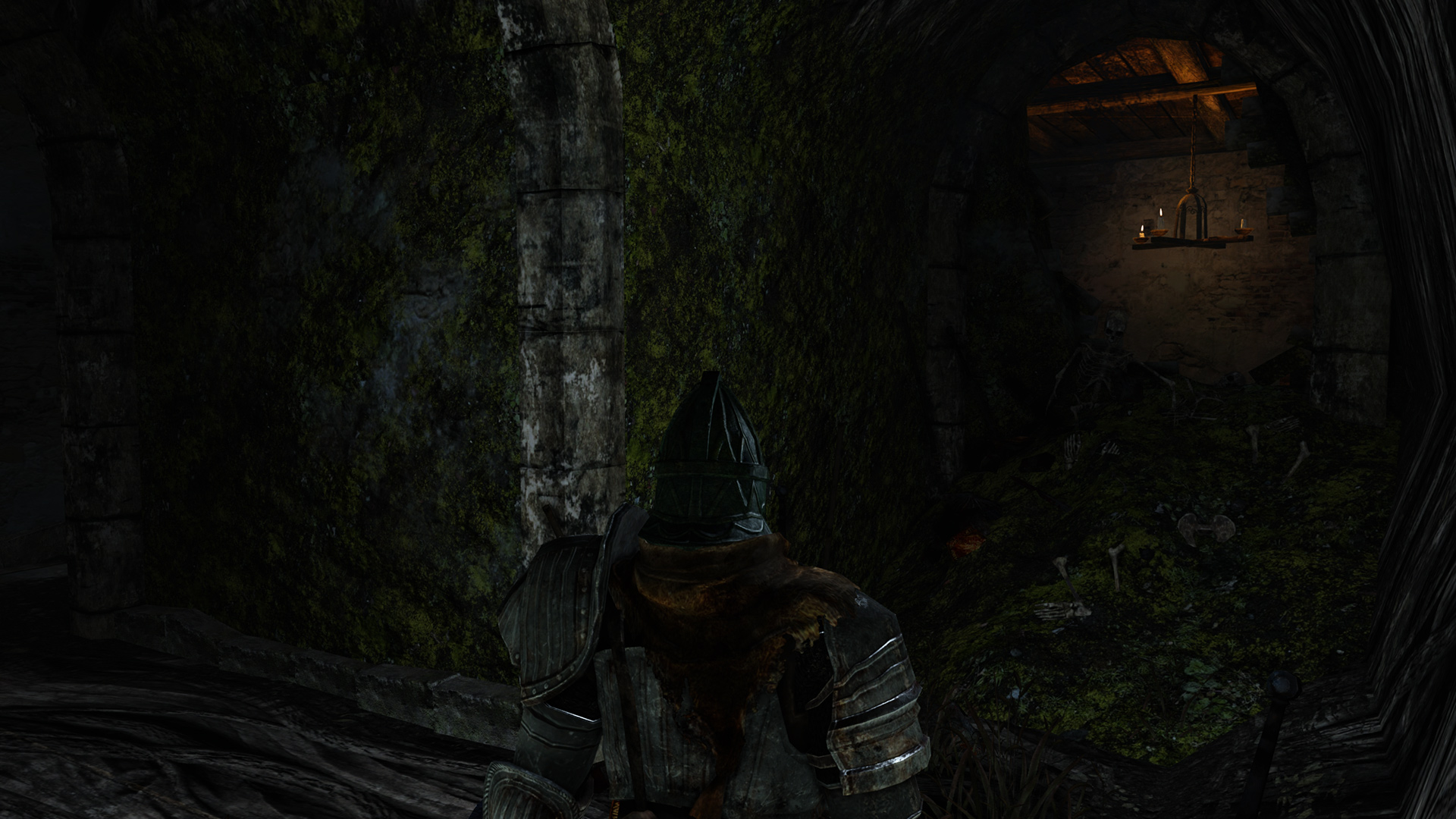


Note that this tweak will require you to take torches or other light sources into some areas which could previously just barely be navigated without any such aids, and thus serves to make a difficult game even harder. However, I am sure that some fans will see this as an additional incentive. The performance impact of the provided profile is moderate. It increased GPU usage by 8-10% on my system.
One significant drawback of SweetFX injection is that it also affects all the UI elements. SweetFX is a generic tool which simply works on the final image produced by the game, and as such this unintended side-effect is unavoidable. Another slight problem is that the same processing is applied regardless of the area of the game you are currently in, but the profile linked above works well in most areas.
Conclusion
The three PC tweaking staples of downsampling, driver-level improvements and post-processing effect injection allow us to further improve Dark Souls 2's graphics, adjust them to our liking and take some beautiful screenshots. While the game is thus rendered perfectly pleasing to the eye, it may be possible to go even further. In a third and final article, we will investigate the possibilities for and likelihood of more in-depth and game-specific modding of Dark Souls 2 in the future.