


Getting shipwrecked on a hostile alien planet with an ocean as far as the eye can see is a pretty bad way to start your day, but that's exactly what happens in Subnautica 2. A rampant AI prints you a new body and sends you off into the water to figure out what's going on.
There's plenty to find, even in early access, but your first few hours can be very confusing. Which isn't ideal when you're trying not to die. But we've already sunk tens of hours into Subnautica 2, and can impart our learnings onto you so you don't have to meet the same fate (as often, at least).

After spending upwards of 30 hours in the harsh waters of Subnautica 2's aquatic alien planet alongside fellow survivalist (and senior guides writer) Sean Martin, we've learned a lot. In fact, you tend to learn the hard way here—venturing too deep and a scary fish eats turns you into a snack. To make your new life on the water easier, we've prepared all our tips to help you from your very first breaststroke to building a base and beyond.
First hours in Subnautica 2
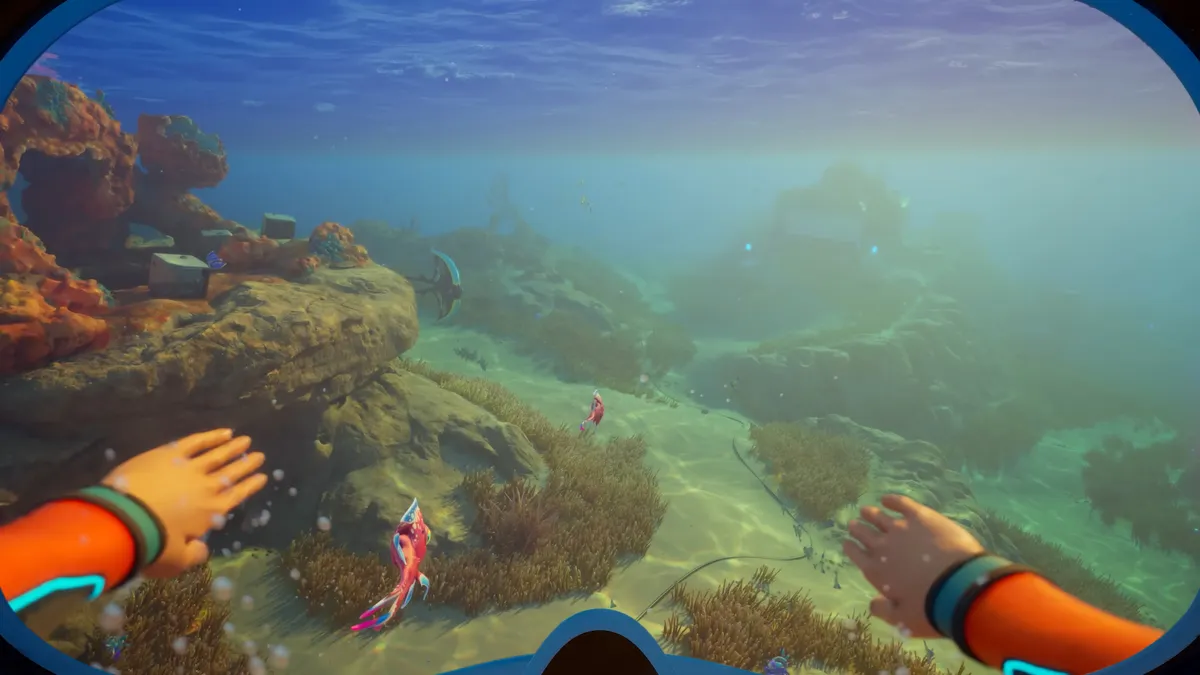
Once you've survived the shipwreck and launched your Lifepod, only to have it also crash back down to the watery planet, you're more or less left to your own devices. NOA, the onboard Lifepod AI, will occasionally offer a black box quest to guide you, but these typically either progress based on time played or when you complete a specific task.
Be sure to follow the black boxes, as these lead you to habitats that contain tools and furniture you can scan to gain their blueprints.
And if you're planning on playing with friends, be sure to check out our guide on how Subnautica 2 multiplayer works, as it can get quite complicated.
Besides reading our Subnautica 2 tips guide and using the best settings, here's what we recommend you do in your first few hours:
- Learn to digest food: Your body doesn't start off able to consume aliens, funnily enough.
- Increase your oxygen: Making air bladders and crafting the standard air tank will let you explore underwater for longer.
- Build the Scanner: Scan everything to unlock new blueprints
- Build a base: You need to unlock the Habitat Builder before you can construct a deep-sea house, and I'd suggest the best base location for you right now would be under the Lifepod. You'll have to look elsewhere to unlock rooms though.
- Make a fully functional Fabricator: It's required to make all the best tools to progress further.
- Fabricate the Wakemaker: This handy tool lets you swim faster, once again helping you explore further.
- Craft the Sonic Resonator: This mining tool lets you break the big ore deposits, which is really handy in expanding your base.
Exploring the ocean
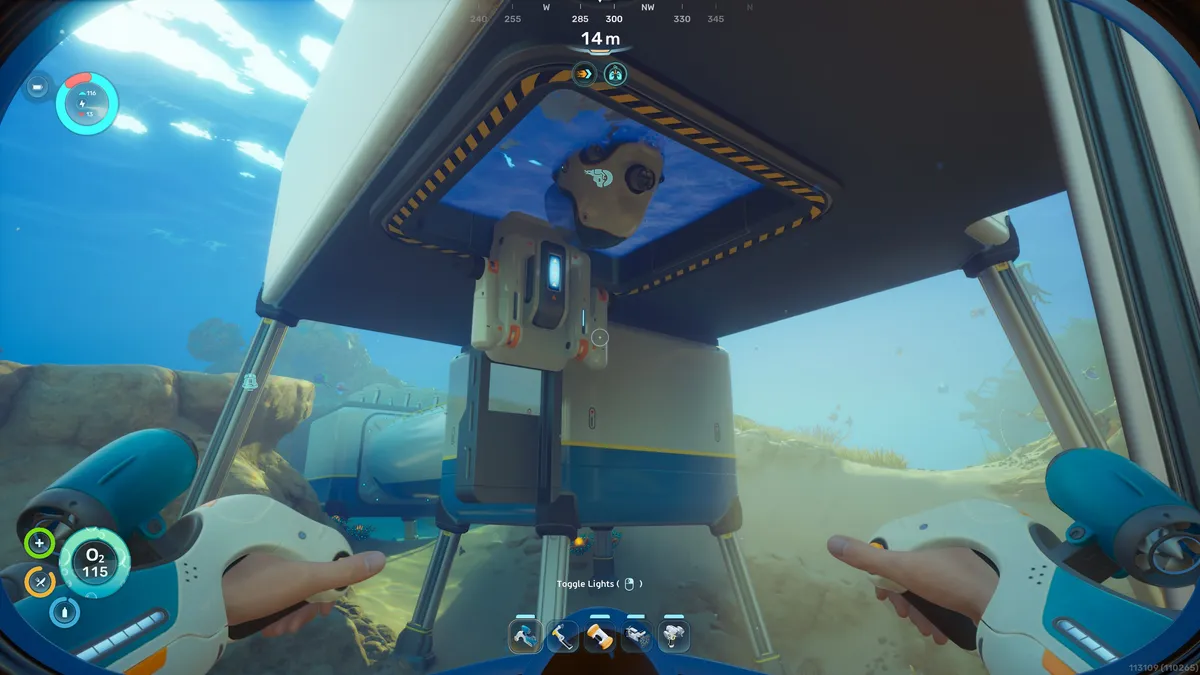
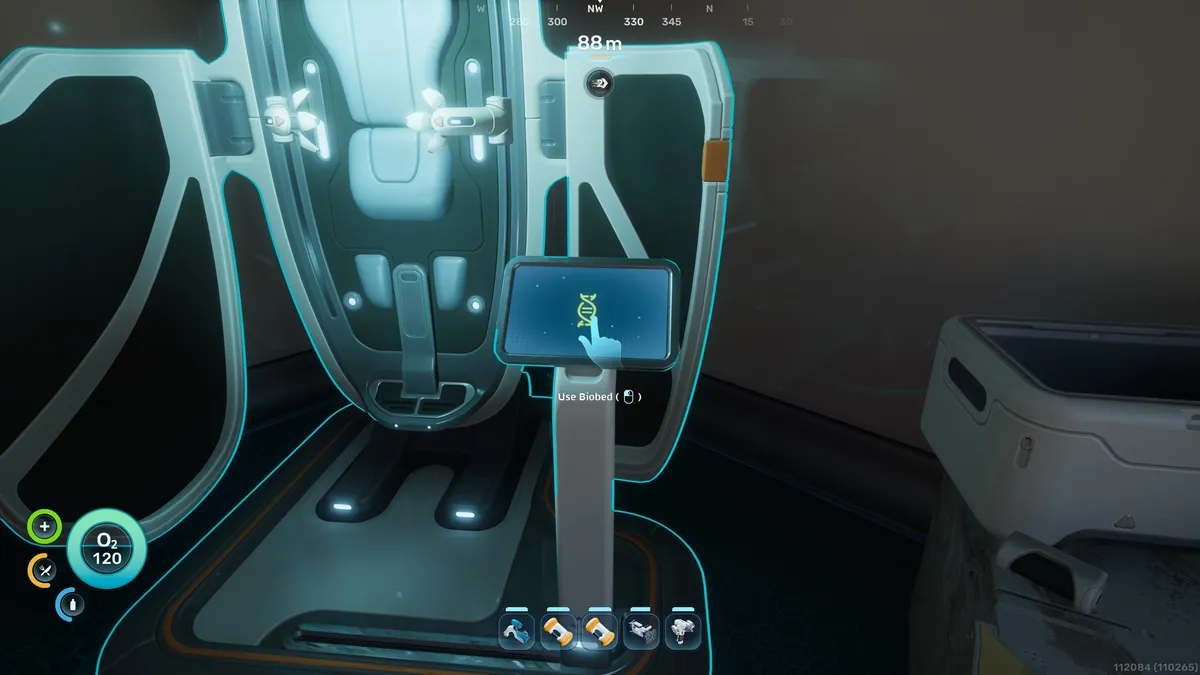
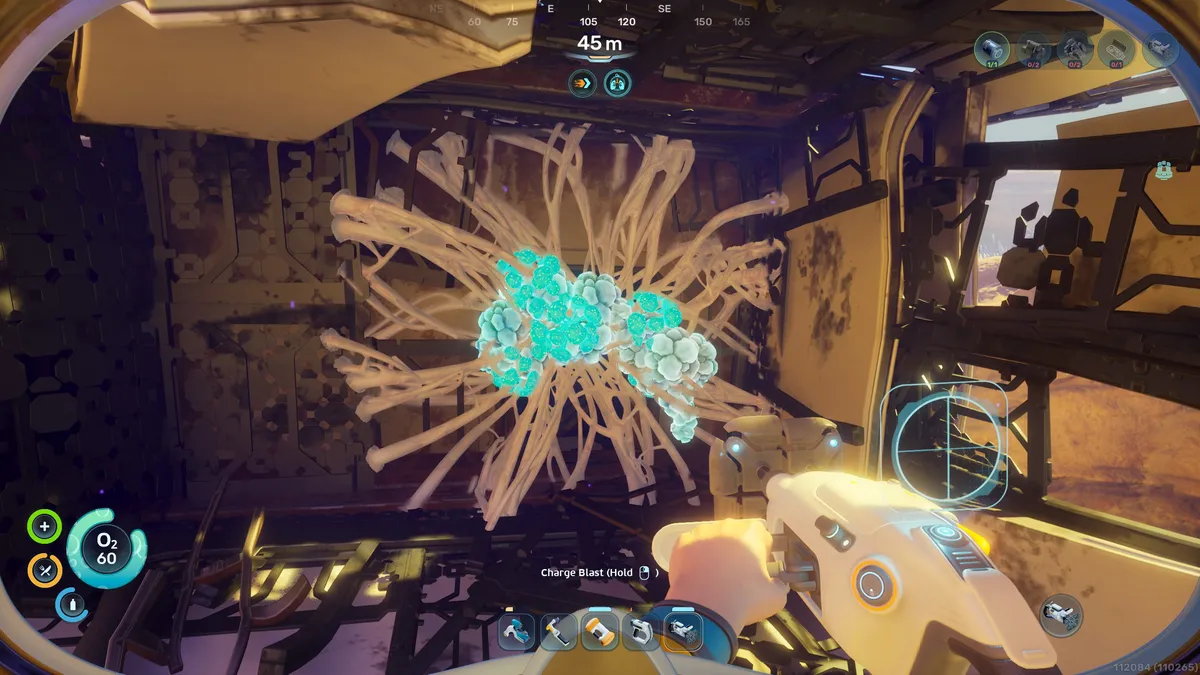


Now that you've got a simple base setup with your basic collection of tools, it's time to set your sights further afield. Or deeper into the ocean, I should say. You'll continue to follow traces of black boxes, but you'll also want to brave tougher (scarier) areas to find new scannable blueprints and resources.
- Increase inventory size: Find Biobed locations to upgrade both your inventory and hotbar space.
- Build a Tapdole: This handy submarine lets you dive much deeper into the ocean without worrying about your oxygen.
- Make a Repair Tool: You'll need it for your Tadpole after you inevitably crash it.
- Destroy Bloom Biofilm: Remove this hazard to get inside various colony ruins and steal everything in sight.
- Clear Angel Combs: Get the Heat Tolerance Adaptation to survive and explore hot areas, like the volcanic vents to the southeast.
- Investigate the Tadpole Pens: Journey to the farthest reaches of the ocean.
Collect these materials
There are a number of tricky materials you'll need to find and collect in order to craft tools, vehicles, or expand your base. These are the resources we had the most trouble finding:
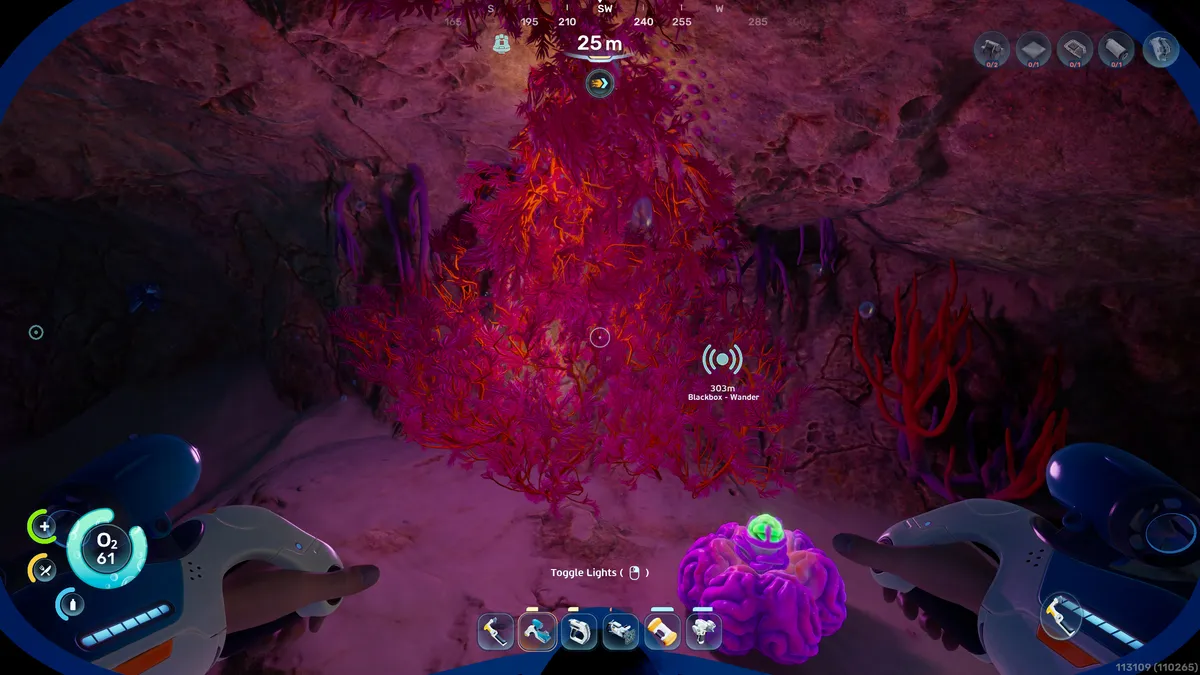
Fibrous pulp
This organic material is hiding in plain sight, and you'll need heaps of it early on to make food and craft equipment. Find out how to get Fibrous pulp in Subnautica 2.
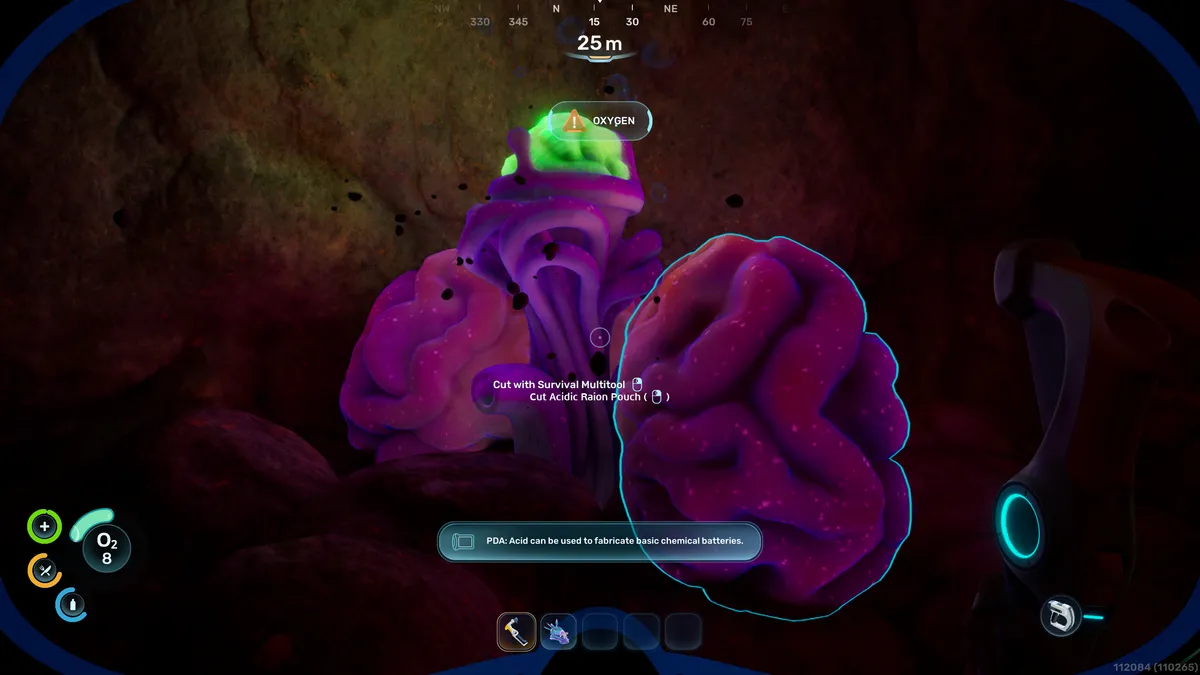
Acidic Raion Pouch
This brain-like worm colony isn't too hard to find, which is good because you need it to craft new Basic Batteries almost constantly early on. Check out our guide on how to get Acidic Raion Pouch in Subnautica 2.
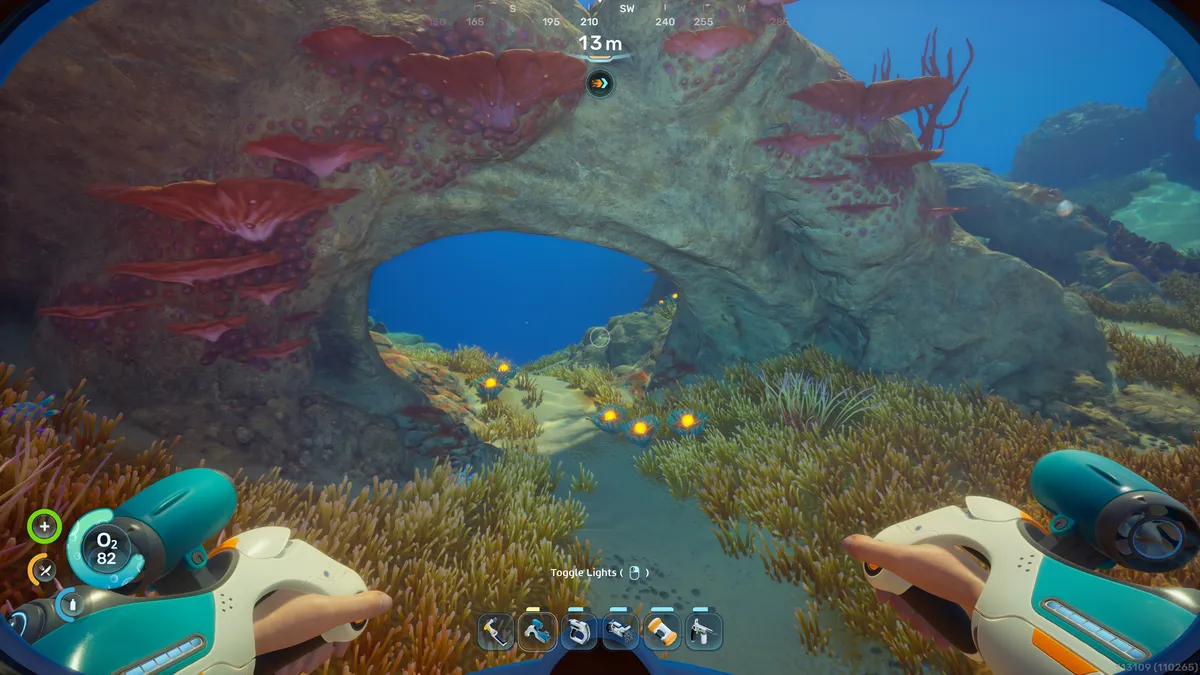
Lucifer Rotsac
You'll need this deep-sea orange to make rubber. Use our guide to find the best source of Lucifer Rotsac in Subnautica 2 early on.
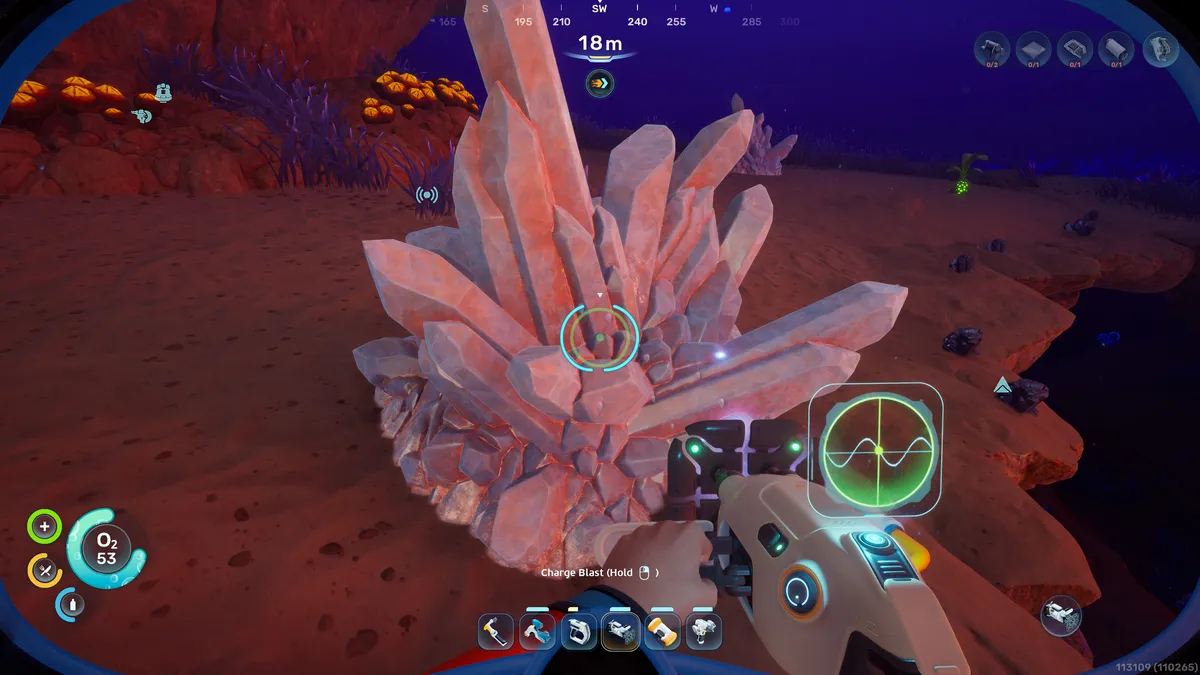
Quartz
It's a cloudy crystal that is used to craft the all-important Scanner early on, and is necessary for glass. You'll need to know how to get quartz in Subnautica 2 almost right away.
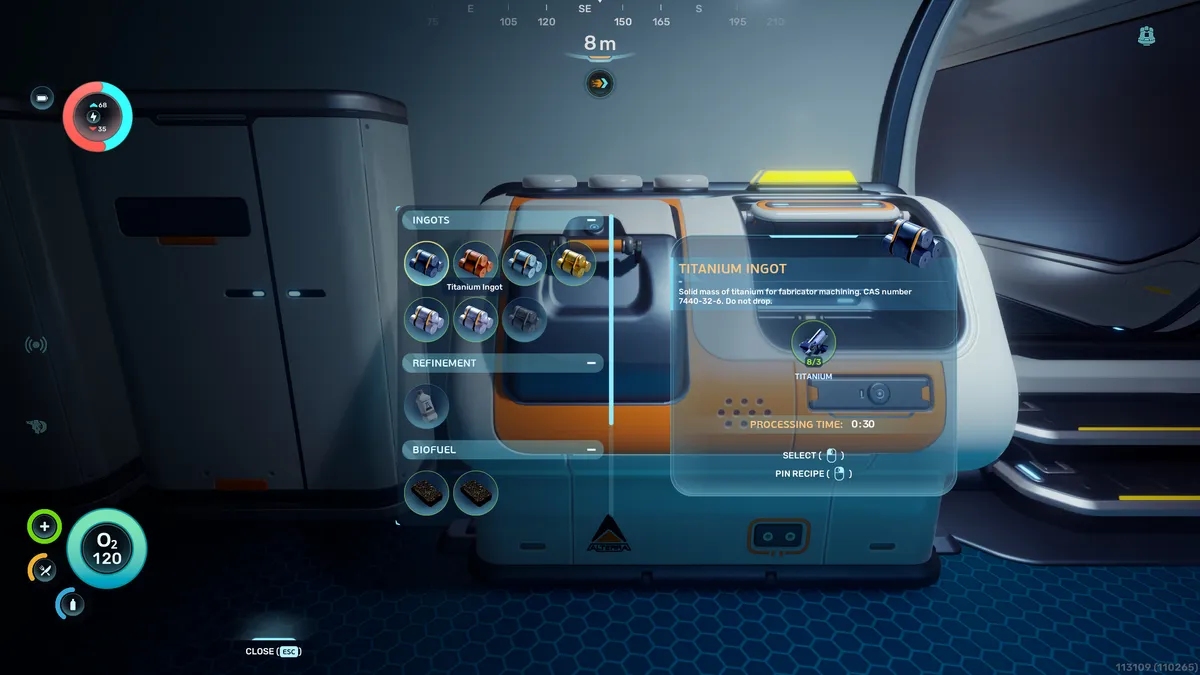
Titanium Ingots
You'll need to manufacture this resource, and it's a gateway to a bunch of new, powerful recipes. Find out how to make Titanium Ingots in Subnautica 2 using our guide.
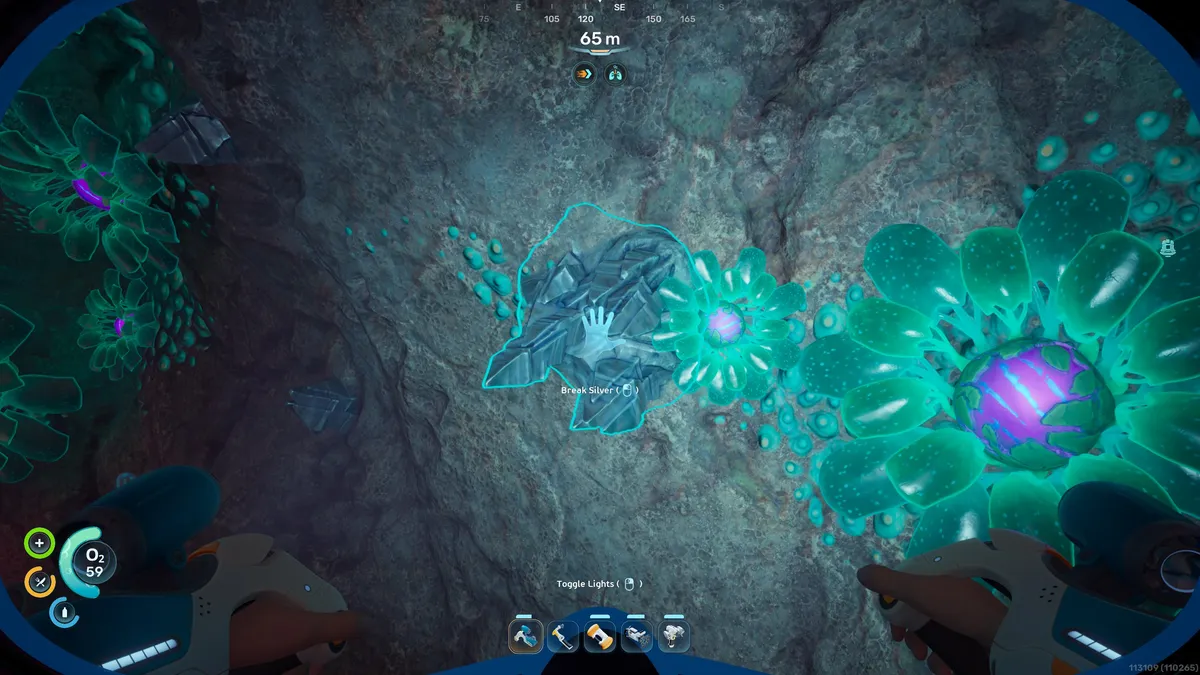
Silver
This shiny metal is required for a bunch of early and mid-game crafts, including an air tank, wiring kits, and base facilities. Use our guide on how to get silver in Subnautica 2.
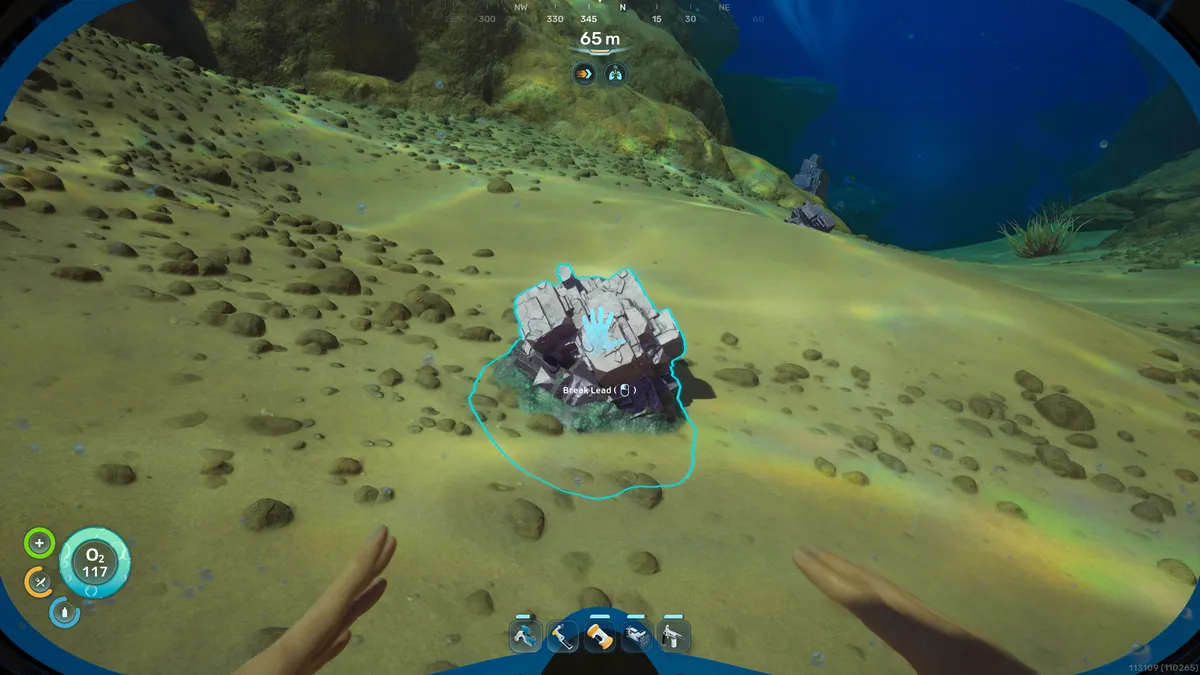
Lead
You'll need to venture further out to find lead, but it's necessary to craft the Sonic Resonator. Our guide will show you the best location to get lead in Subnautica 2 at the start of the game.
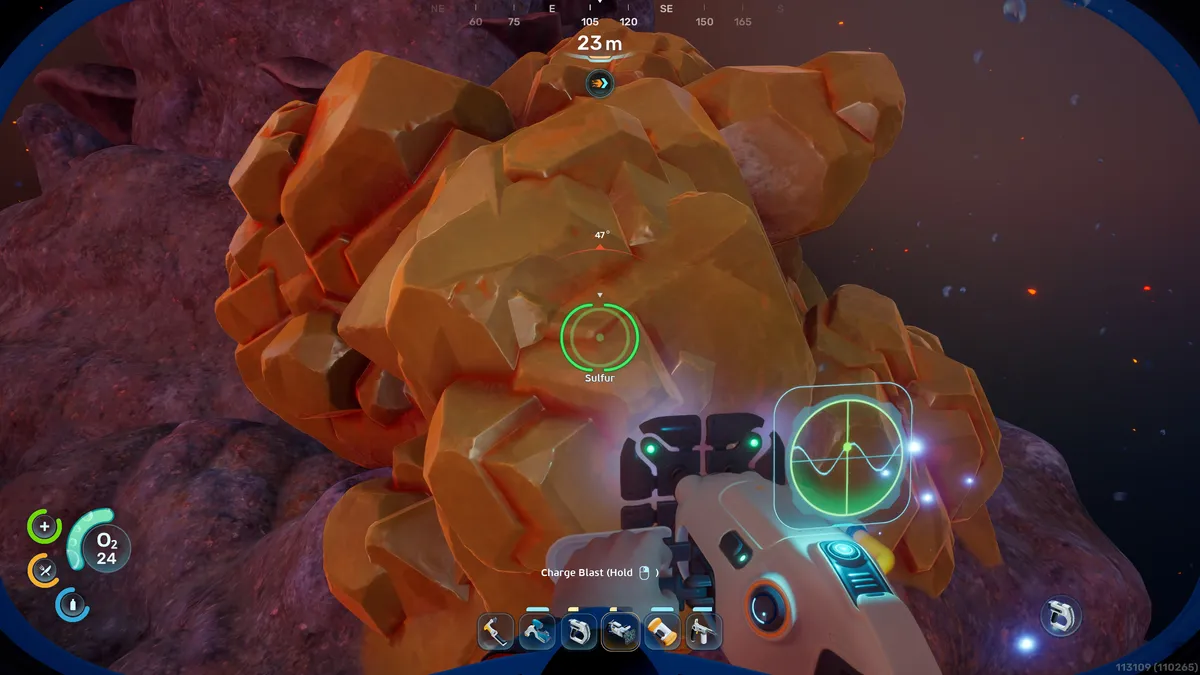
Sulfur
Required to make the Repair Tool, this yellow crystal looks a lot like how you'd picture gold, and it's really not that far from the Lifepod. Find out how to get sulfur in Subnautica 2 using our guide.
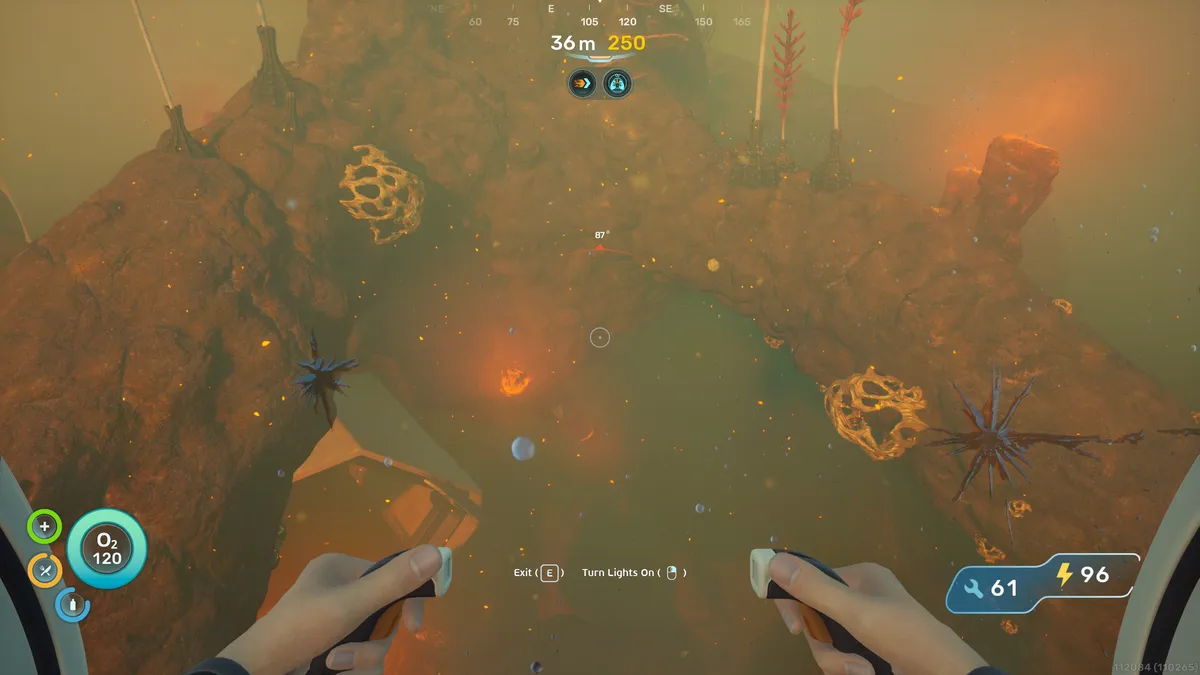
Gold
This metal requires you to withstand the heat to be able to craft Advanced Wiring Kits and more. Check out how to get gold in Subnautica 2.
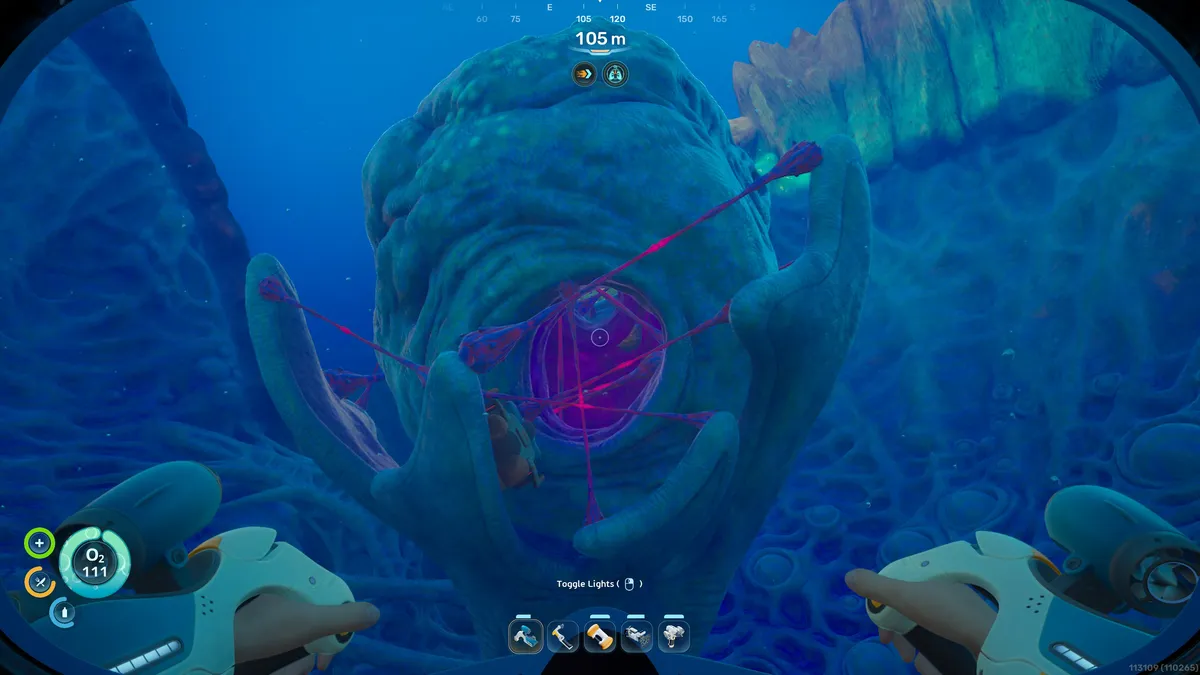
Lithium
This rare metal only appears in one location, but you won't need much of it to craft the High Capacity Air Tank. Use our guide on how to get Lithium in Subnautica 2 to save you some time.
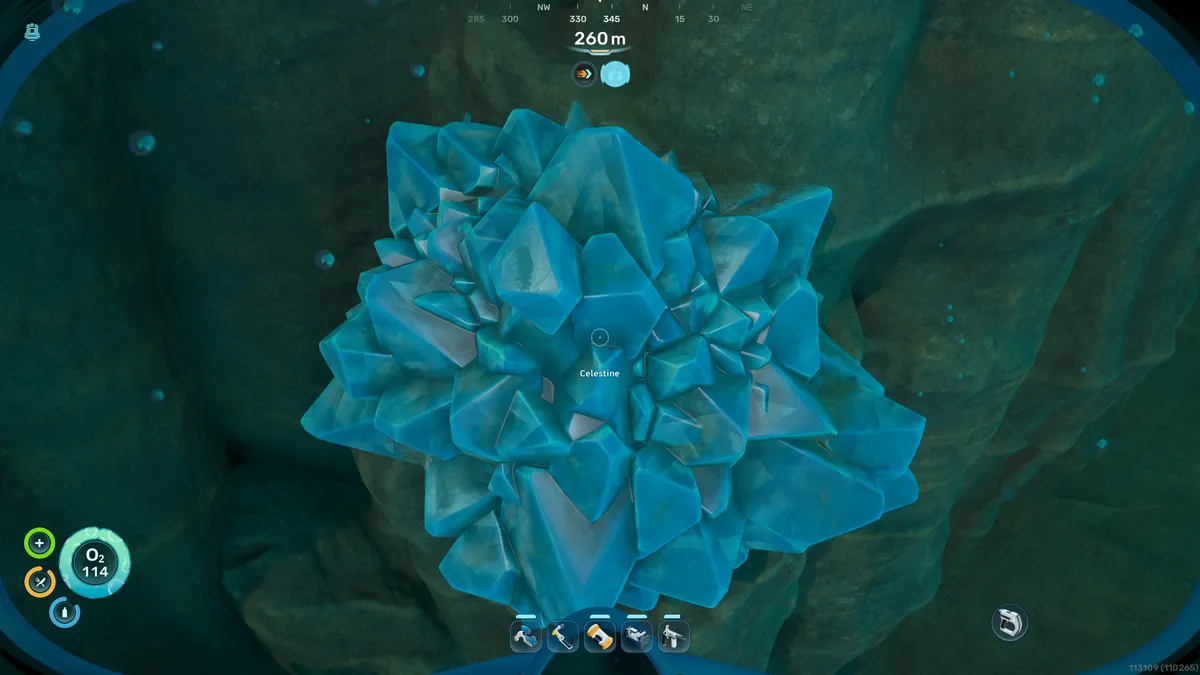
Celestine
Grab this rare material so you craft Strontium to upgrade your Tadpole to new heights. Or should I say depths? Our guide will help you get Celestine in Subnautica 2 with ease.
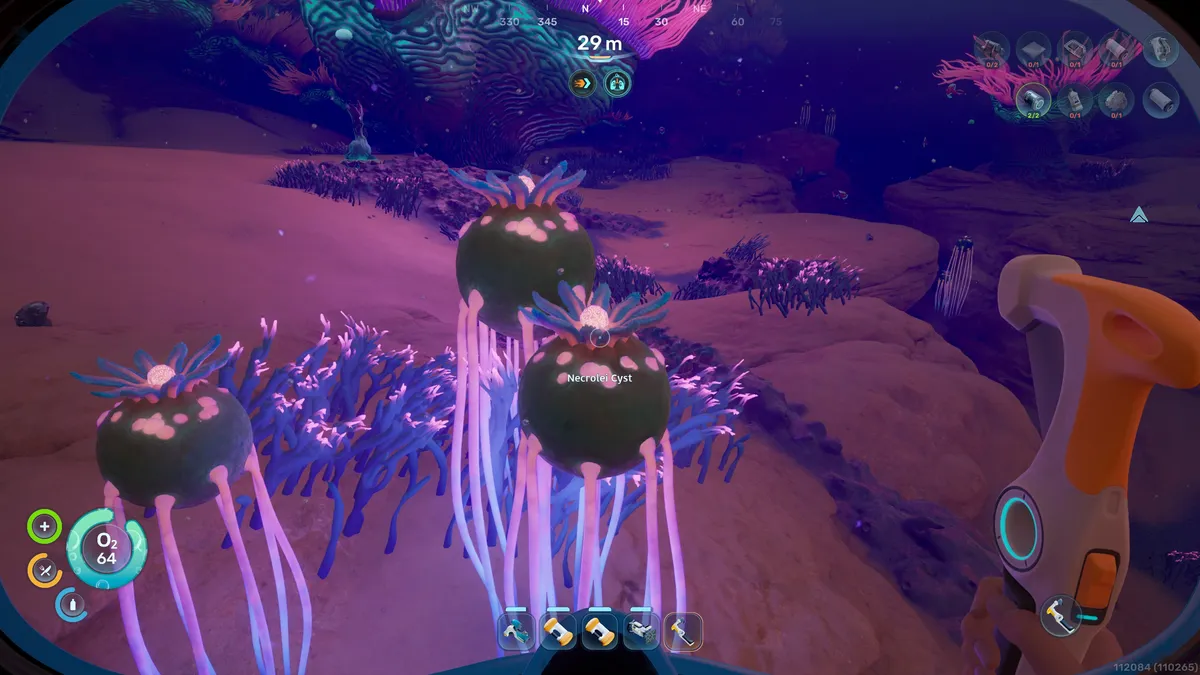
Necrolei Cysts
This odd jellyfish-like plant is used to make Strong Acid, a key component in crafting the Power Cells required for vehicles. Find out how to get Necrolei Cysts in Subnautica 2 to get in the driver's seat.
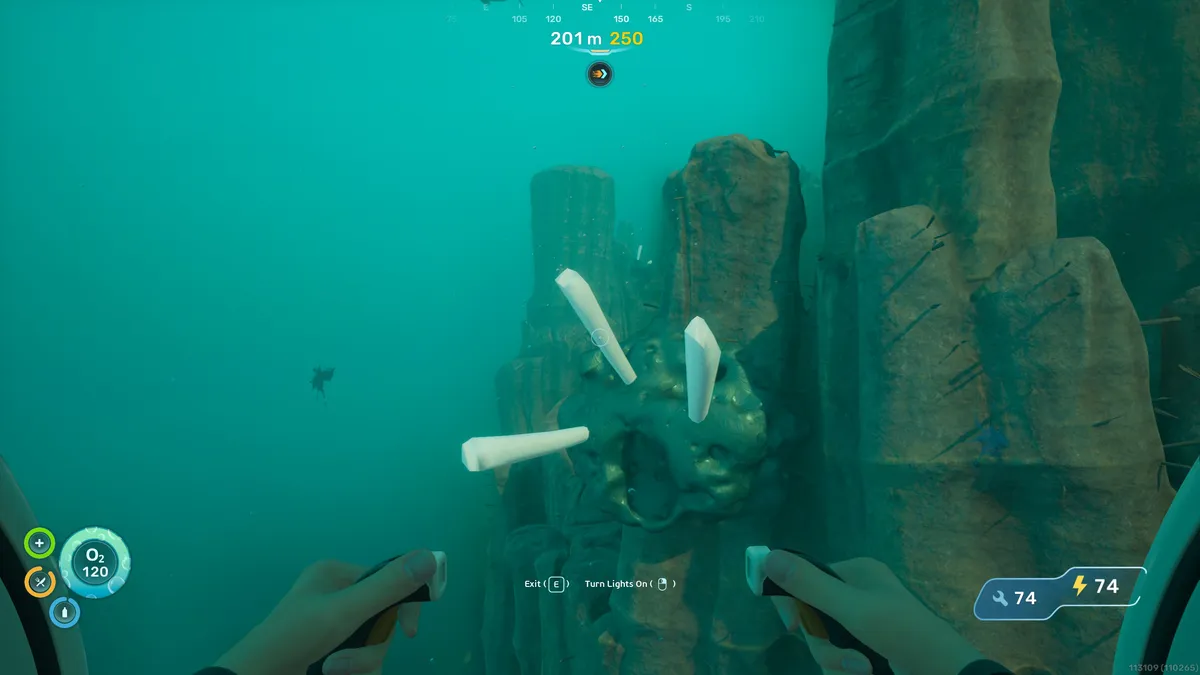
Creature Enamel
You'll need this material to craft Enameled Glass, but it's in a faraway biome. Use our guide to find Creature Enamel in Subnautica 2 with less hassle.
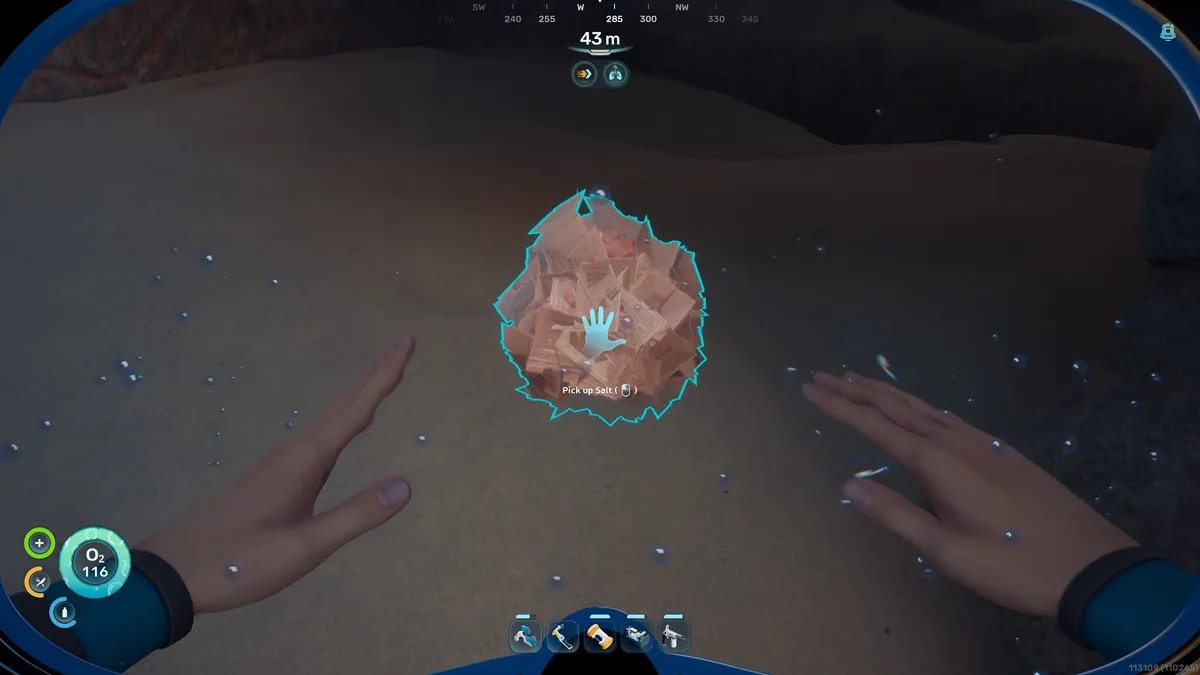
Salt
Used to make everything from delicious jerky to Power Cells, alongside Strong Acid, you'll need to know how to get salt in Subnautica 2 before you can venture out into the deep ocean.
