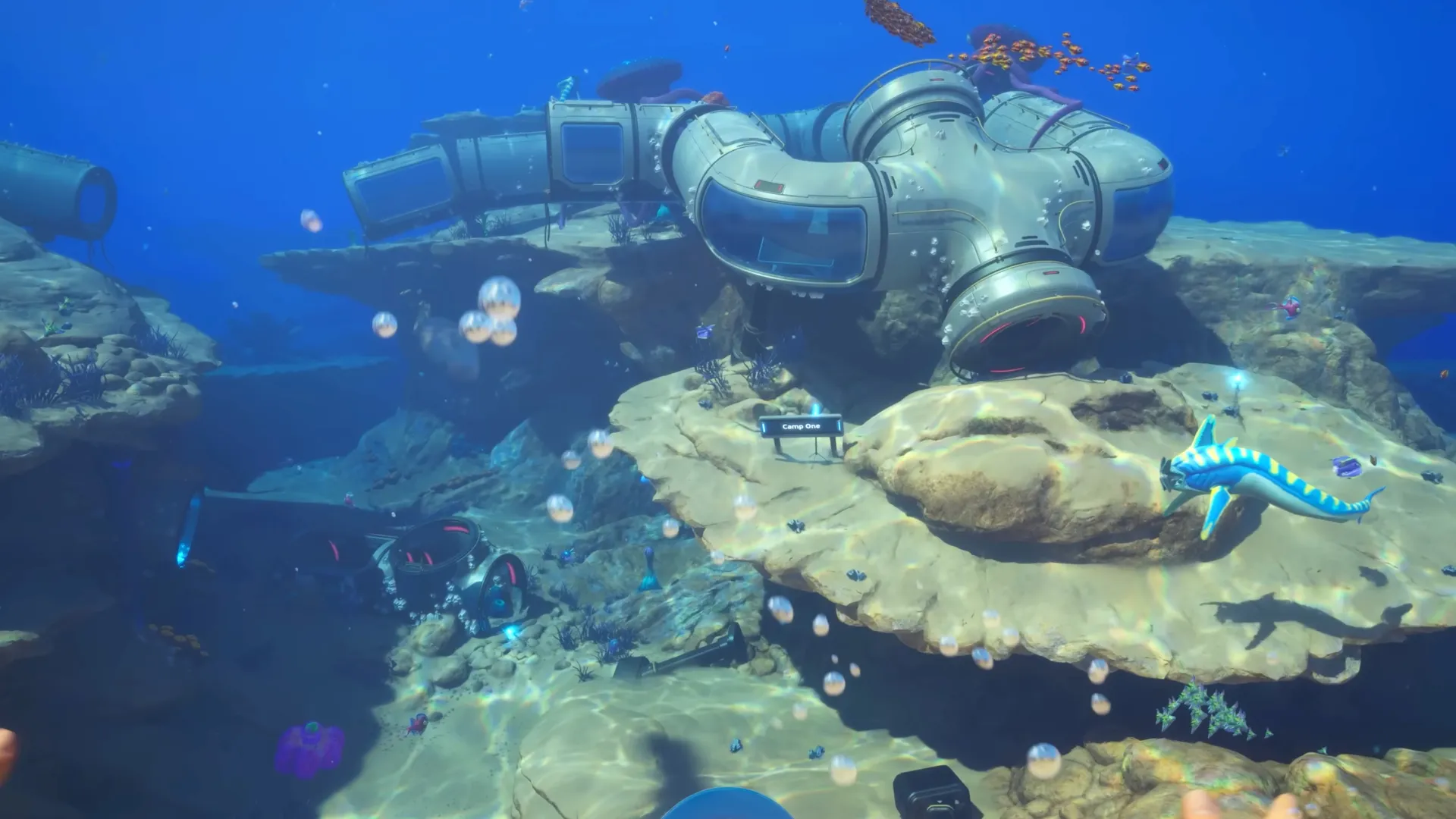
You start with just 20 inventory slots and five hotbar spaces in Subnautica 2, which you'll fill up in a matter of minutes. After that, you'll be juggling storage chests and trying to find any nook and cranny to stow all your junk. So, finding out how to increase your inventory size is a high priority early on.
The good news is that you can actually increase your inventory and your hotbar space, though it'll take a bit of work. While you're at it, I recommend building the Wakemaker and getting some O2 upgrades to make life easier.
How to increase inventory size in Subnautica 2
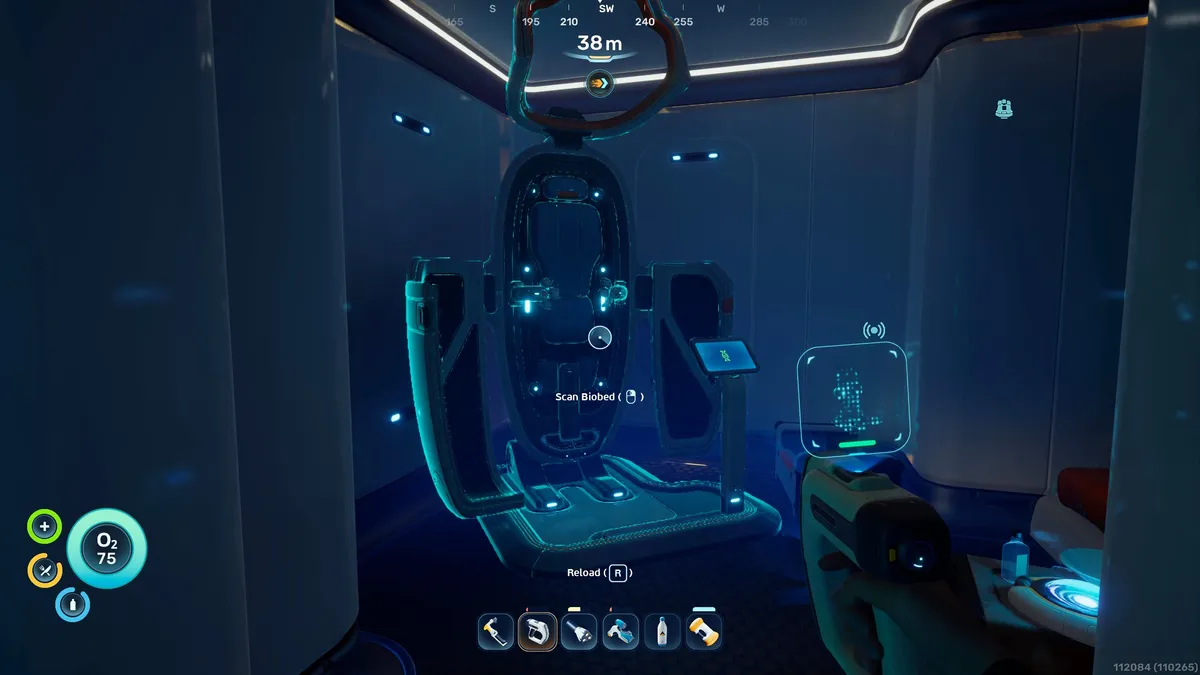
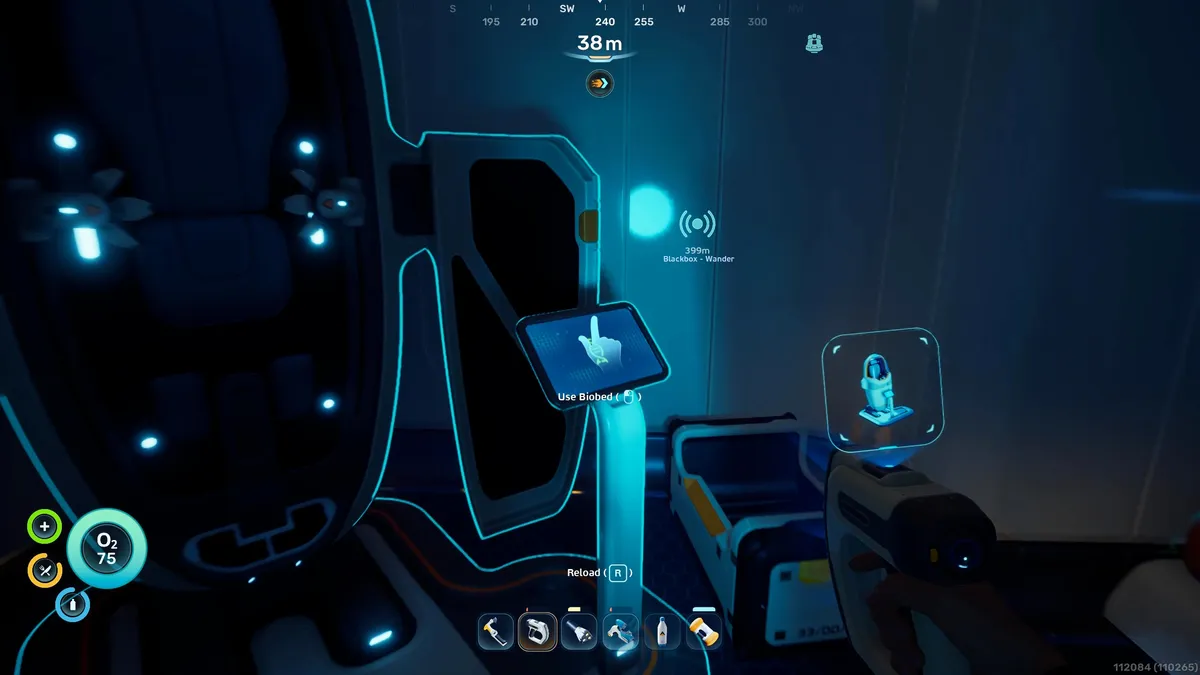


You can increase your inventory space by interacting with the terminal next to Biobeds inside colony outposts. Any time you see a blue lightstick, I recommend investigating the area, as there's likely a habitat you can explore containing a Biobed, a scannable tool, or other items you can collect. The black boxes you're sent to recover by NOA also lead you to various locations with Biobeds, too.
Biobeds are typically used to reset your spawn point (though these are closed beds), so it's easy to overlook that the computer terminal attached to it actually provides you with a permanent upgrade the first time you interact with it. These come in the form of Endurance and Dexterity, boosting your inventory and hotbar space respectively.
Here are some early inventory upgrade locations I've found so far:
Upgrade Type |
Location |
|---|---|
Endurance |
Inside Chap's base in a small cave roughly 220 meters southeast and 40m deep from the Lifepod, with the entrance at the base of a stone pillar. |
Endurance |
Anita's Garden outpost, 170 meters northeast and 38 meters deep from the Lifepod. Use the current 110m northeast of the Life Pod to enter the cave, then travel northeast, following the lights on sticks through some small cave tunnels. |
Dexterity |
Inside a small outpost with green slime on the ground, about 200 meters north of the Lifepod, 86m deep. |
Endurance |
There's a habitat built into a cliff wall close to a ruined colony building, 255 meters southwest of the Lifepod, 86m deep. |
In terms of other ways to manage your inventory, my best tip is to pack light (you really only need a spare battery, a snack, and a drink) and carry a Portable Locker with you when mining or collecting materials.
You can place items inside these chests, then haul them back to your base, and there's actually one in the cave directly under the Lifepod. This also seems to respawn periodically, so you can get multiple.
In terms of later game upgrades, there's also a haulage module for your Tadpole vehicle, which I suspect lets you stow stuff in there, though I haven't unlocked that fully yet.