How to change the FOV in Starfield
Having issues with Starfield's FOV? You're not alone, but luckily there's a fix.
Keep up to date with the most important stories and the best deals, as picked by the PC Gamer team.
You are now subscribed
Your newsletter sign-up was successful
Want to add more newsletters?
Every Friday
GamesRadar+
Your weekly update on everything you could ever want to know about the games you already love, games we know you're going to love in the near future, and tales from the communities that surround them.
Every Thursday
GTA 6 O'clock
Our special GTA 6 newsletter, with breaking news, insider info, and rumor analysis from the award-winning GTA 6 O'clock experts.
Every Friday
Knowledge
From the creators of Edge: A weekly videogame industry newsletter with analysis from expert writers, guidance from professionals, and insight into what's on the horizon.
Every Thursday
The Setup
Hardware nerds unite, sign up to our free tech newsletter for a weekly digest of the hottest new tech, the latest gadgets on the test bench, and much more.
Every Wednesday
Switch 2 Spotlight
Sign up to our new Switch 2 newsletter, where we bring you the latest talking points on Nintendo's new console each week, bring you up to date on the news, and recommend what games to play.
Every Saturday
The Watchlist
Subscribe for a weekly digest of the movie and TV news that matters, direct to your inbox. From first-look trailers, interviews, reviews and explainers, we've got you covered.
Once a month
SFX
Get sneak previews, exclusive competitions and details of special events each month!
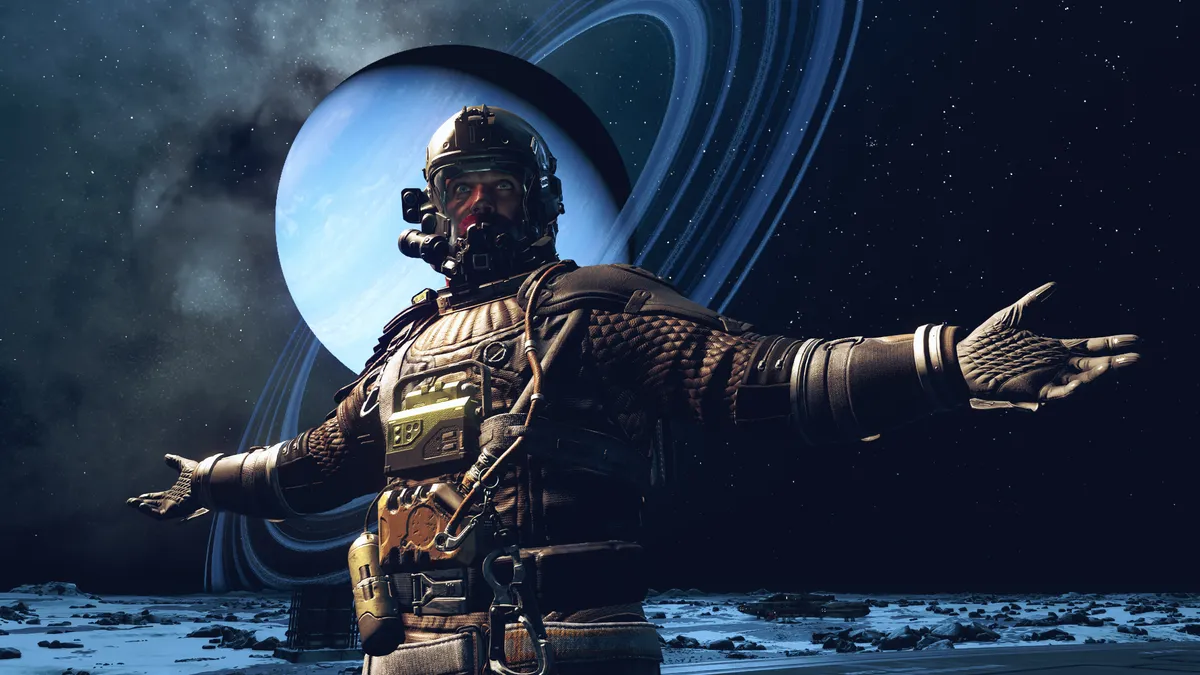
Starfield may have enjoyed a relatively smooth launch by Bethesda standards, but those are some pretty low standards and this particular iteration of "like Oblivion but with guns" still has some notable omissions. At the top of the list: the absence of a field-of-view slider in the options menu.
Starfield guide: Our hub of advice
Starfield console commands: Every cheat you need
Starfield mods: Space is your sandbox
Starfield traits: The full list, with our top picks
Starfield companions: All your recruitable crew
Starfield romance options: Space dating
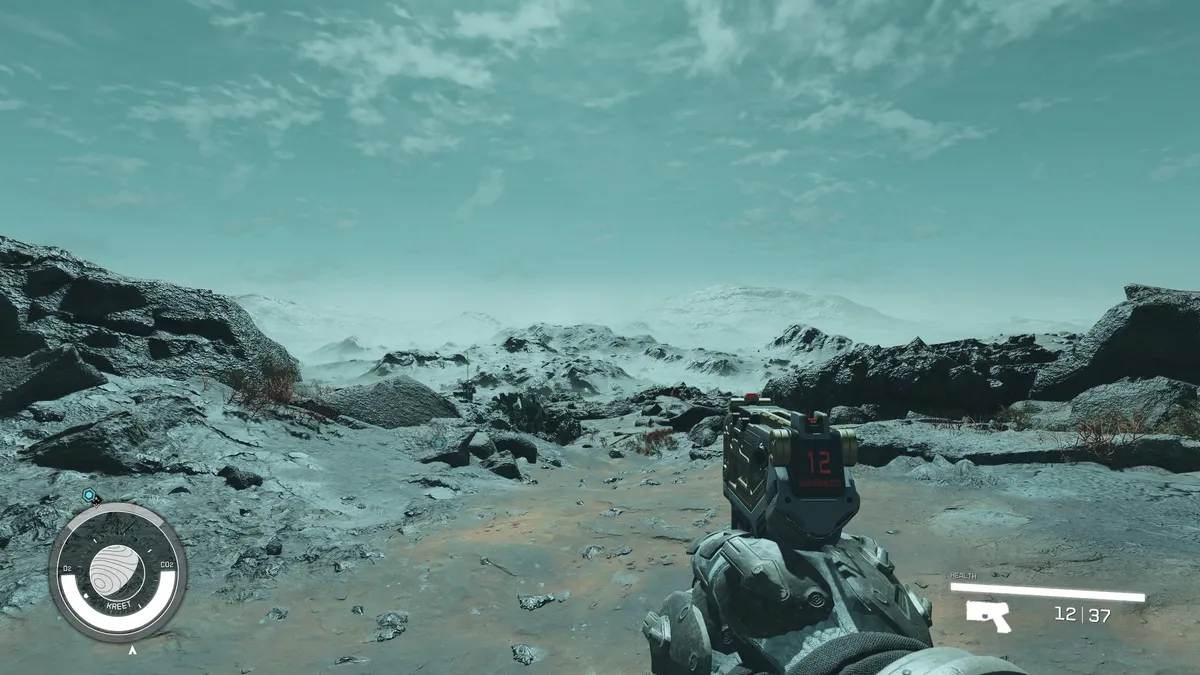
If you're one of the players frustrated by the fact Starfield is locked to an FOV of 70, forcing us to explore the galaxy with horse blinkers on, fortunately there is a fix. And no, you don't have to download a mod for it.
To change the FOV, first open up your Documents/My Games/Starfield directory. There should already be a StarfieldPrefs.ini file in there. You want to make a new text document in that folder, named StarfieldCustom.ini, and use Notepad to put the following lines in it:
[Camera]
fFPWorldFOV=xx
fTPWorldFOV=xx
Where xx is your desired FOV, whether 90 or 100 or 120. The first value is for the first-person view, the second for third-person. Unfortunately, there doesn't seem to be a way to change the player and weapon viewmodel to suit the new FOV. The higher you go the more likely it is you'll notice your hands and anything you're holding looks zoomed out. Though oddly, this won't kick in immediately on changing the FOV—only after the first time you go into a dialogue scene with an adjusted FOV will it affect your hands.
If you want to change the FOV for piloting your ship, add the following lines as well:
[FlightCamera]
fFlightCameraFOV=xx
Keep up to date with the most important stories and the best deals, as picked by the PC Gamer team.
That'll tweak the first-person view in your cabin, but there doesn't seem to be a way to change the third-person spaceship FOV, more's the pity.
Adding this .ini file won't disable your ability to earn achievements, and based on my testing it doesn't seem to affect performance. There's really no excuse for a game like Starfield not having an FOV slider, especially given the number of people who suffer from motion sickness without one.



Jody's first computer was a Commodore 64, so he remembers having to use a code wheel to play Pool of Radiance. A former music journalist who interviewed everyone from Giorgio Moroder to Trent Reznor, Jody also co-hosted Australia's first radio show about videogames, Zed Games. He's written for Rock Paper Shotgun, The Big Issue, GamesRadar, Zam, Glixel, Five Out of Ten Magazine, and Playboy.com, whose cheques with the bunny logo made for fun conversations at the bank. Jody's first article for PC Gamer was about the audio of Alien Isolation, published in 2015, and since then he's written about why Silent Hill belongs on PC, why Recettear: An Item Shop's Tale is the best fantasy shopkeeper tycoon game, and how weird Lost Ark can get. Jody edited PC Gamer Indie from 2017 to 2018, and he eventually lived up to his promise to play every Warhammer videogame.
- Robert JonesPrint Editor