
 Join The Club





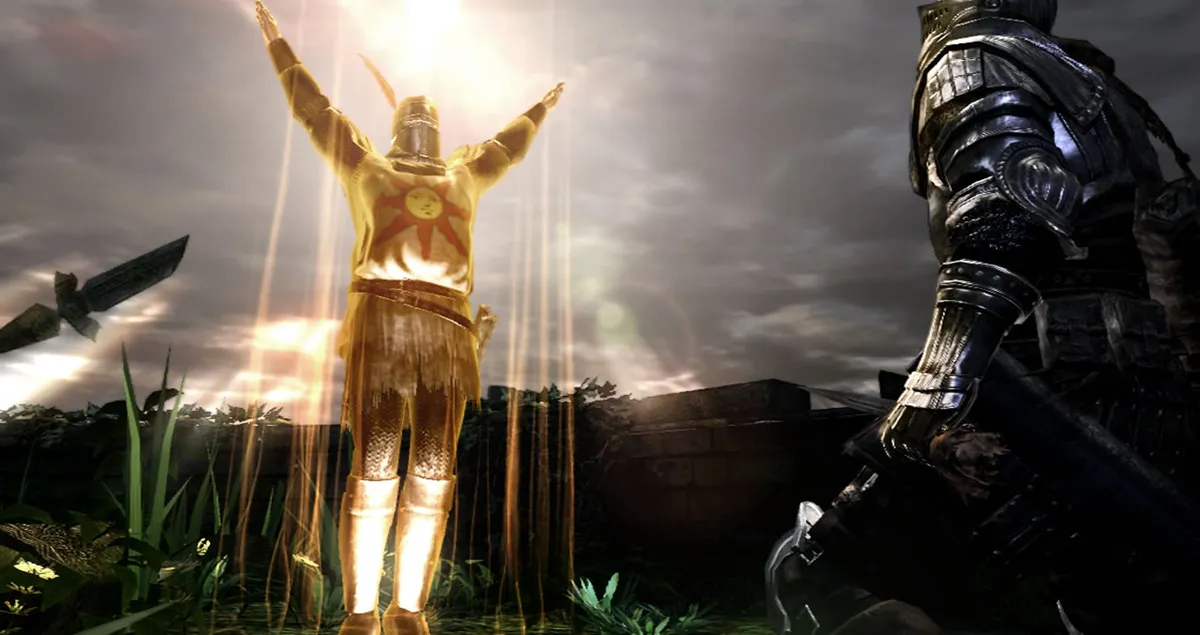
Back in March, James reported on Methanhydrat's Dark Souls Mouse Fix—a mod for the original Dark Souls which made mouse and keyboard play viable on PC. It wasn't without its issues but given the mod had then just entered its beta 1.0 phase, this was undoubtedly a roll in the right direction.
The mod's latest update—version 1.4—comes with a respectable number of nips, tucks and adjustments to the original idea and, having just now taken it for a whirl, Dark Souls finally feels at home with mouse and keyboard support.
Fans of the series playing on PC have of course been crying out for this for years, however here's what Mouse Fix's v1.4 brings to the table, surplus to its previous iterations:


New Binding System
Have you ever wanted to switch your magic spell with Space+W+~+MouseWheelUp? Now you can! The old binding system has been replaced by an entirely new one. It allows the binding of arbitrary key and mouse button combinations. It works with almost any key on any keyboard, independent of the particular language or layout. See the Binding System section in the readme for details.
Manual Targeting Option
It is now possible to enable the switching of targets by flicking the mouse. This can either be always enabled or specified by a hold or a toggle binding. The switching sensitivity can be adjusted by an additional setting. This does also work in Steam Controller input mode.
Non-Standard Bindings
Added a set of non-standard bindings. It is now possible to bind Leap Attack, Kick, Dash Only, Roll Only and Auto Run actions to further enhance the customization of the controls. See the corresponding tooltips or the Non-Standard Bindings section in the readme for details.
The mod's version 1.4 also fixes a number of pre-existing bugs—the sum of which can be viewed via this Reddit thread.
Despite having played and thoroughly enjoyed every Souls game with a controller—including console counterpart Demon's Souls and its cousin Bloodborne—there's something to be said for M&K input that doesn't simply emulate control pad support, but instead ties mouse input to the game's camera functions.
Simple things like separating roll and sprint is a joy, for example, and this and everything else the mod offers is probably enough to draw me back to Lordran once again, despite my ever-growing pile of shame.
Methanhydrat's Dark Souls Mouse Fix can be downloaded from its Nexus Mods page.

