Our Verdict
The YoloCam S3's build and image are undeniable, but just okay out-of-the-box settings, and the lack of a microphone means it struggles with everyday webcam uses more than you'd expect (or like).
For
- Great quality
- Strong stand
Against
- No microphone
- Needs some tweaking
PC Gamer's got your back Our experienced team dedicates many hours to every review, to really get to the heart of what matters most to you. Find out more about how we evaluate games and hardware.
In the last few years, I've found myself asking 'What are webcams for?' The obvious answer is meetings and online social gatherings, but I wonder how many use their ever-expanding feature set for anything more.
Yololiv shoves DSLR-quality 4K capture into its relatively small YoloCam S3, and I'm more torn on it than I thought I would be. It's clearly impressive, but also missing some features one might want for a casual meeting, and requires just a bit of fine-tuning out of the box. If you want to record a video and don't want a dedicated camera, I see the vision, but I don't know if I plan on swapping from my usual webcam-of-choice now that I've had some time with it.
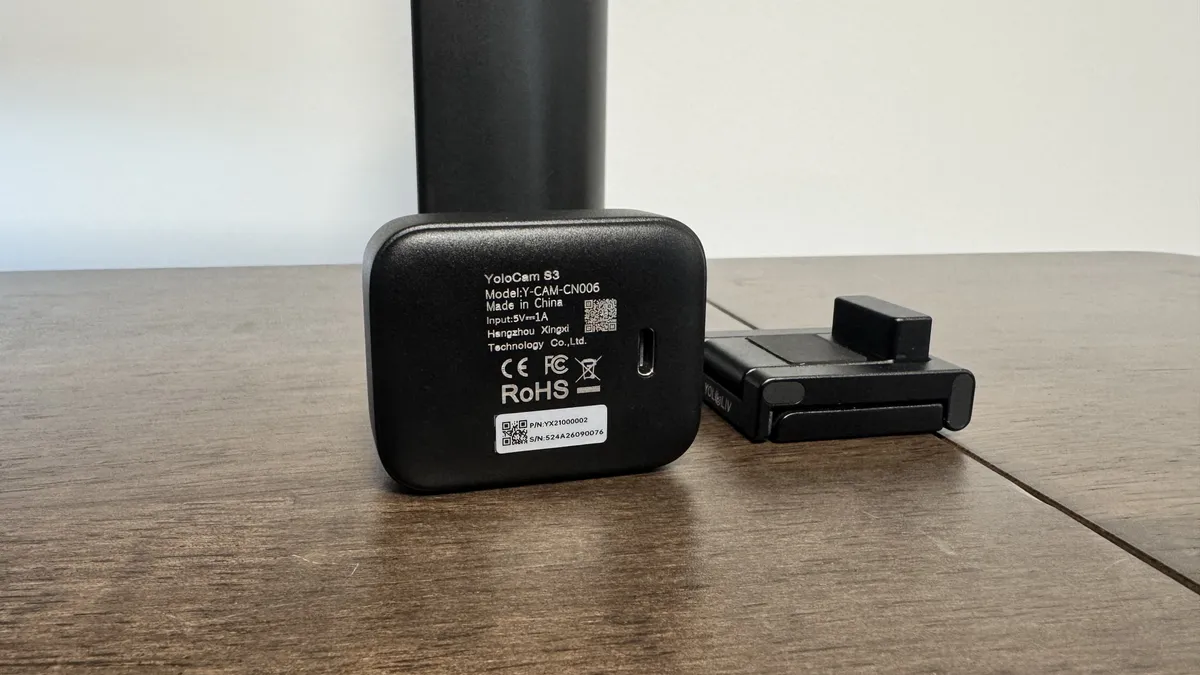
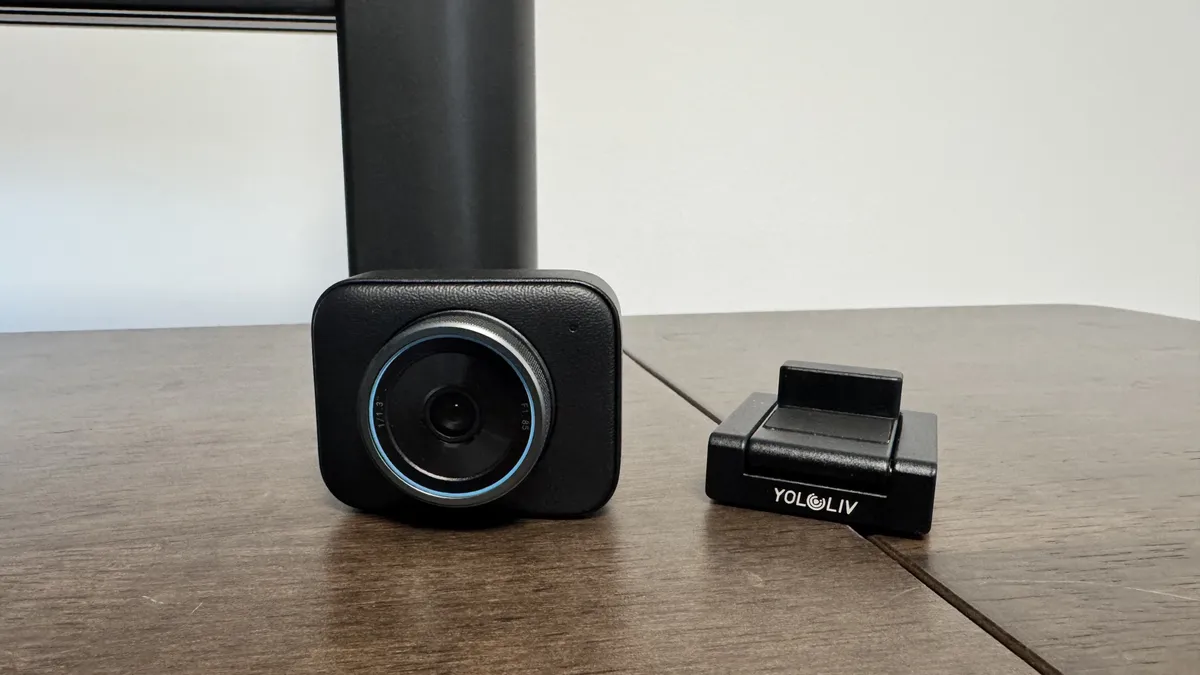
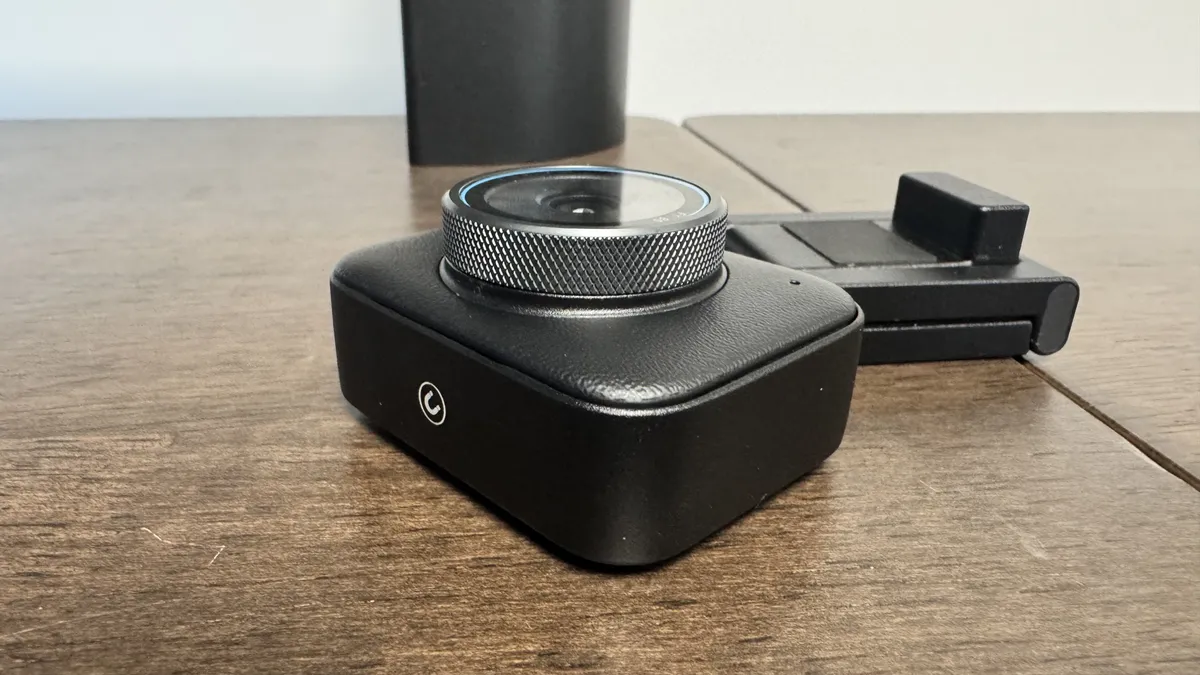
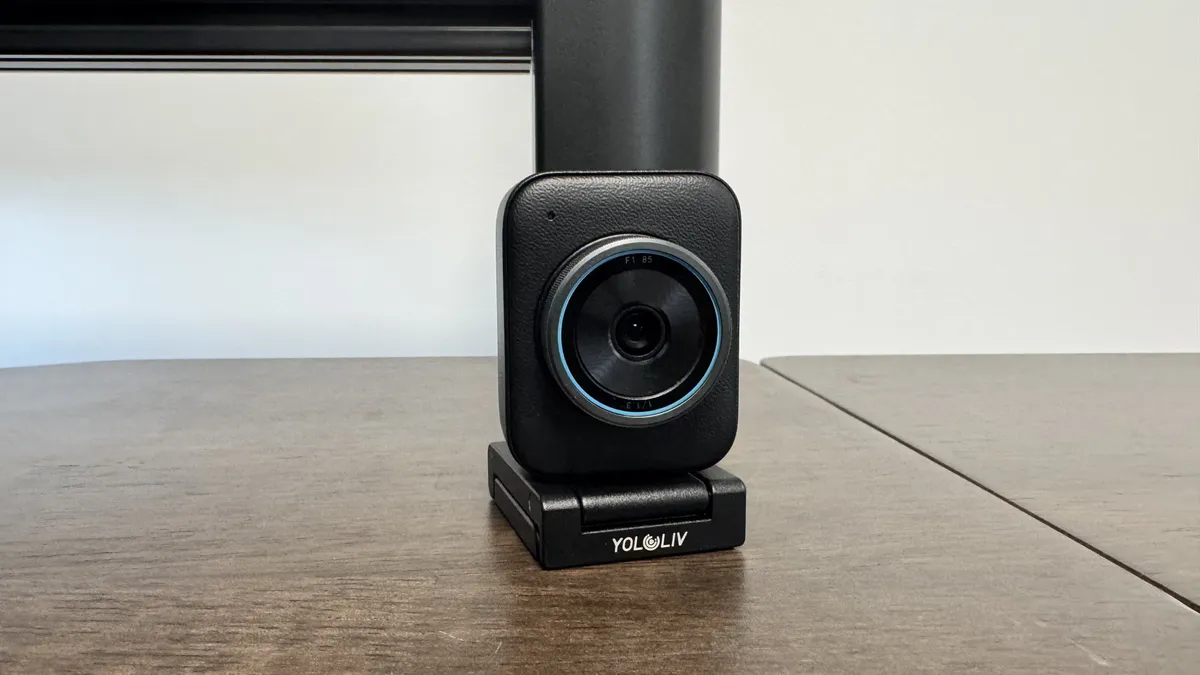
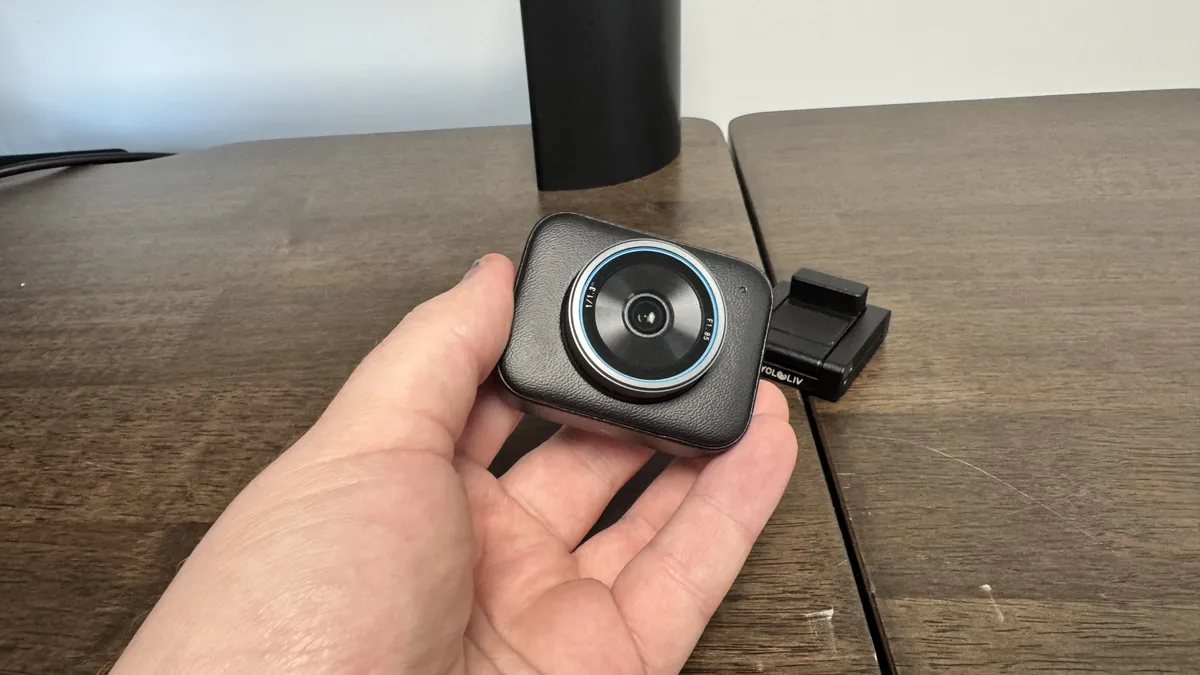
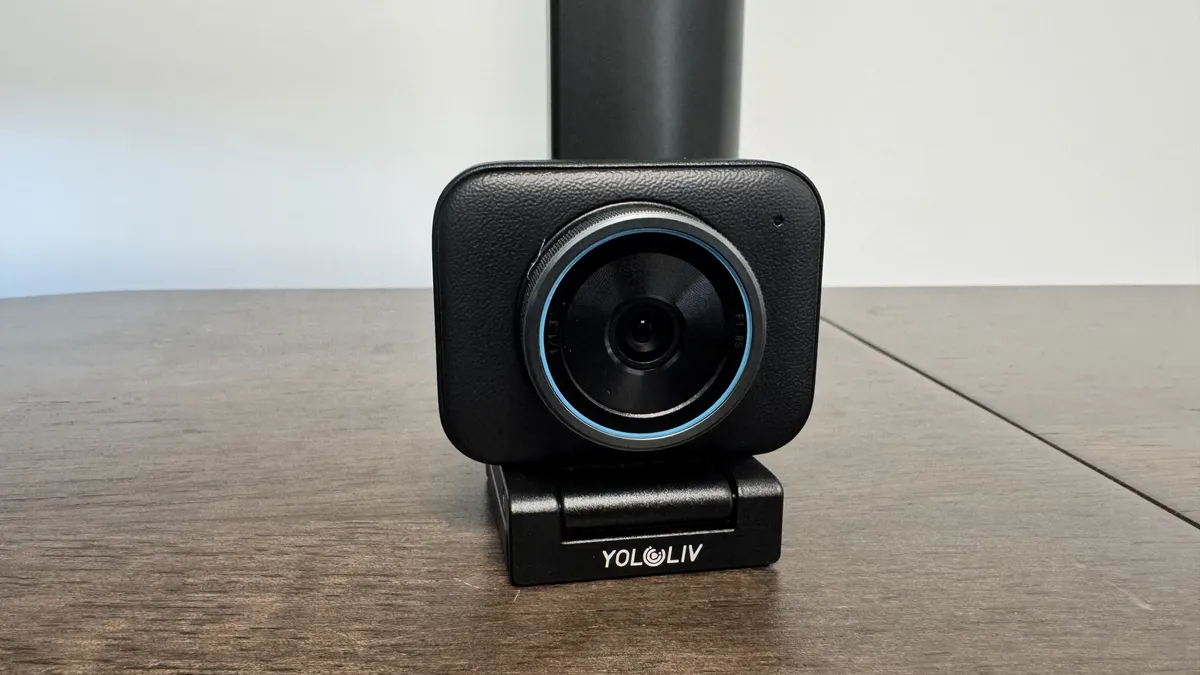
At 185 g and a height of 74 mm, the Yololiv is not super bulky, and it's easy to set up. Its magnetic stand is super secure and clips onto the top of monitors with ease. It's such a strong magnet that I had to stand up to apply enough pressure to readjust it.
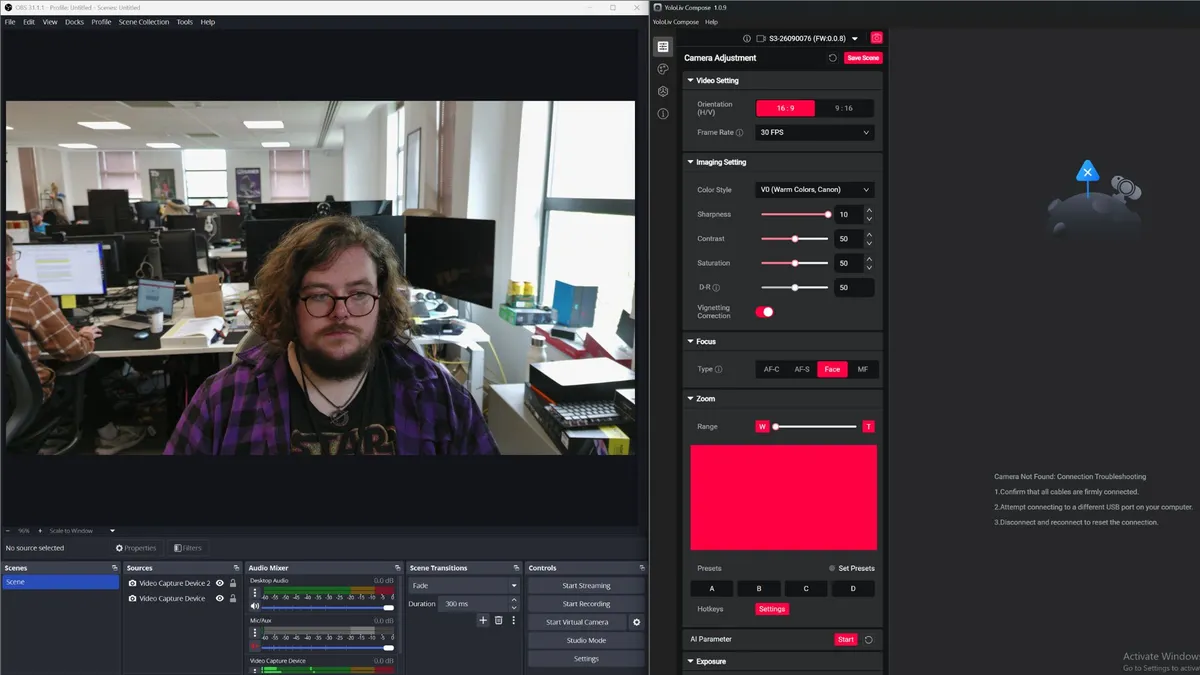
The quality of the camera is instantly clear. The 4K capture made me immediately start messing with my hair because it picked up a few too many rogue strands for my liking. To be clear, that's a good thing.
30 fps video is a tad low, but the norm for 4K webcams. One thing I did immediately note, though, is that it's setup for a relatively high contrast image out of the box.
In a medium-lit room, with some sunlight pouring in from a nearby window, shadows were highlighted a little more than I'm used to, and blacks felt deeper. It gives my face a darker tone than I see in other webcams.
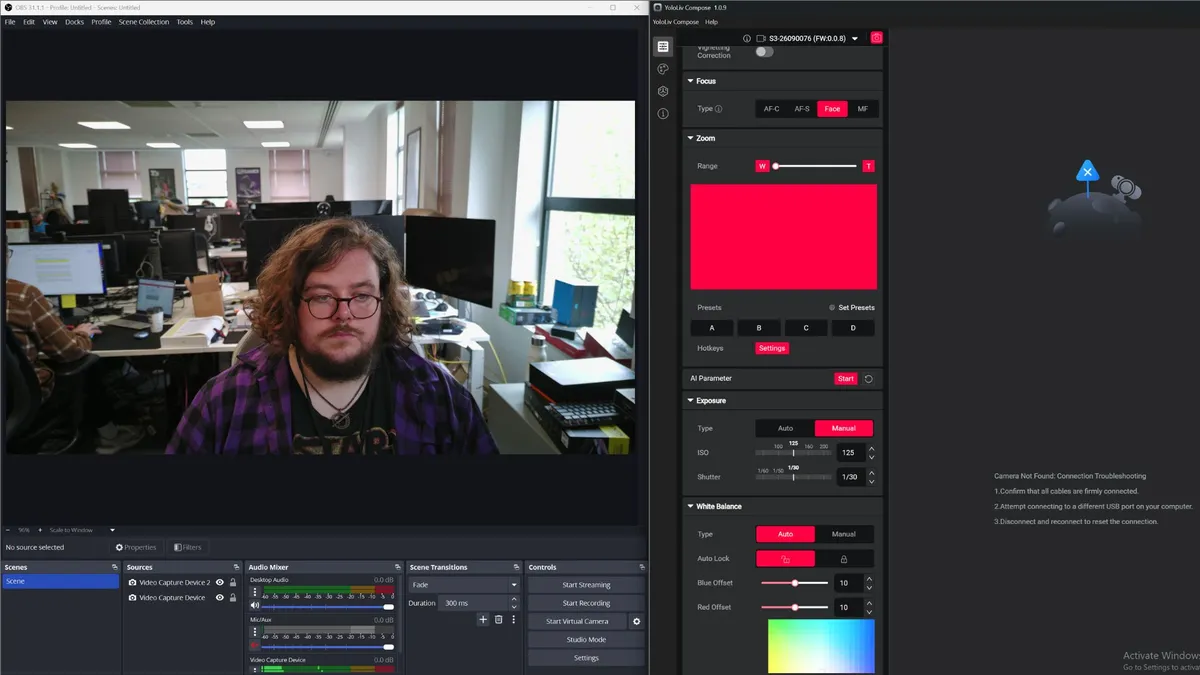
This is all with the webcam's out-of-the-box settings. Yololiv's software is pretty solid, with its auto exposure mode fixing light flicker and adding some warmth to the lens. Its auto white balance is also usable, though I'd recommend adjusting it yourself. Turning off the vignette correction feels like the way to go, as this gives the room more brightness, though at the cost of some clarity.
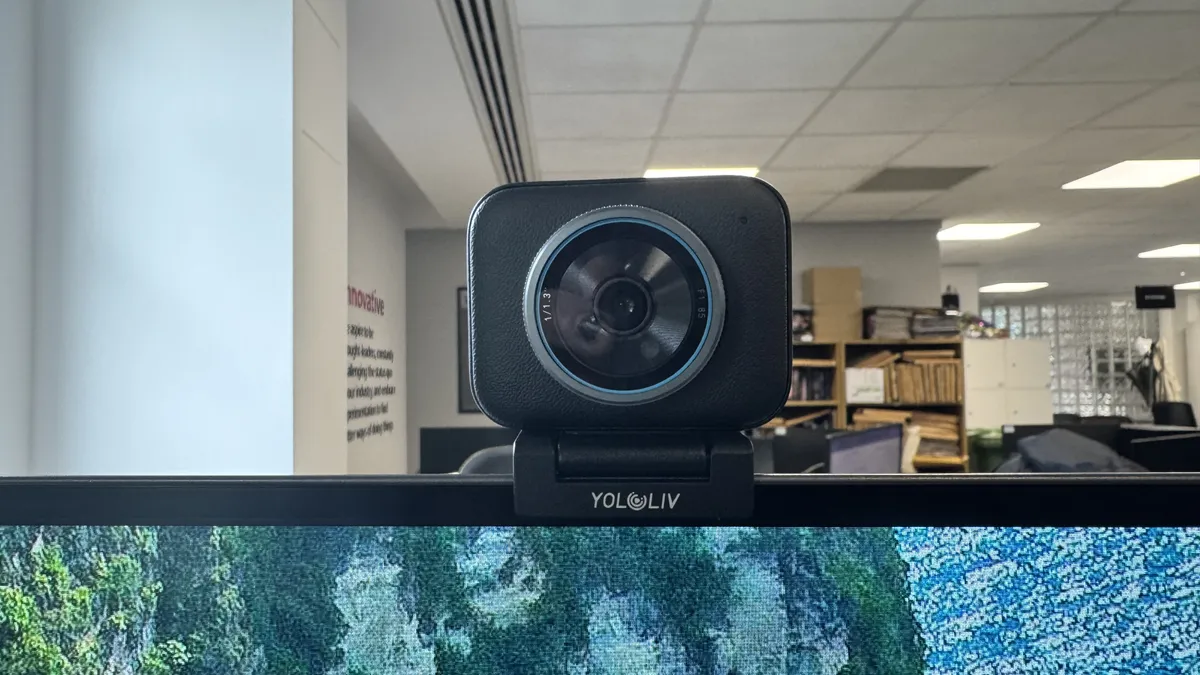
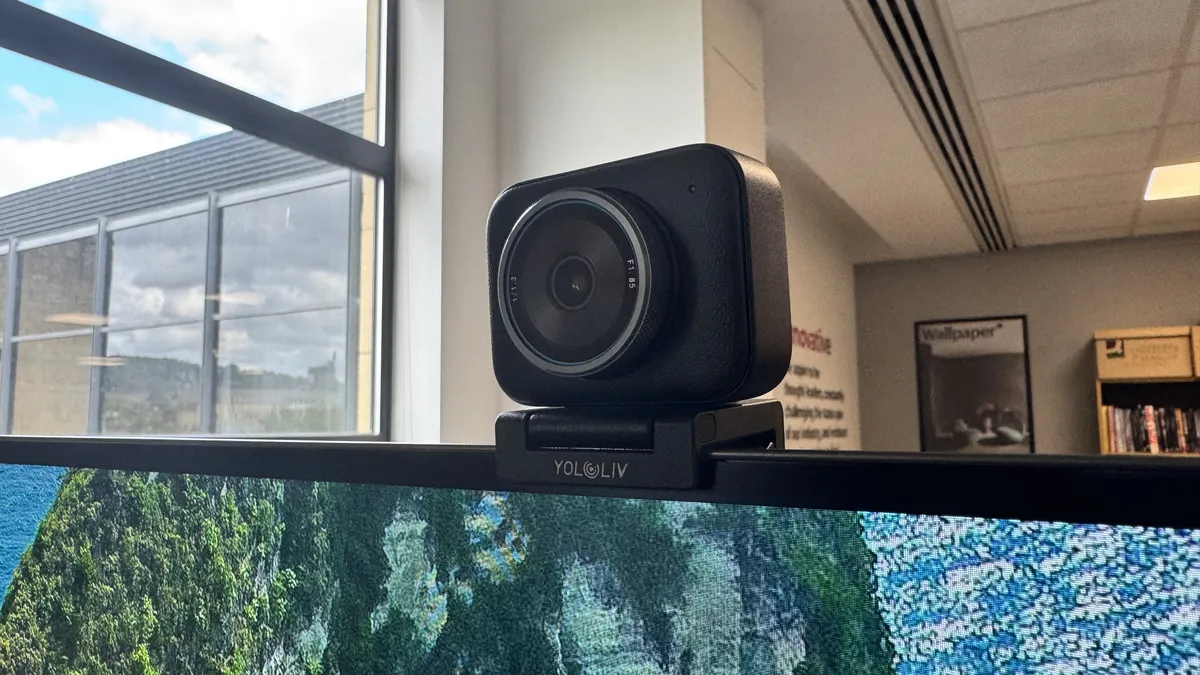
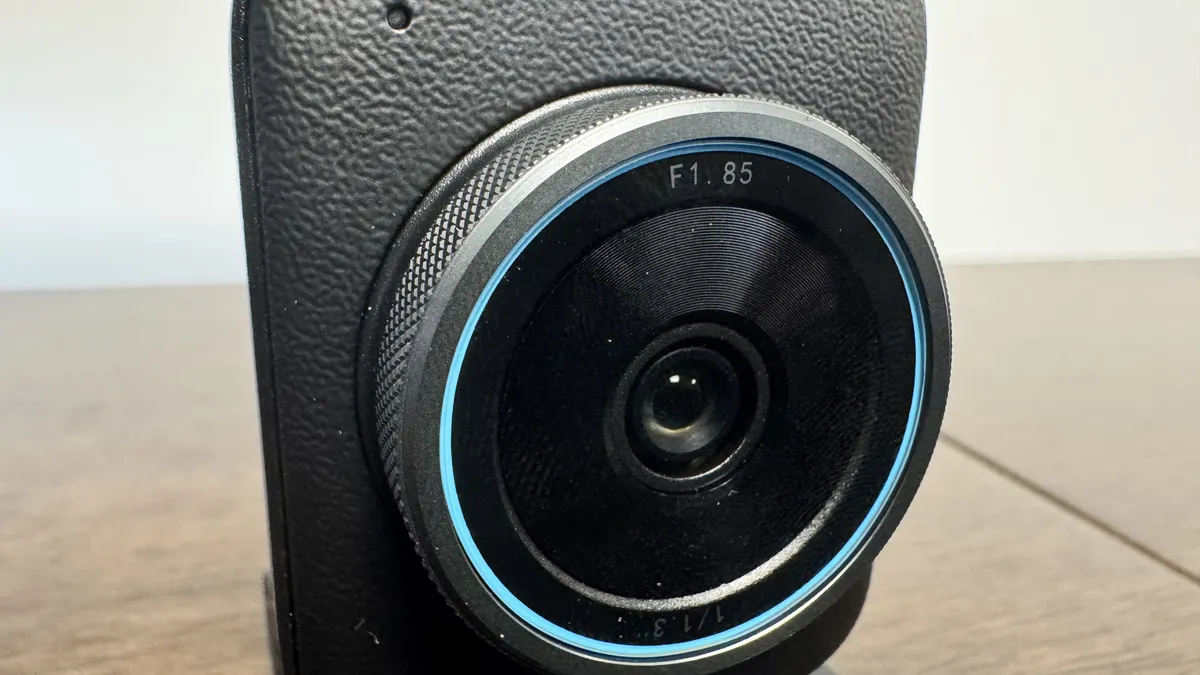


That big lens and large sensor do a solid job of framing, though. I notice the background blurring well to capture me in the foreground, and I can see the purpose of this for recording YouTube videos or showing yourself on screen. Its bokeh effect makes it feel like a higher quality camera than its already strong sensor suggests.
It also has a solid autofocus, managing to pick up boxes and words in front of my face in a matter of moments. During use, the webcam gets a tad hot, though not to the point of overheating.


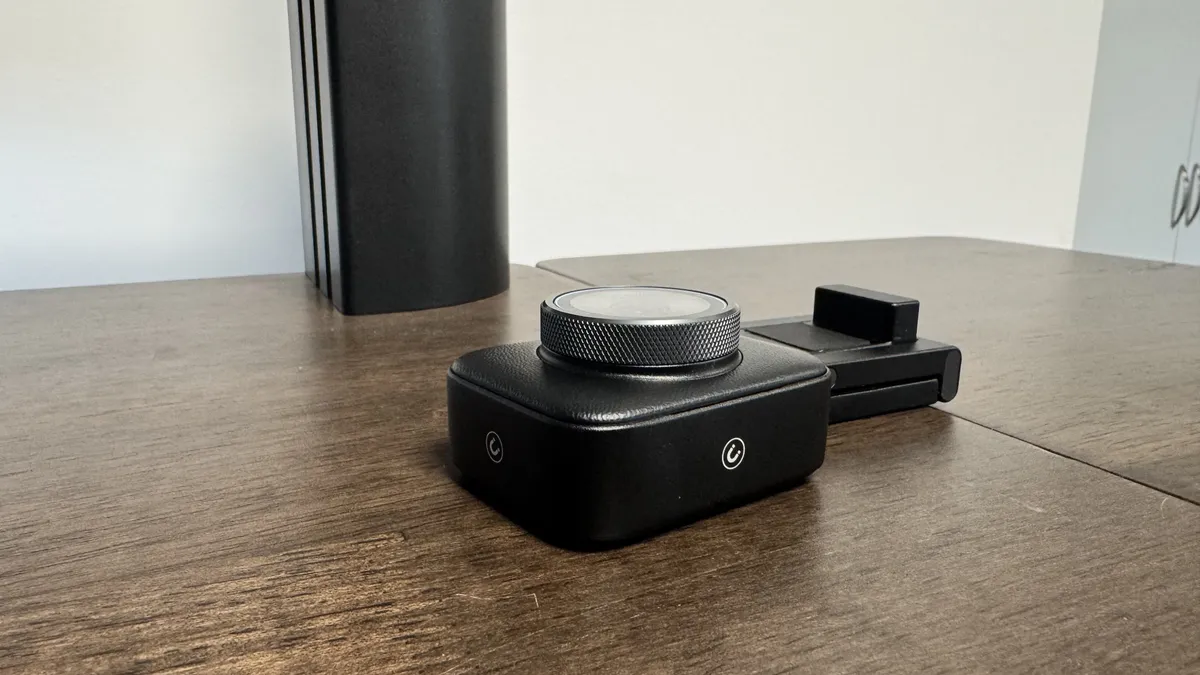
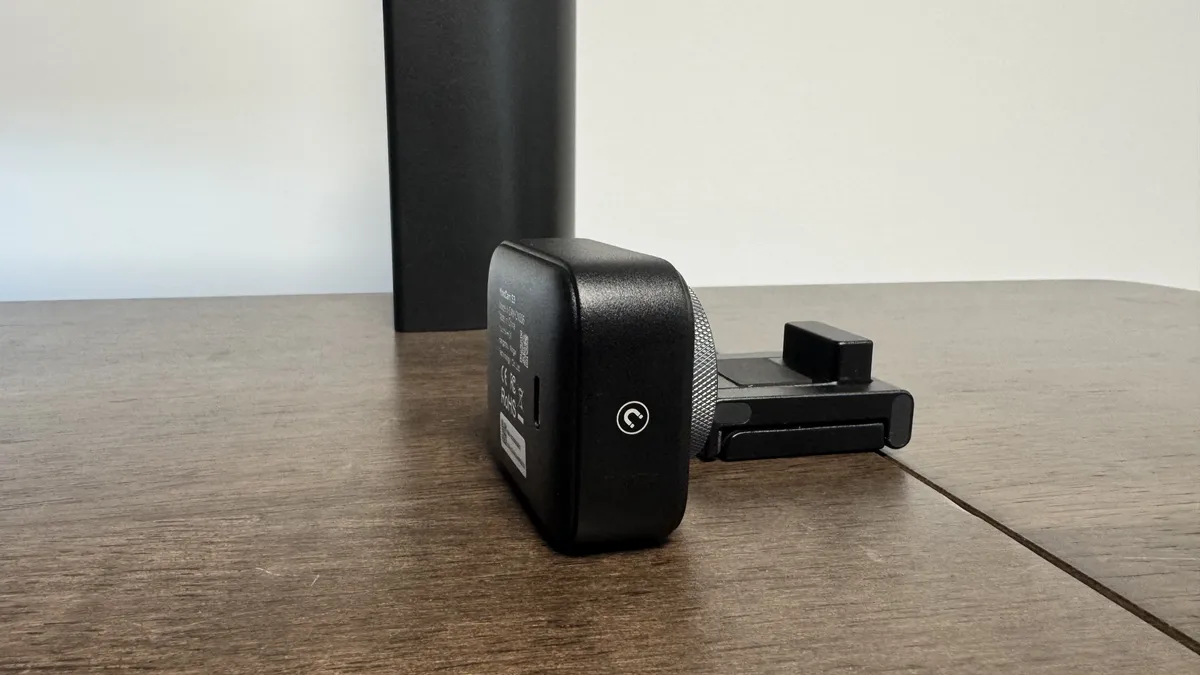
Two sides of the webcam have strong magnets, which means it can capture both vertical and horizontal video, and a thread on the stand means you can pop it onto a tripod should you want to. A thread on the webcam itself would have been nice too to avoid having to bring the stand, but thankfully, the stand is relatively unobtrusive anyway.
On the YoloCam S3 website, Yololive says the S3 features "possibly the largest sensor ever in a webcam," with that "possibly" doing some heavy lifting. We've seen the same size sensor in the Razer Kiyo Pro (1/1.28-inch), though it offers 1080p capture for the same price. I wouldn't say it's possibly the biggest sensor in a webcam, but I would say it's possibly the best quality video for its price point.


I don't know how much use you might get out of it, given how stationary webcams tend to be, but I'm also quite impressed by the YoloCam S3's zoom functionality. It goes all the way up to a 4x zoom, and it's a stable experience at the very max point. The biggest problem I have with its max zoom is that a slight wobble of my monitor while I type/game/browse shakes the image more than I would want.
One thing it does feel like it's missing, when it comes to everyday use, is a built-in microphone. I'm not usually expecting anything great on this front when it comes to webcams, but something built-in often means not having to bother with a full mic when I'm on a call with friends. It's a compromise Yololiv makes, and I understand why.


The YoloCam S3's biggest hurdle for most will be its price point. At $200, you have plenty of great 4K alternatives to choose from. The Tiny 3 Lite comes in at $200 and offers a gimbal with smart tracking and strong out-of-the-box performance in exchange for a worse sensor.
✅ You want to record videos from a webcam: As far as pure quality is concerned, the S3 is undeniably impressive, and with a little tweaking, could be a solid device for filming video.
❌ You want something with no fuss: For its price point (and under), you can get 4K webcams that are easier to use straight out of the box, and many of them come with their own selling points like built-in microphones or gimbals too.
The Insta360 Link 2C comes in at $50 less with solid performance, and the (also Gimbal-equipped) Emeet Pixy is $40 less than the S3. The YoloCam S3 is not my favourite of the lot, but I do think it offers the highest quality image.
However, it's worth asking yourself, "Will I even use its max quality?" If the answer is "probably not", I'd recommend looking into easier-to-use webcams with more functionality.
The Tiny 3 Lite offers most users a similar experience, except it pairs it with a strong microphone and solid tracking. Many applications don't even support 4K in the first place, so it's already a niche market as is.
However, if you want the highest quality capture for $200, don't mind messing around with the settings a little, and want a near DLSR-quality image, the S3's value proposition is clear—it just sits in a very varied market, and goes shoulder to shoulder with plenty of giants.
1. Best overall:
Elgato Facecam MK.2
2. Best budget:
Logitech C920
3. Best for streamers:
Streamplify Cam
4. Best 4K:
Obsbot Meet 2
5. Best high-end:
Obsbot Tiny 2 Lite
6. Best low light:
Razer Kiyo Pro
The YoloCam S3's build and image are undeniable, but just okay out-of-the-box settings, and the lack of a microphone means it struggles with everyday webcam uses more than you'd expect (or like).