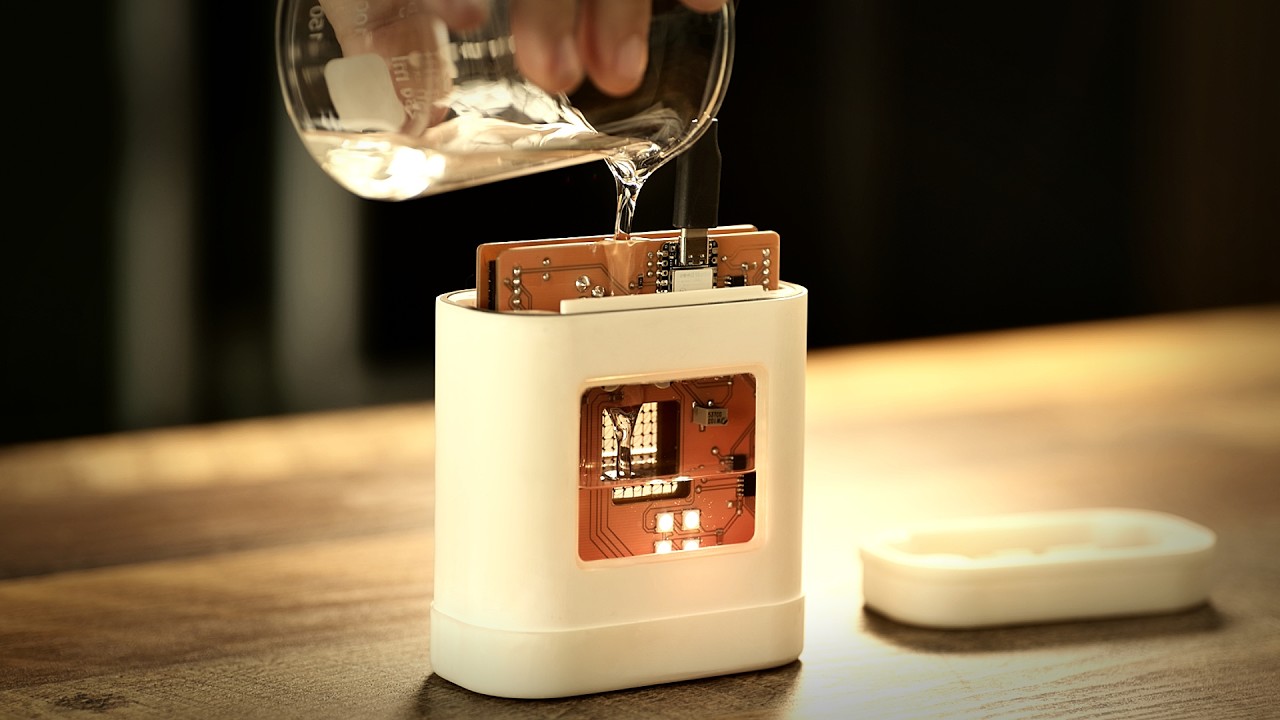
With AI data centers swallowing up every bit of memory storage around, it should come as no surprise that some creative engineers might be looking at alternatives. Most aren't going to be considering solutions from the 1950/1960s, of course, but that's precisely what one self-professed tinkerer did to create the "world's worst USB device".
Tech YouTuber polymatt recently posted a video of the reasoning, technology, and construction of the aforementioned device, and it's well worth watching, even if you have no interest in something that can only store 64 bits of information. The reason why is that instead of using modern storage techniques, the storage medium of choice is magnetic-core memory.
These were all the rage during the 1950s and 60s, before silicon-based storage became the norm, and some of its more famous applications include ENIAC, the IBM 704, and the Apollo Guidance Computer. Essentially, magnetic-core memory works by using tiny rings of ferrimagnetic materials, through which multiple wires are woven.
By using the wires to generate a magnetic field, the ring's magnetic polarity can be altered, with the direction equating to 0 or 1 in terms of binary data. No power is required to maintain the polarity, so magnetic-core memory is classed as non-volatile storage, just as NAND flash is.
Unfortunately, despite using really small ceramic rings, polymatt's USB device tops out at a mere 64 bits of storage. In contrast, IBM's 1957 magnetic-core unit had a capacity of 147,456 bits, though it did weigh several hundred kilograms and apparently cost $6,000 per month to rent.

Anyway, if you do watch the video, you'll see just how fiddly and delicate the whole project was for polymatt, though it's a little funny to note that the Espressif ESP32 microcontroller (used to handle the USB interface and overall read/write management of the device) has embedded flash storage that's millions of times larger than the little magnetic-core device.
Although there's no real point in comparing it to any external SSD that you can buy right now, I can't help but think that something has been lost with silicon-based storage. Sure, it's massively faster and far greater in capacity than anything you could achieve with magnetic-core memory, but a handful of chips on a PCB just doesn't have the same vibe.
Polymatt's creation is a thing of the past, but it's beautiful to look at, and I so want to make my own now. Looks like my Lego Milky Way will just have to wait a little longer to get completed now.

1. Best overall: Adata SD810
2. Best budget: Crucial X9
3. Best for video editing: Samsung T9
4. Best USB4: Sandisk Extreme Pro
5. Best thumb drive replacement: Seagate Ultra Compact
6. Best durable drive: LaCie Rugged Pro 5
7. Best budget durable: Samsung T7 Shield
8. Best for backups: SanDisk Desk Drive