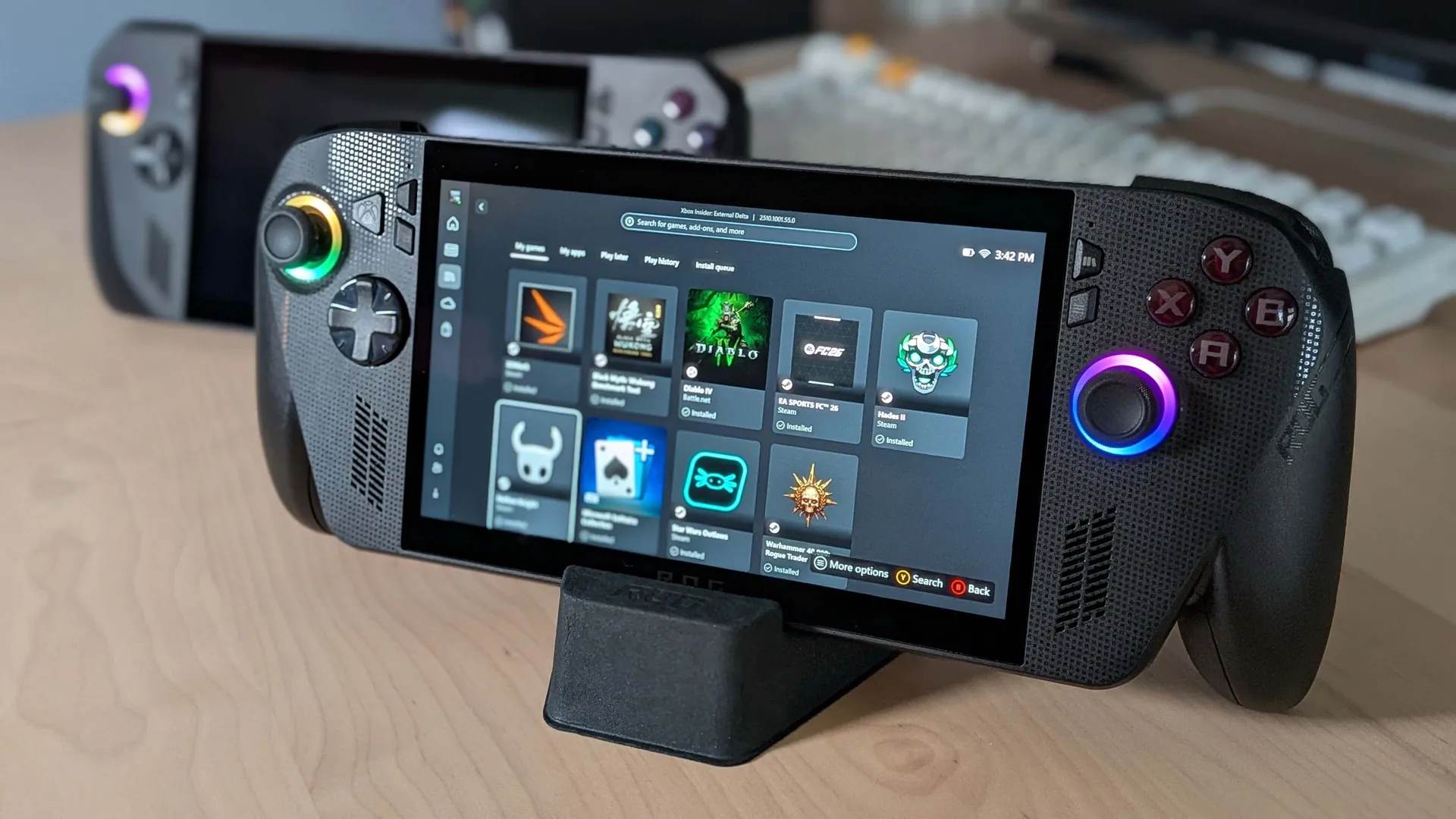
The Xbox Full Screen Experience (or FSE) debuted late last year on the pricey Asus ROG Xbox Ally X, steadily trickling out to other Windows-based handheld gaming PCs and more traditional gaming desktops over the following months. While our Dave rated the stripped back, controller-oriented OS in his Asus ROG Xbox Ally X review, that rollout hasn't been plain sailing. However, the latest Windows 11 build hopes to smooth out the experience for PC gamers.
In the release notes for Windows 11 Insider Preview Build 26220.7653, the known issue on PC is described as, "some apps [behaving] unexpectedly when using FSE, particularly those that expect to be locked to a given size or launch additional windows." The issue isn't completely fixed yet, with the Insider Team continuing to "validate scenarios and as such keeping the known issue active for now."
It's worth noting that FSE is more sophisticated than a straightforward full-screen mode, aiming to improve gaming performance by minimising many of Windows 11's background tasks. However, depending on your platform of choice, you may not necessarily see huge gains—and an early YouTuber experiment suggests that Linux-based gamer OS Bazzite paired with Steam's Big Picture mode may be a better fit for the ROG Xbox Ally X in terms of overall performance.
At any rate, considering the Insider Team have previously described FSE as "a console-style interface with the Xbox app, making [...] gaming clean and distraction-free," funky software behaviour is hardly ideal.
FSE first became available to preview on "more Windows 11 PC form factors, such as laptops, desktops, and tablets," back in November of last year, and it's also officially supported on MSI Claw handheld gaming PCs. As software goes, it's still fairly fresh so an amount of teething problems are perhaps unsurprising.

Spending some quality time with the office Steam Deck has proven there might be room in my life for another handheld gaming PC. However, as much as a bit of cosy bedtime gaming appeals, I often find it's minor issues like all of the above that distract from what could be a worthwhile big picture—better the desktop devil you know, right?
A console-esque interface that at least attempts to battle Windows 11's bloat could make either experience so much better—but it sounds like Xbox FSE at least needs a little longer to cook.

1. Best overall:
Lenovo Legion Go S SteamOS
2. Best budget:
Steam Deck
3. Best Windows:
Asus ROG Xbox Ally X
4. Best big screen:
Lenovo Legion Go
5. Best compact:
Ayaneo Flip DS