Join The Club





If you've ever gone to open up some built-in Windows app and wondered why Microsoft has bothered to add a Copilot button in it, you aren't alone. After hearing community feedback, MS is reducing Copilot branding, starting with the likes of Snipping Tool, Photos, Widgets, and Notepad.
As reported by Windows Latest, the latest preview of Notepad (version 11.2512.28.0) is removing the Copilot button up in the top right. Now, it will instead have a pen icon called "writing tools", which then opens up the same AI writing functionality.
Effectively, though it will be removing some of its Copilot branding, it won't be entirely removing the tools that come with it. You will still be able to use AI in most of your apps, it just won't be quite as obnoxiously branded.


The Snipping Tool, however, does appear to have entirely lost AI functionality, so that's a win for the AI sceptics.
This change was choreographed in a Windows Blog post last month. In it, writer Pavan Davuluri says, "You will see us be more intentional about how and where Copilot integrates across Windows" and "As part of this, we are reducing unnecessary Copilot entry points."
We have seen Notepad remove its Copilot button, but we haven't yet seen the same for Photos, Widgets, and Notepad. One can assume, based on the blog, that they, too, will follow suit.
This may be a 'forest through the trees' moment for Microsoft, though, as some users' problems with Copilot aren't just with the name and logo. I, for one, don't particularly want AI tools thrown at me upon bootup, without asking for them.
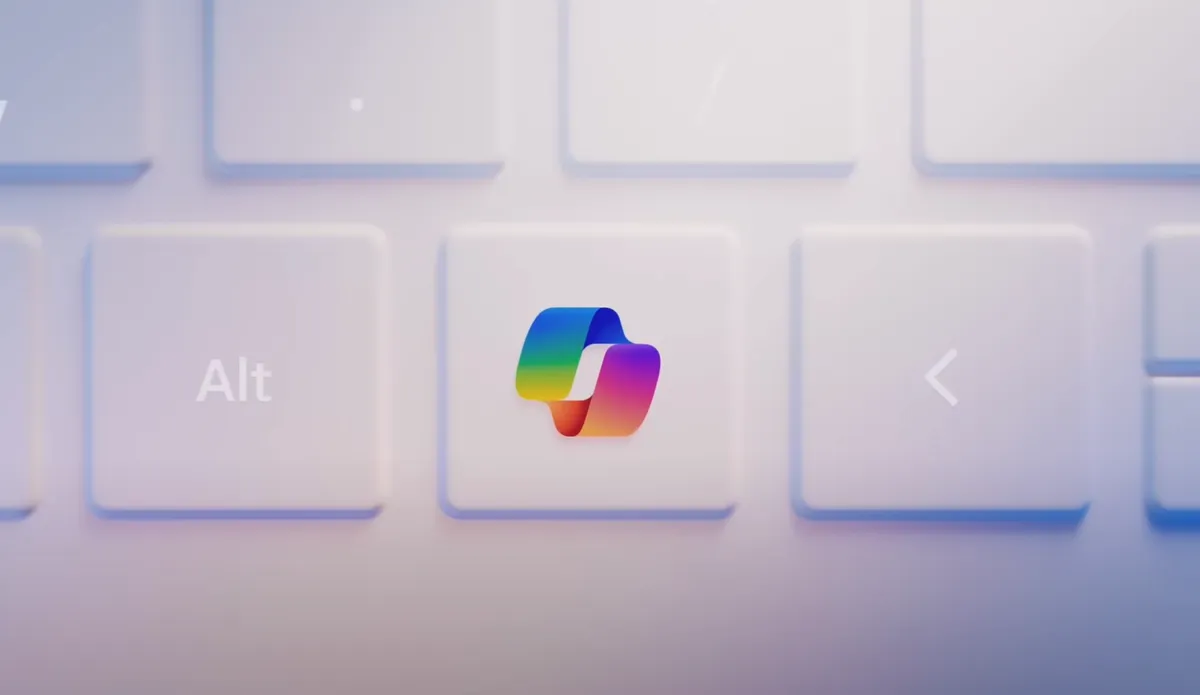
The Windows president said at the end of last year that "Windows is evolving into an agentic OS", which effectively means the plan is to pump it full of so many AI tools that it can just run itself. And yes, an agentic OS would in fact need access to many of your files and would need the ability to rummage through them.
Still, there's a level of self-awareness here that Microsoft is demonstrating. Let's just hope it gets the full memo on AI next time. Given its investment in the tech, that seems unlikely, but one can dream nonetheless. Or swap to Linux, I guess.
1. Best gaming chair: Secretlab Titan Evo
2. Best gaming desk: Secretlab Magnus Pro XL
3. Best gaming headset: Razer BlackShark V3
4. Best gaming keyboard: Asus ROG Strix Scope II 96 Wireless
5. Best gaming mouse: Razer DeathAdder V4 Pro
6. Best PC controller: GameSir G7 Pro
7. Best steering wheel: Logitech G Pro Racing Wheel
8. Best microphone: Shure MV6 USB Gaming Microphone
9. Best webcam: Elgato Facecam MK.2