
 Join The Club





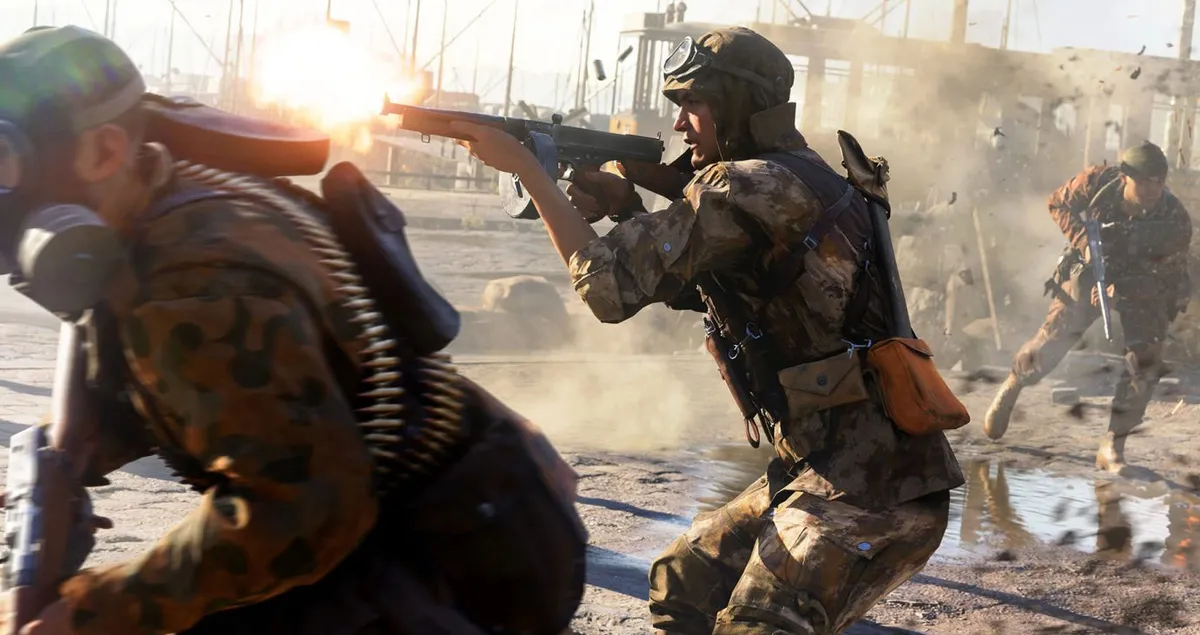
Battlefield 5 launches to PC as early as tomorrow for Origin Access Premier subscribers, followed by a November 15 release to anyone who preordered the Deluxe version, and November 20 for everyone else (check out our review in progress). If you're running a GeForce graphics card (desktop) or GPU (notebook), you can ready your PC ahead of time with Nvidia's newest "Game Ready" driver release, version 416.81 (WHQL).
Nvidia's latest driver package supports the new crop of GeForce RTX cards with dedicated raytracing hardware, though it doesn't look like RTX effects are available in BF5 just yet. That could change at any moment, with a day-1 patch for example, but until EA and/or Nvidia make an announcement we can only guess.
In the meantime, the 416.81 driver package purportedly offers the best performance in BF5, on supported hardware. It also squashes a bunch of bugs. Here's a look at the list of fixed issues:


- [Windows Defender Application Guard][vGPU][Surround]: Edge Browser with Application Guard cannot be opened when Surround is enabled.
- [Turing GPU]: Multi-monitor idle power draw is very high.
- [GeForce RTX 2080 Ti][G-Sync]: Blue-screen crash may occur when exiting games when using a G-Sync monitor with a non-G-Sync monitor.
- [GeForce RTX 2080 Ti]: Stuttering occurs with HEVC video playback.
- [GeForce GTX 970]: When audio playback is paused, audio receiver switches from multi-channel to stereo. Increased period from 5 seconds to 10 seconds.
- [GeForce GTX 1060]AV receiver switches to 2-channel stereo mode after 5 seconds of audio idle.
- [SLI][Nvidia Titan X][NVENC]: Recording and streaming of NVENC applications do not work.
- [DirectX 11 games]: Mouse cursor causes FPS to go out of sync with windowed GSync.
- [ARK Survival]: Improved game stability.
- [Shadow of the Tomb Raider]: Improved game stability.
- [Witcher 3 Wild Hunt]: Flickering occurs during gameplay.
- [Monster Hunter World]: Corruption is seen when Volume Rendering is off.
- [Far Cry 5]: Flickering occurs during gameplay.
There are still a handful of known issues that are not addressed in this driver release. They include:
- [SLI][GeForce RTX 2080/2080Ti]: Single GPU response slows down after enabling/disabling SLI, requiring system reboot.
- [GeForce GTX 1080Ti]: Random DPC watchdog violation error when using multiple GPUs on motherboards with PLX chips.
- [GeForce GTX 780]: Activity on the desktop lags.
- [SLI][HDR][Battlefield 1]: With HDR enabled, the display turns pink after changing the refresh rate from 144Hz to 120Hz using in-game settings.
- [Firefox]: Cursor shows brief corruption when hovering on certain links in Firefox.
- [G-Sync]: G-sync may not disengage after exiting games.
As always, you can grab the new driver package through Nvidia's GeForce Experience software, or follow this link to fetch and install it manually.


