How to use the Automechanical Targeting Module in The Outer Worlds 2
Sic some Automechs on Horizon Point Station's defenders.
Keep up to date with the most important stories and the best deals, as picked by the PC Gamer team.
You are now subscribed
Your newsletter sign-up was successful
Want to add more newsletters?
Every Friday
GamesRadar+
Your weekly update on everything you could ever want to know about the games you already love, games we know you're going to love in the near future, and tales from the communities that surround them.
Every Thursday
GTA 6 O'clock
Our special GTA 6 newsletter, with breaking news, insider info, and rumor analysis from the award-winning GTA 6 O'clock experts.
Every Friday
Knowledge
From the creators of Edge: A weekly videogame industry newsletter with analysis from expert writers, guidance from professionals, and insight into what's on the horizon.
Every Thursday
The Setup
Hardware nerds unite, sign up to our free tech newsletter for a weekly digest of the hottest new tech, the latest gadgets on the test bench, and much more.
Every Wednesday
Switch 2 Spotlight
Sign up to our new Switch 2 newsletter, where we bring you the latest talking points on Nintendo's new console each week, bring you up to date on the news, and recommend what games to play.
Every Saturday
The Watchlist
Subscribe for a weekly digest of the movie and TV news that matters, direct to your inbox. From first-look trailers, interviews, reviews and explainers, we've got you covered.
Once a month
SFX
Get sneak previews, exclusive competitions and details of special events each month!
Deciding whether to plug in the Automechanical Targeting Module in The Outer Worlds 2 is one of those early game decisions where you might second-guess yourself a bit. You first find this module if you choose Security instead of Central Dispatch, inside a hanging Dragoon Automech that you can interact with in a side room.
You'll need either Engineering Level 1 or the Innovative trait, but passing the check will get you the Automechanical Targeting Module, a quest item you'll be able to use shortly. As to where you can use it, what it does, and whether you should use it, I'll explain all that down below.
How to use the Automechanical Targeting Module
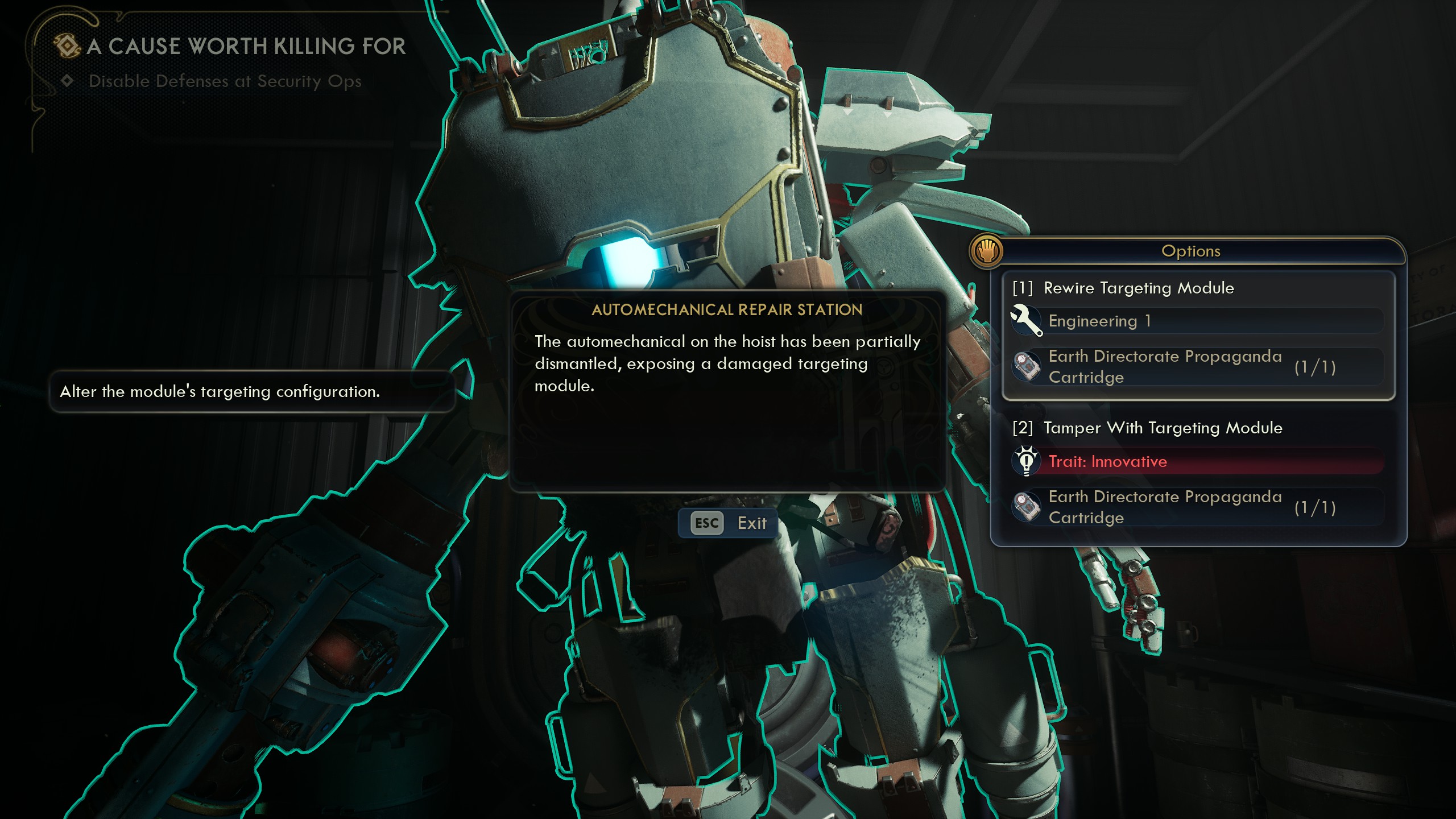
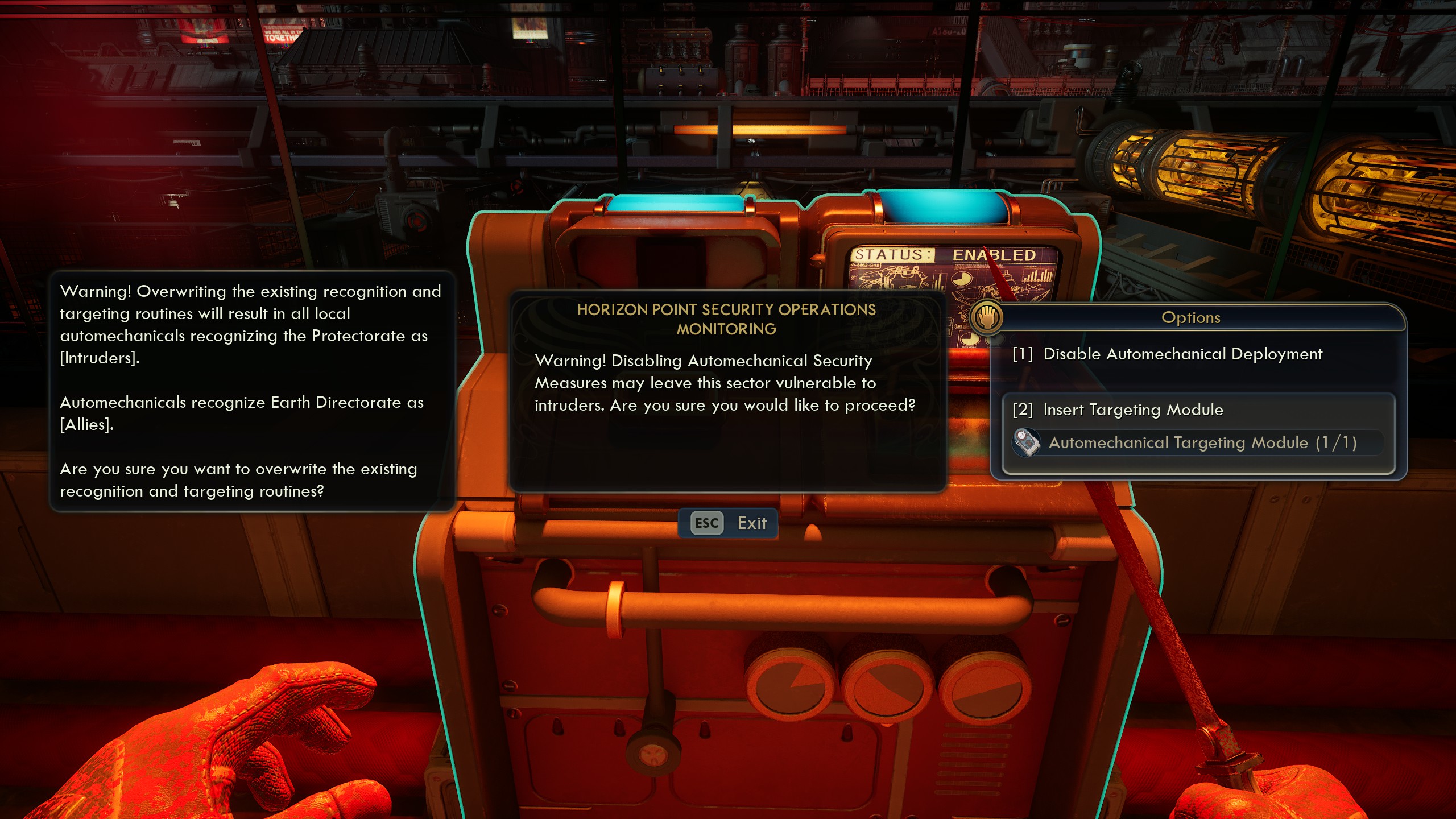
After you get the module from the hanging Protectorate Dragoon mech in the Security section, in a side room close to the objective, you just need to head into the next room following the nav marker to disable the Automechs. Dispatch the guards and interact with the console to undertake the next part of your plan to infiltrate Horizon Point Station.
You might be wondering, "Well, De Vries told me to disable the mechs. Should I really insert a mysterious targeting module into the console instead?"
The answer is: it doesn't actually matter, but using the Automech Targeting Module will make the rest of Horizon Point Station a lot easier. Plugging in the module will turn all Automechs against the Protectorate defenders, making them fight for the Earth Directorate instead. This is especially handy in the subsequent section, where you potentially have to face a big wave of security bots if you can't convince a guard.
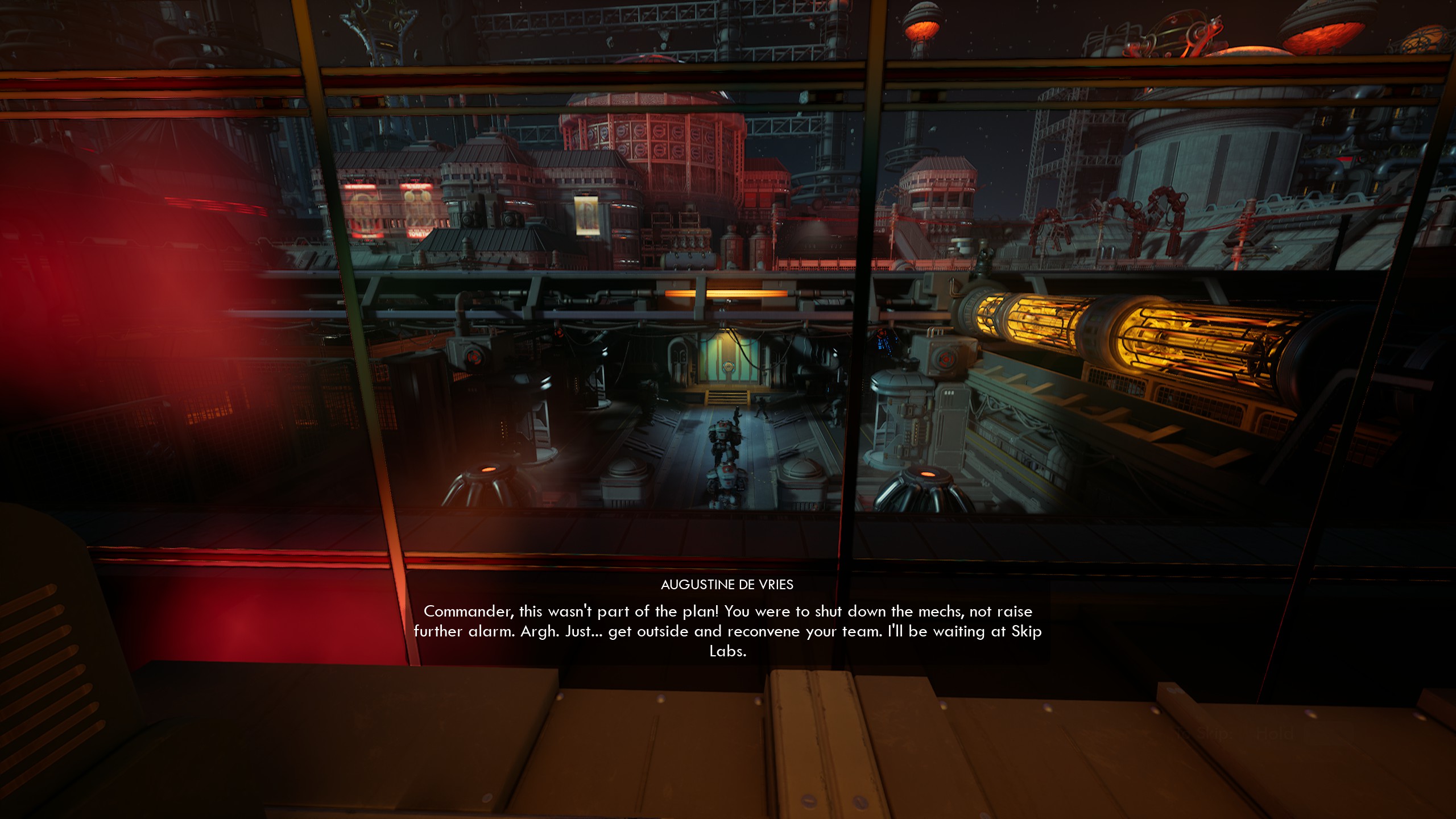
De Vries will gripe a little about you not following her plan, but it won't have any impact in the scale of things, so just enjoy your mechanical pals fighting for you.

Outer Worlds 2 companions: Every crew member
Outer Worlds 2 best weapons: Grab these guns
Outer Worlds 2 best armor: Turtle up
Outer Worlds 2 lockbox locations: Unique gear
Outer Worlds 2 Advanced Decryption Keys: Open up
Keep up to date with the most important stories and the best deals, as picked by the PC Gamer team.

Sean's first PC games were Full Throttle and Total Annihilation and his taste has stayed much the same since. When not scouring games for secrets or bashing his head against puzzles, you'll find him revisiting old Total War campaigns, agonizing over his Destiny 2 fit, or still trying to finish the Horus Heresy. Sean has also written for EDGE, Eurogamer, PCGamesN, Wireframe, EGMNOW, and Inverse.
You must confirm your public display name before commenting
Please logout and then login again, you will then be prompted to enter your display name.