





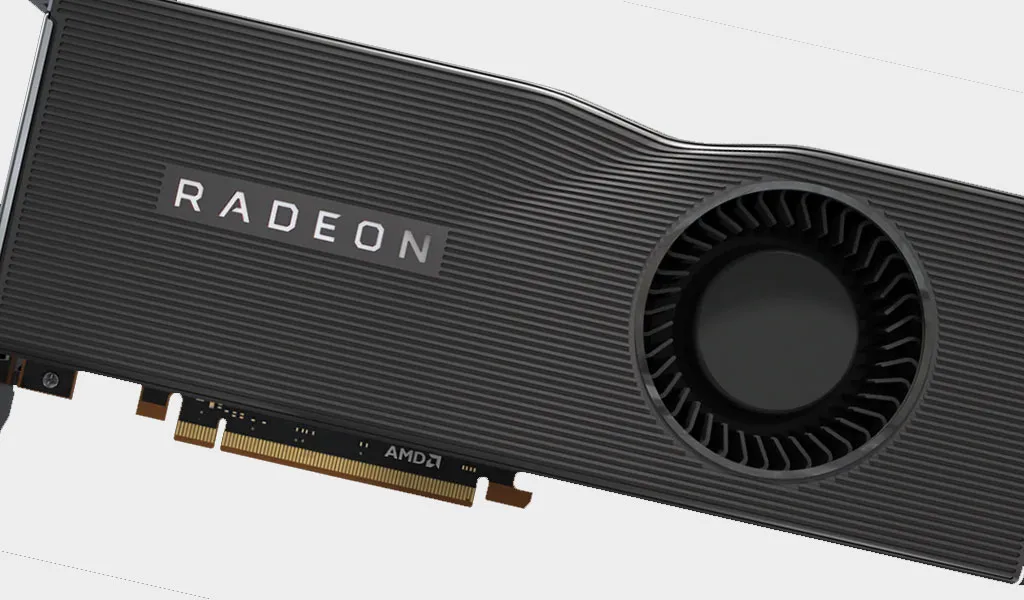
AMD's driver team is trying to get a handle on various issues raised by community members on its support forums and places like Reddit, including reports of black screens popping up in certain situations. A new Radeon Software Adrenalin 2020 Edition (20.2.2) driver release fixes some of those issues, but not all of them.
"Although Radeon Software Adrenalin 2020 Edition 20.2.2 resolves many black screen issues, AMD is aware that some users may still experience black screen or system hang issues during extended periods of gameplay. AMD will continue to monitor and investigate reports of these issues closely," AMD said.
It's still not clear why AMD is having such a tough time addressing the situation. It could be a combination of culprits, including poor cooling on certain cards. For example, Asus recently swapped out the heatsink mounting screws it was using on some of its ROG Strix Radeon RX 5700 XT and 5700 cards to apply more pressure onto the GPU. This was done following complaints of high temps on its cards.


The problem may run deeper, though. There are multiple threads and social media posts primarily from Radeon RX 5000 series owners who have complained about running into black screen issues in various situations. AMD's latest GPU driver addresses five specific black screen scenarios, but AMD notes it's not a cure-all for the problem.
There are two dozen bug fixes in all. The ones related to black screen bugs include the following:
- Performing a task switch with some Radeon Software features enabled or some third-party applications with hardware acceleration running in the background may cause a system hang or black screen.
- When Instant Replay is enabled, a TDR or black screen may occur when launching games or applications.
- A black screen may occur when toggling HDR on in the game settings of Battlefield V.
- The Witcher 3: Wild Hunt may experience an application hang or black screen during certain parts of the game or intermittently during gameplay.
- Some video content in Chrome may appear as a black screen or be unresponsive on Radeon RX 5000 series graphics products when hardware acceleration is enabled.
While AMD acknowledges that more work is needed, it also pointed to one specific scenario where a black screen issue exists, and is not fixed by the this driver release.
"Enhanced Sync may cause a black screen to occur when enabled on some games and system configurations. Enhanced Sync has been temporarily disabled from the gaming profile and any users who may be experiencing issues with Enhanced Sync enabled should disable it as a temporary workaround," AMD says.
Check out the release notes for the full list of fixes and known issues. As for the driver update, you can download it through the Radeon Software utility, or grab it from AMD's website. In addition, be sure to check out our guide on how to update drivers.


