

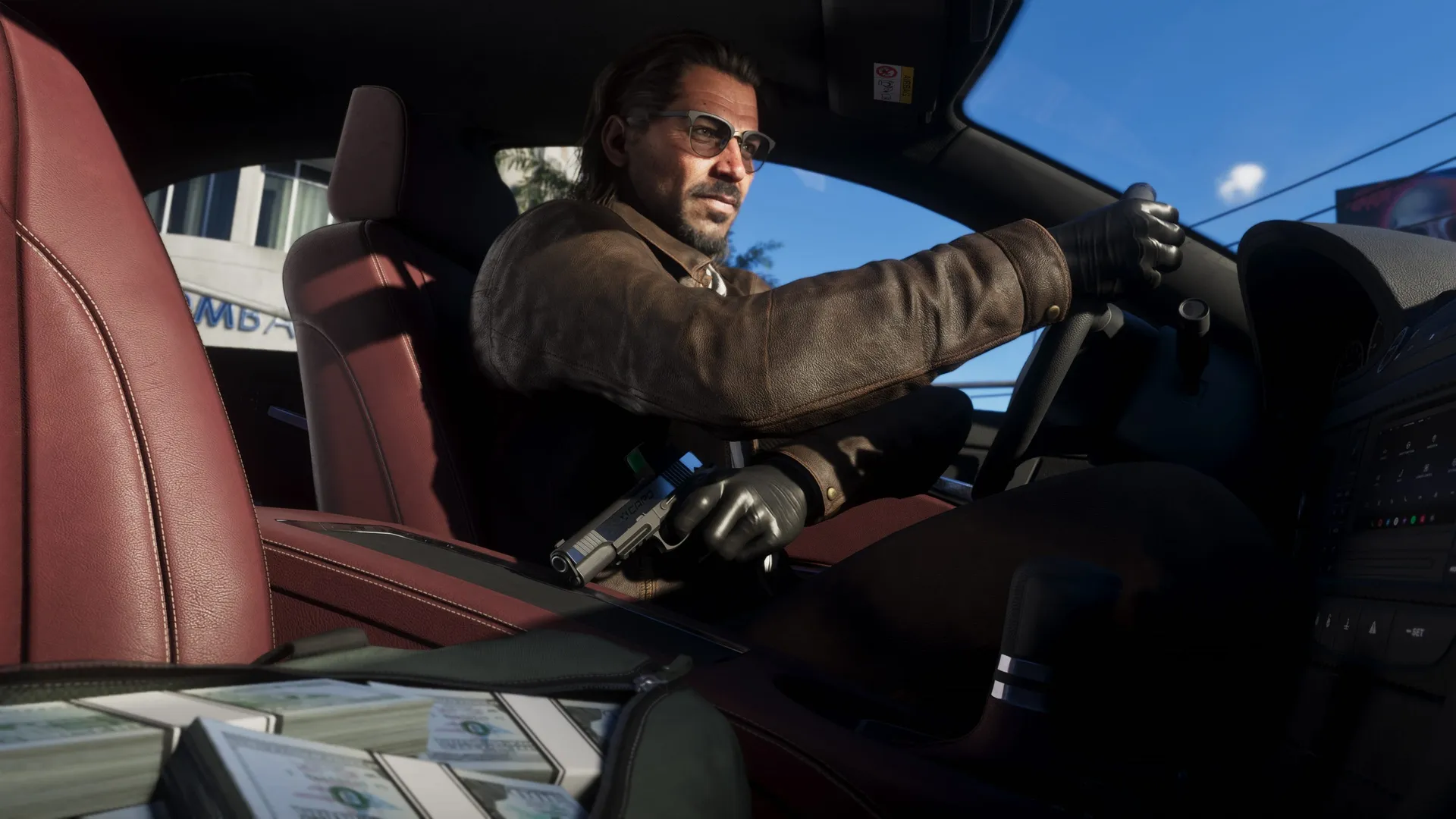
Cash is king in GTA 6, and Rockstar has come up with some new systems to manage your finances, from a secret stash under the floorboards to an honest-to-goodness interest-bearing savings account.
But you need to be careful with your money, especially at the start of the game when even a few hundred bucks can make or break you. While wandering around Leonida, strangers might try to rob you (big mistake), but more importantly, if you die or get arrested, you'll be penalized a few hundred dollars. There's also a $20k limit to how much you can keep on your person as you gradually accumulate more and more through play.
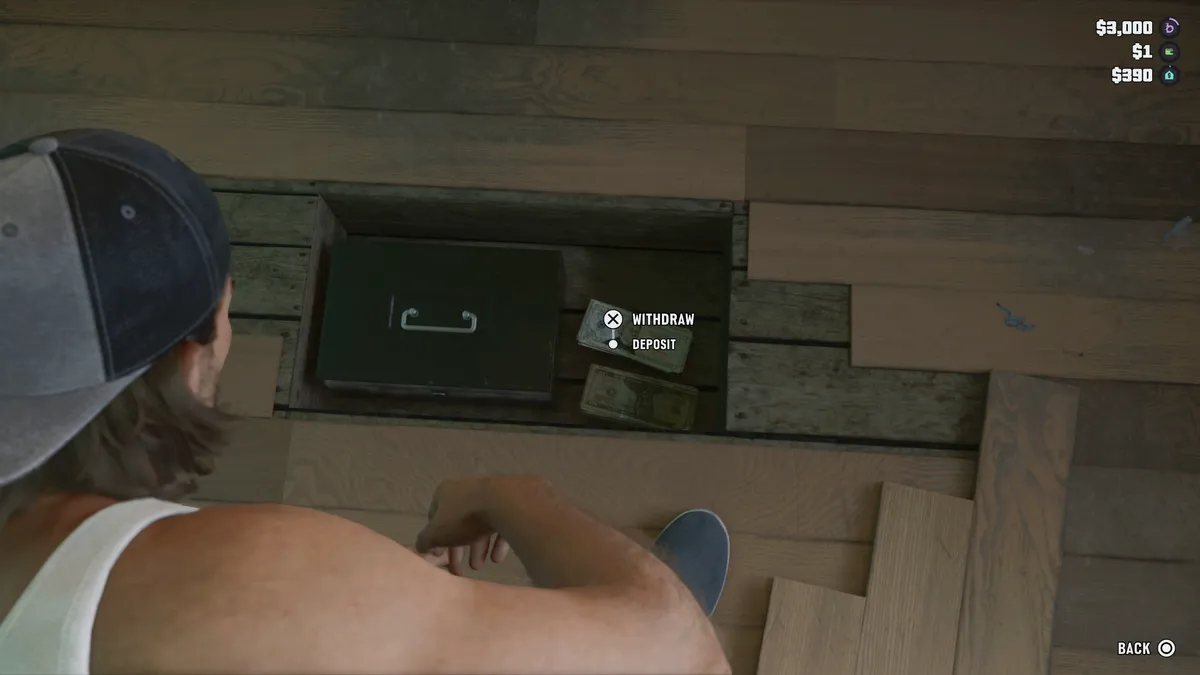
The solution? Stash your cash frequently. During the initial chapters of the game, you won't have a bank account, but you can store your money in your house in Key Lento by simply stashing it under the floorboards in the bedroom. This will mean you have a little money tucked away, and won't lose it when you die or get busted by the cops. .
Remember, you can also stash stolen goods like jewelry, drugs, and marked bills from robberies in the trunk of your car. Even if your car gets impounded by the fuzz, you'll be able to recover that contraband from your trunk later on and sell it. Don't stash goods in a car you don't own, though: you might lose it if you lose that car.
Here's the important bit of advice: you might be tempted to deposit all your cash, but if you do, you'll miss out on a variety of real-time and random opportunities in the game. There are a bunch of street encounters in GTA 6 reliant on you having some cash in your pocket, such as the time a stranger promised to tell me a secret in exchange for a few dollars—and then offered me more secrets for even more money, and then teased me with the biggest secret of all for more cash than I had on me. I'm still wondering what that final secret was!
Sometimes you'll have the opportunity to bribe someone for quick access to a restricted area, or you'll meet a pool hustler in a dive bar and want to pony up cash for a quick game. GTA 6's living city and its random occurrences are part of the attraction of the game, after all. There are a few vendors that only take cash, too. The point is, when you're making your deposits, always hold back a few hundred for your wallet.
When you reach the mission called "Buck Me" in Chapter 1 you'll unlock a bank account, which will more easily let you deposit your cash in nearby ATMs. You can spot these on the map by the hand with the credit card symbol—just walk up to one and interact with it to dump your cash. Having an account will also unlock certain weapons for purchase.
The Buck Me app on your phone also lets you "Buck Yourself"—transfer money into a joint savings account Jason and Lucia share. Any money you put into that savings account can't be withdrawn, so while it's good to sock away funds for the future, keep in mind you're shutting yourself off from your own money.
No matter how responsible (or irresponsible) you are with your cashflow, always remember to keep a few hundred in your wallet. If one of GTA 6's cash-based encounters happens, the last thing you want to do is have to run off and look for the nearest ATM.