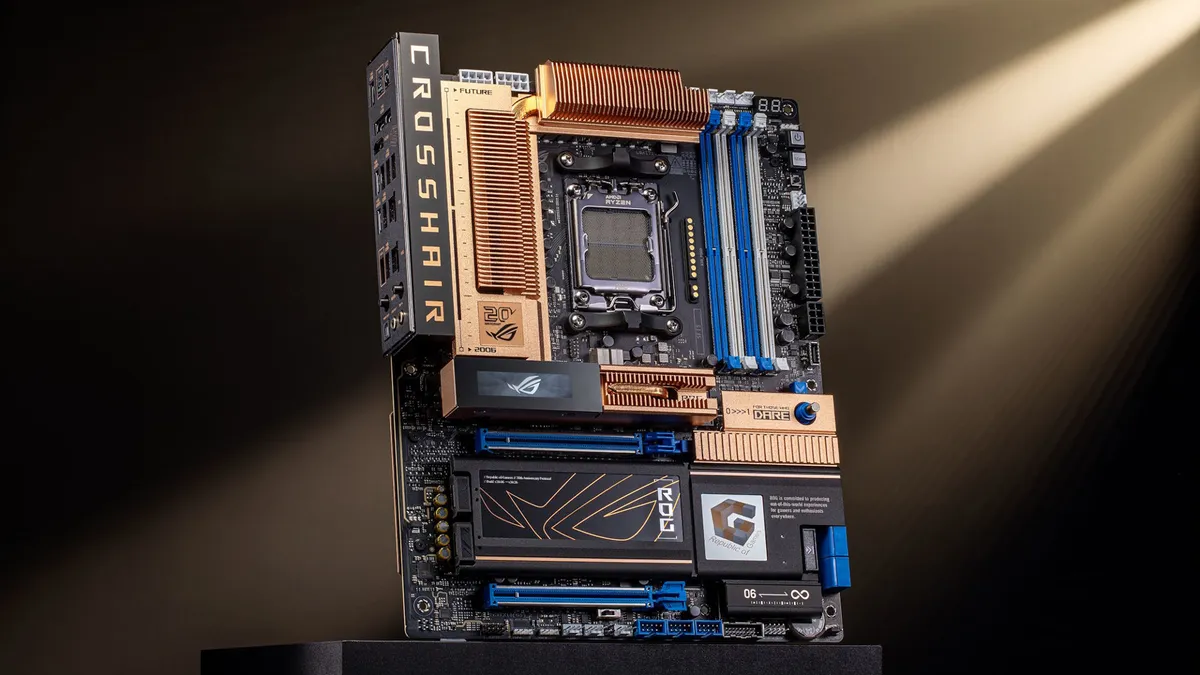
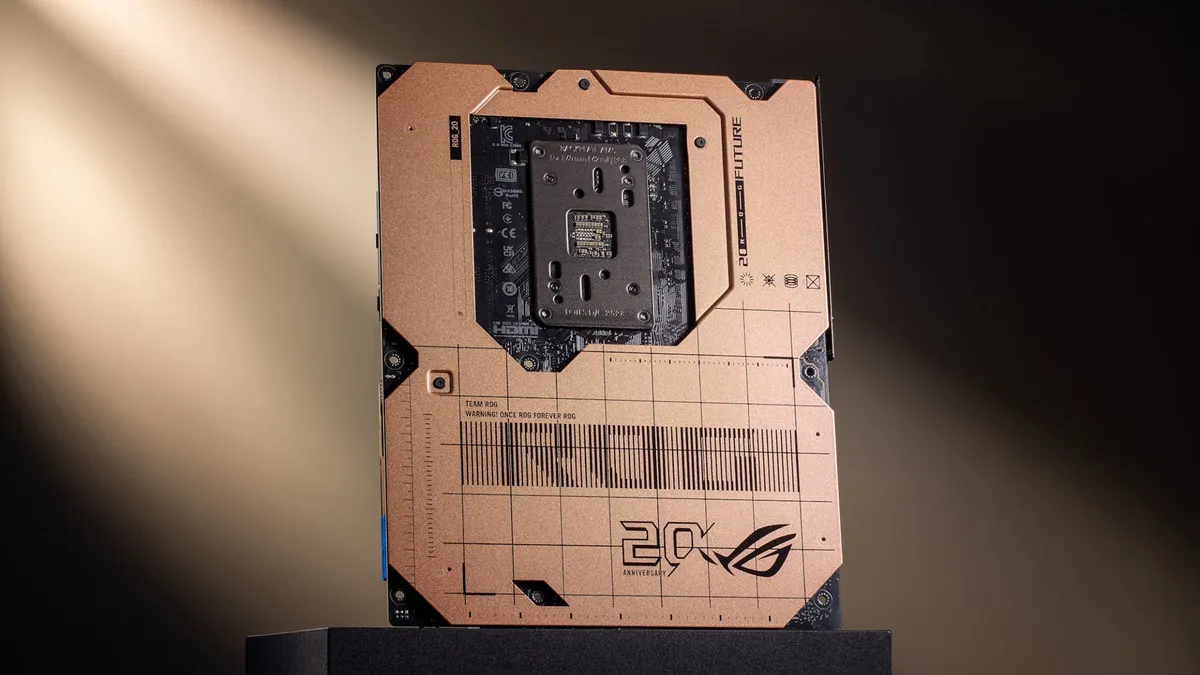
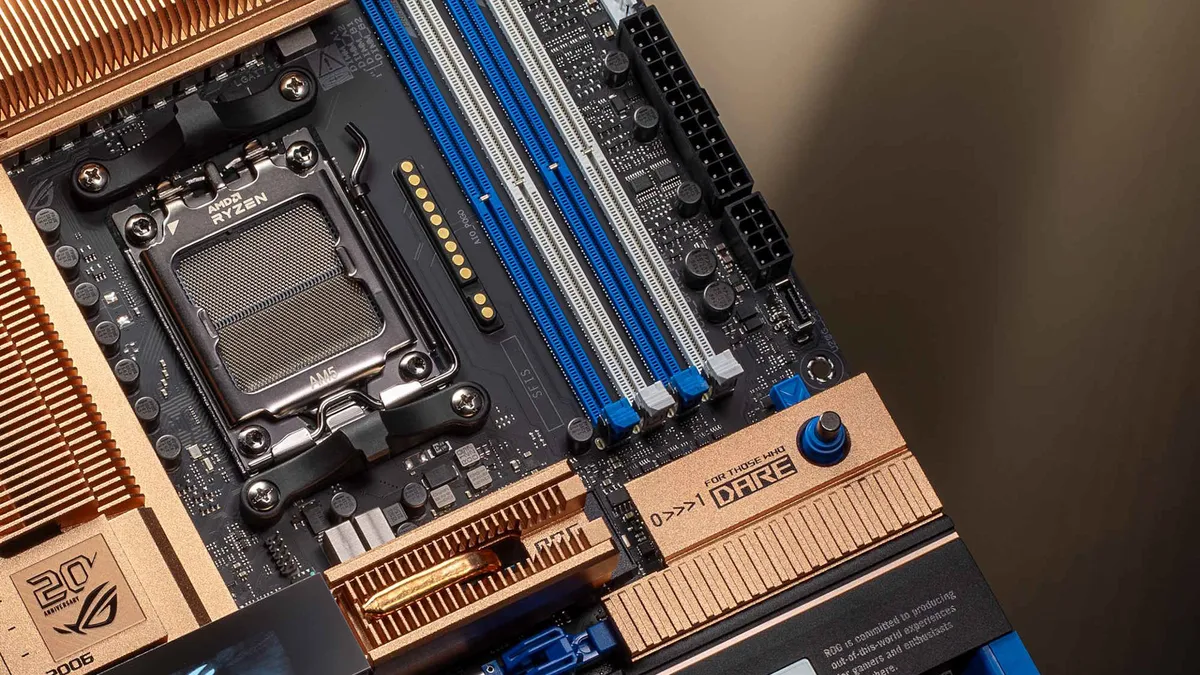
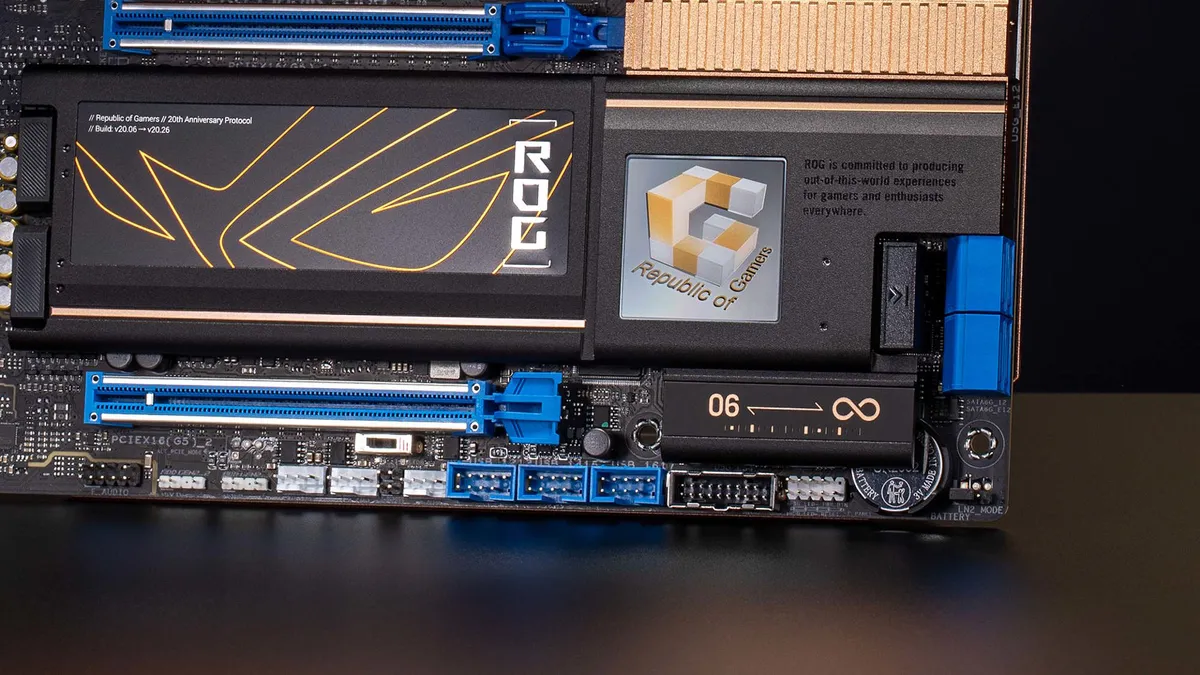


Even though Asus is doing its very best to let us all know that this year marks the 20th anniversary of its Republic of Gamers (ROG) branding, you may well not have picked up on the fact that it's releasing all kinds of one-off goodies to celebrate two decades of high-end gaming gear. But whatever else Asus has got planned, it's not going to top this pure blast of nostalgia for me.
Fellow PC enthusiasts, I give you the Asus ROG Crosshair 2006. Yes, I know it's just a motherboard, and if you're a recent starter in one of the best hobbies around, you might not think much about it. But if you were a hardware enthusiast around the start of the millennium, then you'll know exactly why this is ticking every box for me.
Back then, every PC component aimed at the hardcore crowd was plastered with copper heatsinks, often in some ludicrously over-the-top form that was unnecessary, since power levels back then weren't anything like as high as they are now.
To that end, Asus took its very first ROG motherboard, its latest ROG X870E Dark Hero model, and blended the two in what can only be described as a total smorgasbord of copper. Alas, it's not real copper. For example, the VRM heatsinks are "lightweight aluminum" that have been given "an eye-catching copper hue."
That's pretty disappointing, truth be told, but not entirely unexpected. After all, copper is horribly expensive these days, and that amount of the metal would make the motherboard very heavy and absurdly pricey.
And while copper has one of the highest thermal conductivities of any pure metal (second only to silver) and roughly double that of aluminum, the latter is more than good enough for use in today's cooling contraptions.
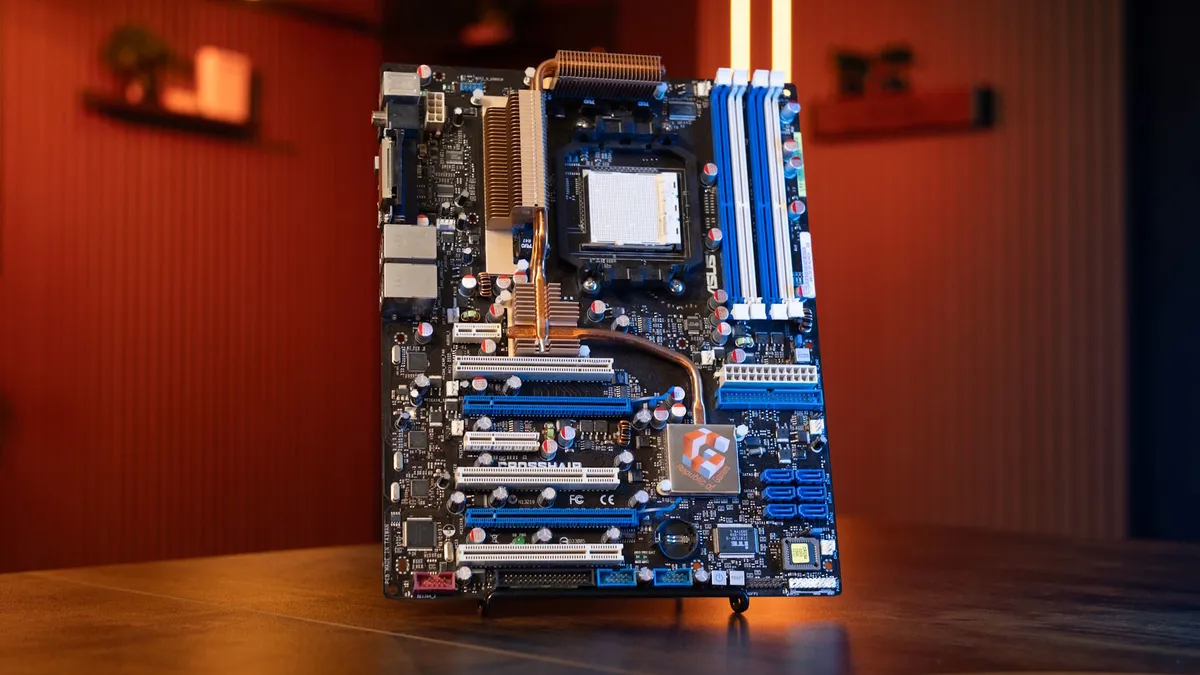
I don't really care, though. To me, the Crosshair 2006 is all about remembering the grand old times of PC modding, tweaking, and messing about. I'm not suggesting that it was better or easier to do back then; it's just that there were bigger gains to be found from overclocking stuff compared to what you can typically get with today's hardware.
This motherboard isn't a return to those days, just a visual reminder of my glory days of PC hardware schenanigans, and there's nothing wrong with that.
1. Best AM5 - AMD Ryzen 9000/7000:
MSI MAG X870 Tomahawk WiFi
2. Best budget AM5 - AMD Ryzen 9000/7000:
Asus TUF Gaming B650-Plus WiFi
3. Best midrange AM5 - AMD Ryzen 9000/7000:
ASRock B850 Steel Legend WiFi
4. Best AM4 - AMD Ryzen 5000/3000:
Asus ROG Strix B550-E Gaming
5. Best LGA1851 - Intel Core Ultra 200S:
Asus ROG Maximus Z890 Hero
6. Best budget LGA1851 - Intel Core Ultra 200S
ASRock B860 Steel Legend Wi-Fi
7. Best LGA1700 - Intel 14/13th Gen:
MSI MAG Z790 Tomahawk WiFi
8. Best budget LGA1700 - Intel 14/13th Gen:
Asrock B760M PG Sonic WiFi