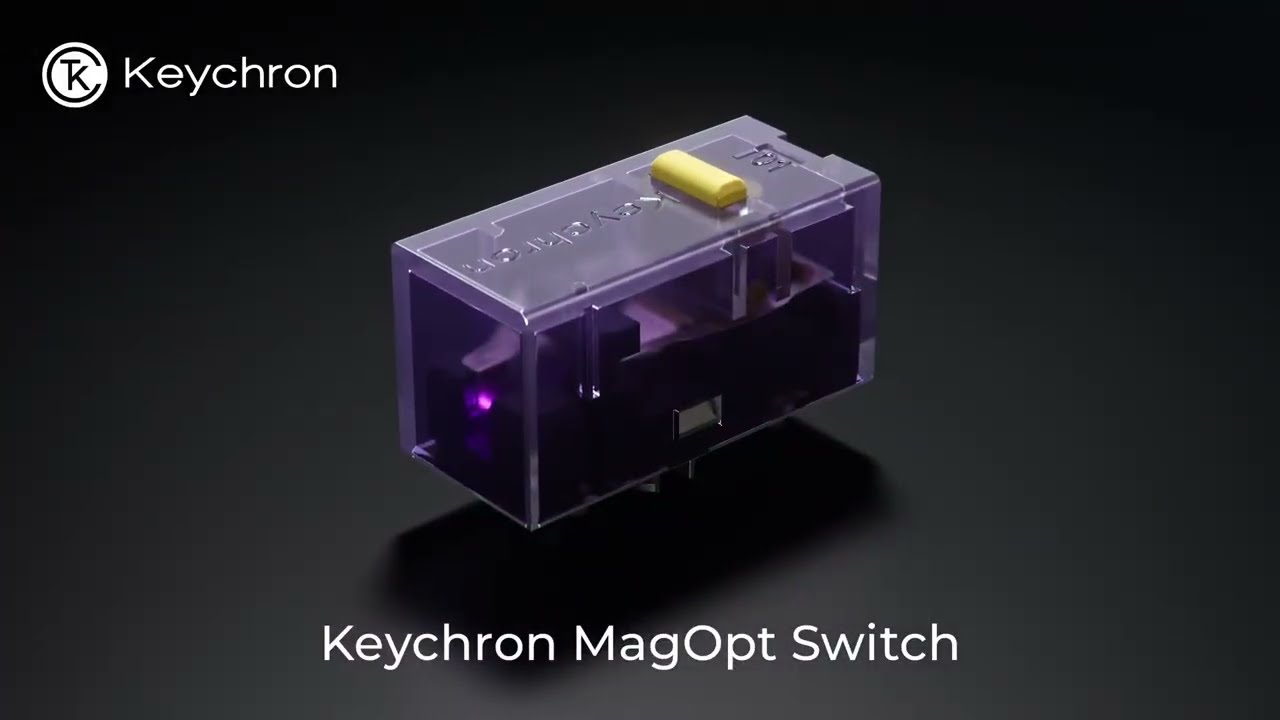
"Tune your trigger, fire faster," says Keychron about its upcoming magnetic-optical hybrid mouse switch, in words that ring very familiar in the wake of the Logitech G Pro X2 Superstrike. And I'm kind of shocked at just how soon after the launch of the Superstrike's magnetic switches we're seeing a hybrid version that allows you to toggle between traditional clicks and analogue magnetic ones like in the Superstrike.
"Freely switch between traditional Optical Mode and Linear Magnetic Mode in Keychron Launcher web app. Get non-contact reliability, no contact bounce, and a faster, cleaner trigger signal."
The mechanism in Keychron's upcoming MaOptic switch is incredibly neat. Pushing down on the mouse button moves a metal strip between the optical scanner on one end, and on the other end the plunger moves down its electromagnetic path. The simple but ingenious thing that ties it all together is a strip of metal that has the optical side of the equation moving in tandem. You can check it out in the video above.
Naturally, I'll be eager to see just how well it works in practice and whether there are any quality control issues. Will the strip of metal always remain aligned properly for accurate and responsive clicks, for instance? Will the switches be more prone to failure?
Saying that, it's Keychron, and our experience of Keychron products here at PC Gamer has generally been pretty great. I've personally used a Keychron Hall effect keyboard extensively and found build quality and quality control to be good.
We've already seen hints of analogue mouse switches riding swiftly off the back of the Superstrike, though none are on the market yet. I really didn't expect to see a hybrid one so soon, though, even if it just an announcement.
A new species is coming. One switch. Two trigger modes.Meet the Keychron MagOptic Micro Switch — freely switch between Optical Mode and Magnetic Mode in Keychron Launcher web app while preserving a crisp clicky feel.Faster. Cleaner. More durable. More👉 https://t.co/P2pe9m8Qar pic.twitter.com/UUVUXSzCDwMay 9, 2026
The benefit to Keychron's hybrid approach here is that gaming mouse brands won't necessarily have to segment their market. One concern I had about the shift in the market the Superstrike might bring was that it could split the market in two and make gaming mouse manufacturers not know whether to make something with mechanical, optical, or magnetic switches. With a hybrid solution like this, there's no segmenting needed.
Assuming it works well and doesn't cost an arm and a leg, of course, which will be precisely the question.
Speaking of questions, though, I do have some. Keychron says "Hall sensing preserves a crisp clicky mechanical feel while enabling adjustable actuation points and Rapid Trigger functionality", but this click will need to be adjustable depending on where the actuation is set. The Superstrike achieves this with its bespoke haptics—will Keychron have the same? And if so, how will it 'disable' the traditional click sound and feel on the optical side?
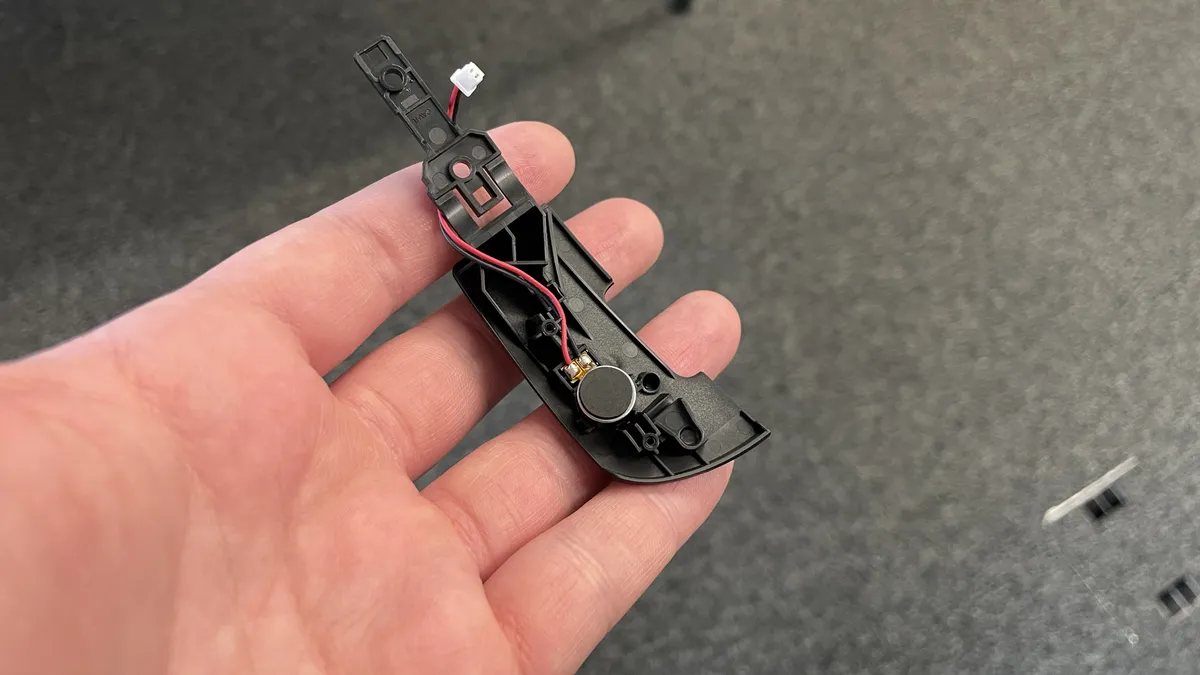
Keychron says: "The Keychron MagOptic Switch is designed to preserve a defined clicky mechanical-style feel through the metal leaf spring structure in Magnetic Mode. Hall sensing handles trigger detection in the background, allowing advanced features without sacrificing crisp tactile feedback."
But this doesn't seem to answer the adjustable part. Perhaps Keychron has a clever solution, we'll have to wait and see, but as it stands and judging by the metal leaf structure, it looks like it might not have an adjustable click.
1. Best wireless:
Razer Viper V4 Pro
2. Best wired:
Logitech G502 X
3. Best budget wireless:
Mchose G3 V2 Pro
4. Best budget wired:
Glorious Model O Eternal
5. Best competitive:
Logitech G Pro X2 Superstrike
6. Best lightweight:
Corsair Sabre V2 Pro
7. Best MMO:
Corsair Scimitar Elite Wireless SE
8. Best small:
Razer Cobra HyperSpeed
9. Best ambidextrous:
Logitech G Pro
10. Best ergonomic:
Keychron M5
11. Best customizable:
Orbital Pathfinder