


AV1 promises to dramatically improve video quality when we stream while sucking up less of our internet bandwidth. The issue is you can't just switch everything over to AV1 in an instant. It takes time, dedicated hardware, and streaming protocols. Thankfully, that's all finally coming together with OBS Studio support for AV1 being galvanised alongside beta support on YouTube for the new codec.
OBS Studio version 29.1.0 will add support for AV1 and HEVC streaming using an enhanced version of the RTMP streaming protocol, or Real-Time Messaging Protocol. RTMP has been a pivotal protocol for streaming over the web, but it's also been left without support for modern codecs for quite some time. Thankfully, the Veovera Software Organization has since gotten hold of it and has released an enhanced version with AV1 and HEVC support.
That's a big chunk of the AV1 puzzle all figured out, but the next piece is support across popular streaming platforms. While there's still no word from Twitch as to whether it'll support AV1 anytime soon, YouTube support is currently in beta.
Then you need the hardware, but thankfully we've that bit completely sorted. Nvidia, AMD, and Intel all offer AV1 hardware acceleration in their latest generations of GPU, and Intel's Arc A380 GPU has been earmarked as a cheap way to grab AV1 streaming support if you don't want to reinvest in a more expensive graphics card anytime soon. You can pick an A380 up for as little as $120, and you don't have to actually game on it to use it for the AV1 encoding. Phew.
That's still a large price to pay for AV1 support, but if you're a streamer hoping to improve the quality of your streams for your viewers, this is a great way to do it.
That's because AV1 has been shown to really upgrade streaming quality for the same or even far lower bandwidth requirements as previous codecs. I've been watching a video from YouTuber EposVox on the new OBS version, as they've been able to give it a test ahead of public release, and they recommend the following bitrates for AV1 streaming:
- 4 mbps for 1080p60
- 4–8 mbps for 1440p60
- 10–20 mbps for 4K60
Now compare that to Twitch's recommended 1080p60 bitrate for non-AV1 encoding of 6 mbps and you can already see a big improvement. Though at higher resolutions AV1 could require as little as half the bitrate required for older codecs. That makes sense as in testing AV1 has been shown to offer around a 40% or greater improvement in bitrate for a similar quality over H.264.
That video is also a good way to catch a glimpse of what the quality is like with AV1 enabled for a stream. It looks sharp.
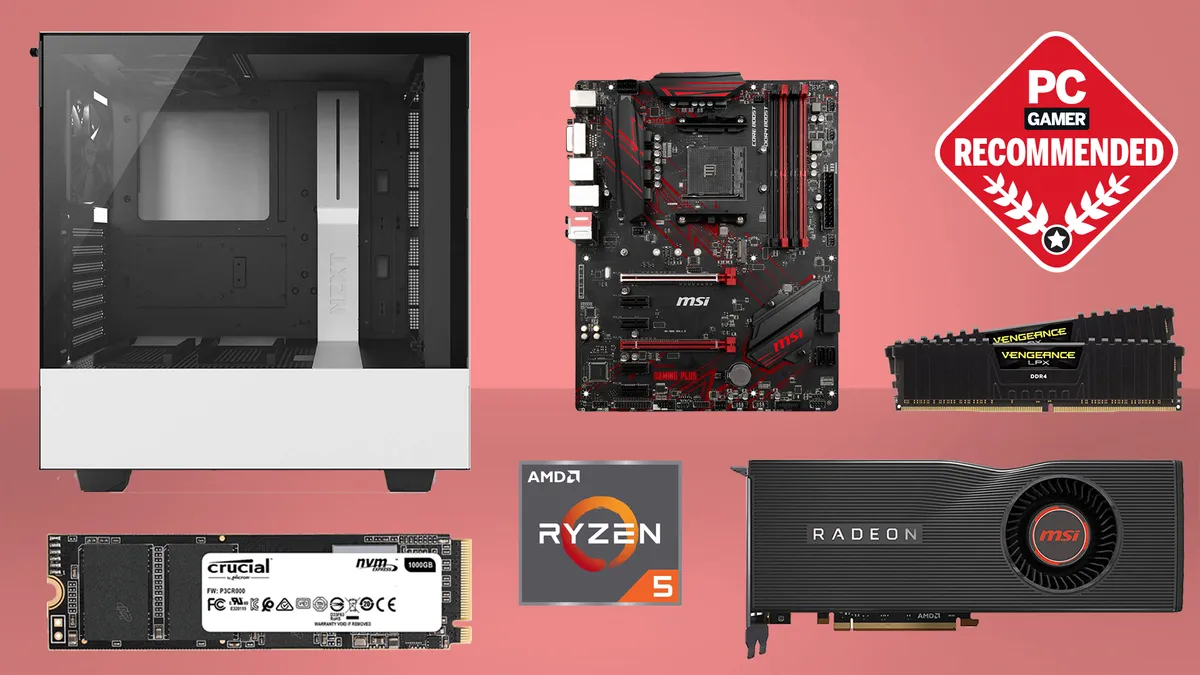
Best CPU for gaming: The top chips from Intel and AMD
Best gaming motherboard: The right boards
Best graphics card: Your perfect pixel-pusher awaits
Best SSD for gaming: Get into the game ahead of the rest
Something to bear in mind, however, is that YouTube isn't delivering pure AV1 to the viewer, it's actually transcoding the live stream for delivery. There's still a big benefit to streaming to YouTube in AV1, but the end result is not quite pure AV1 yet. That said, it still looks great.
Since AV1 also drops bitrate requirements, overall video file size can drop relative to the overall quality. That means, if you don't crank your settings up too high, you should be able to save upload time and storage space with AV1 for both your stream and recordings, too.
If you want to try it out for yourself, and you have the hardware already, you need only wait for the next OBS update to arrive to give it a go. Keep an eye on the OBS Studio github page, as I don't think it'll be too far out now.

