Once you complete Order/Chaos for MIDA in Marathon, Gantry will give you the Protect/Destroy contract, which has five steps. In the trickiest one, Protect/Destroy 3, you need to tag marked locations across Dire Marsh. In other words, paint some MIDA propaganda to spite Orion.
Your artistic ability aside, tagging the marked locations is one of the most vague and confusing objectives across all of Marathon's early quests, and the in-game hint isn't much help. Below, I'll explain how to complete Protect/Destroy 3, including where to find the marked locations you need to tag.
How to tag marked locations to complete Protect/Destroy in Marathon
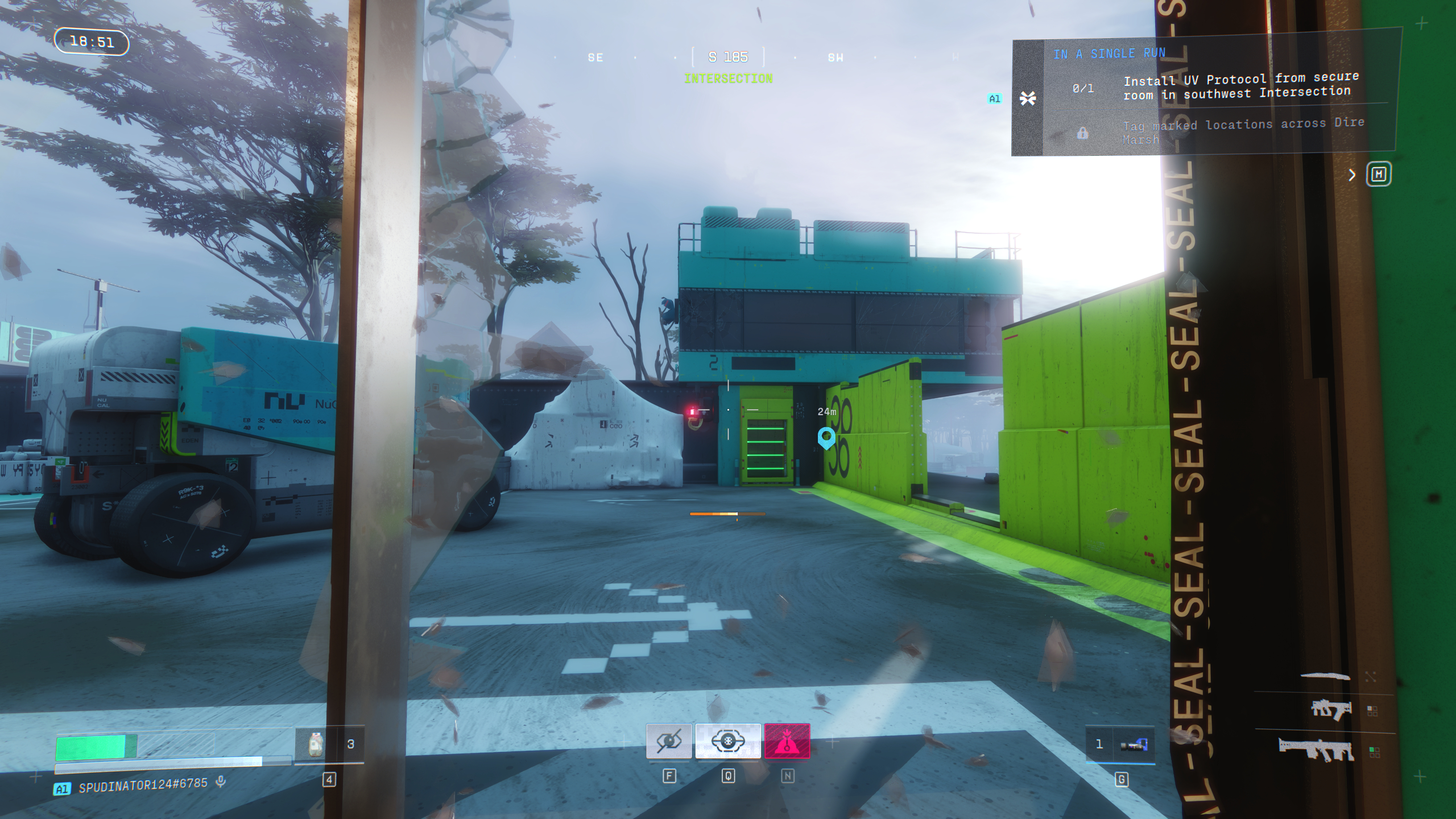
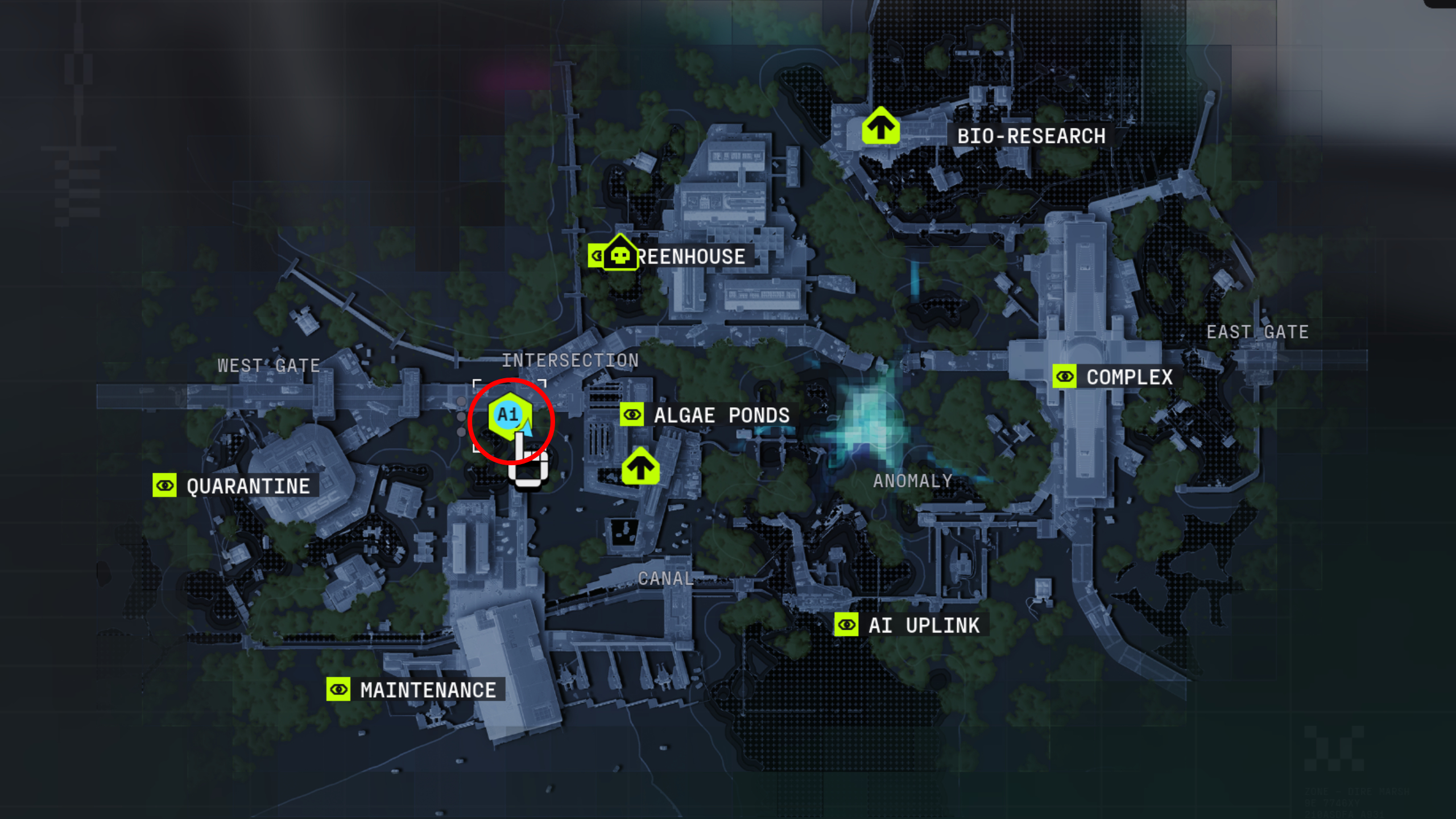
The first step in Protect/Destroy 3 is to install the UV Protocol from the secure room in the southwest of Intersection. As the objective alludes to, you need to break into the locked, blue building in the southwest corner Intersection by shooting the four power boxes. Three are located on the exterior walls, and one is inside above the doorway. Then all you need to do is head upstairs, examine the cabinet, and collect the UV Protocol.
Now, you need to tag three marked locations in either Complex, Maintenance, or AI Uplink. I recommend tagging the locations in Maintenance since it's closest to Intersection, and you need to complete this contract in a single run. You're more likely to get shot if you decide to run halfway across the swamp.
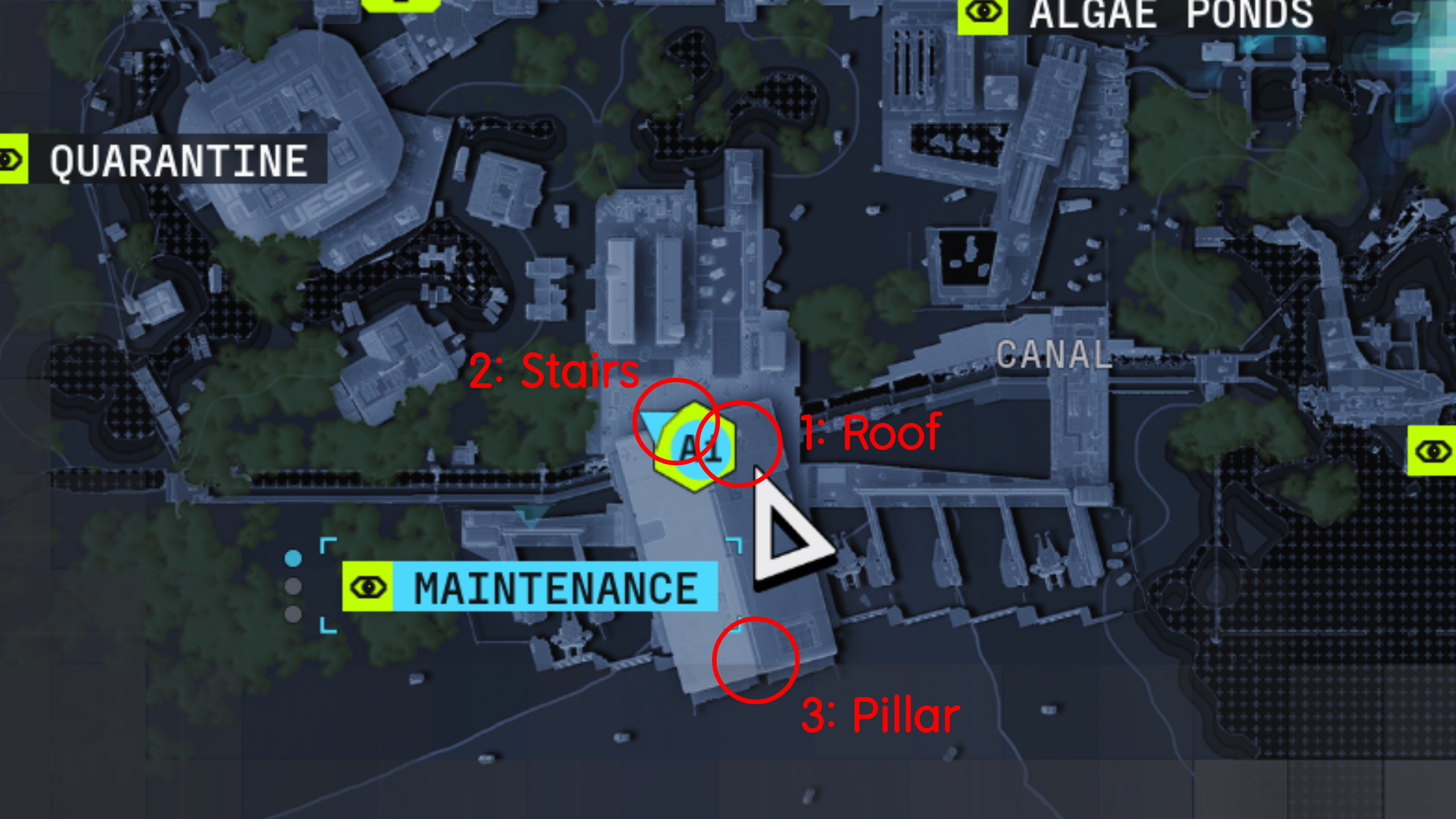
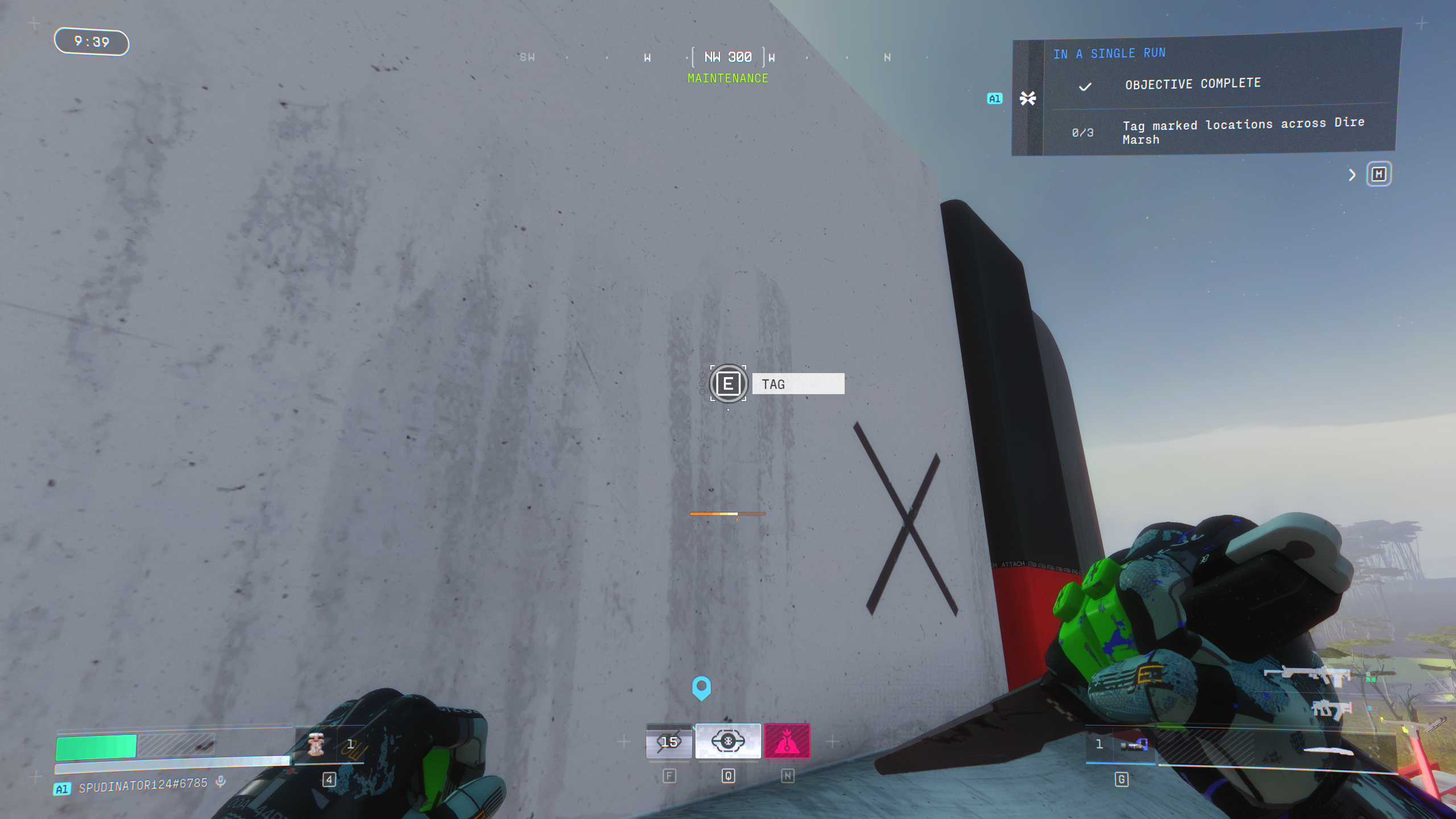
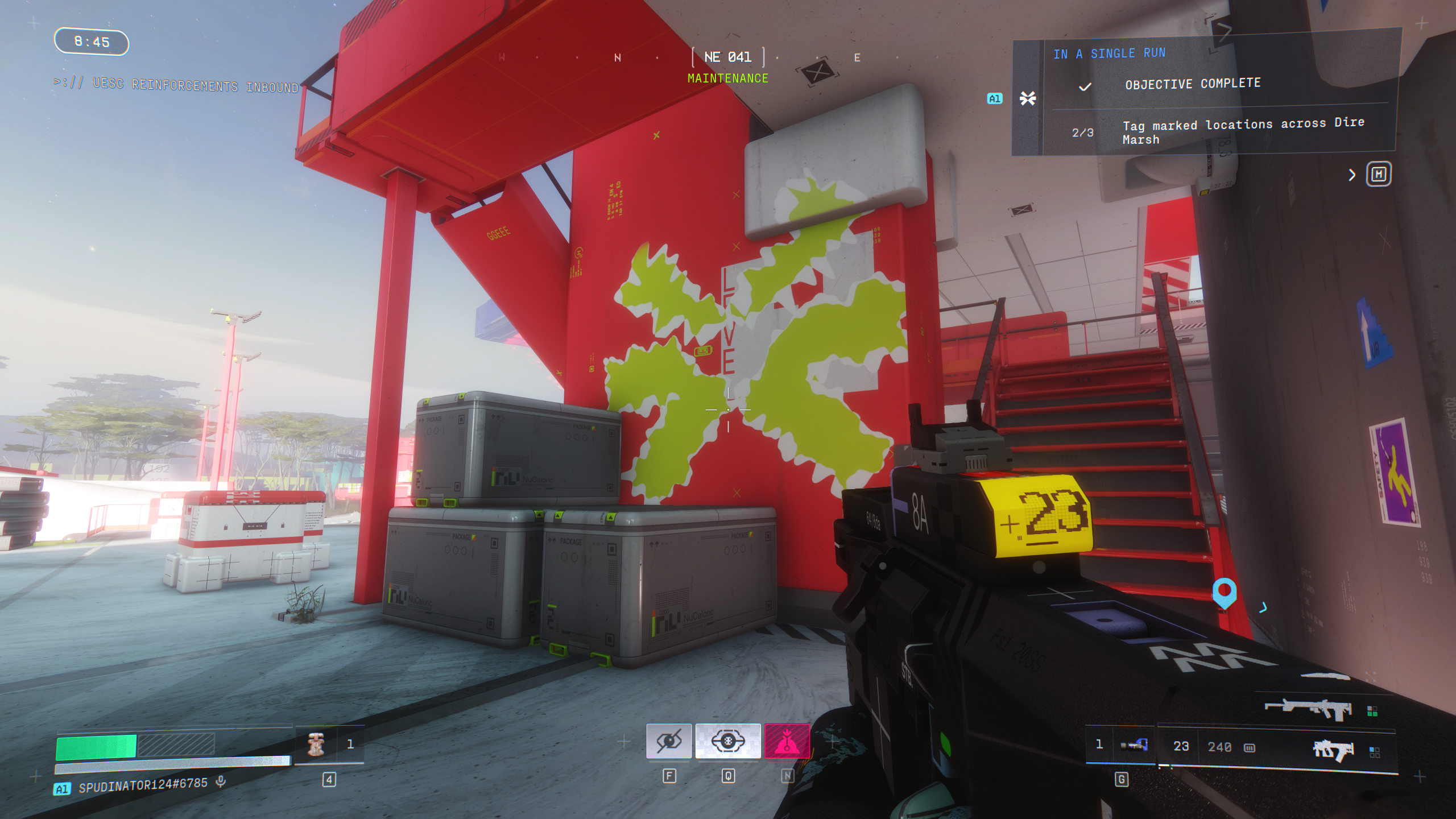
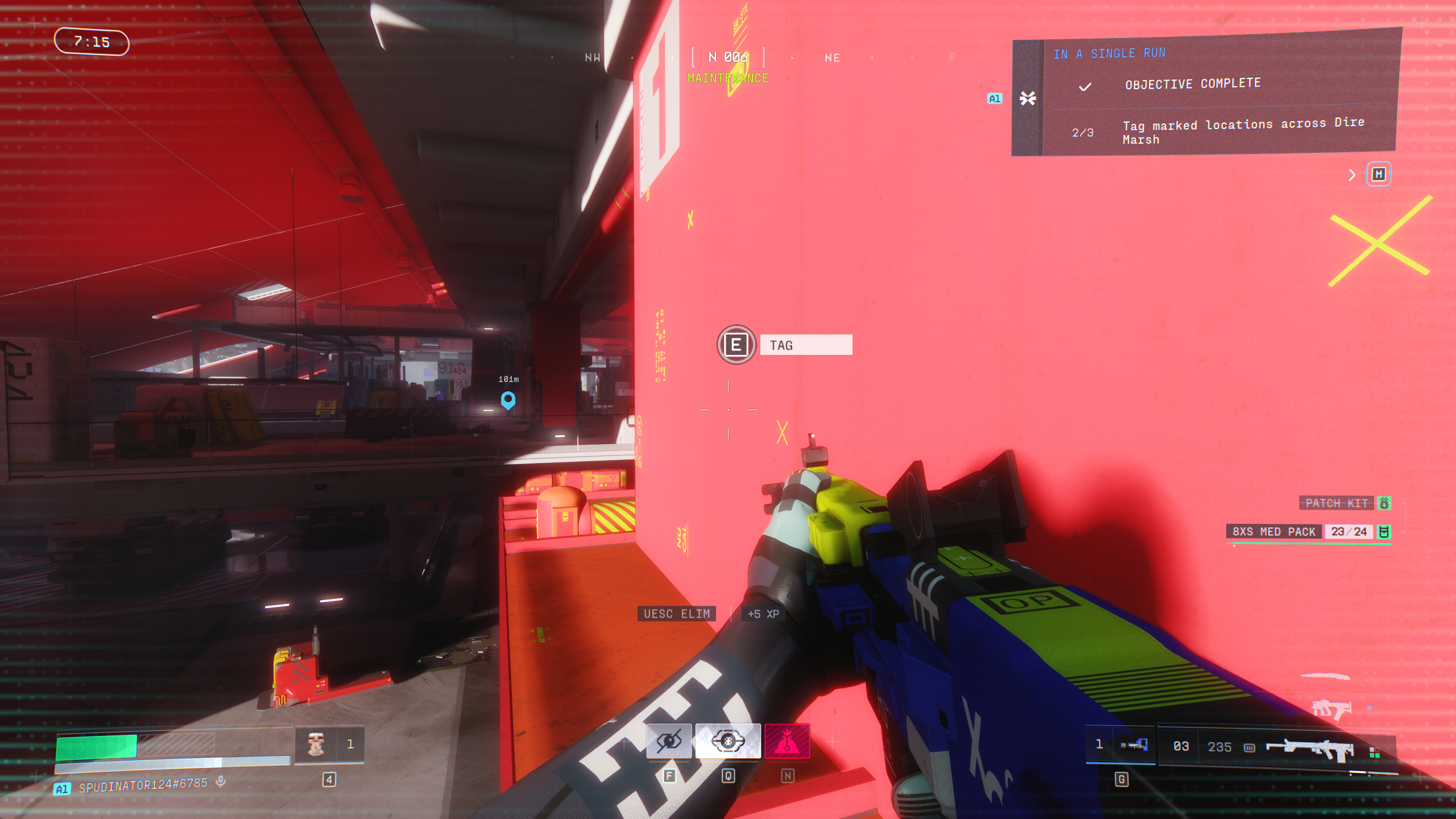
The specific locations you're looking for are blank walls, which will only be marked on your HUD when you're close enough. In Maintenance, find and tag the marked locations below:
- On the northeastern side of the roof: Walk up the sloped roof on the east side and head to the north end, where you can tag the wall dividing both halves of the roof overlooking the cargo area to the north.
- On the red pillar between the staircase at the north entrance: In the centre of the northern entrance, you'll see a red staircase leading to the upper walkways. You can tag the wall supporting the stairs, next to the three large crates.
- On the pillar at the south entrance: In the hangar bay to the south, where Maintenance opens to the swamp, you'll see a large pillar in the centre supporting the roof. You need to reach the ledge halfway up the pillar, so jump up the small walls to the side and climb up.
Tag all three of these locations, and you'll have completed Protect/Destroy 3 even if you don't manage to successfully extract afterwards. You need to do all these steps in a single run. So if you die in the middle you're forced to restart the contract. Maintenance can be a dangerous place for both PvE and PvP, so keep your wits about you.


You must confirm your public display name before commenting
Please logout and then login again, you will then be prompted to enter your display name.