AMD's new Frame Generation technology baked into FSR 3 requires developers to implement it in their games, but there is a simplified version of it that, when activated in drivers, theoretically works in any DirectX 11 or 12 game. However, the first release was a tech preview (aka beta version) and only worked on Radeon RX 7000 cards. The good news is that AMD has now expanded the support for Fluid Motion Frames to include RX 6000-series owners.
For the past couple of weeks, we've all been able to try out AMD's FidelityFX Super Resolution 3 (FSR 3), in two games: Forspoken and Immortals of Aveum. These are using the 'full' version of the frame generation technology, one that has to be specifically coded within a game.
AMD also has this 'light' version, though, called AMD Fluid Motion Frames (AFMF). This one is a driver-level feature and requires no input from developers whatsoever. You just activate the toggle in the drivers and away you go. The first release of AFMF was a technology preview and only those with a Radeon RX 7000-series graphics card could try it out.
Nvidia says its frame generation system in DLSS 3 is limited to the Ada Lovelace series of GPUs because the technology requires that architecture's Optical Flow Accelerator (OFA). AMD doesn't use anything like that in AFMF, as it's just a bunch of shader code, which means there is no logical reason to lock the function to RDNA 3 graphics cards.
AMD did say it was considering expanding AFMF support for older products and true to its word, that's exactly what's happened. Anyone with a Radeon RX 6000-series card can now try it out and all you need to do is install the Adrenalin Edition Technical Preview Driver for AMD Fluid Motion Frames (catchy name). Do note that AMD says this isn't a finalised version of the system and it suggests doing a full driver cleanup before you install them. In other words, it's a beta driver, so expect a few bugs and glitches along the way.
If you're wondering exactly what AFMF is actually doing, the algorithm examines two consecutive frames that have been rendered as normal. Since these are nothing more than an array of coloured pixels, the routine just looks at how these have changed in the sequence of frames. From this information, an entirely new frame is generated and placed between the two rendered frames in the queue for presenting on the monitor.
The end result is that moving scenes now look smoother because of the higher frame rate. However, since the game engine doesn't get involved in the making of the generated frame, no input changes or results from an AI routine will be reflected in the extra frame. This is why if you move around quickly in a game when AFMF is enabled it will actually deliberately pause frame interpolation while you're throwing your mouse about frantically.
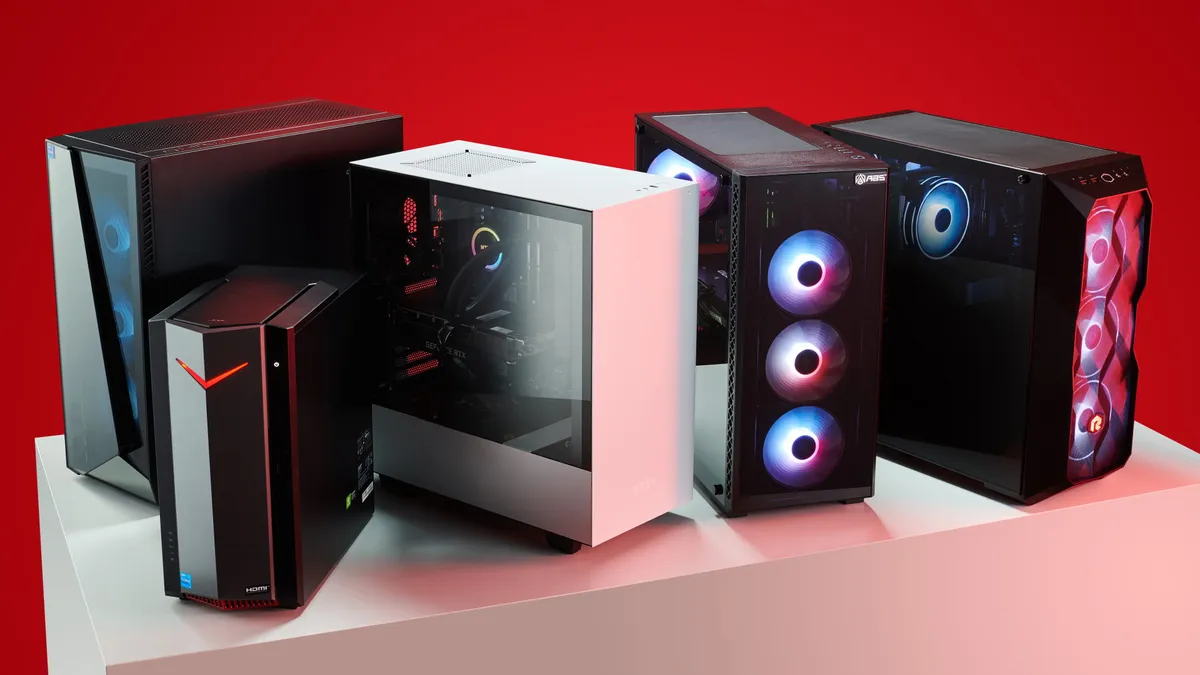
Best gaming PC: The top pre-built machines.
Best gaming laptop: Great devices for mobile gaming.
In short, games look smoother but don't necessarily feel any smoother. In fact, they might feel like they're playing slightly worse because rendered frames are being delayed slightly before they appear on your monitor. This is why frame generation is generally only recommended for games that are entirely CPU-limited or if you're already running at 60 fps, for example.
AFMF can't produce results as good as the full version of AMD's frame generation algorithm because it doesn't use a motion vector buffer as part of the routine. Think of this motion vector buffer as being a snapshot of the scene that shows the direction and speed of any moving triangle in the frame. Without this motion data, frame interpolation can often look blurry or leave ghost-like trails everywhere.
But since using AFMF requires you to do nothing more than toggle it on in the Adrenalin control panel, it's worth experimenting with at the very least. If you don't like what you see, just deactivate the feature. And with this new driver, now more of us can mess about with it and see its benefits for ourselves!