





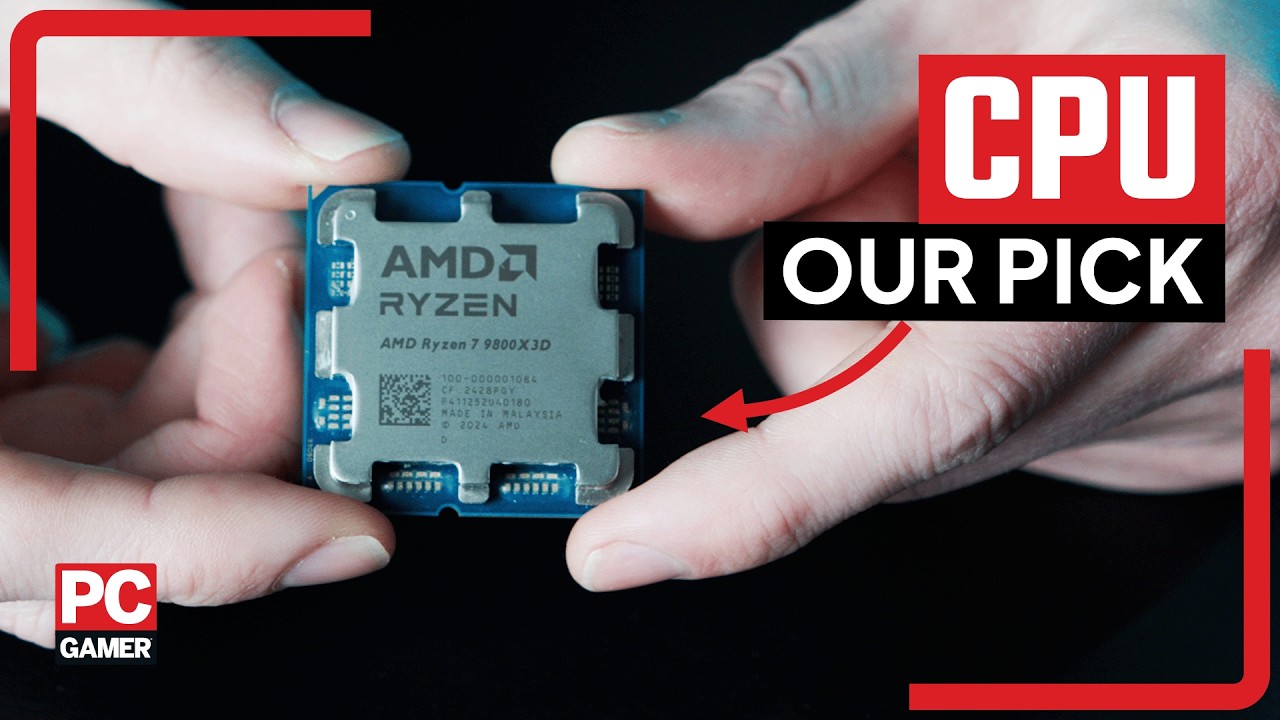
The best gaming CPU used to be one of the most hotly contested titles in the industry, but as things currently stand, AMD sweeps the board in almost every category. It's not that Intel's chips are necessarily bad (I mean, they've not been great until the release of Arrow Lake refresh), but it's simply a case that Ryzen processors are just better for gaming.
AMD's 3D V-Cache CPUs are still untouchable when it comes to games, and the best gaming CPU is the exceptional AMD Ryzen 7 9800X3D. That might come as a surprise to anyone who's been paying attention to the market, as the red team only recently launched a higher-clocked version, the AMD Ryzen 9850X3D. It is a slightly faster chip, but only by a couple of percentage points, and demands a huge amount more power from your PSU in return. In short, it ain't worth it.
The 16-core Ryzen 9 9950X3D still provides stiff competition at the very high end; however, for its price, the cheaper eight-core 9800X3D is the right choice from a pure gaming standpoint. For a much more affordable option, the best budget gaming CPU is the AMD Ryzen 5 5500, thanks to its ultra-low price tag, and the Intel Core Ultra 5 250K Plus is the best mid-range chip you can buy, thanks to its excellent all-round performance.
How long AMD will stay on top remains to be seen, but right now, picking up an excellent CPU for gaming has never been easier. Or comparatively affordable when you look at the rest of the market. Now, upgrading your RAM alongside it... now, there's a trick.
The quick list

The best gaming CPU
Even in the face of the newer Ryzen 7 9850X3D, the original remains our pick. Now fully unlocked for overclocking, the powerful and efficient Ryzen 7 9800X3D is by far the best CPU for gaming, though its predecessor, the Ryzen 7 7800X3D, is still very good.

The best budget CPU
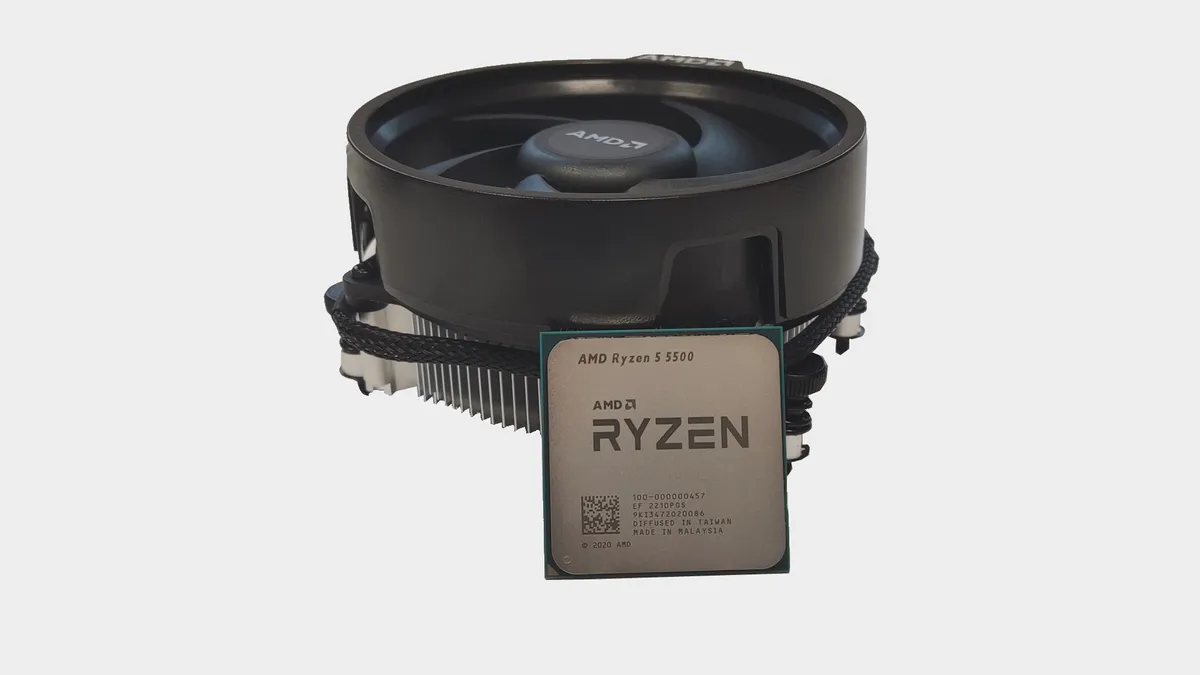
Thanks to the global memory crisis and its ultra-low price tag, the Ryzen 5 5500 is easily the best budget chip you can buy right now. There are better CPUs for gaming, but they all cost a whole lot more than this one.

The best mid-range CPU
If you want a CPU that's great for gaming, content creation tasks of all kinds, and won't burst your wallet clean open, then Intel's Core Ultra 5 250K Plus is the one to choose. With an MSRP of $199, it stands head and shoulders above everything else.

The best high-end CPU
When it comes to demanding multithreaded workloads, the Ryzen 9 9950X3D is the fastest desktop CPU. There's nothing to beat it, not even the Core i9 14900K. It also happens to offer stellar performance in games at the same time.

The best AMD AM4 upgrade
The AMD AM4 motherboard platform has been around since before Ryzen appeared, so chances are that if you have an older Ryzen-based PC, it's using AM4. The Ryzen 7 5700X3D is currently the best bang for your buck you can get for the older platform and it's a great gaming CPU.

The best integrated graphics
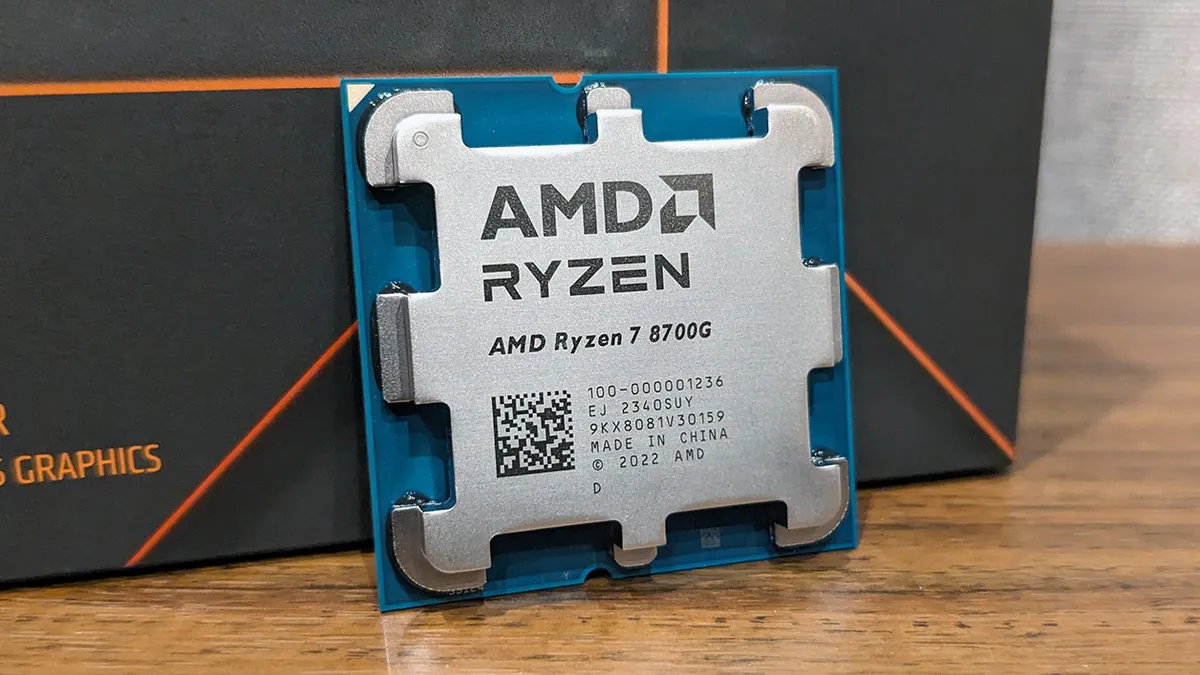
As a Phoenix laptop APU in a desktop chip format, the Ryzen 7 8700G has the full 780M iGPU, which is able to deliver 1080p gaming without a graphics card. For a $330 chip, it's something you could create a great budget machine around.

Jacob knows a thing or two about CPUs. The first being which to spend your hard-earned money on; he's tested, benchmarked, and tinkered with chips from Intel and AMD going back half a decade. The second is what not to do when overclocking to keep your processor alive. He's killed a chip or two in his time, but all in the name of science. Promise.
March 23, 2026: We have changed our recommendations for the best budget and mid-range gaming CPUs to the old Ryzen 5 5500 and the new Core Ultra 250K Plus, respectively. With the price of DDR5 being sky-high and the 5500 being so cheap, the former was an easy decision to make, as was the latter, because the 250K Plus is a seriously great processor.
February 6, 2026: After having reviewed the Ryzen 7 9850X3D, we've updated the guide to reflect the new player in town, and we've also added a new explainer video at the top explaining just why the ol' Ryzen 7 9800X3D remains our favorite processor no matter what.
November 17, 2025: We've added the AMD Ryzen 5 7500X3D to the Also Tested section, which suggests that we don't fully recommend it. We do, as it's a great alternative to the Ryzen 5 7600X if you want outstanding gaming performance, but if your budget is tight, then you're better off sticking with the non-3D V-cache processor.
Best gaming CPU




1080p gaming performance
Gigabyte X870E, 32 GB DDR5-6000, RTX 4070
| Product | Value |
|---|---|
| AMD Ryzen 7 9800X3D | 146 Avg FPS, 76 1% Low FPS |
| AMD Ryzen 7 9850X3D | 141 Avg FPS, 78 1% Low FPS |
| AMD Ryzen 7 7800X3D | 118 Avg FPS, 77 1% Low FPS |
| AMD Ryzen 9 9950X3D | 147 Avg FPS, 84 1% Low FPS |
| Intel Core Ultra 9 285K | 94 Avg FPS, 66 1% Low FPS |

✅ You want the best gaming CPU: If you're after the processor which offers you the best chance of getting the highest frame rates out of your graphics card, then this is it.
✅ You want an efficient gaming chip: This chip offers lower power draw and temperatures than any other modern CPU we've tested under gaming workloads.
❌ You already have a Ryzen 7 7800X3D: Yes, the new chip is faster, but not so much faster that it would be worth spending the same again on a new CPU. It will go into the same socket, however, so if you find a worthy buyer for your older processor...
❌ You value high core counts outside of gaming: The Ryzen 9 9950X3D has the same high gaming performance but also offers a further eight cores, if multithreaded chops is what you're really after.
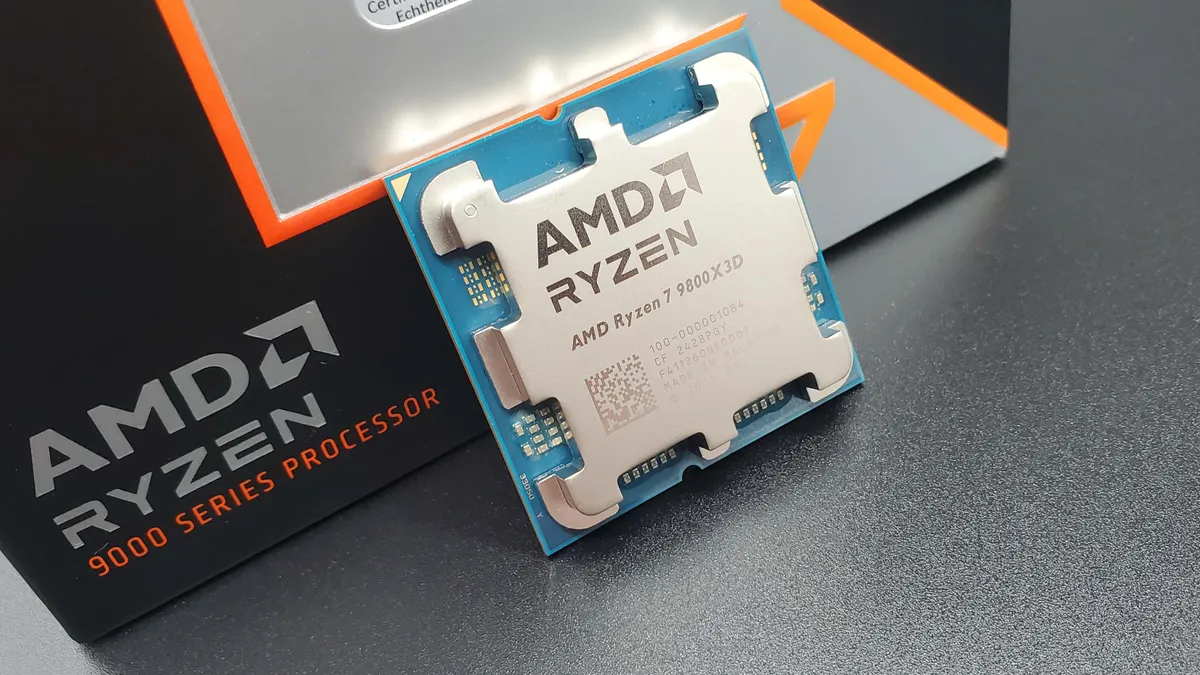
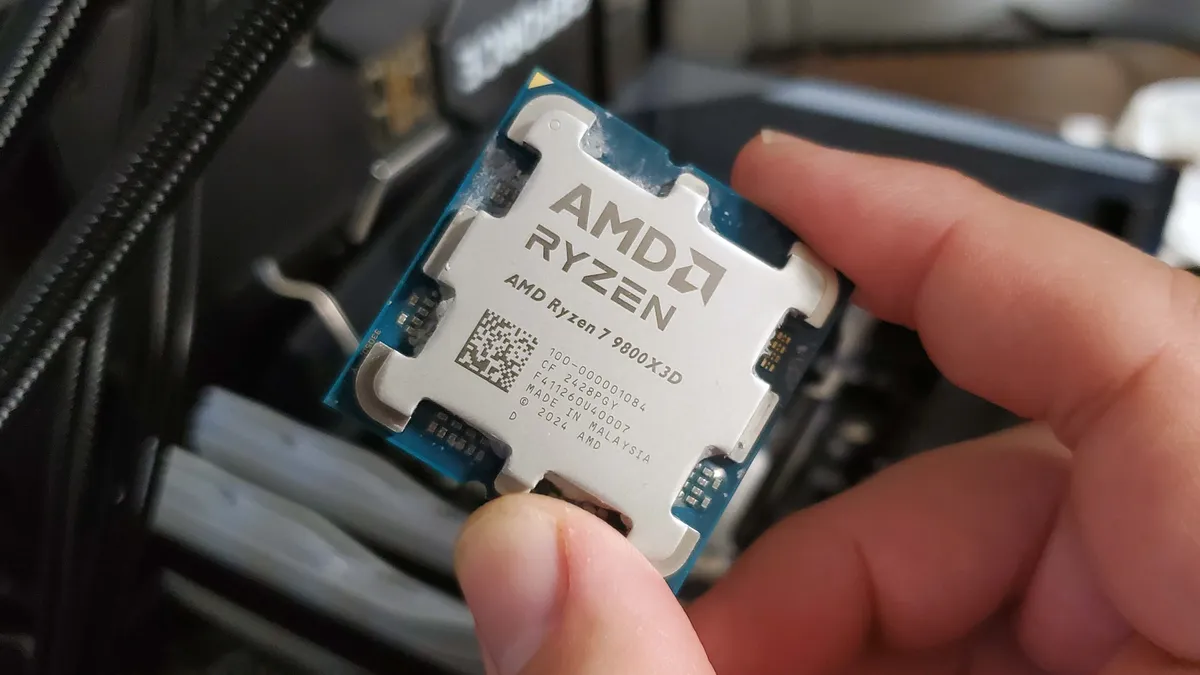
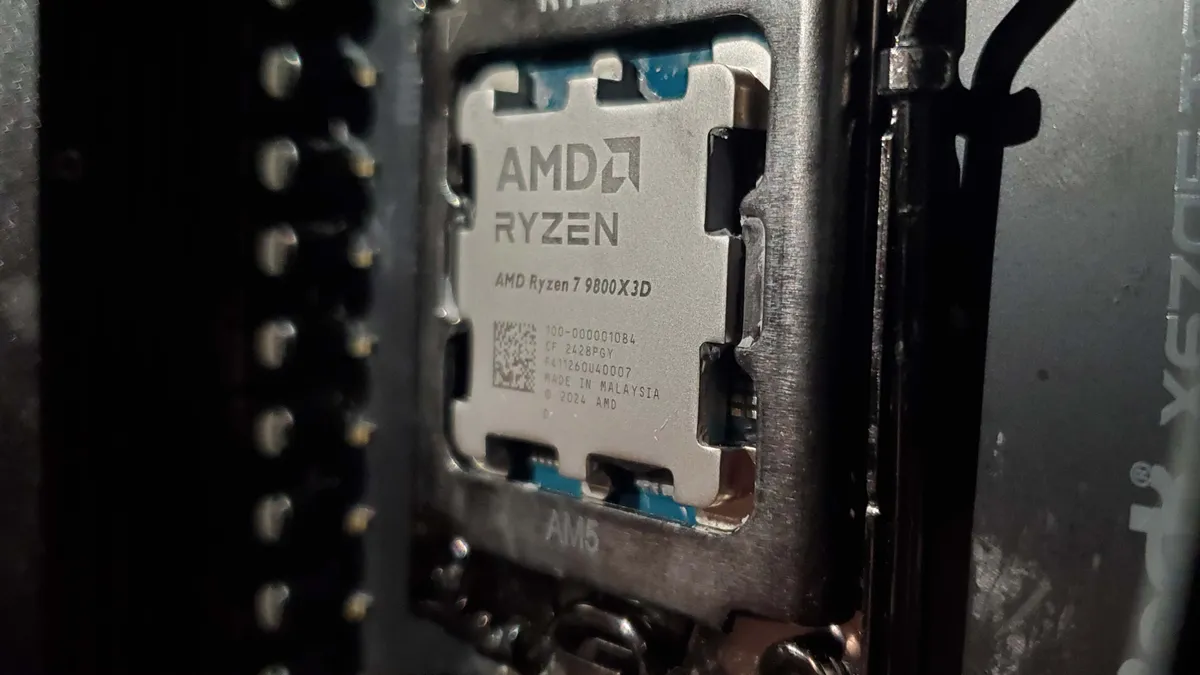
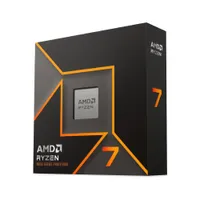
It used to be the Ryzen 7 7800X3D, and AMD would like you to believe it's the new Ryzen 7 9850X3D, but despite all that, the AMD Ryzen 7 9800X3D remains the best gaming CPU you can buy right now. The second generation of 3D V-Cache technology marks it out against the original 7000-series chip, and the fact the new CPU is just an overclocked version of the 9800X3D—but with ludicrous power demands—means it's not going to get our nod, either.
One of the problems with the first generation of X3D tech is that the extra slice of L3 cache had to be bonded to the top of the CCD (core complex die). The additional layer of silicon meant that AMD's engineers couldn't push the chip's clock speeds very high because the 3D V-Cache would act as a thermal barrier.
That's been resolved for the second generation, and the extra L3 cache now lies underneath the CCD, allowing the chip to run free rein with its clocks. So much so that the Ryzen 7 9800X3D is the first 3D V-Cache chip to come unlocked, letting you overclock it to your heart's content.
While AMD's other Zen 5-powered processors were a little disappointing, in terms of how much better they were than their predecessors, it's clear that AMD was saving its star of the show for a later appearance, and it couldn't have come at a better time. Intel's Core Ultra 200S range has much better power efficiency than previous chips, but gaming performance took a hit to get energy consumption under control.
The Ryzen 7 9800X3D, though, has improved gaming power consumption and better gaming performance. In the likes of Baldur's Gate 3 and Homeworld 3, games that are heavily CPU-limited, the 9800X3D sweeps Arrow Lake aside and even makes the standard Zen 5 chips look average in comparison.
Of course, the more GPU-limited a game is, the less of an impact that extra cache will have, so it's not like the new chip will top the charts in every situation. And if you already have a Ryzen 7 7800X3D in your gaming PC, then there's little reason to upgrade, unless you absolutely must have the very best performance.
It's also worth noting that this is still an eight-core, 16-thread processor, so there are better CPUs for handling content creation tasks (such as rendering or video editing) from AMD and Intel. In those cases, core counts really do matter, so if you use your PC for more than just gaming, you might want to consider the mighty Ryzen 9 9950X3D.
The Ryzen 7 9800X3D is undeniably the best gaming CPU you can buy. Drawing just 77 W on average in Baldur's Gate 3 is an astonishing achievement. There's only one other chip that stands in the 9800X3D's way of total dominance, and that's the Ryzen 7 7800X3D.
AMD has no plans to phase it out yet, and although high demand has kept stocks low and prices high, the release of the 9800X3D should ease those issues somewhat. No matter which chip you get, though, you're still going to have an outstanding gaming processor.
Read our full AMD Ryzen 7 9800X3D review.
Best budget CPU for gaming




1080p gaming performance
| Product | Value |
|---|---|
| AMD Ryzen 5 5500 | 154 Avg FPS, 100 1% Low FPS |
| AMD Ryzen 5 5600X | 169 Avg FPS, 109 1% Low FPS |
| Intel Core i5 12400 | 167 Avg FPS, 119 1% Low FPS |
✅ You want a genuinely cheap CPU: When it comes to pure budget, there's nothing to beat the Ryzen 5 5500. You have to spend a lot more cash to get something better.
❌ You don't want to use an AM4 motherboard and DDR4 RAM: While last-gen memory DIMMs are cheaper than current DDR5 offerings, you'll need a whole new kit and motherboard if you plan on upgrading to a modern X3D chip in the future.
When it first appeared in the summer of 2022, we didn't rate AMD's cut-down budget chip very highly. Sure, it was cheap, but for only a little more money, you could pick up a far superior gaming CPU. However, that was all before the global memory crisis, and paired with a huge price cut, the Ryzen 5 5500 is now the best budget gaming processor worth buying.
Essentially, it's nothing more than a Ryzen 5 5600X with lower clock speeds. But if you look at the above performance results, you'll see that there's a little more to it than that. The reason why the 5600X performs so much better is that it has 32 MB of Level 3 (L3) cache, whereas the 5500 has to make do with 16 MB.
In productivity and content creation workloads, it's not much of an issue, but the relative lack of cache does pull the Ryzen 5 5500 down in games.
But even so, it's not slow by any means, and if you wanted to get into PC gaming on a very tight budget, this is the CPU you should get. Especially given that the cost for 16 GB of DDR5-3200 is almost half the price of an equivalent amount of DDR5.
Unlike with its latest chips, AMD includes a Wraith Stealth air cooler with this processor, and while it's not the best you can have (it's noisy at full load), you're saving some money this way.
You won't even struggle with finding a decent AM4 motherboard at a sensible price, either, because there are plenty of older models still being manufactured, and many of them can be picked up for less than $90.
By all rights, the Ryzen 5 5500 shouldn't be the best budget gaming CPU because of its age, limited upgrade options, and performance relative to the Ryzen 5 5600X. But in today's memory climate, it's now the sensible choice for wallet-friendly PC gaming.
Read our full Ryzen 5 5500 review.
The best mid-range CPU


1080p gaming performance
| Product | Value |
|---|---|
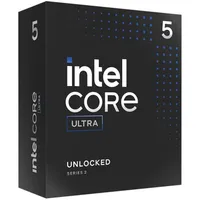
| Intel Core Ultra 5 250K Plus | 118 Avg FPS, 93 1% Low FPS |
| Intel Core Ultra 7 265K | 117 Avg FPS, 90 1% Low FPS |
| Intel Core i5 14600K | 116 Avg FPS, 87 1% Low FPS |
| AMD Ryzen 7 9700X | 99 Avg FPS, 59 1% Low FPS |
| AMD Ryzen 5 9600X | 107 Avg FPS, 72 1% Low FPS |
✅ If you want an affordable CPU that can do it all: Intel's first Arrow Lake chips weren't so hot in games, but not any more. The 250K Plus excels in gaming and content creation, and it's well worth the $199 price tag.
❌ If you want to upgrade the CPU in the future: Since the 200S Plus chips are likely to be the last for Intel's LGA 1851 socket, you'll need to buy a new motherboard if you want a better processor in three or four years.
It's fair to say that when they first came to market, Intel's Core Ultra 200S range of processors was pretty disappointing. Over-priced and under-performing in games, you really only picked one if you wanted outright processing performance for content creation. With the Arrow Lake refresh, though, that's all changed, and the Core Ultra 5 250K Plus is now the best mid-range CPU you can buy.
You get a heck of a lot of processor for the money: 18 cores (six P-cores, 12 E-cores), 18 threads, a 5.3 GHz boost clock, 30 MB of L3 cache, and a TDP of 125 W. AMD's Ryzen 7 9700X might run faster and use less power, but when it comes to actual gaming and processing performance, the Ultra 5 250K Plus is better in most situations.
With the refresh, Intel's 200S Plus chips officially support up to DDR5-7200 without overclocking the memory controller, but they work just as well with slower memory.
The Core Ultra 7 270K Plus is an even more potent chip, outperforming the Core Ultra 9 285K in games, and while it's only $100 more expensive than the 250K Plus, you'd only consider the 270K Plus if you needed vast amounts of multithreading. For everyday use, gaming and work, the 250K Plus is all you really need.
AMD's Ryzen 7 9800X3D is superior in gaming, of course, but it's also more than double the price of the 250K Plus. For some PC enthusiasts, the extra money is worth it, but you certainly won't be disappointed with how well Arrow Lake refresh chips run.
There's really only one downside to the new chip, and it's the fact that the 200S Plus models are likely to be the last processors that Intel releases for its LGA 1851 socket. So if you want to upgrade from the 250K Plus at some point in the future, you'll need to buy a new motherboard, too.
If that's not an issue for you, then you'll be more than happy with the Intel Core Ultra 5 250K Plus in your gaming PC.
Read our full Intel Core Ultra 5 250K Plus review.
Best high-end CPU




1080p gaming performance
| Product | Value |
|---|---|
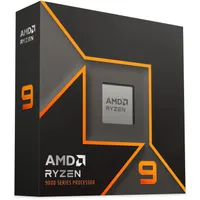
| AMD Ryzen 9 9950X3D | 147 Avg FPS, 84 1% Low FPS |
| AMD Ryzen 9 9950X | 104 Avg FPS, 71 1% Low FPS |
| Intel Core Ultra 9 285K | 94 Avg FPS, 66 1% Low FPS |
✅ You want the best desktop chip for content creation and gaming: The Ryzen 9 9950X3D beats everything else, including the Core i9 14900K, when it comes to multithreaded workloads and matches the Ryzen 7 9800X3D in gaming.
✅ You have the funds: At $699, this is both the best chip for content creation and dual best for gaming. The previous 9950x will be a cheaper choice for content creators who don't game seriously and the Ryzen 7 9800X3D will get you essentially the same gaming performance for hundreds of dollars cheaper. If you want both though, this is the way to go.
❌ You want a cool office: The 9950X3D can get quite hot in gaming, and though there is an Eco mode to keep things a bit cooler, you take a hit in performance by using it.
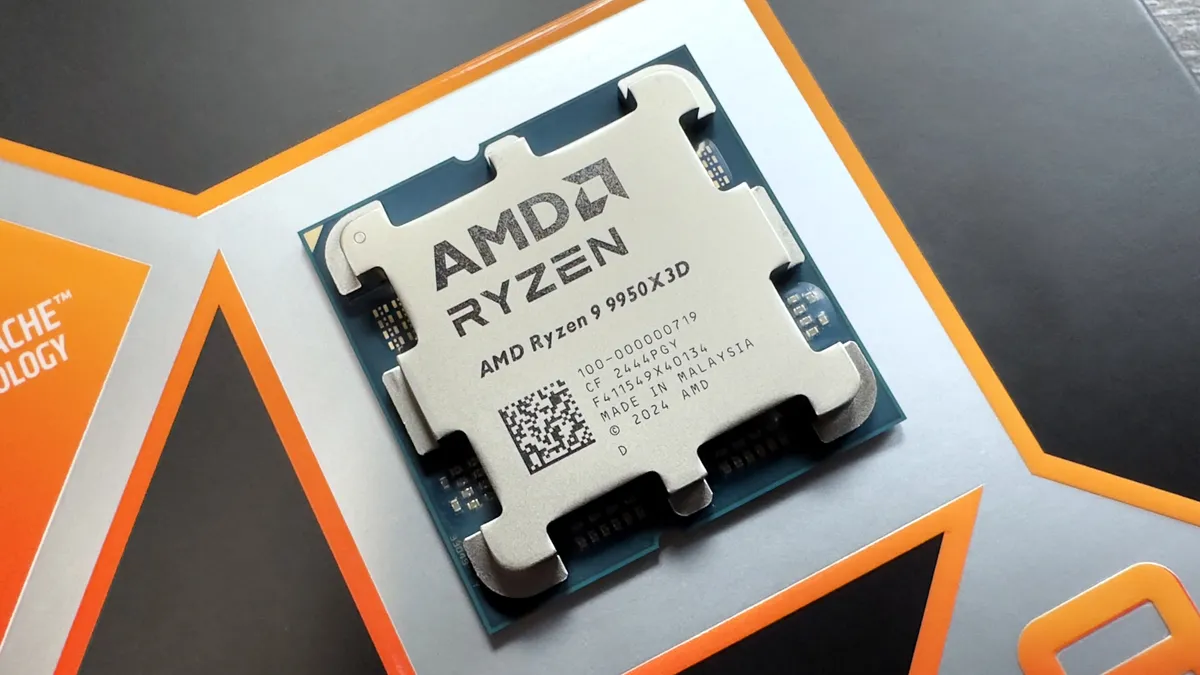
Our previous recommendation for the best high-end CPU was the Ryzen 9 9950X, due to its thundering content creation performance, but it launched with merely okay gaming performance. Now, the best high-end CPU is its 3D V-Cache follow-up, the Ryzen 9 9950X3D, which outperforms or matches it in all our metrics.
Notably, the 9950X3D is both the best chip for content creation and gaming right now, but the catch is you really need to be doing both with your PC regularly to justify the beefy price tag.
If you want to create images, work with music, and edit videos, you can get the same basic productivity performance from the slightly cheaper 9950XD. And the Ryzen 7 9800X3D will offer comparable gaming performance for a few hundred dollars less.
However, if you plan on doing both and have the funds for it, this is the absolute best chip on the market. As noted in our review, the 9950X3D is "nothing more than a Ryzen 9 9950X—same cores, same clocks, same power—with one of the CCDs (Core Complex Dies) being home to a slice of 2nd generation 3D V-Cache".
As such, it does come with the problem that dual CCDs do. AMD reckons it has compatibility down, though, and our performance figures certainly suggest it's more plug-and-play (or thermal paste and stick) than previous models.
Another thing worth noting about this chip is that it gets hot. We measured an average temperature of 66°C in games, which is the same as the Ryzen 9 9950X but 10°C more than the Ryzen 7 9800X3D. It will keep your rig and room a bit toasty, but it does have an Eco mode, which lowers the power limit, to counteract that somewhat.
Previously, Zen 5 chips were somewhat fussy about motherboard BIOS settings, RAM timings, and Windows configurations, and this made it hard to get the most out of its chips. This explains why the 9950X got better after launch, but those issues are mostly hammered out now, so the 9950X3D benefits from all that work.
This chip is an absolute stunner in almost every way you could want to use your rig. Where games like Cyberpunk 2077 most saw minor performance bumps from the Ryzen 9 9950X, Baldur's Gate 3 managed to achieve a whole 40 average fps more, even slightly outperforming the Ryzen 7 9800X3D, which is specifically designed for gaming and gaming alone.
The Ryzen 9 9950X3D is the best high-end AMD chip we've tested and the fastest processor for professional workloads, full stop.
Read our full AMD Ryzen 9 9950X3D review.
Best AMD AM4 CPU upgrade


1080p gaming performance
| Product | Value |
|---|---|
| AMD Ryzen 7 5700X3D | 91 Avg FPS, 55 1% Low FPS |
| AMD Ryzen 5 5600X | 69 Avg FPS, 44 1% Low FPS |
✅ If you want great gaming on AM4: The 5700X3D delivers excellent gaming benchmarks even compared to some of the more recent AM5 Zen 4 chips, and makes a great upgrade to an AM4 system.
✅ If you want an AM4 upgrade for less: While the 5800X3D is faster, the 5700X3D is much cheaper, and still delivers great performance.
❌ If you want something cool running: The 5700X3D likes to run hot, and needs a good cooling solution to keep it in line.
❌ If you're looking for more longevity: While this is definitely the AM4 chip to buy right now, it's worth considering biting the bullet and jumping on to the AM5 platform for upgradeability in future.
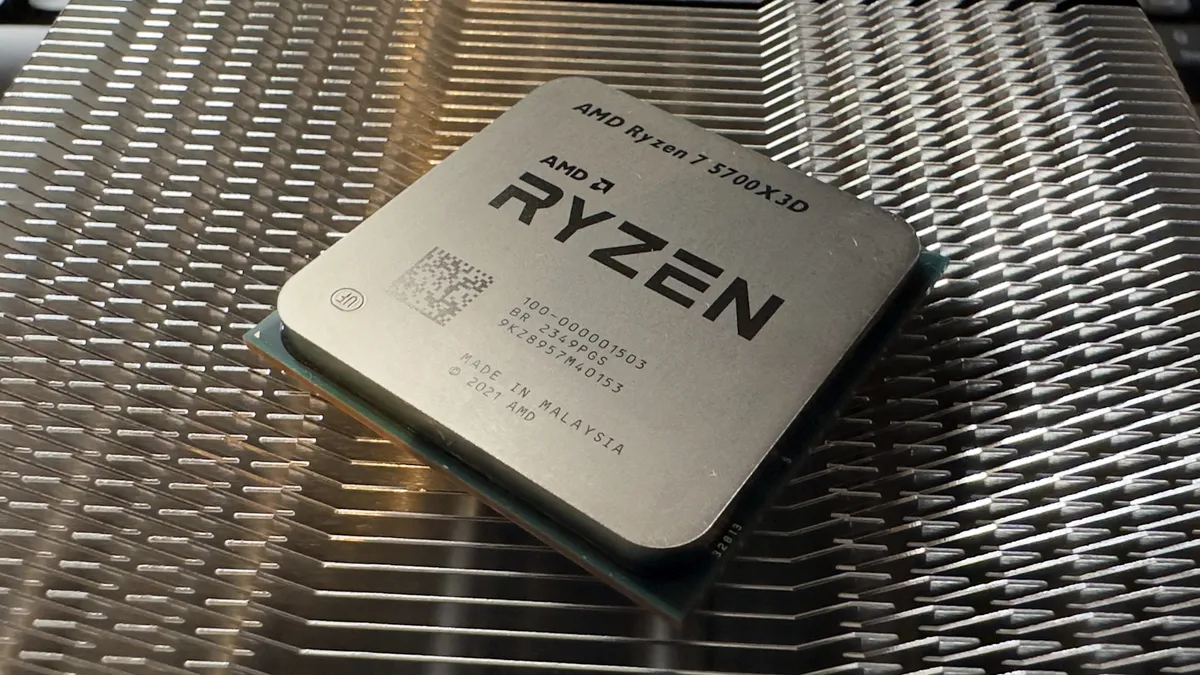
Previously, this spot was occupied by the excellent AMD Ryzen 7 5800X3D. And that's still a great shout for an AM4-based upgrade, but stocks are very low and prices are sky-high. But we've picked the AMD Ryzen 7 5700X3D as our best AM4 upgrade pick for a reason, and it's this: it delivers practically the same level of excellent gaming performance as the 5800X3D, but it's more available and cheaper.
Essentially, what you're getting here is almost the same chip as the 5800X3D, just with the base and boost clocks lowered. And for those of you rubbing your hands together, anticipating some overclocking to bring it back up to spec for less, I have some bad news: it doesn't support it.
But that really doesn't mean you should discount this chip's performance, because it's still excellent. Minimum frame rates are often a giveaway as to how well a chip is performing in strenuous gaming tasks, and thanks to that hefty dose of 3D V-Cache, the 5700X3D does remarkably well. It might have lower clock speeds than its bigger brother, but in real-world gaming terms, it still has the goods to muscle its way into the "serious gaming chip" category.
Not only that, but you can usually find one for around $300. That's hardly 'budget CPU money', but it is starting to become quite hard to find cheaper than this. Despite its age, though, the 5700X3D is still a great processor, and it often handily beats the newer Ryzen 7 7700X in benchmarks.
There are still a few things to consider here, though. For a start, like its bigger brother, it does like to run hot, which means you might need to invest in a better air cooler or water cooling solution to keep it from throttling back.
The other is the AM5 socket. While AM5 motherboards are still a little on the pricey side, they have dropped, along with AM5 chips themselves. The AM5 socket is likely to be sticking around for quite a while, so spending a bit more now to get yourself on the AM5 train will provide an upgrade path for the future. That Ryzen 7 7700X is tempting as a mid-range pick, although it's still a fair bit more expensive, and of course, you'll need to shell out for the motherboard and the DDR5 to go with.
Still, if you're looking for something that'll drop into your AM4 machine, deliver great performance, and won't break the bank, this is where we'd put our money. The AMD Ryzen 7 5700X3D is the best way to upgrade an AM4 PC right now, and a rare combination of things: a cheap component for an older spec that really makes a whole lot of sense, with very little to complain about.
Read our full AMD Ryzen 7 5700X3D review.
Best integrated graphics in a CPU



1080p gaming performance
| Product | Value |
|---|---|
| AMD Ryzen 7 8700G | 70 Avg FPS, 60 1% Low FPS |
| AMD Ryzen 7 5700G | 62 Avg FPS, 53 1% Low FPS |
✅ If you want gaming without the graphics card: If you're putting together a GPU-less light-gaming build, or perhaps looking to run without one for a while before you upgrade, this is the best you'll find.
✅ If you want power efficiency: It sips energy very gently and would make for a great CPU in a power-efficient, eco-focused rig.
❌ If you can stretch to (or fit) a fully-fledged GPU: While the 8700G is a good chip for many reasons, if you are going to pair something with a GPU, there are better candidates.
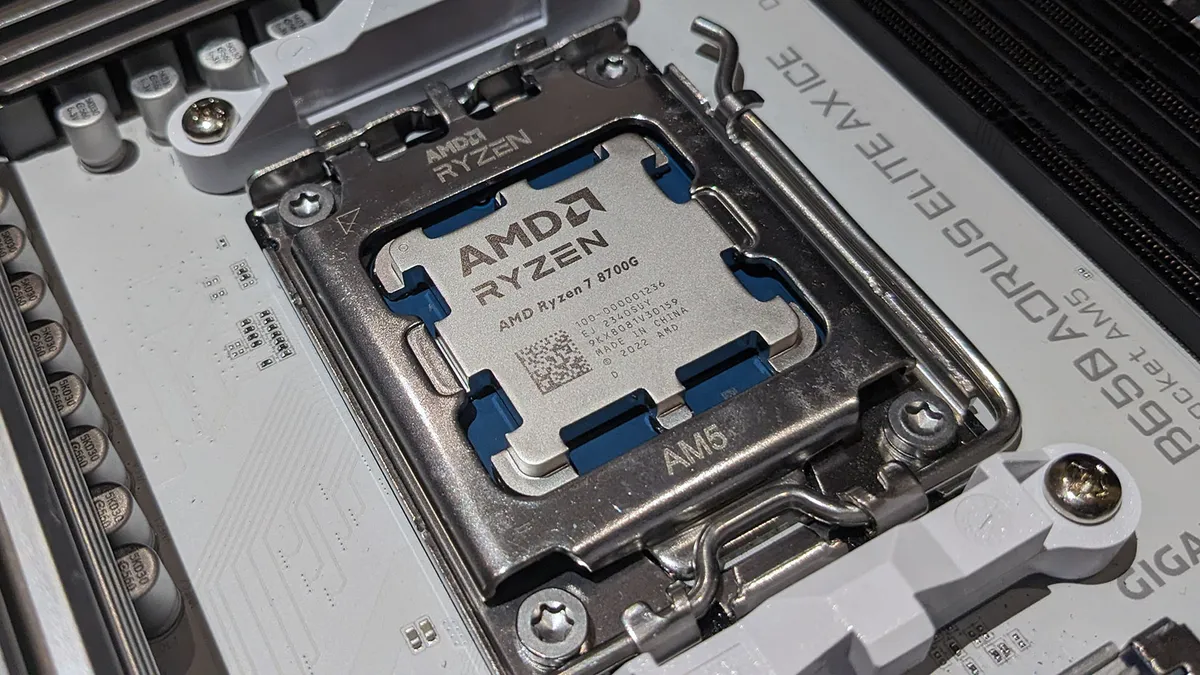
In case you haven't noticed, graphics cards are pretty expensive. If that puts you off PC gaming, then AMD has something for you: The Ryzen 8000-series APUs include the most powerful integrated graphics ever, and the Ryzen 7 8700G is the top chip of the lot. They're positioned to challenge entry-level graphics cards, meaning you might not even need a graphics card for 1080p gaming today.
It's been over a year since AMD announced its Phoenix range of laptop processors. They took their time to come to market, but we did get a good idea of what to expect from a desktop APU by looking at devices like the Asus ROG Ally. Though ostensibly a handheld, it's capable of functioning as a desktop replacement when docked and delivers genuine gaming performance. If a power-restricted APU in a handheld can do that, its unleashed potential in a desktop form factor sounds pretty exciting to me.
It's now well over a year since the launch of AMD's Zen 4-based Ryzen 7000-series CPUs. They're generally an evolutionary upgrade over the Zen 3 5000-series models. A tweaked front end, a doubling of L2 cache, AVX-512 support and improved branch prediction helped to deliver an IPC gain of around 13%. Add to that clock speed improvements, partly thanks to a shift to TSMC's 5 nm process (for the Core Complex Dies), and we've got ourselves a competitive AMD CPU family.
The 8700G incorporates many of these improvements, but it is a different beast. Most especially, it uses a monolithic die as opposed to the chiplet design of the regular 7000-series CPUs. It includes a dedicated XDNA AI engine, but the major selling point of the 8000-series APUs is their integrated graphics.
Tucked away inside the Ryzen 7 8700G's die is the top-of-the-line Radeon 780M integrated graphics. It's the most powerful integrated graphics solution ever seen on the desktop platform. Based on the RDNA 3 architecture, there are 12 Compute Units, giving it 768 shader cores in total, clocked at up to 2.9 GHz. The Vega 8 IGP of the 5700G is 3 generations behind and clocked at just 2.0 GHz. It's not even in the same ballpark.
While we're happy to shout about the gaming performance of the 8700G, we're less impressed with its all-around CPU performance. Gamers with discrete graphics cards should look towards one of AMD's 7000-series CPUs, or the excellent Ryzen 7 5700X3D if you're sticking with AM4. That's without even mentioning the plethora of Intel 12th, 13th and 14th Gen options.
Read our full AMD Ryzen 7 8700G review.
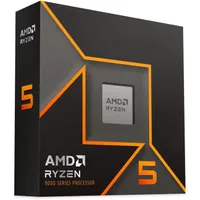
PC Gamer CPU reviews
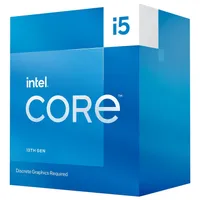
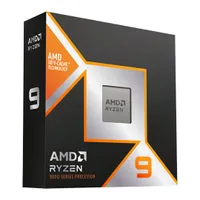
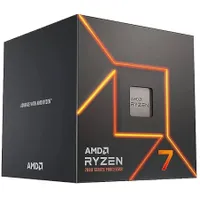
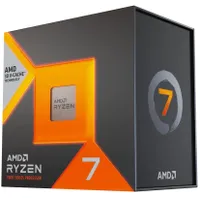
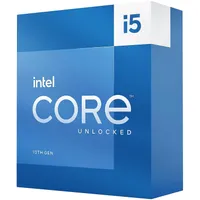
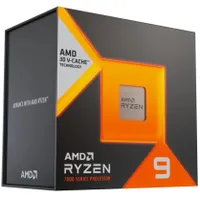
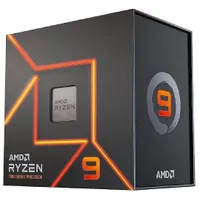
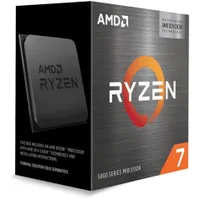
How we test CPUs
For CPU reviews in 2024 onward, we've updated our full benchmark suite to make it more relevant to today's processors and use scenarios: Cyberpunk 2077, Baldur's Gate 3, Homeworld 3, Metro Exodus Enhanced, Total War: Warhammer 3, 3DMark Time Spy, Cinebench 2024, Blender 4.2, 7zip, Handbrake H.265, UL Procyon.
While gaming resolutions run from 720p to 4K, we still largely test at 1080p. This will show the most significant difference in gaming performance you're likely to see and push the CPU into the spotlight instead of the GPU—an Nvidia GeForce RTX 4070 in this case. We also test the CPU's productivity performance for things such as rendering.
We use a mix of motherboards depending on the platform, but all high-end to ensure as level a playing field as we can. These boards include the Asus ROG Maximus Z690 Hero, Asus ROG Crosshair X670E Hero, MSI MPG Z490 Carbon WiFi, ASRock X670E Taichi, and Gigabyte X570 Aorus Master.
When it comes to memory, we use G.Skill Trident Z5 Neo DDR5-6000 CL30 2x 16GB for 13th/12th Gen Intel processors, while 11th Gen processors are tested using Corsair Vengeance Pro RGB DDR4-3600 sticks. The AMD AM5 rig uses Lexar Thor OC DDR5-6000 CL32, and the AM4 rigs use a Thermaltake DDR4-3600 kit and a Corsair DDR4-3200 kit.
To further eliminate any bottlenecks, a high-speed PCIe 4.0 NVMe SSD is used across each system, each loaded with Windows 11 and our suite of benchmarking applications and games.
Liquid cooling is also used on all test rigs to ensure these chips are not restricted thermally.
Processor FAQ
Should you avoid Intel 13th or 14th Gen Core processors?
The simple answer is no, but it's worth understanding why the question exists in the first place.
In 2024, over the course of several months, it came to light that some of Intel's Raptor Lake and Raptor Lake Refresh chips (aka 13th and 14th Gen Core) had manufacturing and design issues that resulted in them becoming unstable and, in some cases, damaged to the point of failure. It transpired that the problem was that they were being allowed to use far too high a voltage, as well as the minimum voltages drifting upwards.
Despite Intel's insistence that motherboard partners should be defaulting to default settings, multiple BIOS updates were required to overcome all of the issues. To date, it would seem that all of the voltage regulation problems have been resolved with Intel 13th and 14th Gen processors, but we strongly recommend that if you do buy a new Intel LGA1700 motherboard and Raptor Lake chip, you immediately update the BIOS to the latest version.
It's worth noting that Intel's latest CPU range, the Core Ultra 200S series, doesn't have these problems and that it was mostly Core i9 and a few Core i7 chips that were affected; reports of Core i5 failures appear to be relatively few.
Does your CPU matter for gaming?
The short answer is: yes. The longer answer is that it's more complicated and nuanced than that. You obviously need a CPU in your gaming PC, but the component that has the biggest impact on frame rates is your graphics card. That doesn't mean you can have a weak old processor in your rig and pair it with a high-end GPU and have no worries. You still need your processor to keep your graphics card fed with data to ensure a smooth gaming experience; without that, you'll get stutters as the GPU waits for the CPU to catch up.
As with everything, it's all about balance. But in modern times, a mainstream CPU won't see you losing out in terms of gaming performance compared to the top chips by anything more than single-digit frames per second.
What motherboard is right for my CPU?
Arrow Lake is the latest Intel platform, and it's compatible with any 800-series motherboards along with LGA 1851 socket. Many of you will still be looking for a previous-gen Raptor Lake CPU on the Intel side, though, and these are compatible with 600-series and 700-series motherboards. These are available supporting DDR5 (new) and DDR4, so pick that side of things carefully.
The latest AMD Ryzen 9000 CPUs use the AM5 socket just like the previous generation, which means they work with older X670, X670E, and B650 motherboards, although these might require a BIOS update to make them compatible. Newer AM5 motherboards are, of course, compatible too, these being X870, X870E, and B860 motherboards.
Is Intel or AMD better?
This is a rather loaded question. AMD has held the top spot for a long time, with its Zen architecture making for some incredible leaps in performance, but Intel stole the crown with its Alder Lake family, specifically the Core i5 12600K, and made it even better with Raptor Lake and the Core i5 13600K.
But with its 3D V-Cache technology, AMD produces some of the best gaming CPUs you can buy and at the moment, AMD also has better options at every price point than Intel does.
It's worth remembering that most games are GPU-limited, which means the graphics card is the limiting factor in terms of performance, and you would likely see the same essential frame rates with either CPU manufacturer when a discrete graphics card is used. This is especially true as you up the resolution, with 4K having little between the top chips.
Should I overclock my CPU?
The honest answer is: no. Overclocking your processor is not necessarily the risky move it once was, but equally, the benefits of doing so have drastically dropped in recent times. When we're talking about gaming performance, having a slightly higher clocked CPU can make a bit of a difference, but arguably, your graphics card will be the part that limits the speed of your system.
There is also the point that overclocked CPUs create more heat, require more intensive and expensive cooling solutions, need those coolers to work harder, and are, therefore, often louder.
For us, overclocking your CPU to gain real-world performance benefits is not something we'd recommend most PC gamers do.
CPU review list
AMD CPU reviews:
- AMD Ryzen 9 9950X3D
- AMD Ryzen 7 9800X3D
- AMD Ryzen 9 9950X
- AMD Ryzen 9 9900X
- AMD Ryzen 7 9700X
- AMD Ryzen 5 9600X
- AMD Ryzen 5 8600G
- AMD Ryzen 9 7950X3D
- AMD Ryzen 9 7950X
- AMD Ryzen 9 7900
- AMD Ryzen 7 7800X3D
- AMD Ryzen 7 7700X
- AMD Ryzen 7 7700
- AMD Ryzen 9 5950X
- AMD Ryzen 9 5900X
- AMD Ryzen 7 5800X3D
- AMD Ryzen 7 5800X
- AMD Ryzen 7 5700X3D
- AMD Ryzen 7 5700G
- AMD Ryzen 5 5600X
- Threadripper 3970X and 3960X
- AMD Ryzen 9 3950X
- AMD Ryzen 9 3900XT
- AMD Ryzen 9 3900X
- AMD Ryzen 7 3800XT
- AMD Ryzen 7 3700X
- AMD Ryzen 5 3600XT
- AMD Ryzen 7 2700X
- AMD Ryzen 5 2600X
- AMD Ryzen 5 2400G
- AMD Ryzen 3 2200G
- AMD Ryzen 7 1800X, 1700X, and 1700
- Threadripper 1950X and 1920X
- AMD Ryzen 5 1600X, 1600, 1500X, and 1500
- AMD Ryzen 3 1300X and 1200
Intel CPU reviews:
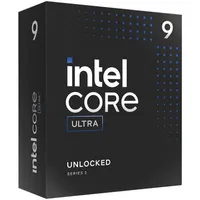
- Intel Core Ultra 9 285K
- Intel Core Ultra 5 245K
- Intel Core i9 14900K
- Intel Core i7 14700K
- Intel Core i5 14600K
- Intel Core i9 13900K
- Intel Core i5 13600K
- Intel Core i5 13400F
- Intel Core i9 12900K
- Intel Core i5 12600K
- Intel Core i5 12400
- Intel Core i9 11900K
- Intel Core i5 11600K
- Intel Core i5 11400F
- Intel Core i9 10980XE
- Intel Core i9 10900K
- Intel Core i5 10600K
- Intel Core i9 9900K
- Intel Core i7 9700K
- Intel Core i9 7980XE
- Intel Core i9 7960X
- Intel Core i9 7900X
- Intel Core i7 8700K
- Intel Core i7 7700K and Core i5 7600K
- Intel Core i5 8400
CPU jargon buster
Cache - A small segment of high-speed memory dedicated to storing and executing frequently used commands/instructions to speed up software execution. CPUs contain caches designated as Level 1, 2, and 3, with L1 being the fastest and smallest and L3 being the slowest and largest.
Clock speed - The speed at which a CPU can execute instructions, measured in hertz. A processor with a 3.7 GHz clock speed can process up to 3.7 billion instructions a second, per core. Clock speed is one of the most critical factors for determining performance in games and workload functions.
Core - A self-contained block of circuitry that processes instructions and data. Modern CPUs can contain anywhere from two to 128+ cores (in servers and supercomputers), though CPUs housed in most consumer machines will generally carry between six and eight, with AMD's latest CPUs sporting up to 16 cores.
Heat sink - A cooling solution for PCs that utilize fans or liquid cooling (active) or aluminum radiators (passive) that rely on convection to regulate a component's temperature.
Hyper-Threading (SMT) - Intel terminology for a tech that allows a processor to handle two sets of threads (sequences of instructions) simultaneously. AMD and other CPU vendors call this SMT, Simultaneous Multi-Threading.
Socket type LGA (Land Grid Array), PGA (Pin Grid Array), or BGA (Ball Grid Array) - The way a CPU interfaces with the socket on a motherboard. LGA is used on Intel sockets with pins as part of the socket. AMD's AM4 solution, PGA, has the processors' pins, which fit into holes in the socket. AMD's AM5 and Threadripper CPUs also use LGA sockets. A BGA socket is when the processor is permanently soldered to the motherboard, typically on a laptop.
TDP - Thermal design power, the maximum amount of heat a system or chip can produce that the attendant cooling system is designed to deal with under workload. This term can apply to PCs as a whole, GPUs, CPUs, or nearly any other performance component that generates heat and is largely a good indicator of how much power a part draws.
Thread - A thread refers to a series of CPU instructions for a specific program. Older CPUs and SMT-disabled chips run one thread per core, but most modern AMD and Intel CPUs can simultaneously run two threads, sharing some resources (e.g. cache).
Turbo Boost - Intel technology that allows processors to run at higher clock speeds under demanding loads. AMD also supports turbo or boost clocks, and we use the terms interchangeably regardless of CPU vendor.

