 Join The Club





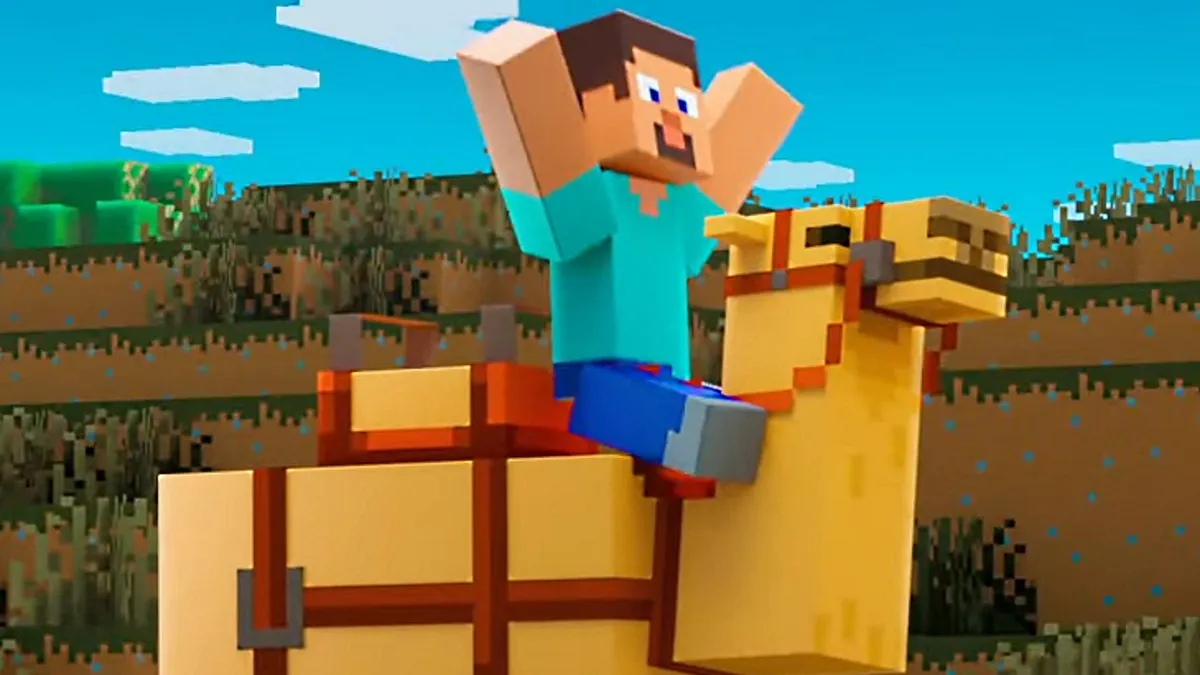
Minecraft update: What's new?
Minecraft skins: New looks
Minecraft mods: Beyond vanilla
Minecraft shaders: Spotlight
Minecraft seeds: Fresh new worlds
Minecraft texture packs: Pixelated
Minecraft servers: Online worlds
Minecraft commands: All cheats
Minecraft build ideas: What to build next
Trying to discover the details on Minecraft Realms? If you've been a part of the blocky Minecraft world for awhile now, you've probably thought about founding your own space for you and your friends. The best way to get set up for it is with Minecraft Realms—a subscription service from Mojang that provides you with your own server, and is perfect for anybody looking to invest in their own shared spot.
The only big downside is that all the best Minecraft mods can't be used with Minecraft Realms. But since they are online 24/7, there's no worry about hosting anything for your other Realm occupants to jump in and play. If Minecraft Realms sounds like just the pick for you, we've got the details, including the different levels and types of subscription, and how to set up your very own so you can decide before based on the Minecraft Realms price.
Article continues belowHow much does Minecraft Realms cost?
Is Minecraft Realms free?
The short answer is no, but the good news is that once you've got Minecraft Realms on any platform, friends you invite to play with you don't have to pay a thing. So when someone asks "Can I join your Realm without a subscription?" you can just wave them in, like the coolest Minecraft bouncer at your own private club. If you just need to know how much a 2 player realm costs, it will depend on what version of Minecraft you're on, so read on to find out.
What are the different subscriptions for Minecraft Realms?
Minecraft Realms Bedrock edition gets a leg up for once, with significantly more options and features present than it's Java pals. With two versions of Minecraft Realms for Bedrock, they're essentially a basic version and a deluxe package. No matter what version of Realms you go with, you'll get a personal server at your beck and call, and three world slots. Crossplay is limited to your environment as per usual—Bedrock can play with Bedrock and Java can play with Java. As you might expect, the more expensive pack does comes with more benefits, but it gets a bit more complicated, so lets break down each versions features:
| Feature | Bedrock: Realms | Bedrock: Realms Plus | Java: Realms |
|---|---|---|---|
| Monthly cost | $4 | $8 | $8 |
| Total player count | You + 2 friends | You + 10 friends | You + 10 friends |
| Minecraft Marketplace support | Yes | Yes | No |
| Free monthly Marketplace content | No | Yes | No |
What about those Realms Plus extras?
Which community extras are offered from Realms Plus gets updated all the time, with tons of community maps and modes coming in hot monthly. You can check out what the latest additions to Minecraft Realms are over on the news section of the Minecraft Realms site. Just scroll to the bottom and check out what's been introduced lately to see what kind of minigames, maps, and modes are available.
How to set up Minecraft Realms

Once you have decided which Realms subscription you want, it’s time to start setting it up. You do this by opening the game (obviously), then clicking Minecraft Realms on the main menu, then choosing to Buy Realm. Once you've set up and paid, you can go back to the client and click on the 'Click to start your new realm' text. This will prompt you to name and describe your realm, and then give you the option to upload a world, start a new one, use a world template, or a few other options like Adventures or Experiences.
Once you've set up your world, it will appear in the Minecraft Realms list with a wrench button next to it. Clicking this will allow you to configure your world(s), back them up, or invite players.
How to replace your world in Minecraft Realms

Replacing a world in Minecraft Realms is literally as easy as pushing a button. Which button? The ‘Reset world’ button in the Realms configuration menu, of course. This will clear out the currently selected world, and allow you to start fresh. You can also push the World backups button instead, which will pull up each of your previous backups and give you the option to restore them. This list comes with timestamps too, so it’s pretty convenient and easy to navigate.
There’s also a Reset Realm button, which allows you to create a new realm from scratch to replace your current one.
What’s the difference between a realm and a server?
As with most things in life, the big difference is cash. Like we said above, Minecraft Realms cost money. If you're savvy enough to host a Java server on your own PC, you can do so for free. However, third-party hosting services for Java have also existed a long time and Realms aren't particularly more expensive than those options ever have been. Realms will always be online, whether the creator is or not, but Realms do have stricter limits on how many people can participate.
And that’s all you need to know about Minecraft Realms. Now, whenever you’re talking Minecraft, you can be in your realm-ement.

