





For the most part, Windows 11 isn't a bad operating system, even if its adoption rate is slower than Microsoft would like. Its system demands means it requires a relatively beefy system to run, and it comes with more than its fair share of bloatware crap.
Thanks to the release of a new version of Tiny11 builder, it's possible to create a de-bloated Windows 11 image from any Windows 11 release, allowing you to free up system resources for the apps you actually want to use.
Tiny11 Builder is a free tool created by NTDEV. It's been around for some time, but was limited to specific Windows builds. The new version (spotted by Neowin) allows you to use it with any Windows 11 version, as well as any language or architecture. This ability to take control of your Windows comes as a result of improved PowerShell capabilities. So, thanks for that Microsoft!
Tiny11 is available at NTDEV's GitHub page. To run it, you need to set PowerShell to unrestricted using the Set-ExecutionPolicy unrestricted command. Once that's done, just follow the instructions provided.
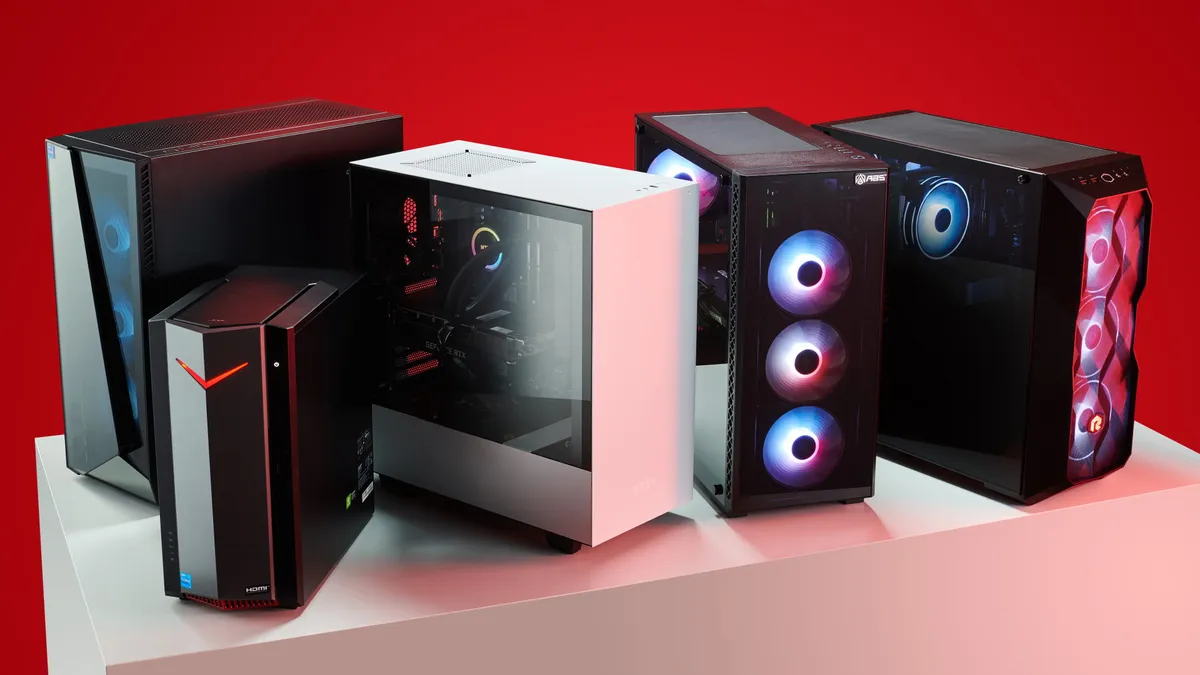
Best gaming PC: The top pre-built machines.
Best gaming laptop: Great devices for mobile gaming.
Tiny11 removes the following apps: Clipchamp, News, Weather, Xbox (although Xbox Identity provider is still here, so it should be possible to be reinstalled with no issues), GetHelp, GetStarted, Office Hub, Solitaire, PeopleApp, PowerAutomate, ToDo, Alarms, Mail and Calendar, Feedback Hub, Maps, Sound Recorder, Your Phone, Media Player, QuickAssist, Internet Explorer, Tablet PC Math, Edge and OneDrive.
For good or evil, I use Google for browsing, mail and work tasks, so as far as I'm concerned, I don't need any of the stuff that gets removed. The one exception is Edge, which I would normally use to download Chrome or use it as a backup browser in case a page glitches in Chrome, though that's easy enough to grab from the Microsoft Store.

In addition to removing those apps, the tool also bypasses the requirement to create or use a Microsoft account. You could skip that using a tool such as Rufus already, but it's nice to have Tiny11 remove it as well.
I took the new Tiny11 builder for a quick spin using an older Windows 11 iso I had on my work PC. After running the script, the resulting iso file was a full gigabyte smaller than the original.
I have an older Dell XPS laptop that doesn't meet the system requirements for Windows 11. I plan to use the Tiny11 iso to give it a new lease of life, free of the TPM requirement. And, it's sure to use less RAM too.

