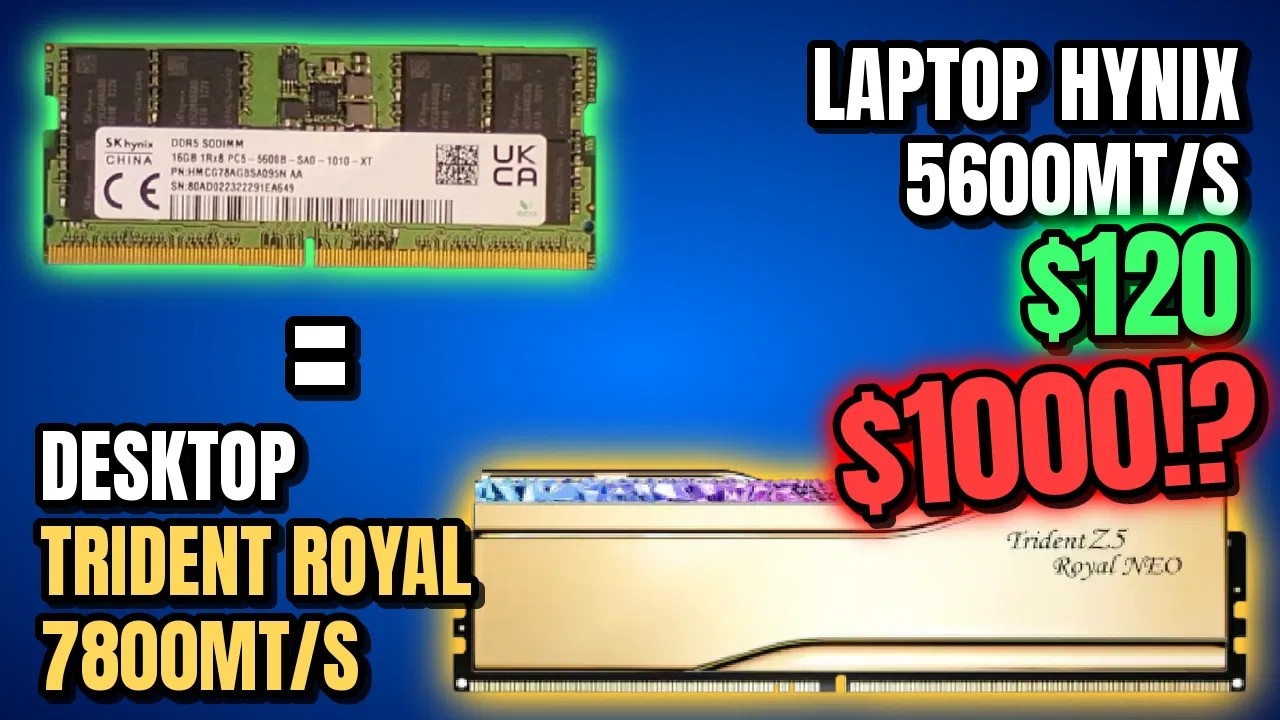
In this week's 'what the memory crisis is doing to people' news, a YouTuber has recently bought 32 GB of DDR5 laptop memory online and successfully converted it into memory for their desktop. Overall, it cost them just $175 ($120 for the memory and $55 for extra components). That's a bit of a bargain, as 32 GB DDR5 dual-channel memory is fetching upwards of $500 on Newegg right now.
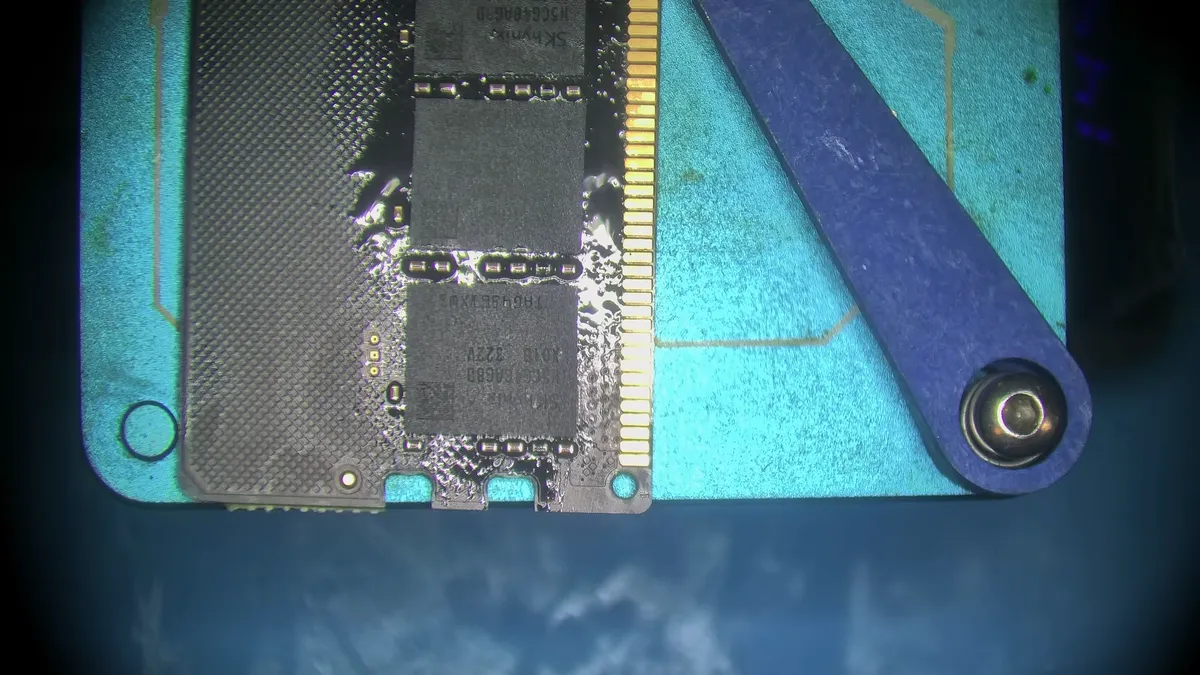
Blighted Agent took to their YouTube channel to share the process, where they purchased two SO-DIMM sticks of 16 GB DDR5 memory on Facebook Marketplace (presumably salvaged from a dead laptop). From here, they put a stick on a preheater, then removed the BIOS chip, the SPD chip and all eight of its memory chips.
Buying new DDR5 DIMM PCBs and heatsinks off AliExpress, they cleaned the factory unleaded solder on the laptop memory, then soldered them onto the new PCBs. It's an impressive feat that requires reballing the memory chips with a stencil, a very precise procedure.
Blighted Agent says, "You want a thin layer of flux, not too much or not too little. If you do too little, the balls might not reflow properly. If you do too much, they might bridge and cause problems".
Effectively, those solder balls connect the memory chip circuitry to the circuitry on the board, so mistakes would require redoing the entire process. From here, everything that was taken off the original SO-DIMM sticks is then put onto the new boards, tested via the desktop BIOS, before getting a heatsink.
Blighted Agent reports this memory kit has a 7800 MT/s frequency at CL38 when overclocked, making it a decent bit of kit and likely to cost a pretty penny as a standard RAM kit today. It reportedly tested stable for an hour and a half. They also say it worked fine without any blue screens in normal use.
Though Blighted Agent makes it look easy, technical knowledge is needed to actually convert the memory, so it's hard to recommend doing it at home unless you are willing to buy the gear and teach yourself, but this points to a decent alternate path while the memory crisis continues to gut pricing.
One could feasibly convert memory from laptops and give it back to users for a technical fee, and still pay less than it would cost you to get the standard desktop memory. And right now, we're all looking for ways to get memory as cheap as possible.
Here's hoping AI companies don't try to buy up all the laptop memory to do the same thing.
1. Best DDR5 overall:
G.Skill Trident Z5 RGB 32 GB DDR5-7200
2. Best budget DDR5:
Teamgroup T-Force Vulcan DDR5-5200
3. Best high-capacity DDR5:
G.Skill Trident Z5 64 GB DDR5-6400 CL32
4. Best DDR4 overall:
TEAM XTREEM 16 GB DDR4-3600
5. Best budget DDR4:
G.Skill Ripjaws V 16 GB DDR4-3600
6. Best high-capacity DDR4:
Corsair Dominator Platinum RGB 32 GB DDR4-3200