You'll often feel like you want to pass time in Crimson Desert, either just to make it daytime again and easier to see, or to game stuff like the daily actions you have to perform to befriend pets or level your horse.
Unfortunately, there's only one way to pass time in Crimson Desert from what I can tell, and there's a catch, because you can only do it in three specific increments, and you'll need to wait before you do it again. With that caveat out of the way, here's how you can change the time.
How to pass time in Crimson Desert
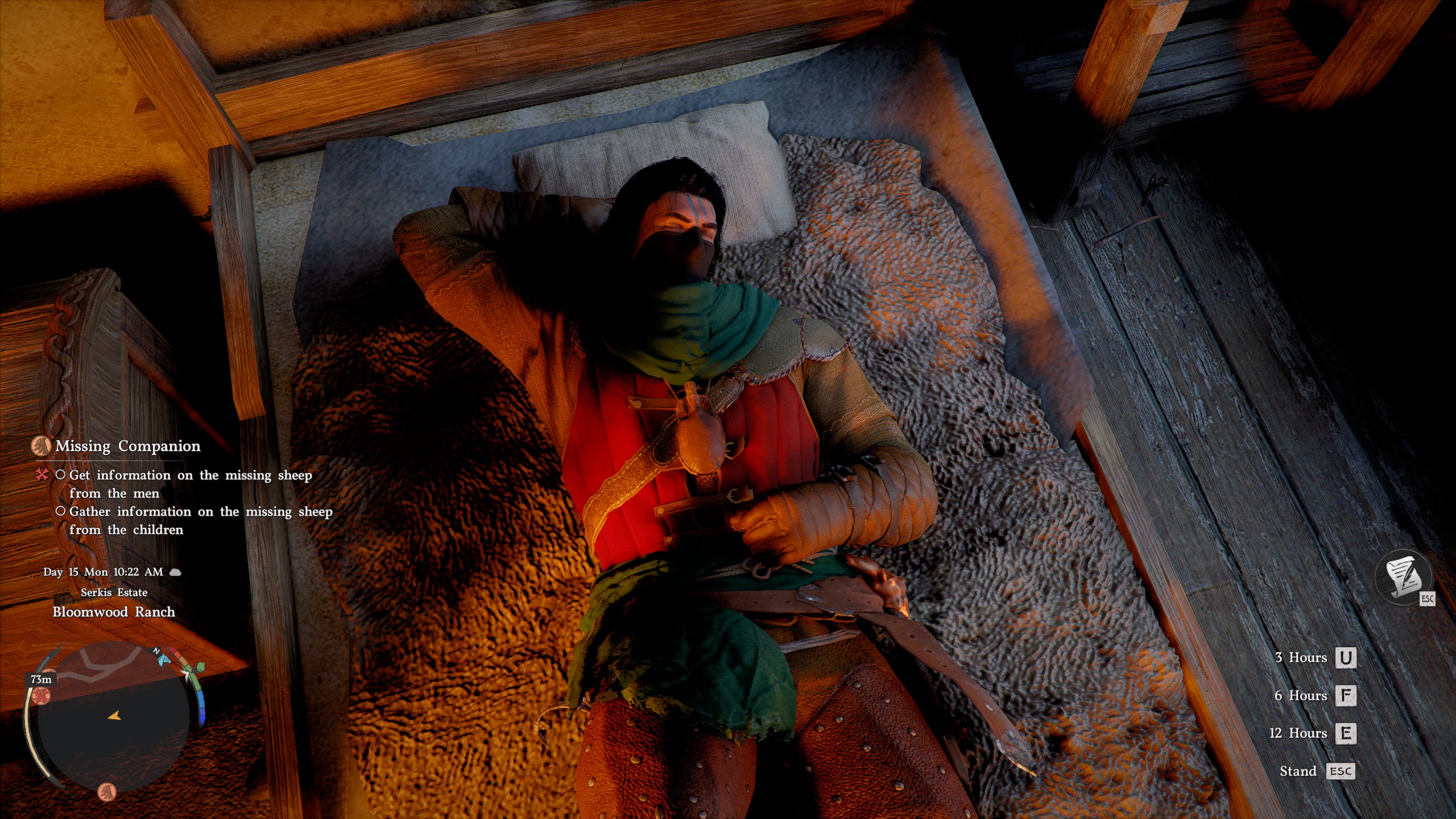
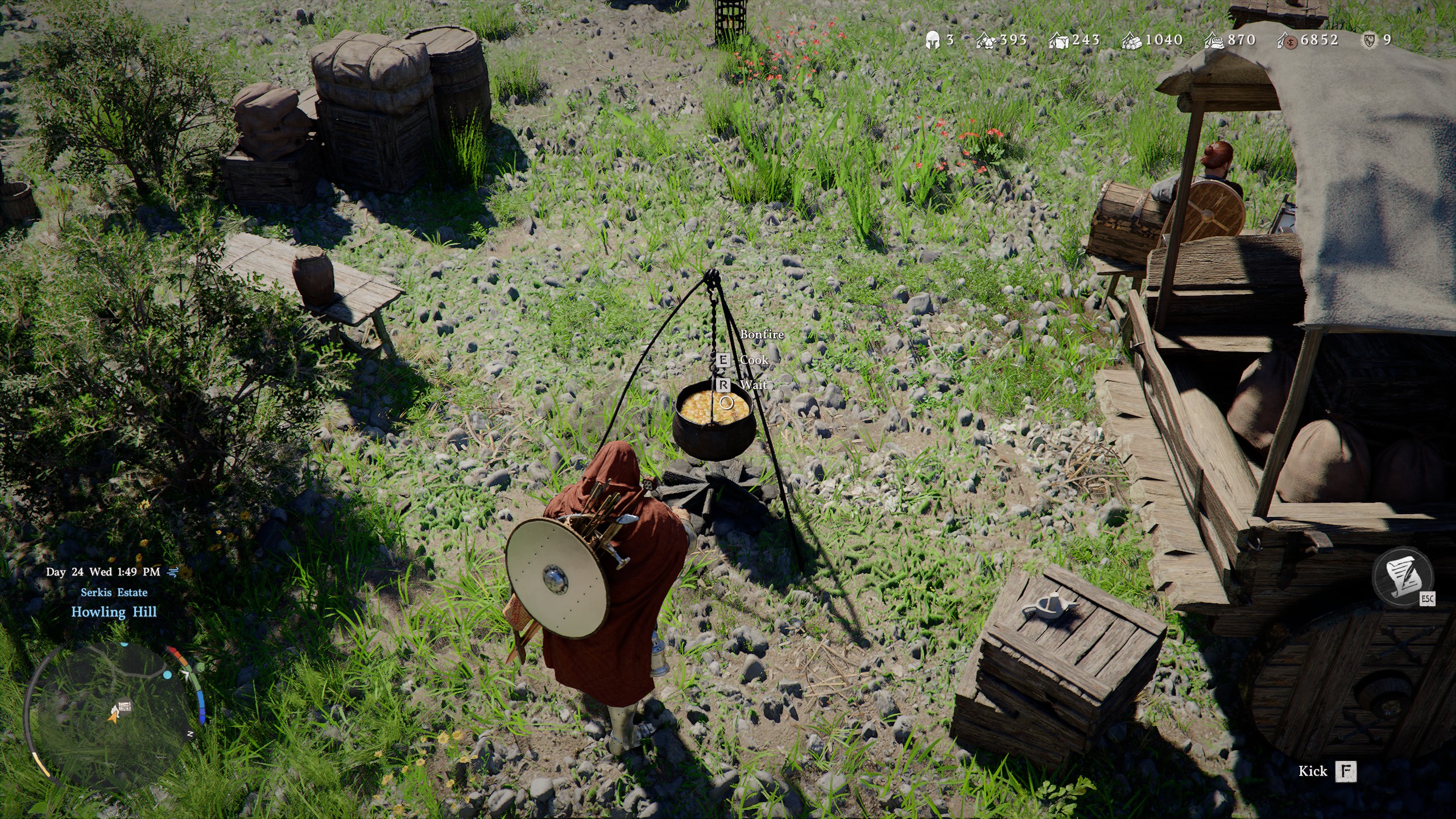
All you need to do to pass time in Crimson Desert is find a bed or a bonfire—and literally any bed or bonfire at that. There's none of this "Oh this is my bed, why are you sleeping in it?" nonsense in this RPG. Once you find a bed, simply interact with it to lie down and then choose either 3 hours, 6 hours, or 12 hours. If it's a bonfire, press CTRL (LB on controller) to inspect it more closely and then select the wait option.
Article continues belowWhen you return, you'll get a message saying that you've rested enough, that your fatigue is restored, and that you can rest again later. This is the only kicker with passing time—you can only rest when you're tired. As far as I can tell, there's no indicator whatsoever of when Kliff is tired. Your best bet is just relying on the fact he has to sleep periodically and not trying to pass time more than once per day. Either way, you can't spam passing time.
However, when it comes to passing time for specific quests, as the game will explain when you arrive at a quest at the wrong time and the NPC isn't there, you'll often find a place you can wait. For example, with the Missing Companion quest in Chapter 2 to find Wooly, I went inside the house and got a "Wait for the right time" message at the bottom of the screen. I pressed ESC (menu button on controller) and it skipped to the right time.


You must confirm your public display name before commenting
Please logout and then login again, you will then be prompted to enter your display name.