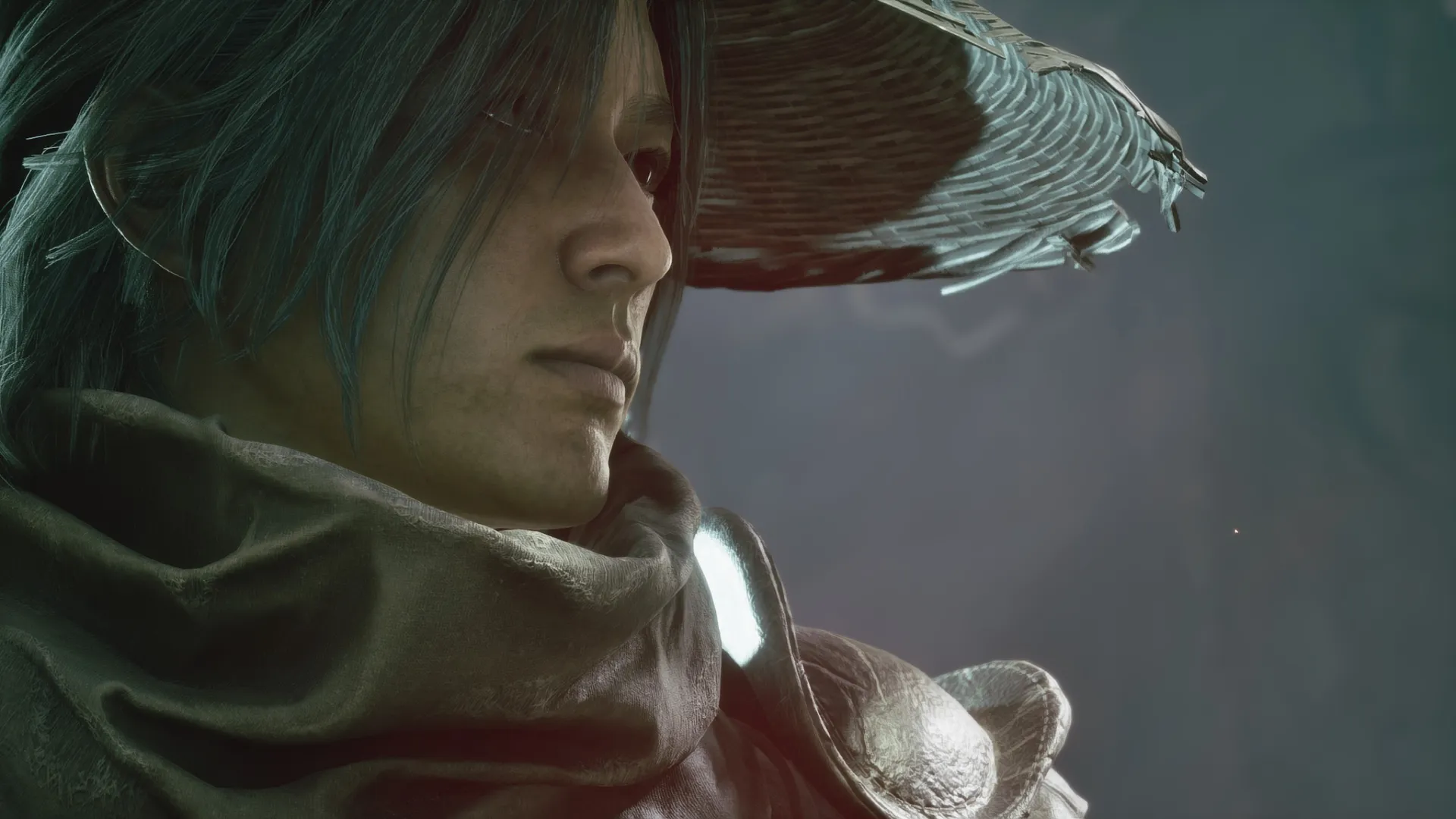
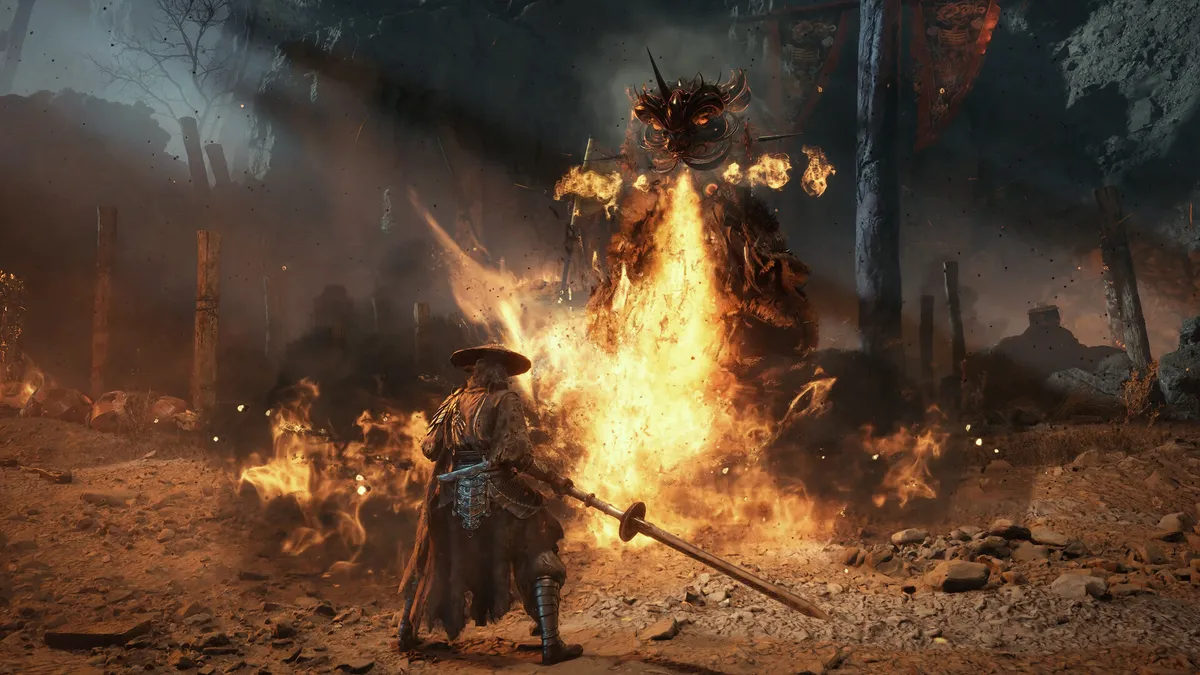
Phantom Blade Zero, the highly anticipated wuxia action RPG, is finally out in the world, and if you're planning on playing it on an Nvidia graphics card, maybe consider skipping the latest Nvidia driver update. Yes, that's the opposite of developer S-Game's pre-launch advice.
Today, the Phantom Blade Zero devs took to the Steam page with a post titled "Reason and Madness" recounting the history of the dev team, previous works, and how Phantom Blade Zero came to be. This is followed up with three announcements: a recommendation to download the 5 GB day one patch, encouragement to try the game on handhelds and lower-end/mid-range PCs, and, finally, advice not to use the latest Nvidia driver, 621.01.
It says, "Based on our testing, version 617.42 currently offers the best experience in Phantom Blade Zero. If you’ve installed a driver newer than 617.42, we recommend rolling back to 617.42 and choosing the clean installation option. Please stay on this version until Nvidia releases its next driver update, which we expect to arrive soon."
Game Ready Driver 621.01 launched on Wednesday, October 21, and, in addition to providing some bug fixes, it is intended to better support DLSS and RTX in games like Phantom Blade Zero, Call of Duty: Modern Warfare 4, and NBA 2K27.
The Phantom Blade Zero team does not elaborate on how the previous drivers are better than the current one, but the recommendation implies it's significant enough to negatively impact your experience.
Luckily, it's very easy to roll back Nvidia drivers in the Nvidia App. Simply boot it up, click on 'Drivers', then scroll down to whatever previous driver you want to roll back to, click the three dots on the side, and then click to install.
If you don't want to install the Nvidia app, you can roll back drivers by opening up the Device Manager, clicking on "Display Adapters", then right-clicking on your GPU, hitting "Properties", navigating to the "Driver" tab and then rolling back drivers there.
We don't yet have a timeline on when Nvidia's next driver is due to be released, but S-Game seems to think it will be soon, so you can always hold out for that if you won't be playing the game in the near future.
1. Best overall: AMD Radeon RX 9070
2. Best value: AMD Radeon RX 9060 XT 16 GB
3. Best budget: Nvidia RTX 5050
4. Best mid-range: AMD Radeon RX 9070 XT
5. Best high-end: Nvidia GeForce RTX 5090