As a card-carrying display fetishist, screens with everything—or should that be on everything—is an idea I can get behind. But this new GPU support bracket with its own screen, well, it's flirting with satire, surely.
Nevertheless, give it up for the Zalman ZM-VS3 DS GPU Holder (via Videocardz), available to suit both white and black PC case colourways. It is, as I said, a GPU support bracket with its own compact display.
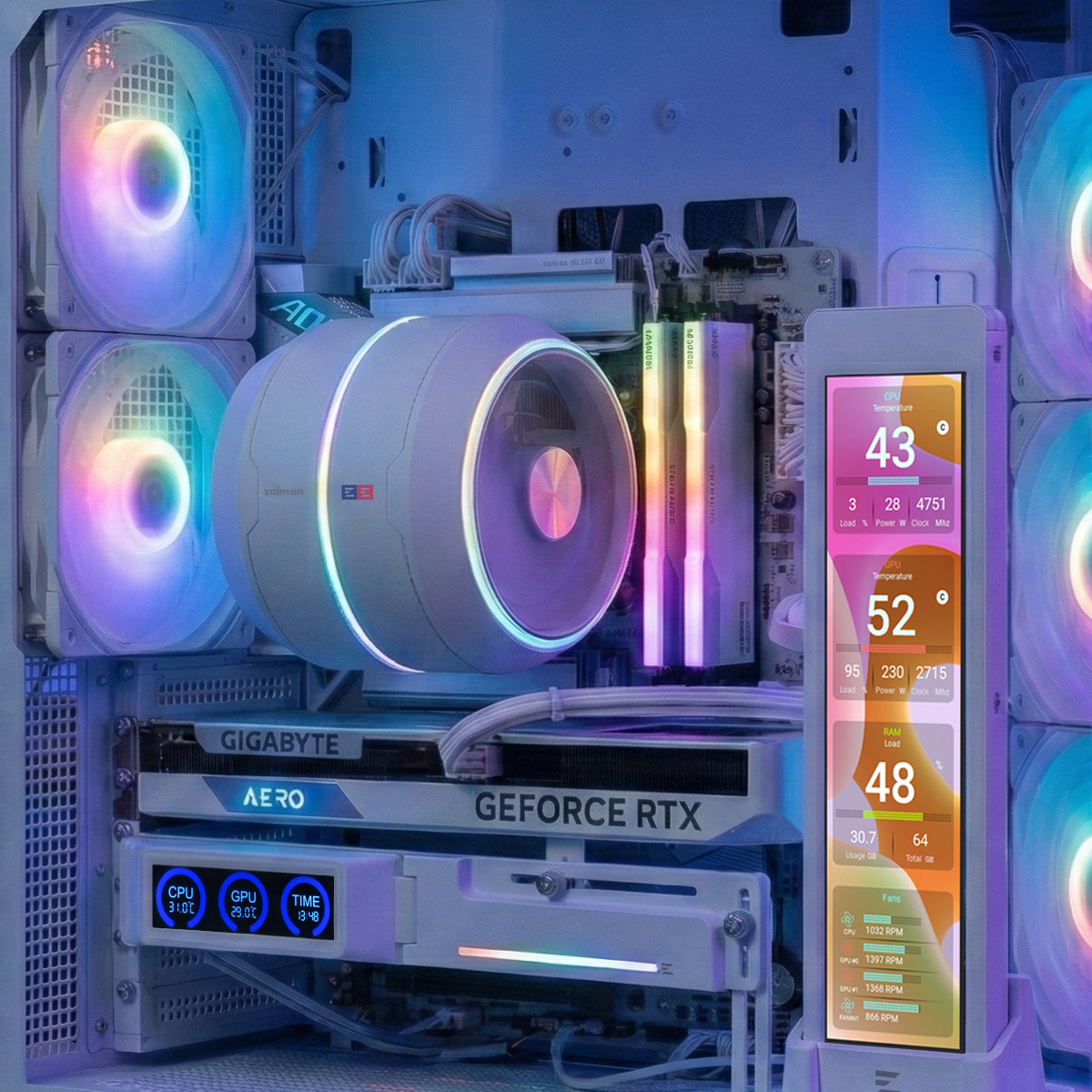
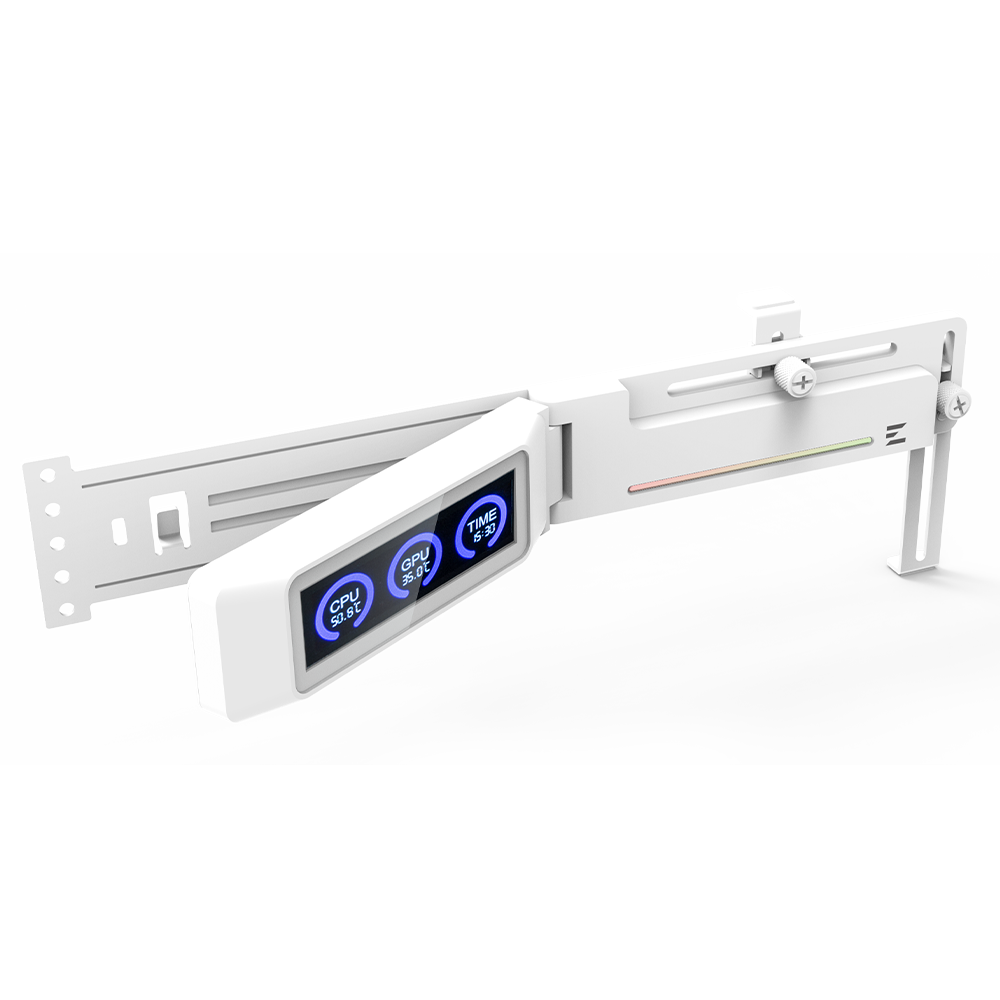
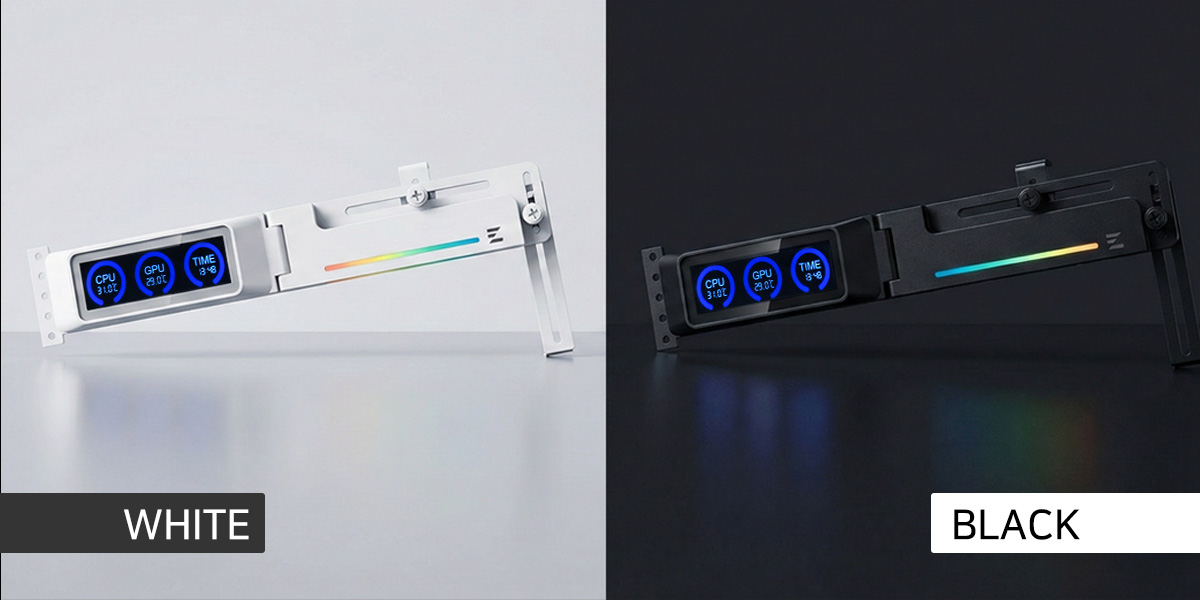
If the non-configurable display output seems like a missed opportunity, it's likely down to the price, which is surprisingly low. Videocardz says the Zalman ZM-VS3 DS is on sale in South Korea for the equivalent of just $12.
Personally, I'd probably pair it with a Lian Li Vector V200 case, which has its own 8.8-inch screen. Maybe I'd also throw in Lian Li's Hydroshift II LCD Curve, an AIO liquid CPU cooler with a curved display on a motorised mount.
Wait, maybe that should be the Borg-like Thermaltake Minecube 360 Ultra ARGB Sync, an AIO cooler with four screens. Gah. One large curved and motorised screen versus four plain-ole square screens. Quite the conundrum.
Anywho, in an age where smelting your own precious metal ore is probably more cost-effective than securing even a single PC memory chip, it's comforting to know that you can add an extra screen to your PC for a mere 12 bucks. Ultimately, the question is why, the question is why not?
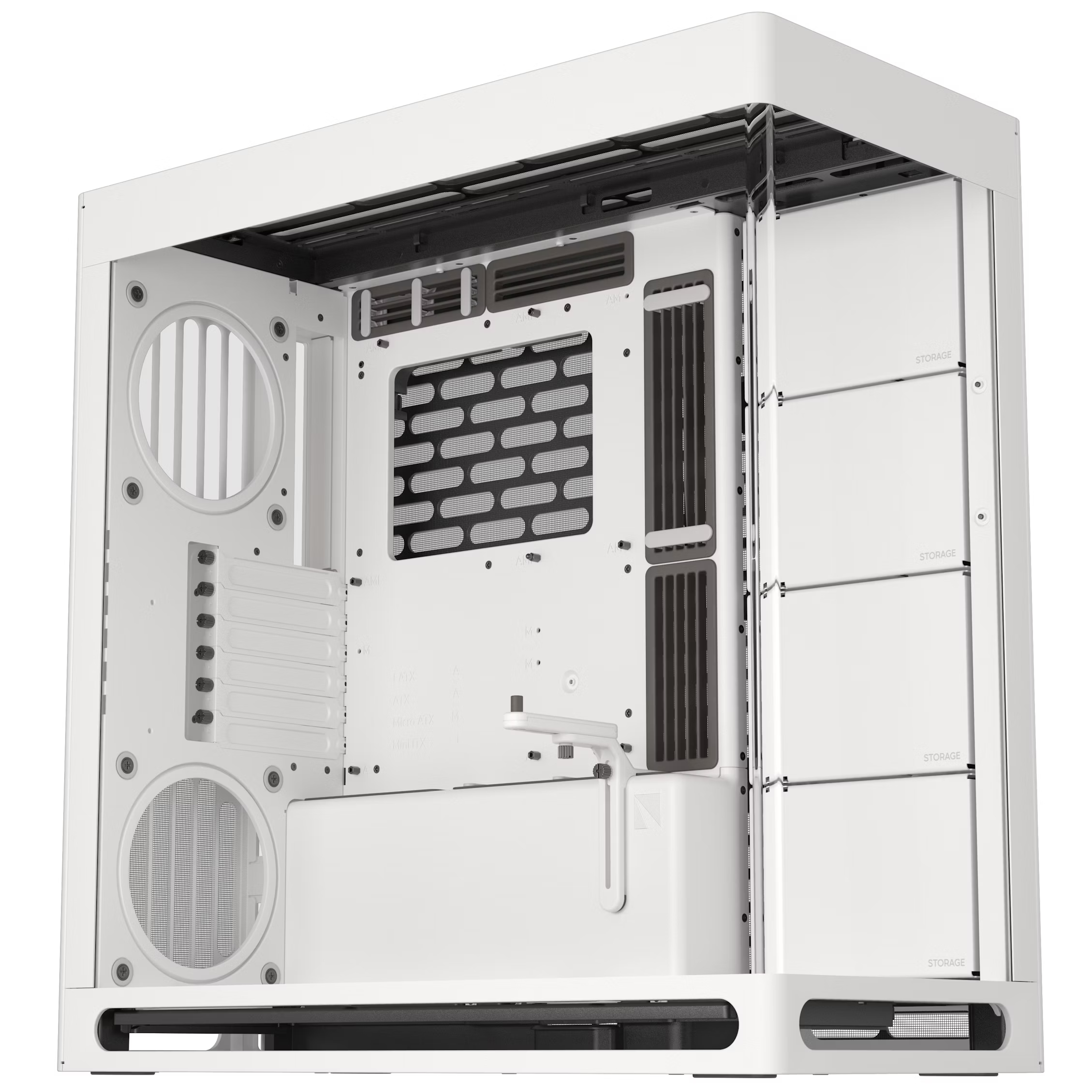
1. Best overall: Havn HS 420
2. Best budget: Phanteks G400A
3. Best midrange: Lian Li O11 Vision Compact
4. Best budget compact: Thermaltake S100 TG Snow Edition
5. Best high-end: NZXT H9 Flow RGB+
6. Best Mini-ITX: Fractal Design Terra
7. Best Micro-ATX: NZXT H3 Flow
8. Best full-tower: NZXT H7 Flow
9. Best pink: Hyte Y70
10. Best looking: Phanteks Evolv X2
11. Best for beginners: Be Quiet! Shadow Base 800 FX

You must confirm your public display name before commenting
Please logout and then login again, you will then be prompted to enter your display name.