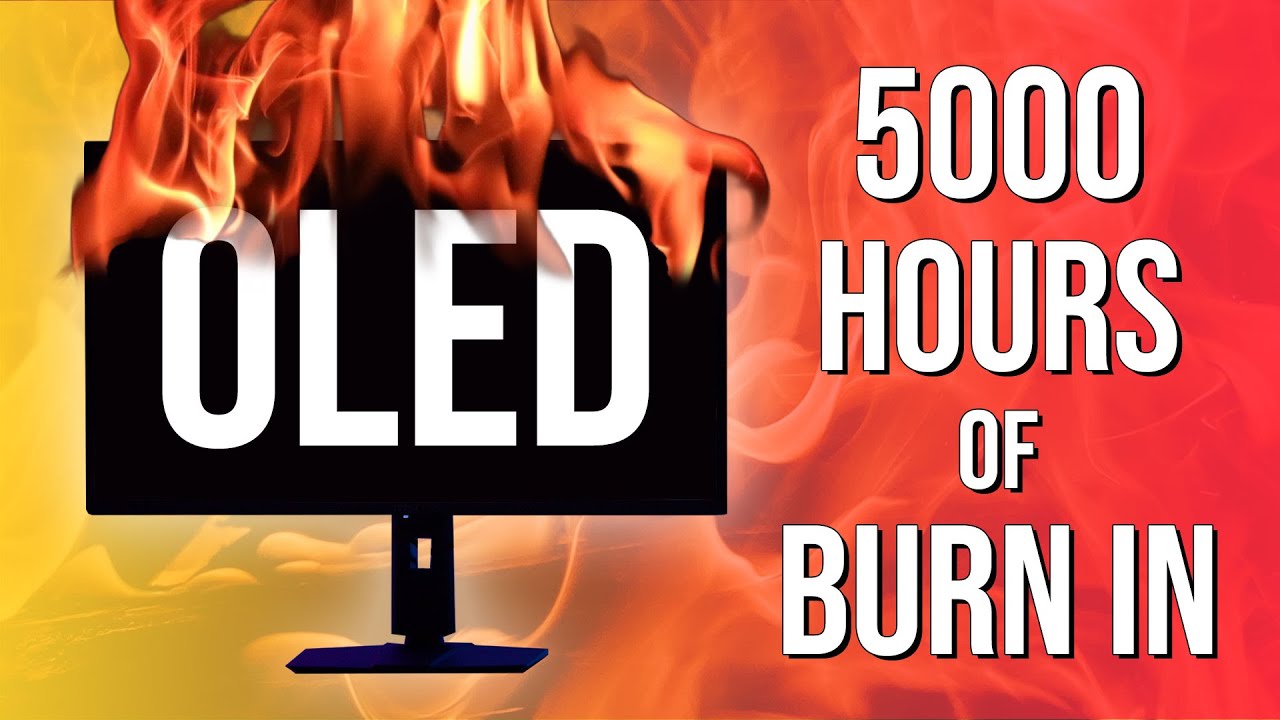
Monitors Unboxed has released its latest OLED monitor burn-in results. After 21 months, the YouTube channel found that their MSI QD-OLED monitor had degraded only marginally from the previous 18-month update. One other key takeaway is that OLED burn-in happens fastest in the first six months, after which further degradation seems to be more gradual.
The channel also only runs MSI's OLED panel compensation cycle at the end of the eight hour working day, not at the four-hour intervals that MSI recommends. The idea, in other words, isn't to baby this monitor but use it just as you would an LCD panel. And you don't have to break off from work in the middle of the day for 10 minutes to run compensation cycles on LCD monitors.
In total, Monitors Unboxed has been running this monitor for about 60 hours a week or 250 hours per month for the past 21 months and thus has clocked up over 5,000 hours of largely static use. For the record, it's been used exclusively with the Windows OS in light mode, but with a dark taskbar.
And the results? The 21 month update shows very little change from the 18 month update. Indeed, the panel is only slightly worse at 21 months than six months.
During the first six months, some light burn-in appeared, mostly visible in uniform grey tones, in the form of a dividing line down the middle of the panel, which reflects the channel's preferred dual-window multi-tasking usage.

A touch of burn-in along the bottom shadowing the task bar also emerged. However, the channel emphasises that this burn has essentially only been visible overlaid on a fairly uniform grey background. So, you generally can't see it during most desktop work and certainly not during gaming or video playback.
While the panel is continuing to degrade, it's very notable that after the initial six months the burn-in has since progressed relatively gradually. The channel also notes that of the panel's three subpixels, it's the green subpixel that has degraded the most.
Further reflecting the subjective appearance of degradation becoming more gradual over time, the panel's colour balance shifted somewhat in the first 12 months, but has settled since.
The only exception to this narrative of levelling-off degradation is overall brightness. Measured full-screen peak brightness has been measured at 243 nits for all previous updates. For the 21 month interval, it has dropped to 238 nits. But even then, that's only a 2% drop and not something that will be subjectively visible.
All told, then, this is a mostly positive picture of OLED longevity in a computer monitor context. Yes, OLED burn-in is a real thing. But even with this kind of worst-case usage, you can expect an OLED panel to last at least three years before burn-in becomes problematic. With more mixed usage or just less daily usage, that time frame only extends.
One final caveat involves panel type. The MSI MPG 321URX uses a Samsung-sourced QD-OLED panel. It would certainly be interesting to see a similar test based on the other major OLED panel type, LG's WOLED technology.
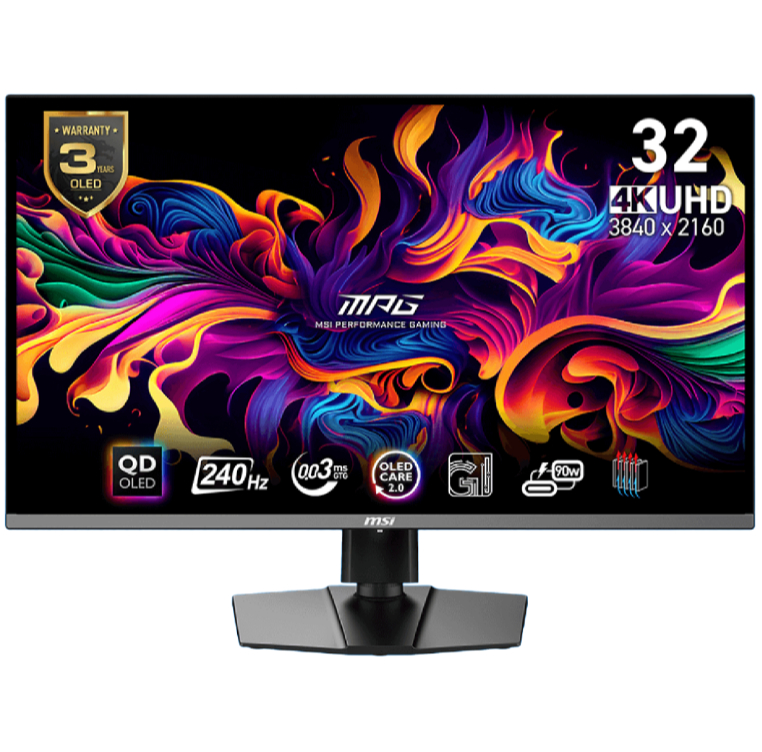
1. Best overall / 4K:
MSI MPG 321URX
2. Best budget 4K:
Asus ROG Strix XG27UCG
3. Best 1440p:
MSI MPG 271QRX
4. Best budget 1440p:
KTC H27T22C-3
5. Best 1080p:
AOC Gaming C27G4ZXE
6. Best Ultrawide:
Gigabyte MO34WQC2
7. Best budget ultrawide:
Xiaomi G34WQi
8. Best 32:9:
Samsung Odyssey OLED G9
9. Best dual-mode:
Alienware AW2725QF

You must confirm your public display name before commenting
Please logout and then login again, you will then be prompted to enter your display name.