When the Steam Deck launched back in February I was already excited about it as an emulation device. I spent hours of my testing time playing games like Metroid Prime and Persona 3 on the Deck after setting up retro console emulators, which was only a little fiddly (the biggest inconvenience was having to use a trackpad to mouse around interfaces that were really built for desktops). It wasn't bad if you already knew your way around the emulators, but it was definitely more work to launch your emulated games than anything in your Steam library.
Now just over a month into the Steam Deck's life, emulation has become considerably easier to set up—my emulated games now live in my Steam library side-by-side with my PC games, and I can launch them with a single click.
A number of tools have popped up recently to make emulation configuration easier on the Steam Deck, but the one I used to streamline my setup was EmuDeck, which lured me in with its dead simple five step setup. Could it really be that easy? Actually, yeah, pretty much.
EmuDeck does a few things. It installs another application, Steam Rom Manager, which can automatically download cover art for your games and add them to your Steam library so that they're easily accessible. It also automatically installs a range of emulators and then configures them with controller keybinds and other settings. I especially like that it sets up some universal hotkeys like saving/loading a game state that I'd otherwise have to do in every emulator.
Launching a retro game is now as simple for me as pressing the 'A' button on it in the SteamOS interface. The emulator launches straight into that game without me even having to see the emulator interface.

EmuDeck has been such a hit that its creator is updating it constantly with new features, and I expect it'll become an even more powerful tool over time. Right now it's leaning towards simplicity over customization (it doesn't currently let you choose which emulators you want to install, for example). But the updates have landed so quickly, any YouTube video you find on EmuDeck is probably already outdated. Thankfully it's so easy to set up, the brief guide on the EmuDeck site is all you need.
I've spent so many years tinkering with emulators and configuring this or that esoteric setting to make a particular game work just the way I want it to, it feels like cheating to launch games directly through Steam without even seeing the emulator's menus. I expect I'll still be opening the emulators now and then to adjust things to my liking. But if you were equally excited about the Deck's emulation potential and wary of the setup involved, EmuDeck more or less eradicates those headaches.
There are also some exciting tools popping up for Deck emulation that don't streamline things to quite this extent. EmuDeck also ties into an app called EmulationStation Desktop Edition, where you can keep all your emulation stuff separate from your Steam library. YouTuber ETA Prime provides a nice walkthrough here:
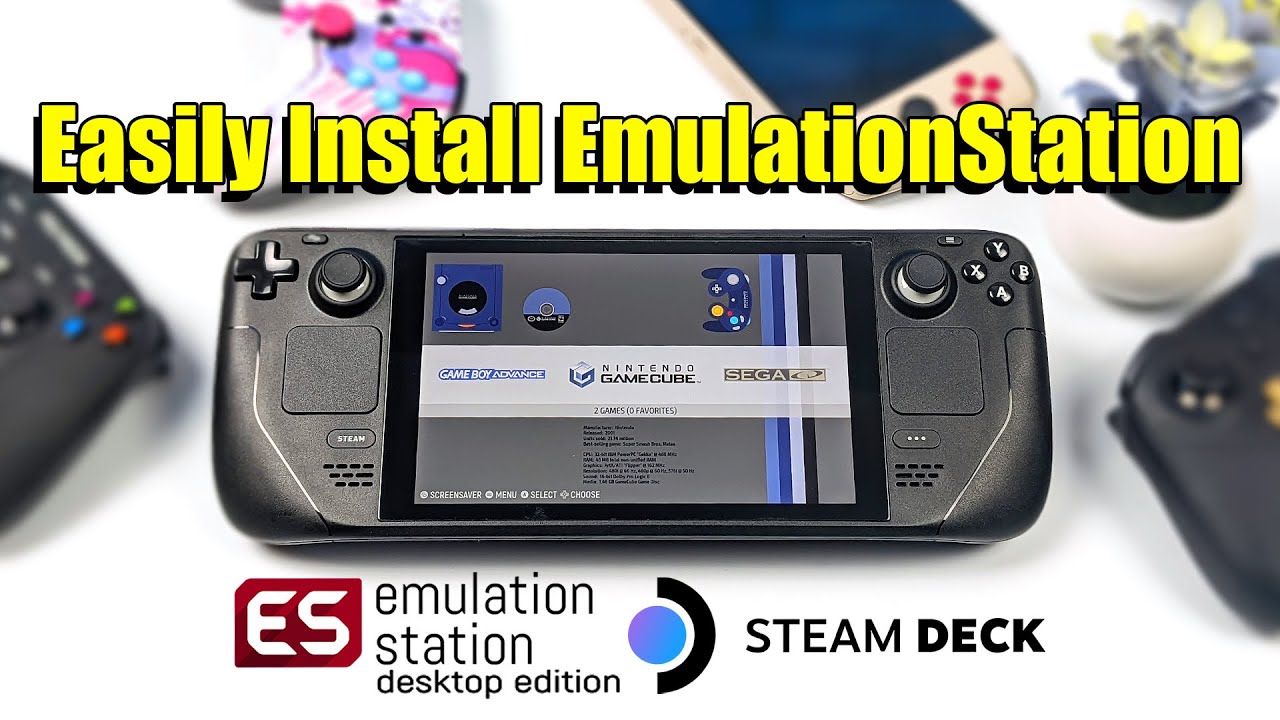
In the long run I think EmulationStation DE is going to be the better emulation experience than simply launching games via Steam, since its interface is built specifically for libraries of retro games and will likely provide easier access to futzing with individual emulator settings.
It's wild how quickly things have moved since the Deck came out, even without emulator developers themselves having access to Steam Decks to optimize for the hardware. I can't wait to see how much has changed a year from now.