
This guy made a USB kill switch for his laptop for $20, and you can make one too
An interesting solution to laptop thieves.
Keep up to date with the most important stories and the best deals, as picked by the PC Gamer team.
You are now subscribed
Your newsletter sign-up was successful
Want to add more newsletters?
Every Friday
GamesRadar+
Your weekly update on everything you could ever want to know about the games you already love, games we know you're going to love in the near future, and tales from the communities that surround them.
Every Thursday
GTA 6 O'clock
Our special GTA 6 newsletter, with breaking news, insider info, and rumor analysis from the award-winning GTA 6 O'clock experts.
Every Friday
Knowledge
From the creators of Edge: A weekly videogame industry newsletter with analysis from expert writers, guidance from professionals, and insight into what's on the horizon.
Every Thursday
The Setup
Hardware nerds unite, sign up to our free tech newsletter for a weekly digest of the hottest new tech, the latest gadgets on the test bench, and much more.
Every Wednesday
Switch 2 Spotlight
Sign up to our new Switch 2 newsletter, where we bring you the latest talking points on Nintendo's new console each week, bring you up to date on the news, and recommend what games to play.
Every Saturday
The Watchlist
Subscribe for a weekly digest of the movie and TV news that matters, direct to your inbox. From first-look trailers, interviews, reviews and explainers, we've got you covered.
Once a month
SFX
Get sneak previews, exclusive competitions and details of special events each month!
Picture this: you brought your shiny new gaming laptop to Starbucks to play a few rounds of Fortnite, but someone walks up, grabs your PC, and takes off. Your laptop was unlocked, so now they could potentially access your passwords, private messages, and other personal information. Michael Altfield presents an interesting solution on his personal blog: the "BusKill."
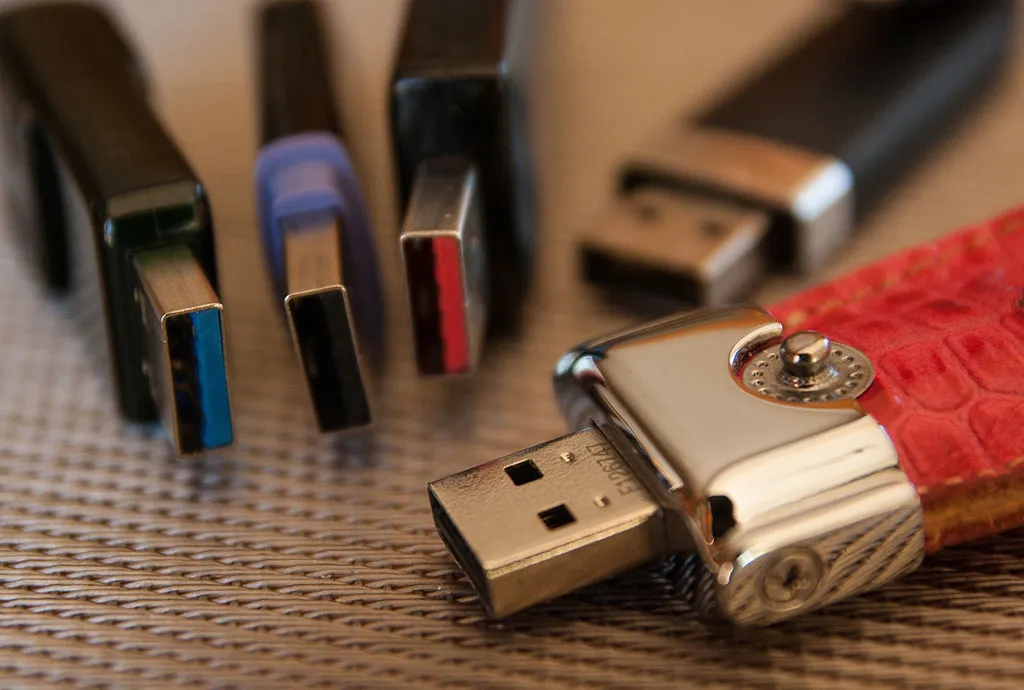
Altfield built the BusKill for around $20, using a cheap USB drive (which is kept on your person), a keyring, a magnetic USB breakaway adapter, and a 1-meter USB extension cable. He then used udev, a Linux application for managing connected devices, to lock the screen whenever the USB drive is removed. The end result is a laptop that locks itself whenever the magnetic link to the owner is severed.
This specific solution relies on using Linux-based software, but it would be possible to adapt the BusKill to work on Windows and other operating systems with a bit more work.
While the intended audience for this is anyone working on extremely-sensitive information in public, it's still an interesting hardware project that doesn't take a lot of time (or money) to replicate. No soldering iron required for this one, folks.
You can check out the full tutorial on Michael Altfield's blog.
Keep up to date with the most important stories and the best deals, as picked by the PC Gamer team.
Corbin is a tech journalist, software developer, and longtime PC Gamer freelance writer, currently based in North Carolina. He now focuses on the world of Android as a full-time writer at XDA-Developers. He plays a lot of Planet Coaster and Fallout and hosts a podcast all about forgotten stories from tech history.


