Our Verdict
Proving once again the tablet-as-a-handheld device doesn't work, the X1 Air suffers from a level of jank that is far from endearing despite impressive performance from the Intel chip and a lovely screen.
For
- Lunar Lake performance is sweet
- Bright, crisp 11-inch display
- Quiet
Against
- Flaky
- Doesn't excel in any of its three forms
PC Gamer's got your back Our experienced team dedicates many hours to every review, to really get to the heart of what matters most to you. Find out more about how we evaluate games and hardware.
This is a gaming tablet that makes itself hard to love, and yet there are definitely things I like about OneXPlayer's latest Intel-based gaming tablet. Lunar Lake in tablet form does very, very well, and its Arc 140V GPU is seriously impressive when it comes to gaming performance. And then there's that gorgeous, bright 11-inch display.
But it's also flaky as all hell with strange bugs and, despite the whole reason for its existence being that it's supposedly a versatile 3-in-1 device, it resolutely fails to convince in pretty much any of those formats.
Processor | Intel Core Ultra 7 258V |
Cores | Threads | 8 | 8 |
Graphics | Intel Arc 140V |
Memory | 32 GB LPDDR5x-8533 |
Storage | 1 TB M.2 2230 SSD |
Screen size | 11-inch |
Native resolution | 2560 x 1600 |
Refresh rate | 120 Hz |
Battery | 72.77 Wh |
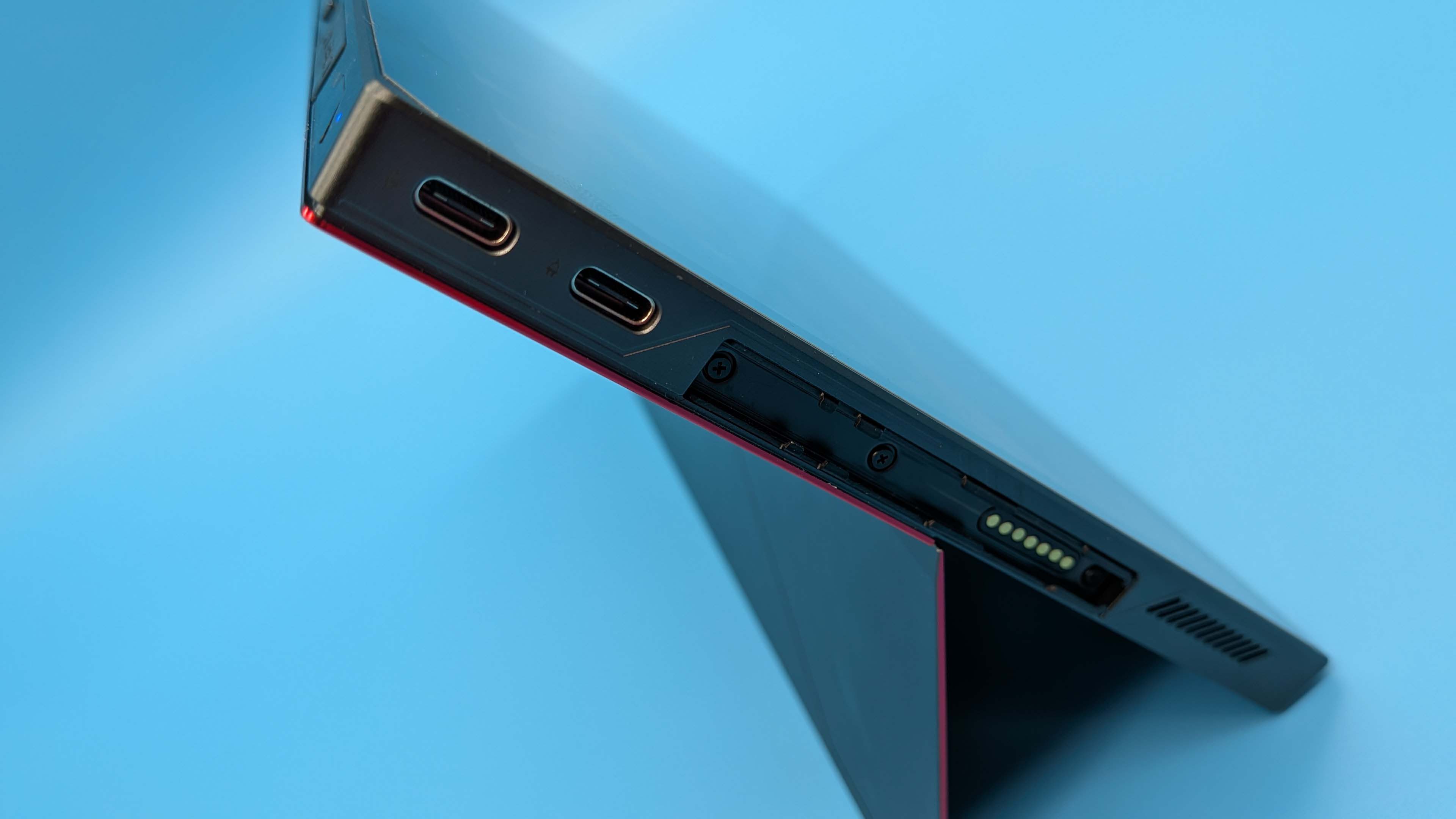
Ports | 2x USB4, 1x USB-A 3.2, 1x 3.5 mm audio, 1x TF 4.0 slot, 1x Mini SSD slot |
Dimensions | 252 x 163.5 x 13.5 mm |
Weight | 892 g (w/ controllers) |
Price |
✅ You really need a powerful tablet and have a high tolerance for jank: The Lunar Lake chip inside the X1 Air is a great mobile processor, and the screen is glorious, but the experience of the device is lacking and requires a lot of effort on the part of the user.
❌ You DON'T have a high tolerance for jank: There are numerous inconsistencies with the experience of using the X1 Air, from strange boot and charging issues, to missing gyro support, and flaky software updates.
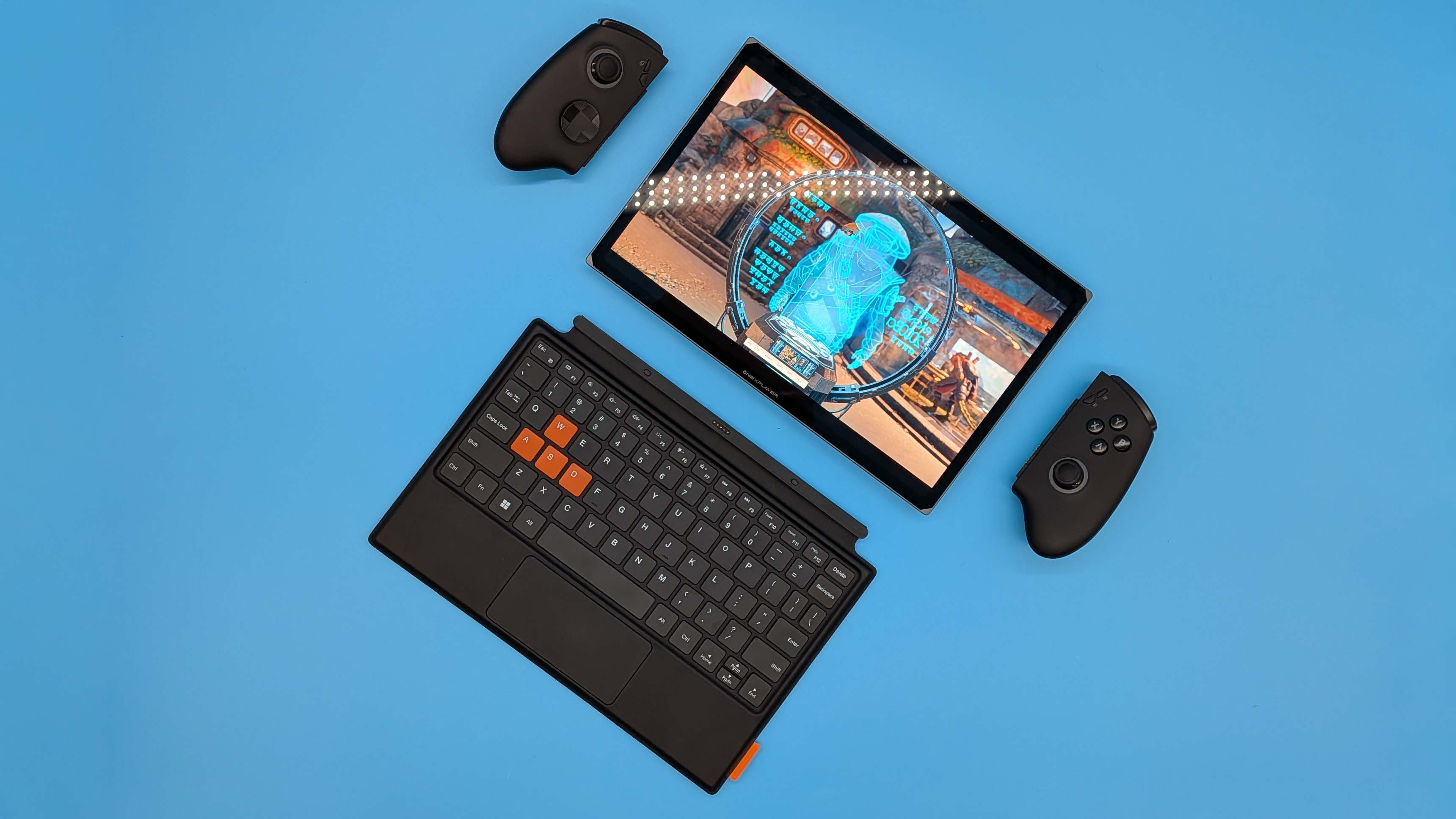
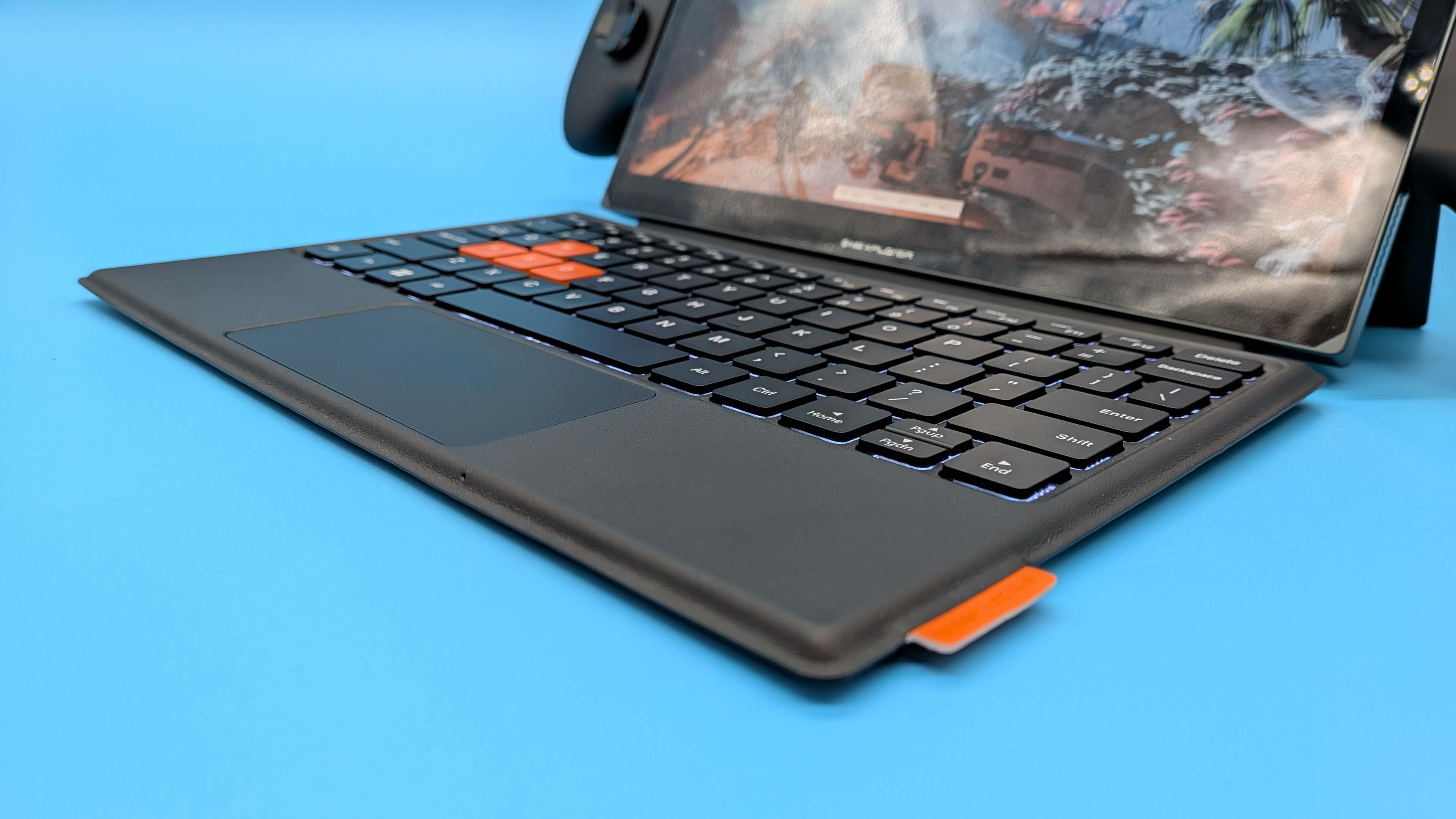
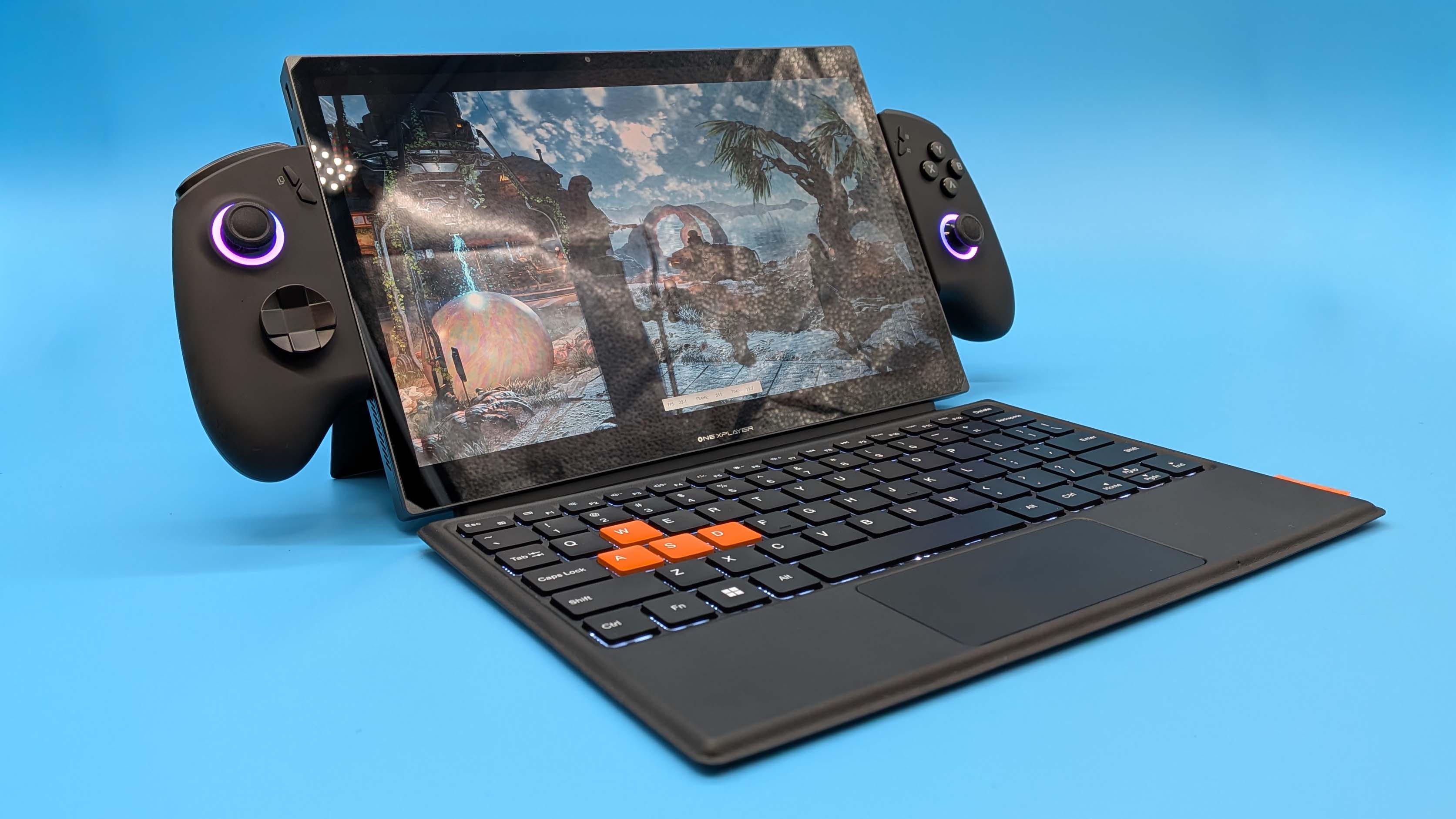
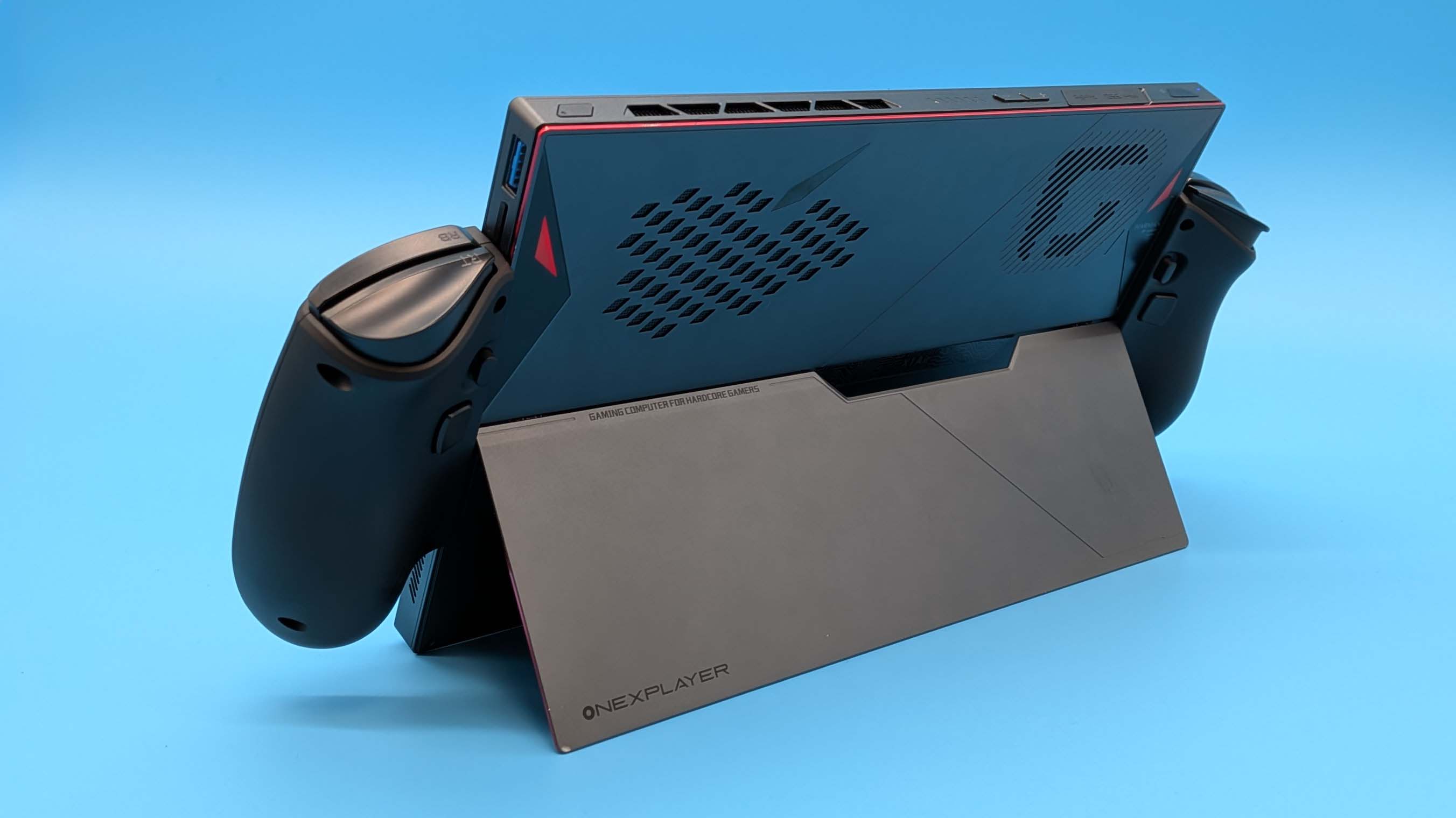
The OneXPlayer X1 Air is probably at its best when used as an 11-inch laptop with its attached keyboard. Though the form factor inevitably makes it slightly less useful than an actual 11-inch laptop would be. As ever with such things—think Microsoft's Surface tablets—the issue is the fact they resolutely suck when used on your lap. Feels like a real miss for a laptop, eh?
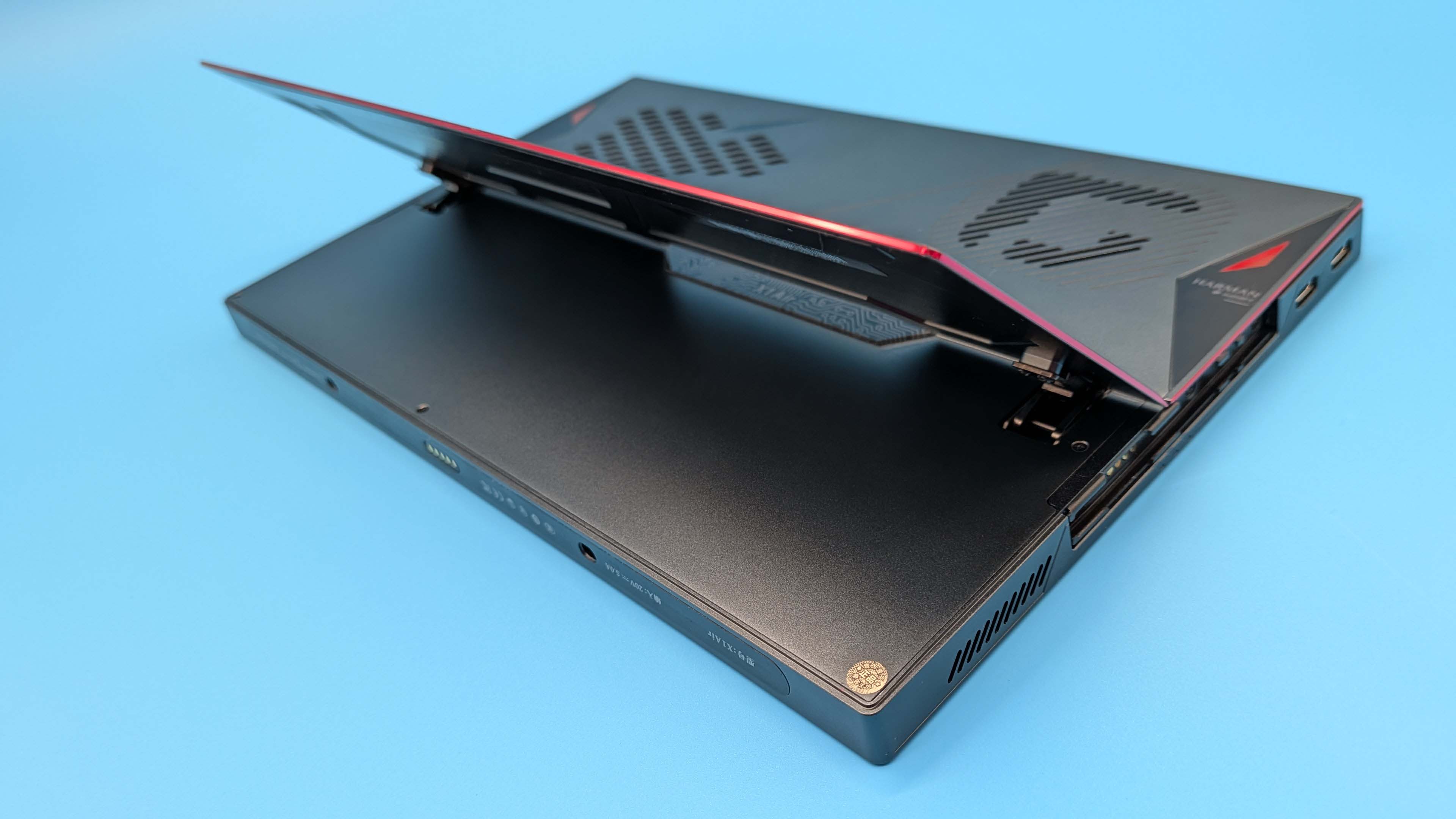
That's down to the lack of a hinge as all the components are necessarily behind the screen and the keyboard section amounts to little more than some inputs on a leatherette flap. Any ergonomic rigidity then has to come from the little stand on the back of the tablet section, and that's never going to work comfortably, or for a decent amount of time when used away from a desk.
Actually on a desk, however, it's surprisingly effective. The flappy keyboard, as with the previous version, is susceptible to bending, which can be a little distracting, but there is more travel on the keyboard's switches than you will find on many an actual laptop keyboard. It's very comfortable to type on, there's plenty of distance between the keys, meaning you don't get an abundance of mistrikes, and the trackpad is impressively responsive.
In all, it makes for a good facsimile of a notebook so long as you're not trying to use it anywhere the stand isn't going to work. Though that stand is much improved over the last-gen X1, because it's actually integrated into the chassis this time around. Before it was another magnetically attached accessory—again finished in leatherette—and made the device feel even thicker than it already was.
Now it's a full-width metal sheet of a stand engineered into the tablet itself. It's both versatile in how you position it and has an impressive amount of structural rigidity, too. It can't really be used in portrait mode, however, unless you want the X1 Air to stand bolt upright at 90° to the table top.
But then, you're probably not going to be using it in portrait mode much because it seems to lack the ability to auto-rotate. In fact, the latest Windows 11 update seems to have removed the rotate option entirely from the quick settings. I can, of course, still go into Windows Settings and alter the panel display orientation each time I want to switch between modes—if I want to read a comic or a specific site, for example—but that is not a user-friendly option, especially when the previous OneXPlayer tablet has no such problems.
So, it's not that great as a tablet then? What about as a handheld gaming PC? Well, frustratingly the performance is really good but the experience most definitely is not. The Arc 140V iGPU inside the Lunar Lake Core Ultra 7 258V chip is excellent, and will deliver gaming performance sometimes right up there with the best Strix Point chips, and very occasionally beyond.
I'll admit was hoping the battery life was going to be better, but at full speed I only saw 103 minutes out of the X1 Air in the PC Mark gaming battery life test. I'm familiar with the OneXConsole software now, and I do appreciate its granular approach to giving you control over the performance and power draw of your device. Though there are still segments (notably the software update section) that are resolutely in Chinese characters, and Windows itself does not like the update packages either, flagging and disposing of them via Defender.
But the control you have with the OneXConsole software does mean you can really dial into the Intel chip's baked-in efficiency. Where Lunar Lake does well is in the low power modes. I've been happily running it at 15 W (essentially half-power) and that makes a big difference to its gaming up-time while still delivering decent performance.
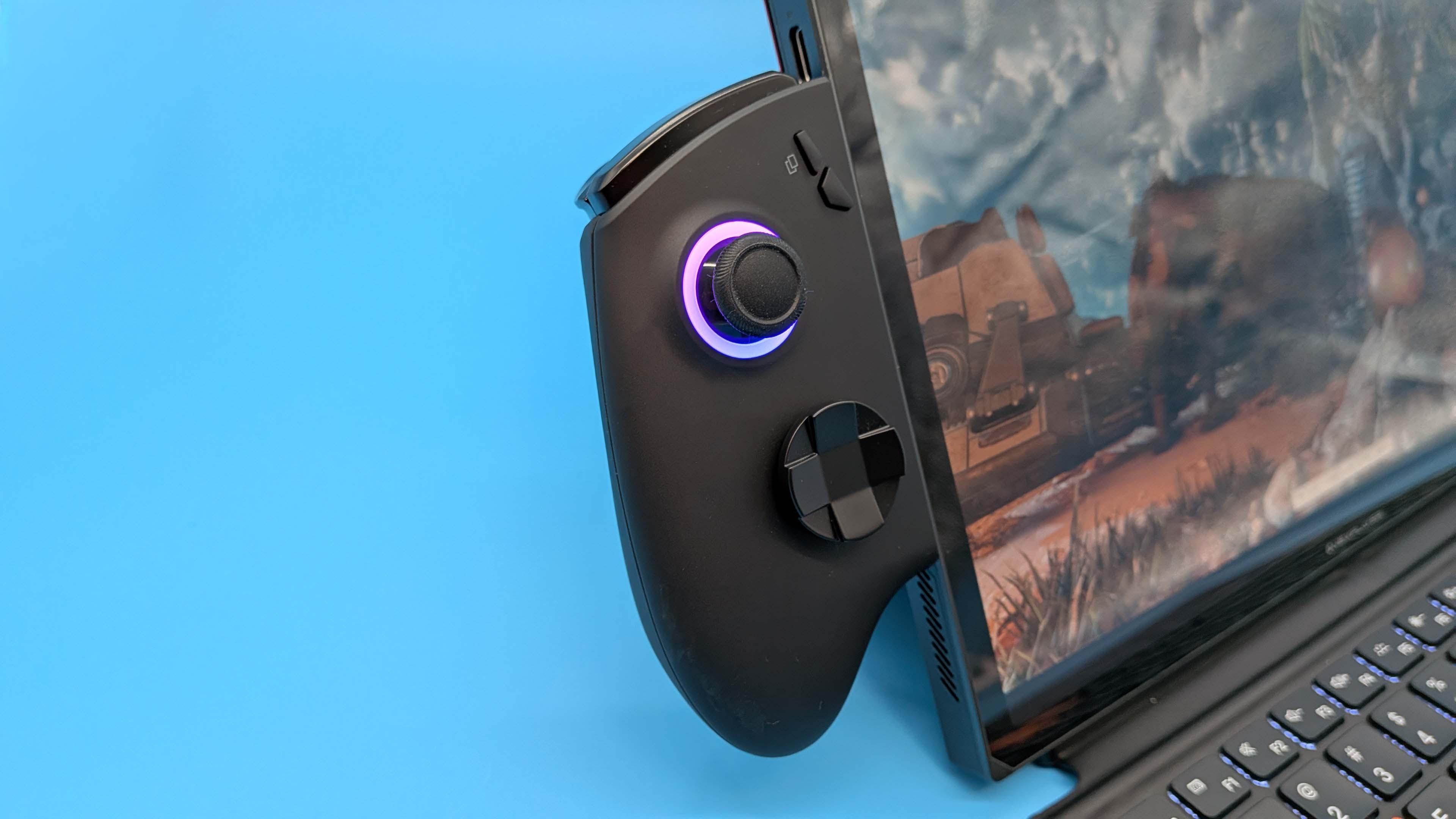
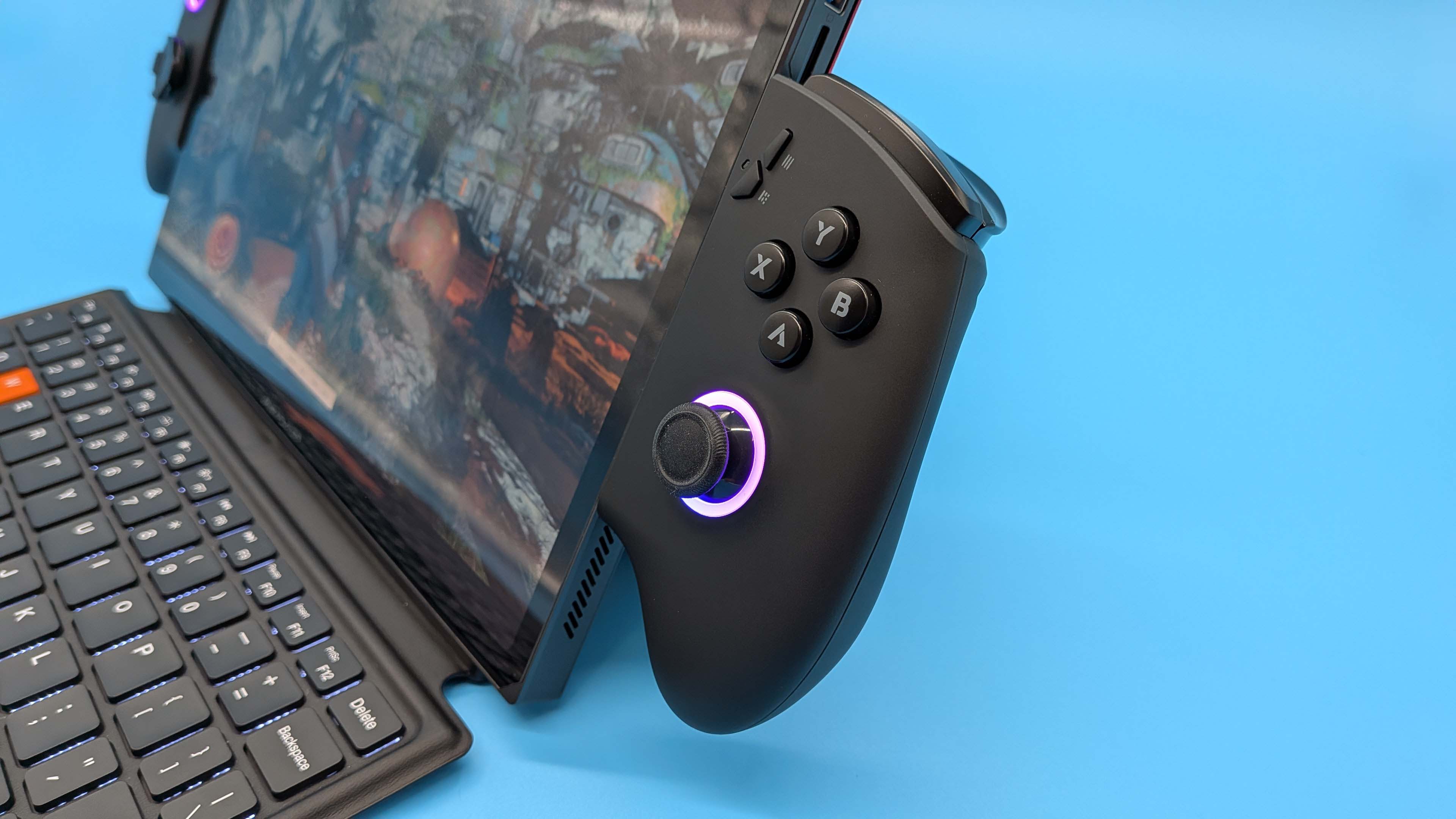
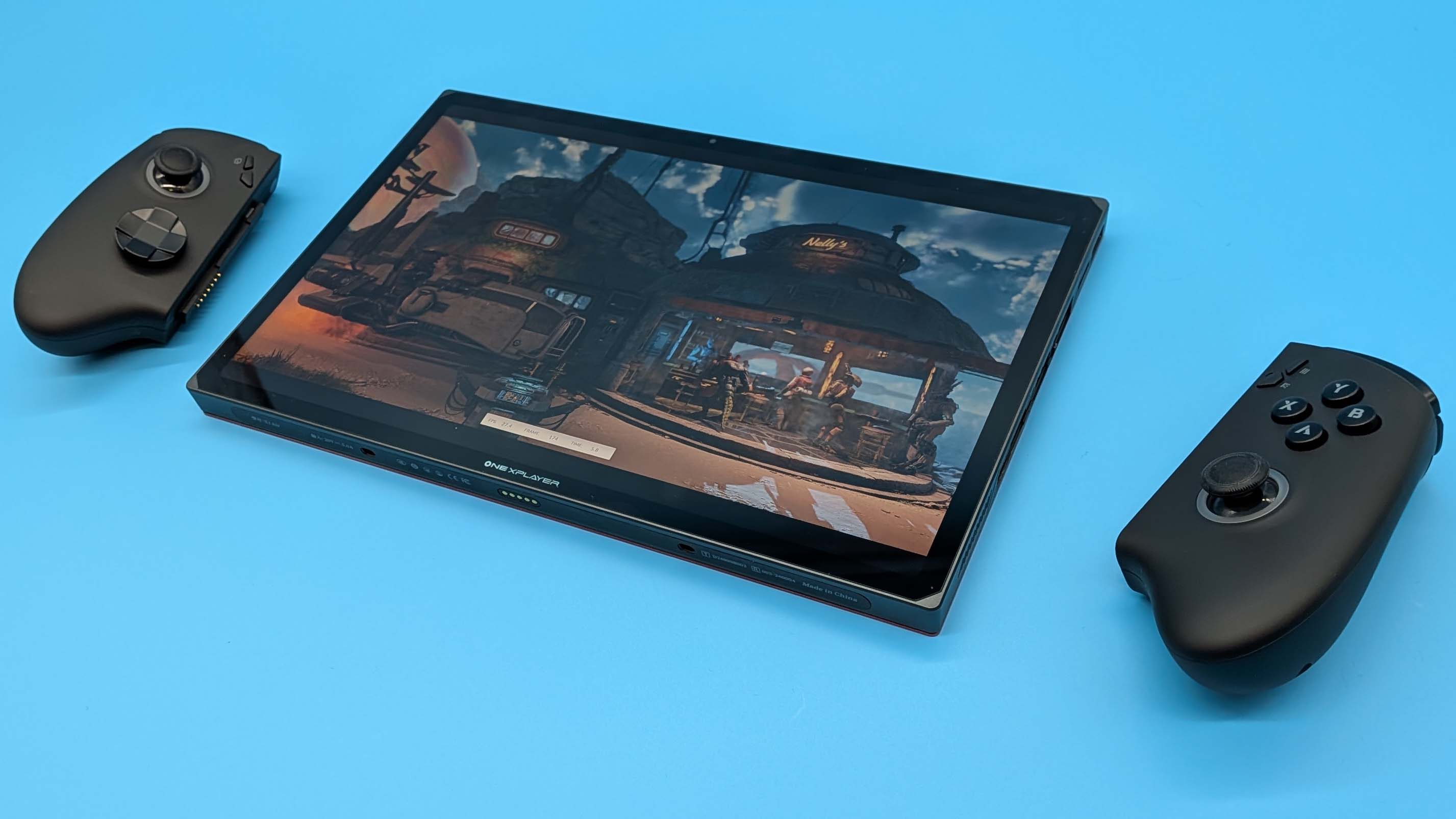
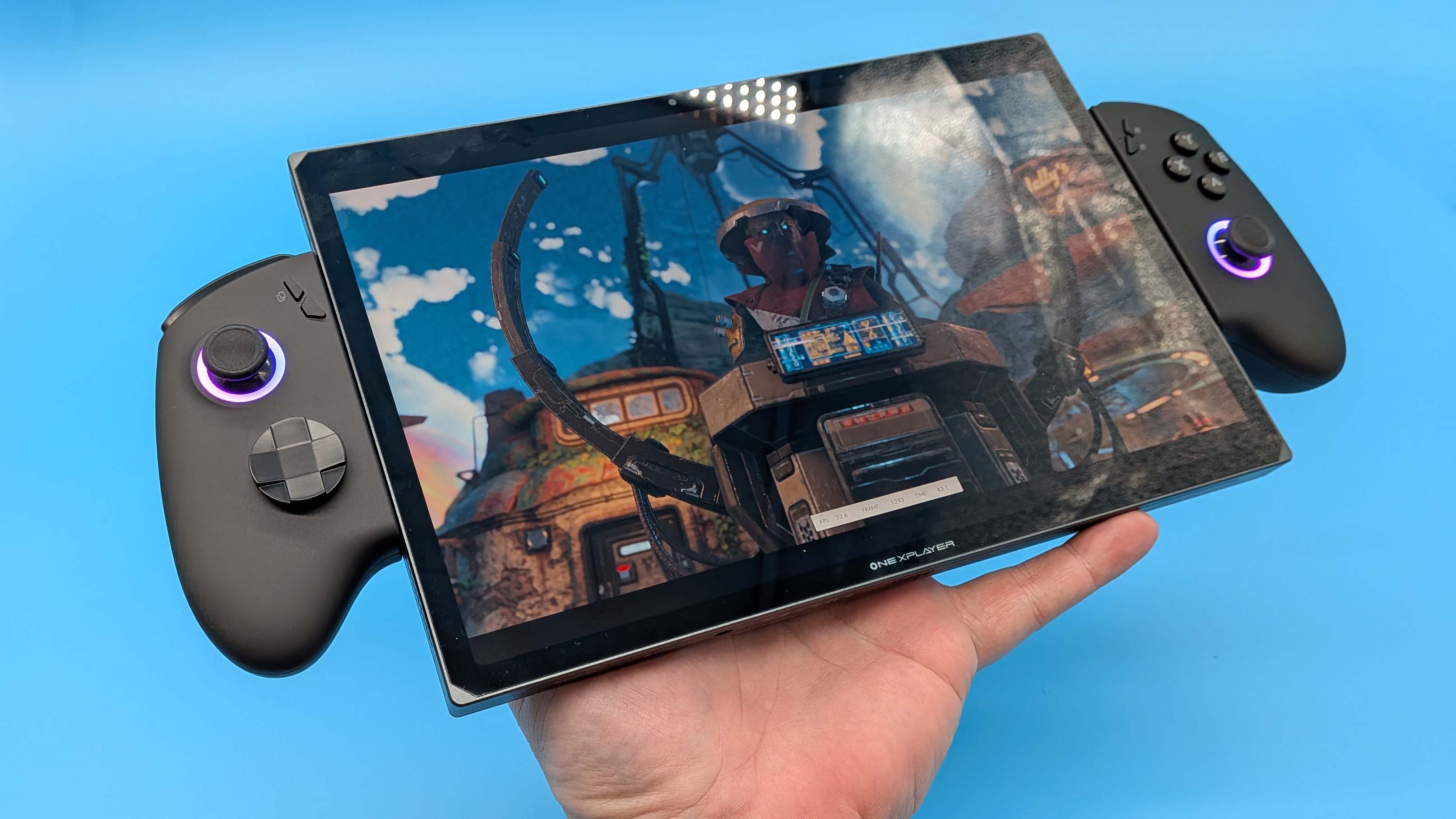
Sounds pretty good so far. And it would be, were the actual experience not an exercise in gaming and technical frustration. For one thing those detachable controllers are still horrible. They were bad on the original X1 and they're no better with the X1 Air. They're oddly hollow, the button feel is not good, and they flex unpleasantly when they're slotted into the device. They are secure, but it's hard to shake the feeling you're going to end up with a face full of thick Lunar Lake tablet when you're lying down in bed trying to game on it.
Though you're not going to be doing that given the heft of the thing as a whole. Where dedicated gaming handhelds—such as the Steam Deck, ROG XBox Ally X, and OneXFly F1 Pro—are balanced to help distribute the weight of the components, there's nothing happening on that front with a thick 11-inch tablet and some elephant-ear controllers. There's no way to comfortably game with this device in handheld form for any length of time beyond fashioning some sort of intricate bungee cord setup.

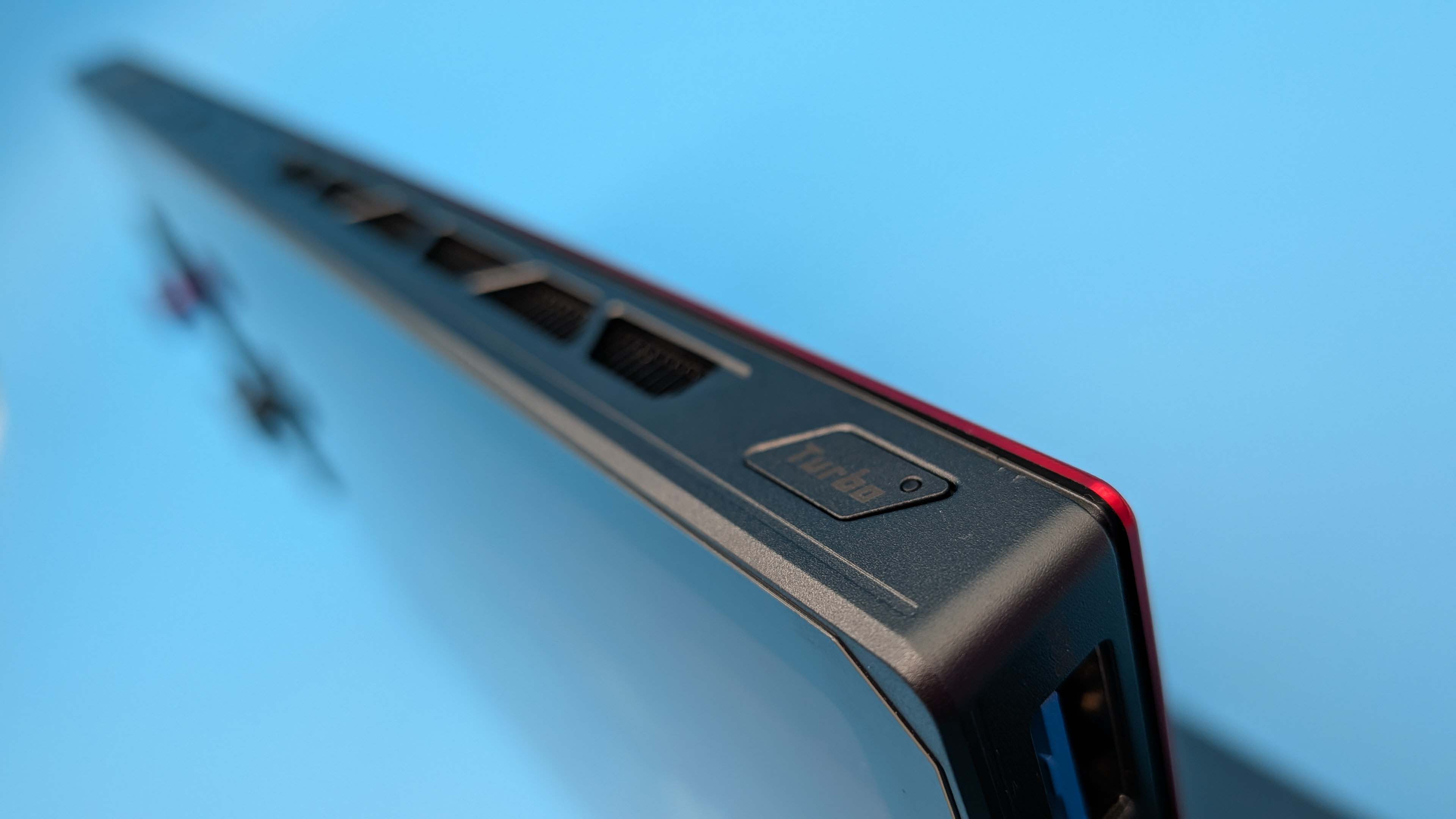
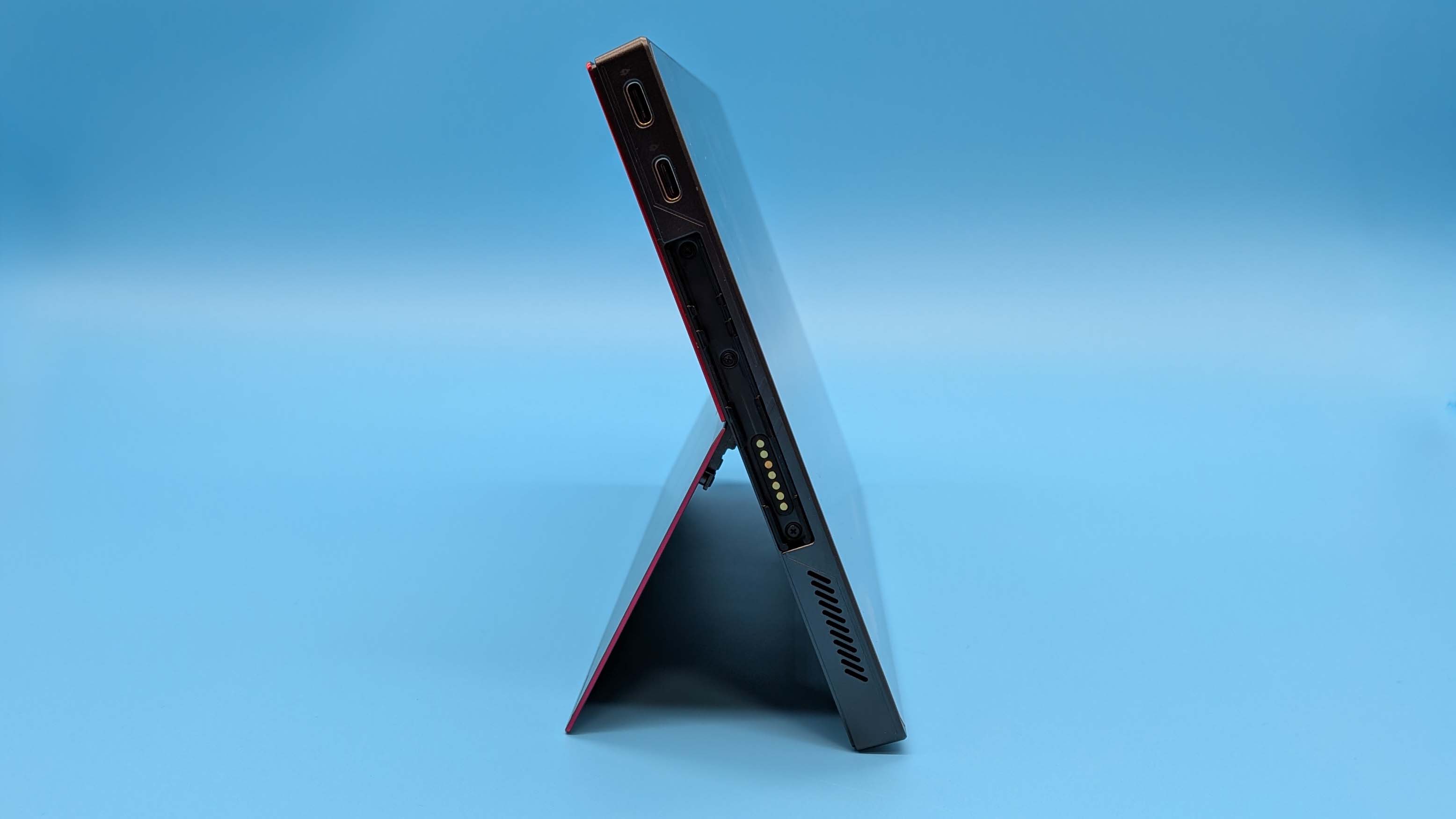
And this pain is all before the bugs hit. Granted, I've not had the visual artefacts I experienced with the Meteor Lake device and its immature driver stack, but that doesn't mean it's been plain sailing by any means. The first major issue I had came around my battery life testing, where I necessarily drained the juice from the X1 Air while gaming. After that the damned thing refused to boot even after being plugged in for a while.
It kinda did, though nothing appeared on the screen, and I ended up having to go through some arcane ritual of hard resetting, charging, starting the device so its power light came on (though nothing else did), and then swapping to another laptop charger to get some different juice into it. And then just ignoring it for a few days before finally starting it up again while ringed in bee's wax candles and centred within a pentagram.
It's now mostly working again, though it does require a drop of virgin blood each time I plug it into the mains. I am still getting the occasional issue where the power button needs to be pressed a few times before it will actually boot, and standby mode is typically flaky as with any Windows-based device.
But even bug-free the overall package doesn't do enough to justify its price. The version I've been testing is theoretically $1,499, but is currently discounted down to $1,280. That's RTX 5070 gaming laptop money, people, and not the sort of money I'd be willing to spend on something that doesn't really excel in any of its three modes, laptop, tablet, or handheld.
Which all means it's an almost impossible recommendation from me. I've been using the OneXPlayer X1 Air, in different ways, for a long while now, and while there are improvements over the original X1, and some parts of it I do like (that screen…), I cannot in good conscience suggest that anyone spending $1,200+ would have a good time with it.
Especially not when you can spend half that and get the outright best gaming handheld, or the same amount and get a genuine Lunar Lake laptop. Sure, you're maybe losing that versatility, but the compromises the X1 Air asks you to make are simply not worth it.
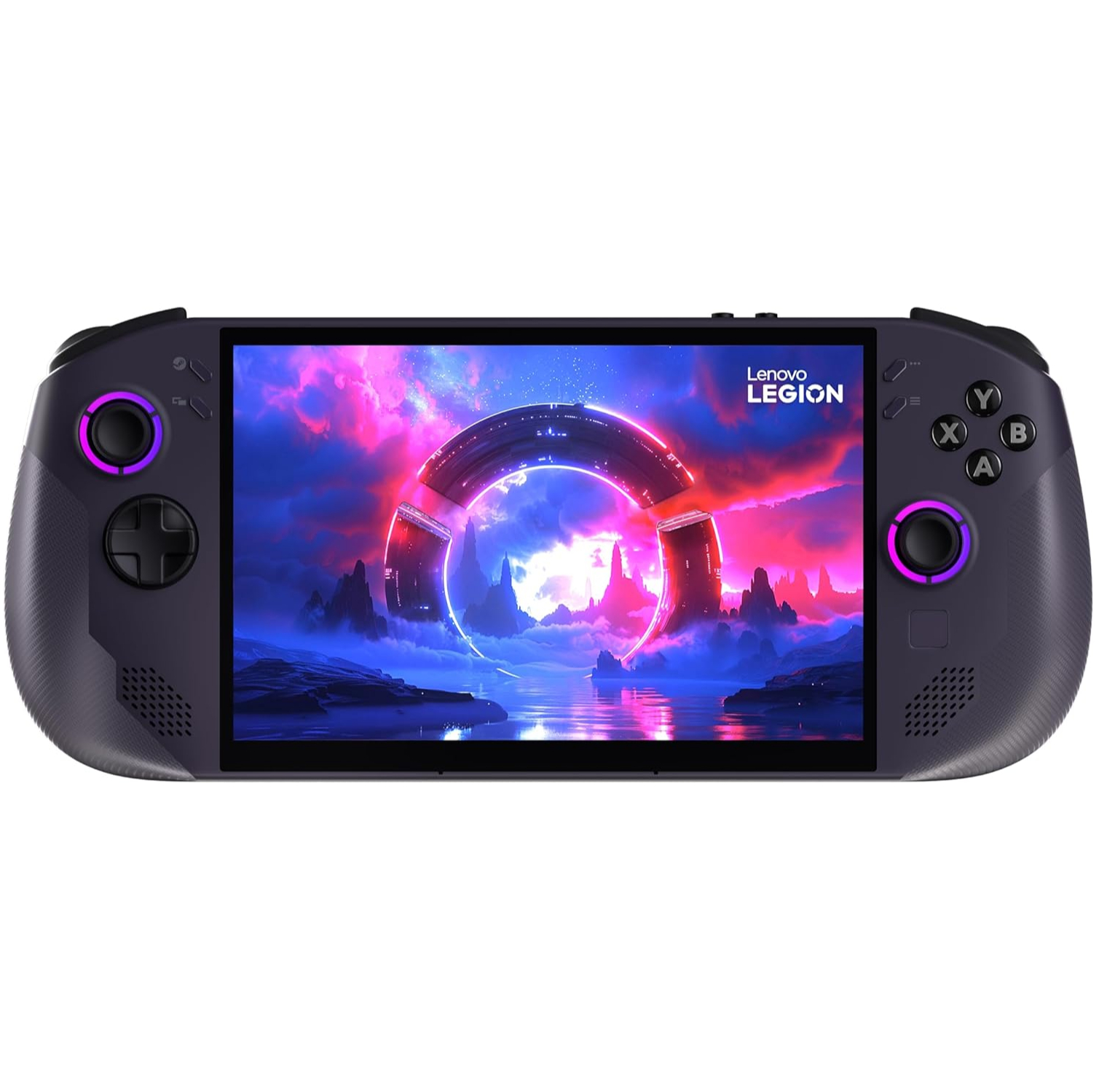
1. Best overall:
Lenovo Legion Go S SteamOS
2. Best budget:
Steam Deck
3. Best Windows:
Asus ROG Xbox Ally X
4. Best big screen:
Lenovo Legion Go
5. Best compact:
Ayaneo Flip DS
Proving once again the tablet-as-a-handheld device doesn't work, the X1 Air suffers from a level of jank that is far from endearing despite impressive performance from the Intel chip and a lovely screen.

You must confirm your public display name before commenting
Please logout and then login again, you will then be prompted to enter your display name.