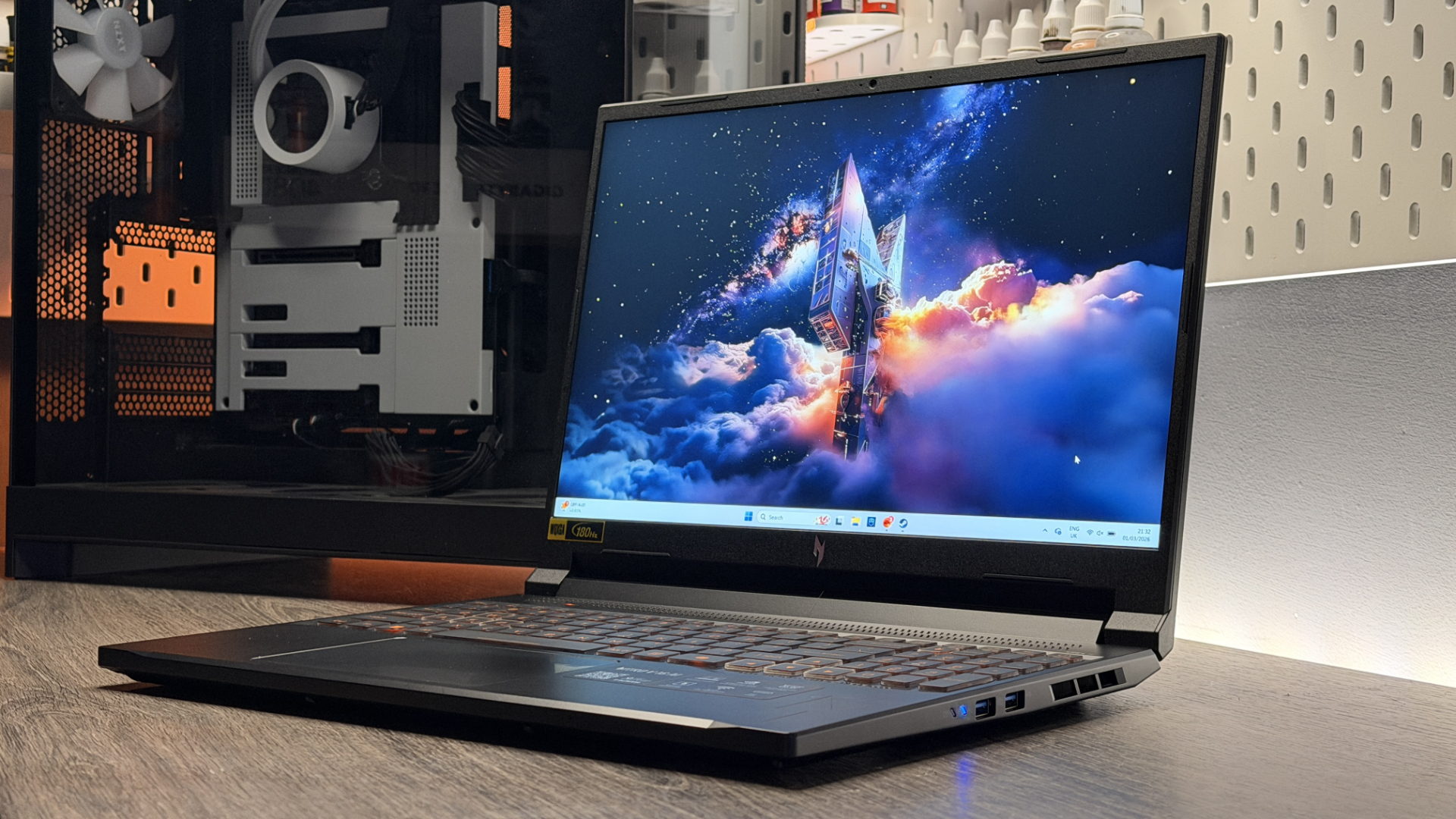
I checked out the Logitech G PowerPlay 2 charging mouse pad last year and I was not impressed. That's primarily because it was too expensive for what it offers, especially compared to the first version. So consider me downright stupefied that Logitech seems to have raised its price, at least in the US.
When I reviewed it, it was going for $100. Now it's going for $120. To be fair, this is what happened with the original PowerPlay: it started off at $100 and was later raised to $120. But to be equally fair, I don't care, it's still far too expensive considering the downgrade from the first one.
In case you don't have a clue what I'm on about, the G PowerPlay pads charge your compatible Logitech mouse—provided it has the charging puck in its underside—simply by resting the mouse on top of it. This means you never have to plug it in to charge ever again.
The problem with the second version, though, is it cut back a lot of what made the first so good. In particular, the first one came with two pad toppers rather than one—one hard, one soft. And in even more particular, with the original you just had to plug in the pad in and it would not only charge your mouse but also act as the hub for it to connect to, no separate dongle required.
Not so with the PowerPlay 2. You have to plug it in and connect your dongle, meaning you're now using up two USB-A ports on your PC or laptop. And for these downgrades Logitech still charged $100, which was too much. Now, that price has shot up to the same price as the original PowerPlay—more than it cost towards the end of its life, when discounts were rolling in.
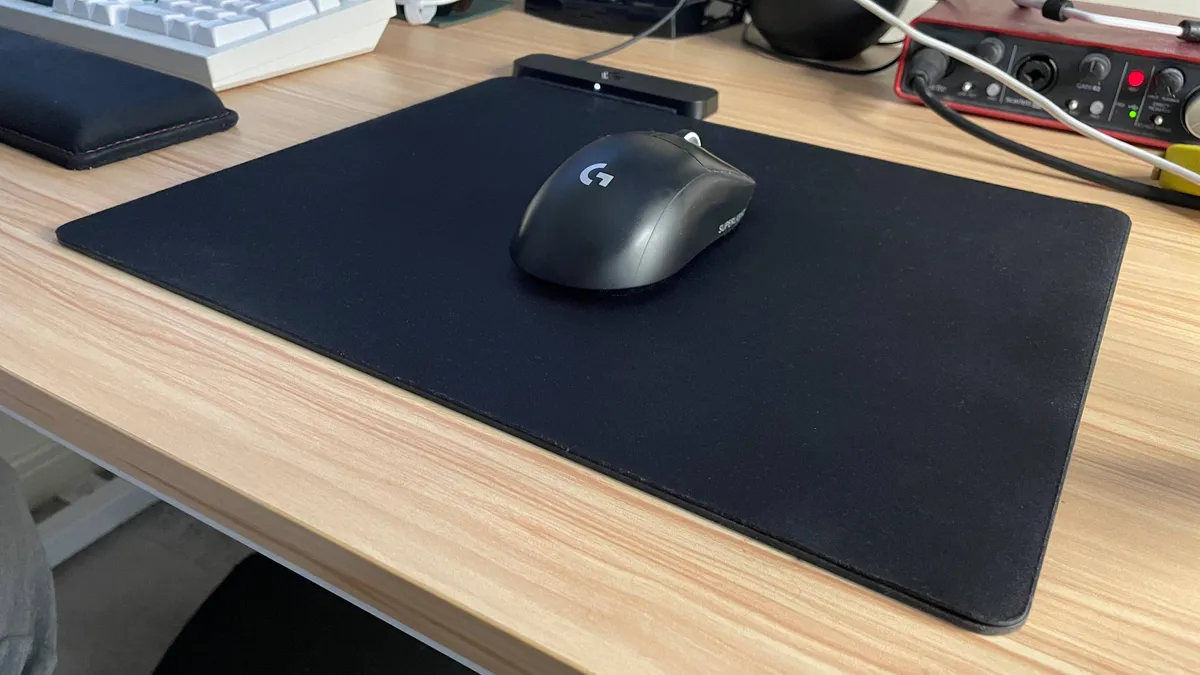
For this price, there's no question about it, I would 100% rather go for Razer's identically priced alternative, which not only requires just the one USB socket rather than two, but also looks and feels a lot more premium.
Saying that, it's still a lot of money for a charging pad. My opinion's changed on this somewhat since using them both for the first time. It's pretty easy to just plug your mouse in to charge overnight whenever it starts to get low on battery, and I'm not sure $120 for either Logitech or Razer's options is the right price to eliminate that very slight inconvenience.
1. Best wireless:
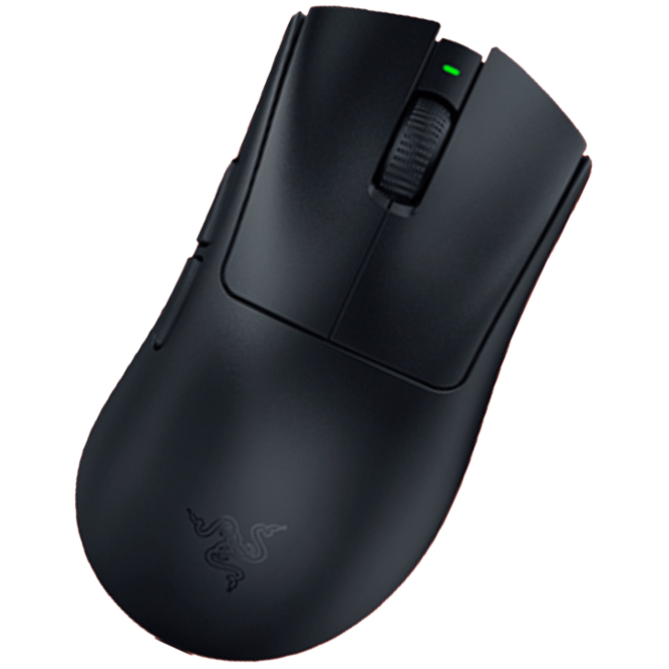
Razer DeathAdder V4 Pro
2. Best wired:
Logitech G502 X
3. Best budget wireless:
Logitech G305 Lightspeed
4. Best budget wired:
Glorious Model O Eternal
5. Best lightweight:
Corsair Sabre V2 Pro
6. Best MMO:
Corsair Scimitar Elite Wireless SE
7. Best compact:
Razer Cobra Pro
8. Best ambidextrous:
Logitech G Pro
9. Best ergonomic:
Keychron M5
10. Best customizable:
Orbital Pathfinder

You must confirm your public display name before commenting
Please logout and then login again, you will then be prompted to enter your display name.