Our Verdict
Simply the best budget gaming chair I've had the pleasure to perch upon. Though not the showiest seat, a package that offers highly adjustable 3D x 360° armrests and a supremely comfortable synchronous tilt for only £200 is tough to argue against—especially when it's often on sale to boot.
For
- Easy to build for one person
- Firm but comfortable
- Synchronous tilt is great for sneaky naps
- Highly adjustable 3D x 360 armrests
Against
- Not easy to find outside of Europe or the UK
- No extra lumbar support or headrest pillow
- Styling may prove too subtle for some
PC Gamer's got your back Our experienced team dedicates many hours to every review, to really get to the heart of what matters most to you. Find out more about how we evaluate games and hardware.
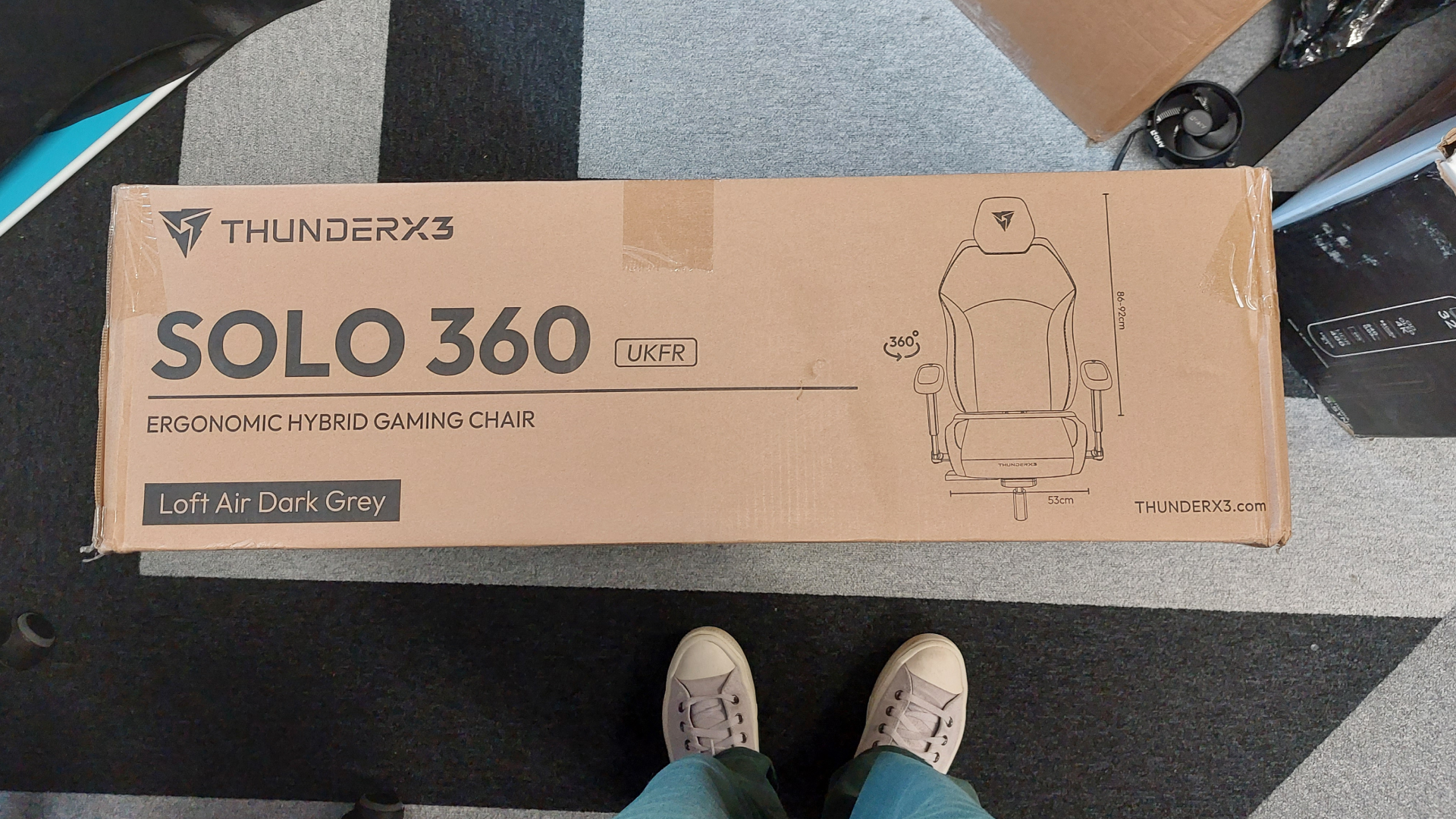
A reasonable price, something actually comfortable, a range of adjustability options, a small-ish box and an easy build. When it comes to a number of budget gaming chairs, it can feel like a case of 'pick two—and be thankful you got two'. The ThunderX3 Solo 360 is different. Instead it asks, 'why choose?'
But before I really start singing the praises of this budget perch, it's worth noting one major caveat: this gaming chair is not yet available in the US. With an MSRP of £200/€220, the ThunderX3 Solo 360 enjoys a similar price point to our top pick for the best budget gaming chair, the Corsair TC100 Relaxed, but is unfortunately not as widely available. So, if you are a US-based PC gamer, let me tell you what you're missing out on.

Rec. height: 155—195 cm
Rec. weight: 50—125 kg
Features: Synchronous tilt, multi-angle recline lock, 3D x 360 adjustable armrests, car seat structure headrest
Material: Multi-layer breathable fabric upholstery (Loft Air—reviewed), Breathable mesh , Leatherette
Armrests: 3D x 360, with retract and lateral adjustments
Colours: Loft Air Light Gray, Loft Air Dark Gray (Reviewed), Mesh Black, Modern Black, Modern Blue, Modern Red, Racer Black, Racer Blue
Price: £200/€220
On a construction process side note, I found the visual instructions mostly easy to follow—though unfortunately the drawings of the screws look different to what's in the box. Thankfully, it's all clearly labelled, and you even get a spare of each screw type. Speaking of construction pack-ins, you can pry the included L-bar hex key with a ball end socket from my cold, dead hands.
With the seat pretty quickly built, there was only one thing left to do—well, after quickly dismantling the armrests to attach the plastic joints I'd missed the first time around. After that, I finally pulled up the gaming chair and deposited myself into its firm, car-seat-style embrace.
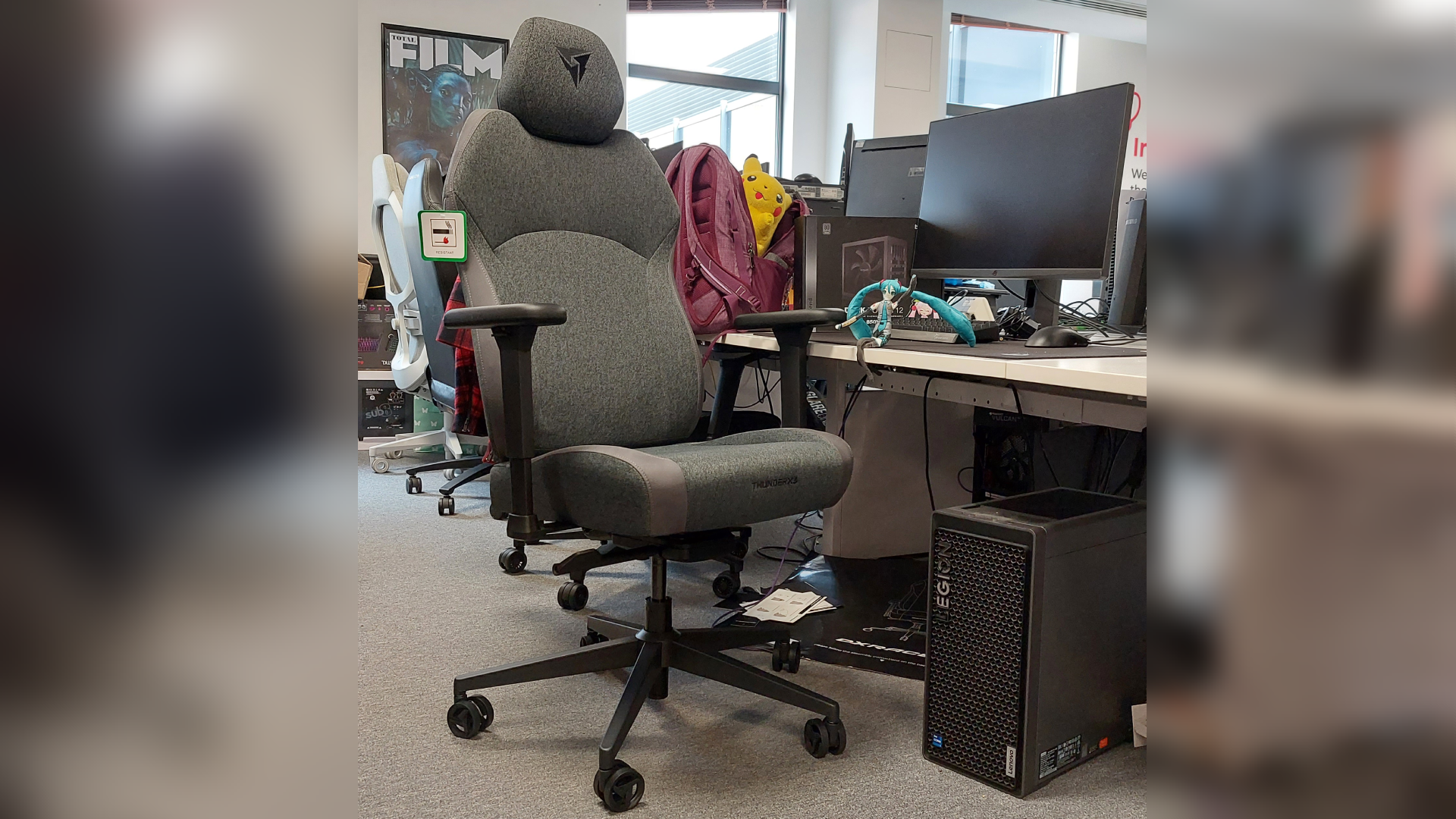
Despite the small box this gaming chair arrives in, the seat doesn't feel narrow to me. The ThunderX3 Solo 360's bottom cushion and back rest is constructed of very firm foam, keeping the chair reasonably lightweight but also very comfortable.
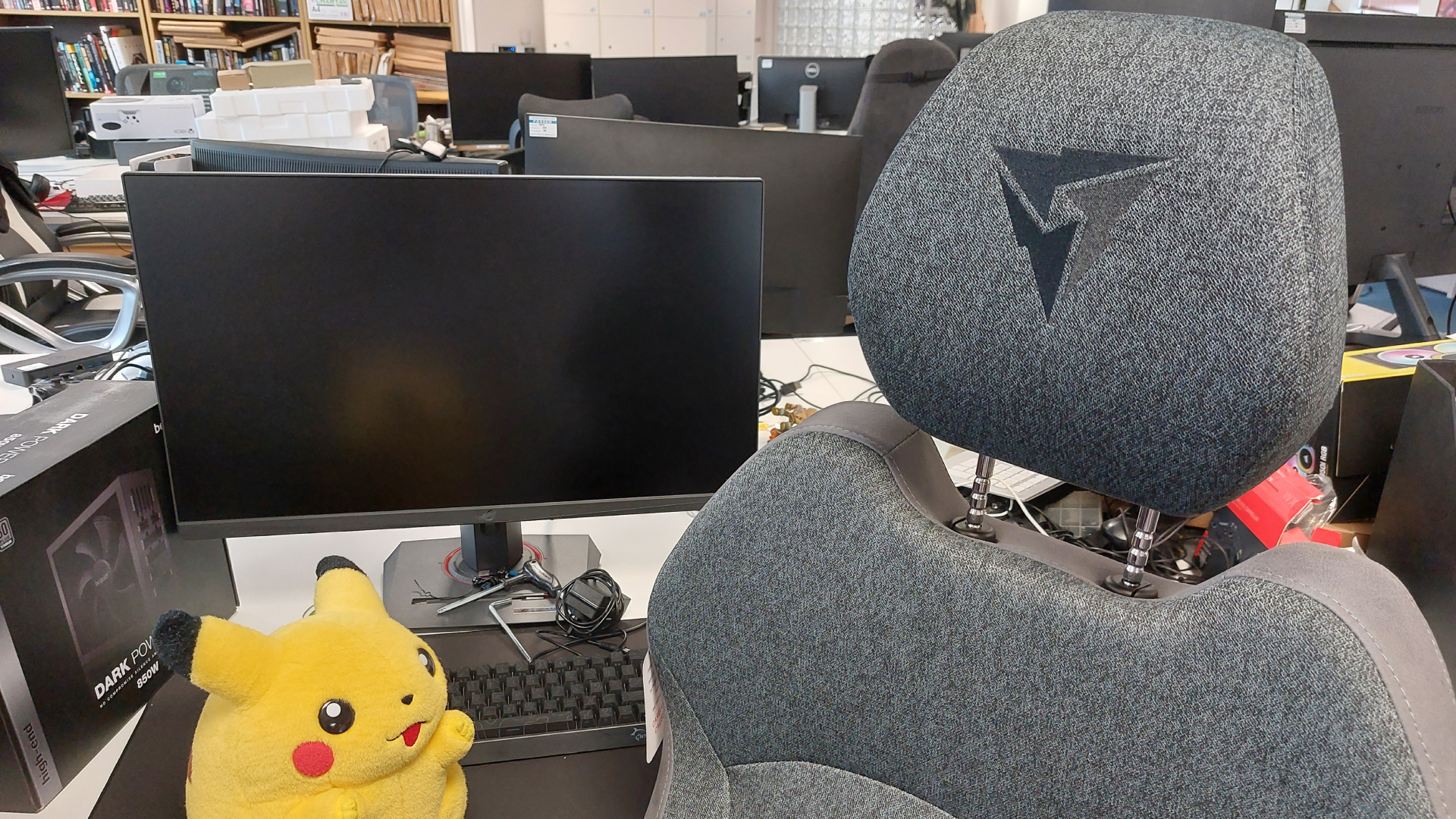
The headrest attaches via two steel stems, much like a car seat headrest. Unlike many of its competitors, the Solo 360 doesn't offer a separate, removable pillow, so this up-down headrest is all the support your bonce is getting. There's no separate lumbar support cushion, either. It's all still pretty comfortable, with nary a numb bum experienced during my testing, but its car seat-like styling definitely comes with some quirks that definitely won't appeal to everyone. I'm not sure about you, but I'd rather the throne from which I game did not also remind me of the tin can I trundle to work in.
Less quirky are the '3D x 360°' armrests. Essentially, all that means is that the tops of the armrests can rotate around and around, but rather than a smooth, unimpeded rotation, there's a clickyness that should stop you from too easily knocking the armrests out of your preferred position. You can also retract the tops of the armrests, and a little lever underneath each one allows you to adjust its height.
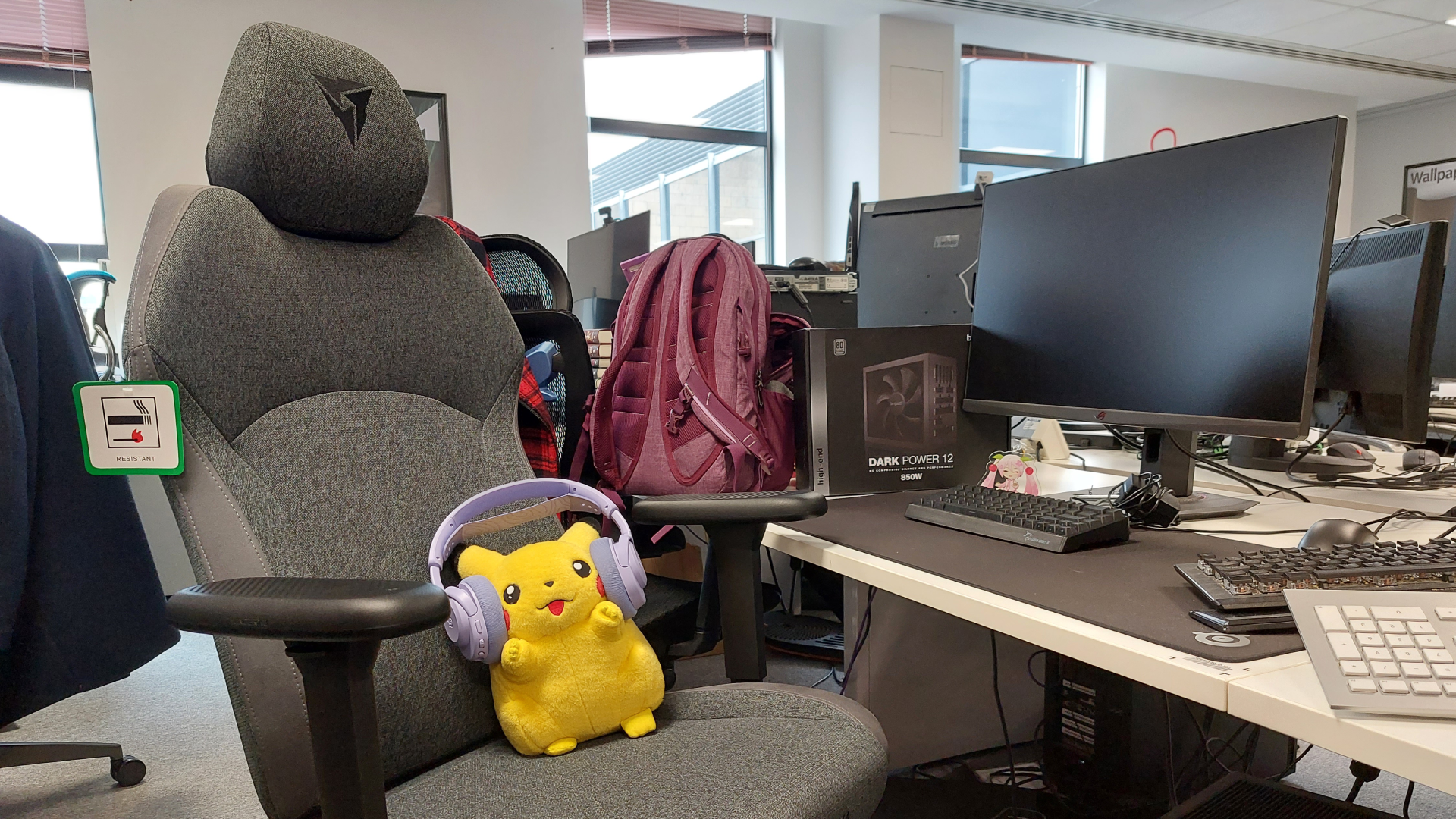
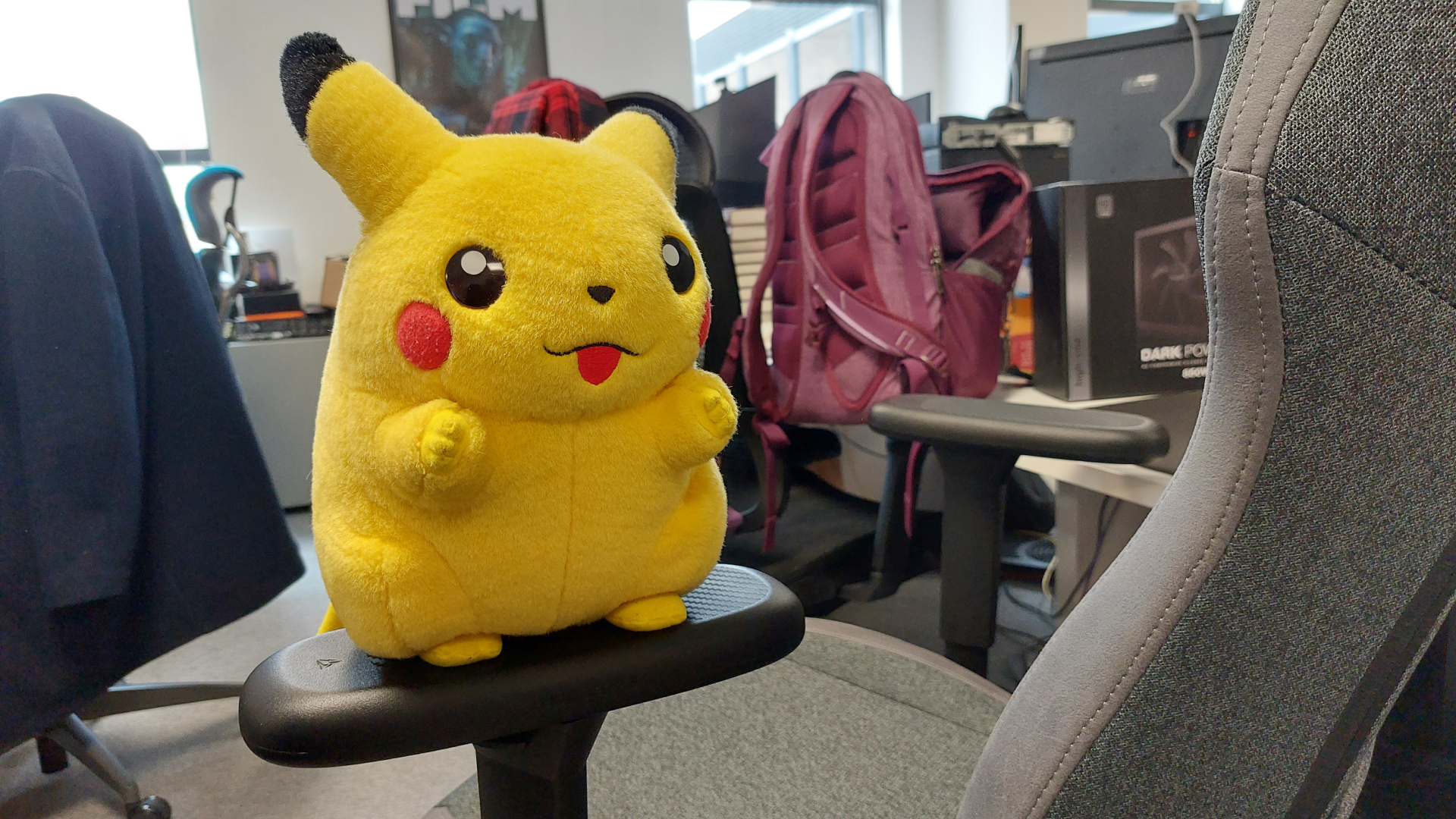
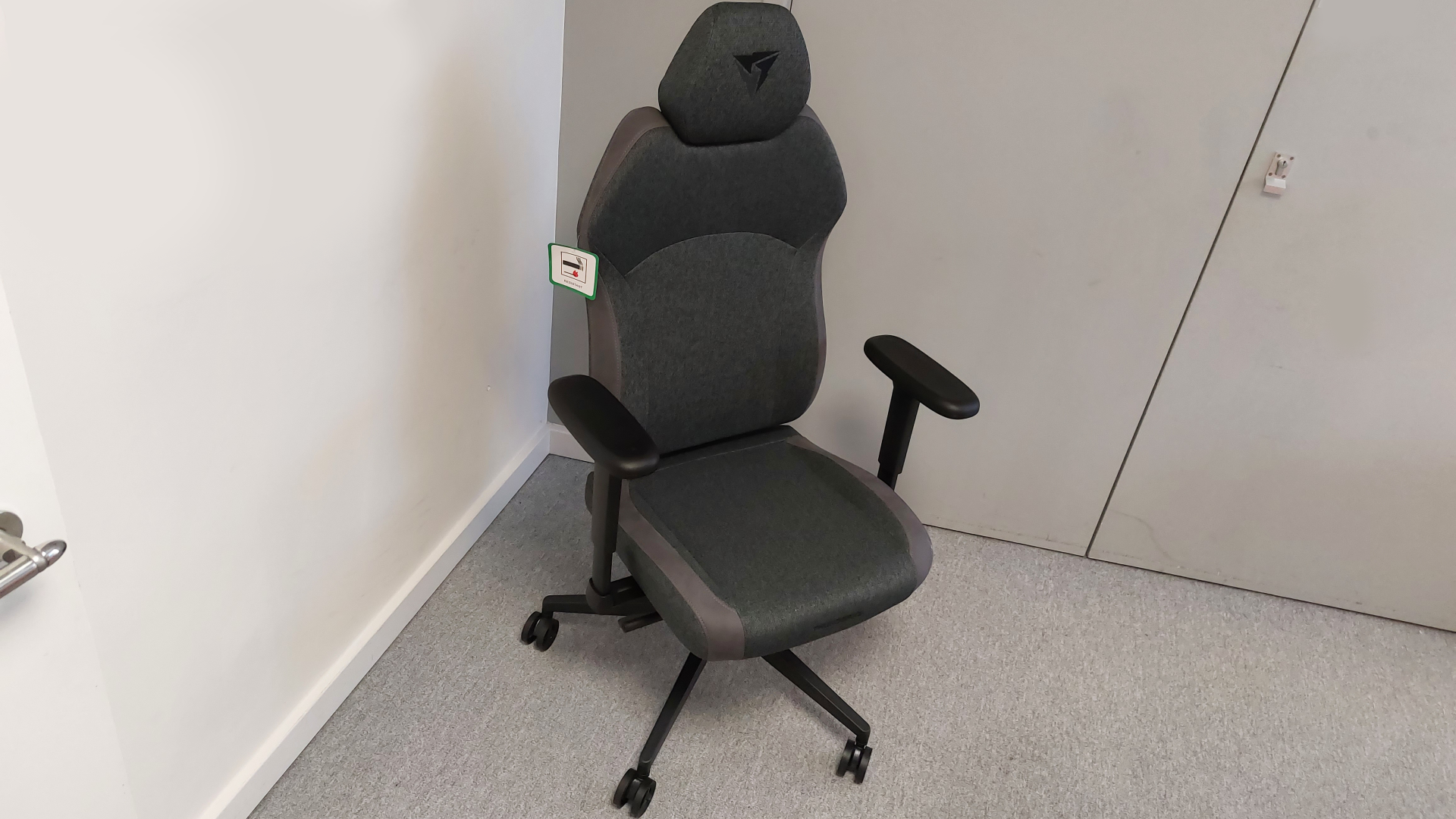
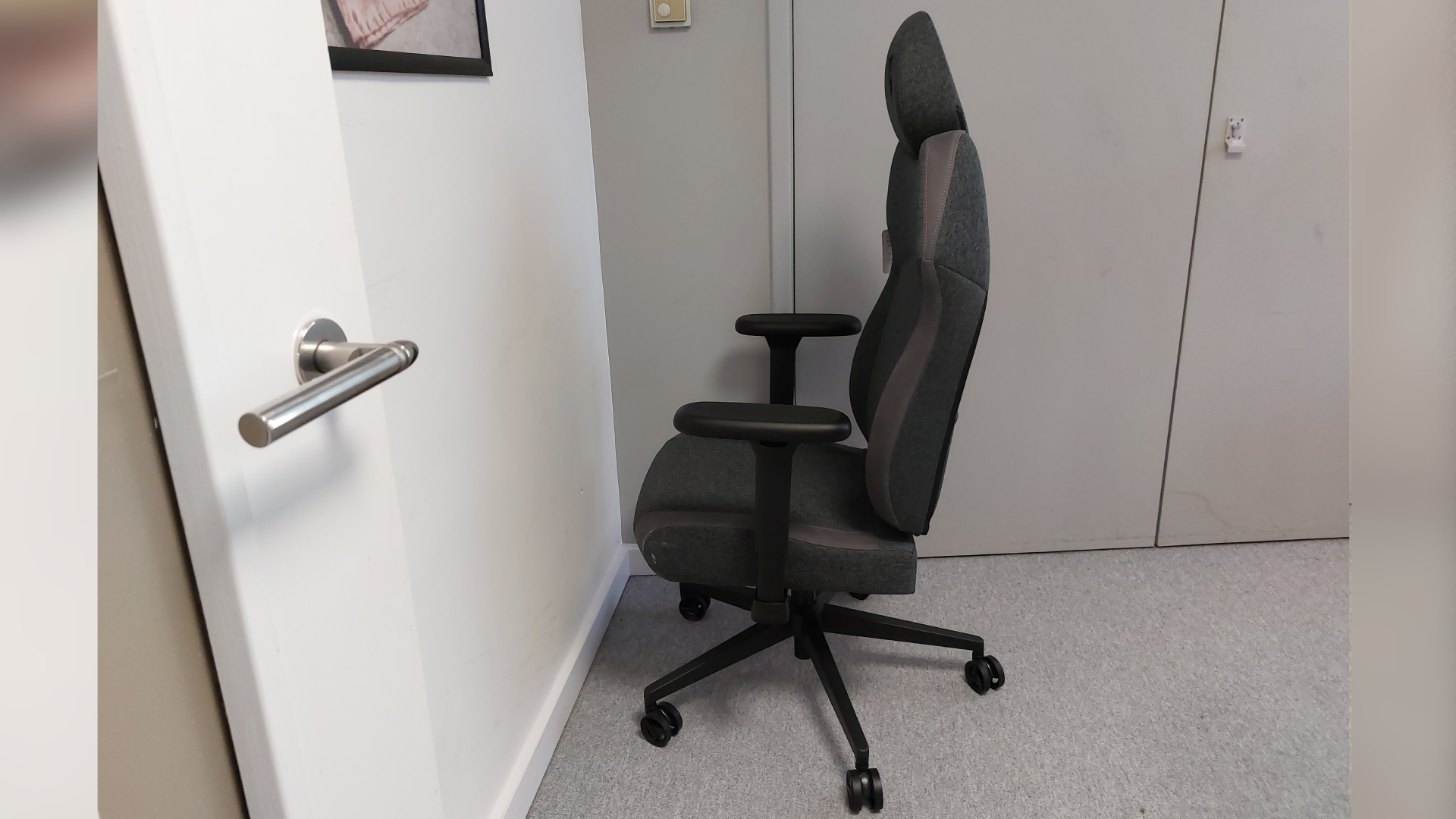
The 3D armrests are definitely a neat inclusion on such an affordable chair—especially considering the Corsair TC100 Relaxed's 2D armrests leave a lot to be desired.
The ThunderX3 Solo 360 also offers a 'synchronous tilt' which "allows the backrest and seat to move together at the optimal ratio, providing ergonomic support for your entire body." Given that the ThunderX3 Flex Pro is our preferred perch when it comes to the best office chair for gaming, the Solo 360's ergonomic edge is hardly surprising. You can also lock your preferred angle in place by pushing the seat height adjustment pedal in, towards the central piston.
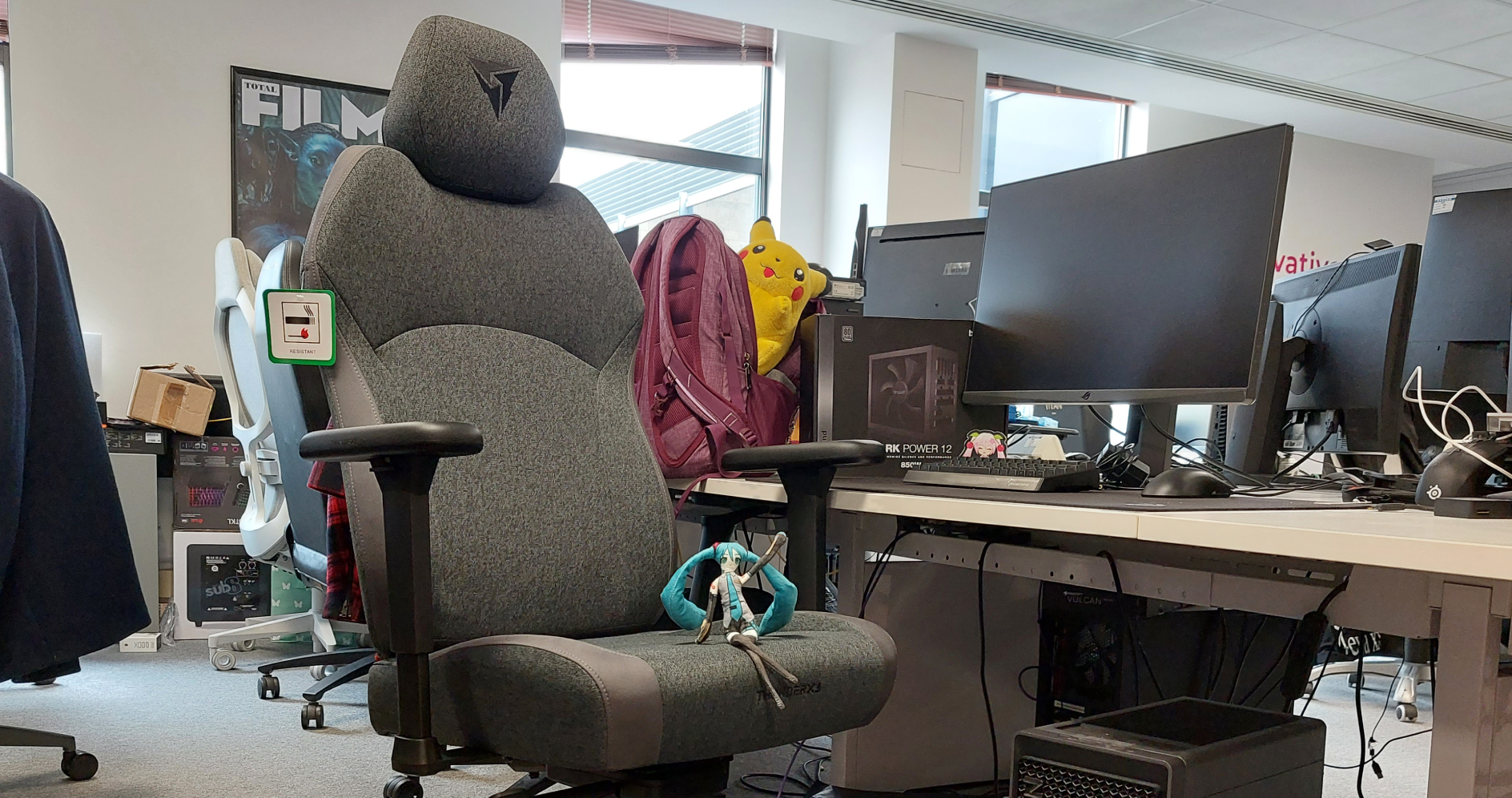
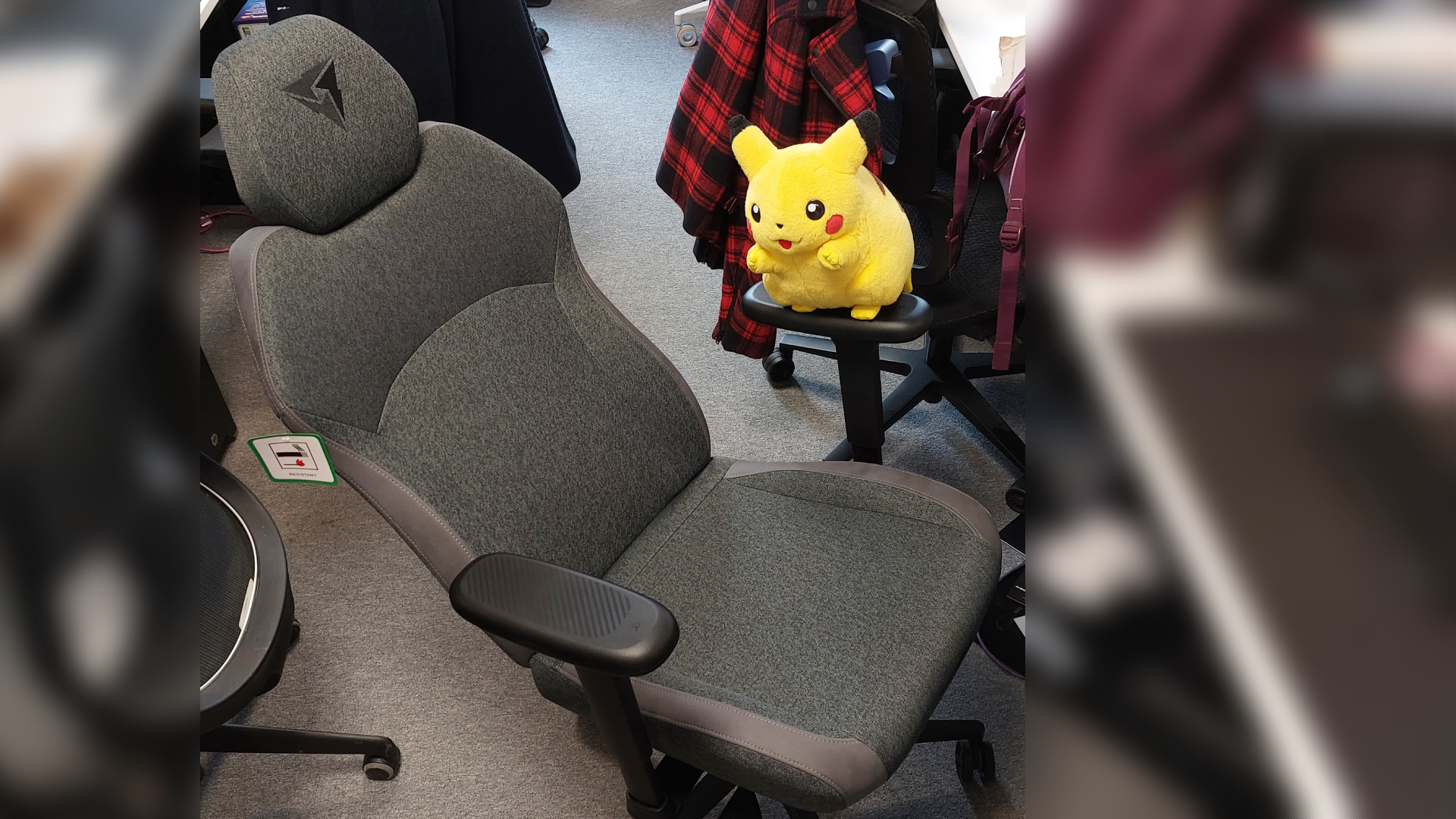
Unlocking it can prove perilous though, as the whole pedal slipped completely off when I pulled it out again. This is easily fixed, so long as you take care to thread the not-completely -round plastic tube back onto the not-completely-round metal pole. My clumsiness aside, that synchronous tilt provided a lengthened silhouette that was frankly impractical for the hardware team's corner of PCG Towers, and a level of comfort I was extremely reluctant to extricate myself from. 'Tis a shame to know that I snore.
That aside, it's time to talk looks and, as you might already expect from a budget chair, they are decidedly basic here. Specifically, I reviewed the Loft Air in a Dark Grey colourway. The model I reviewed also came with a thin pocket on the reverse of the back rest. Naturally, this is touted as extra storage but you'll likely struggle to get much more in it than, say, the documentation that came in the box.
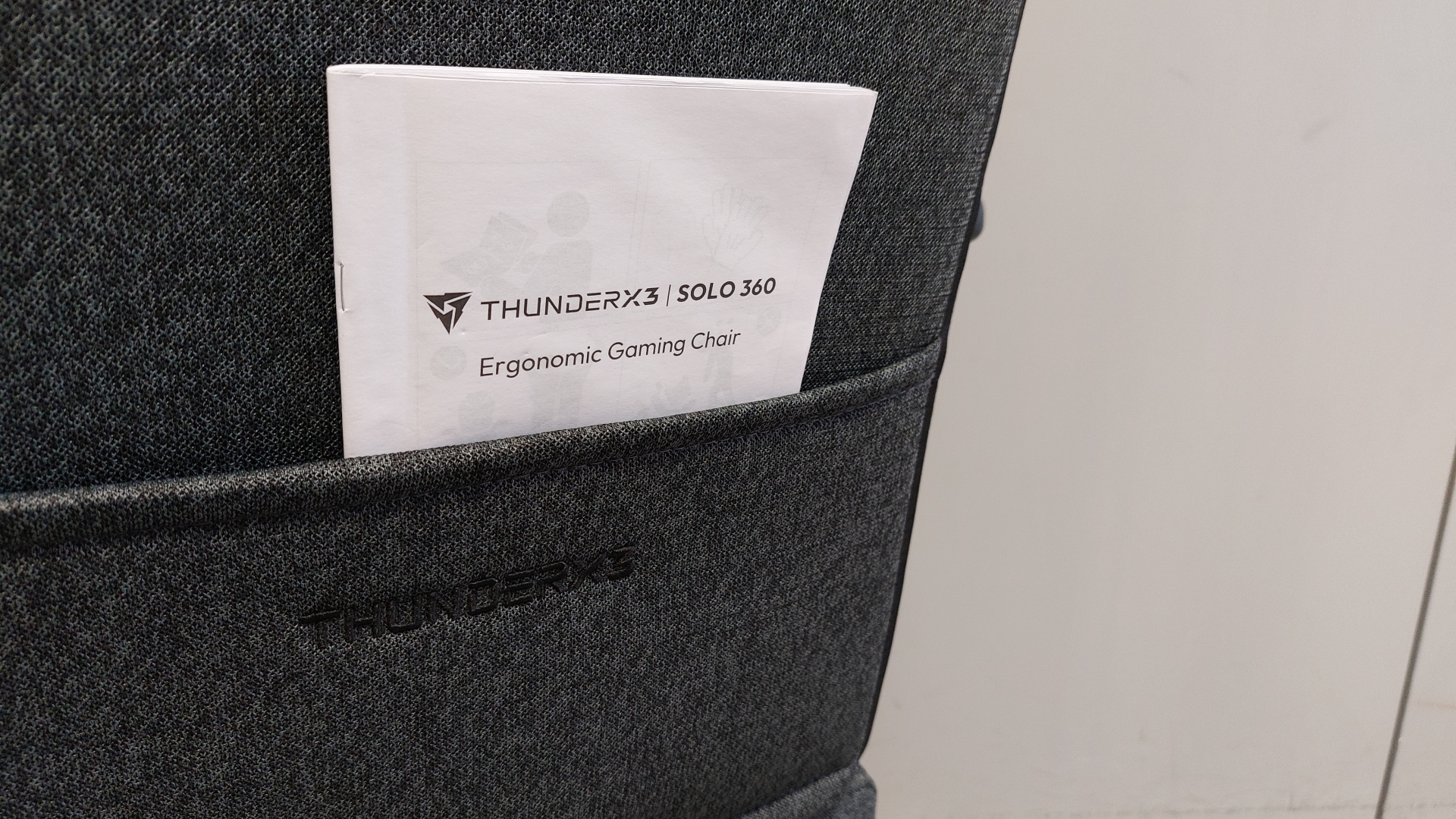
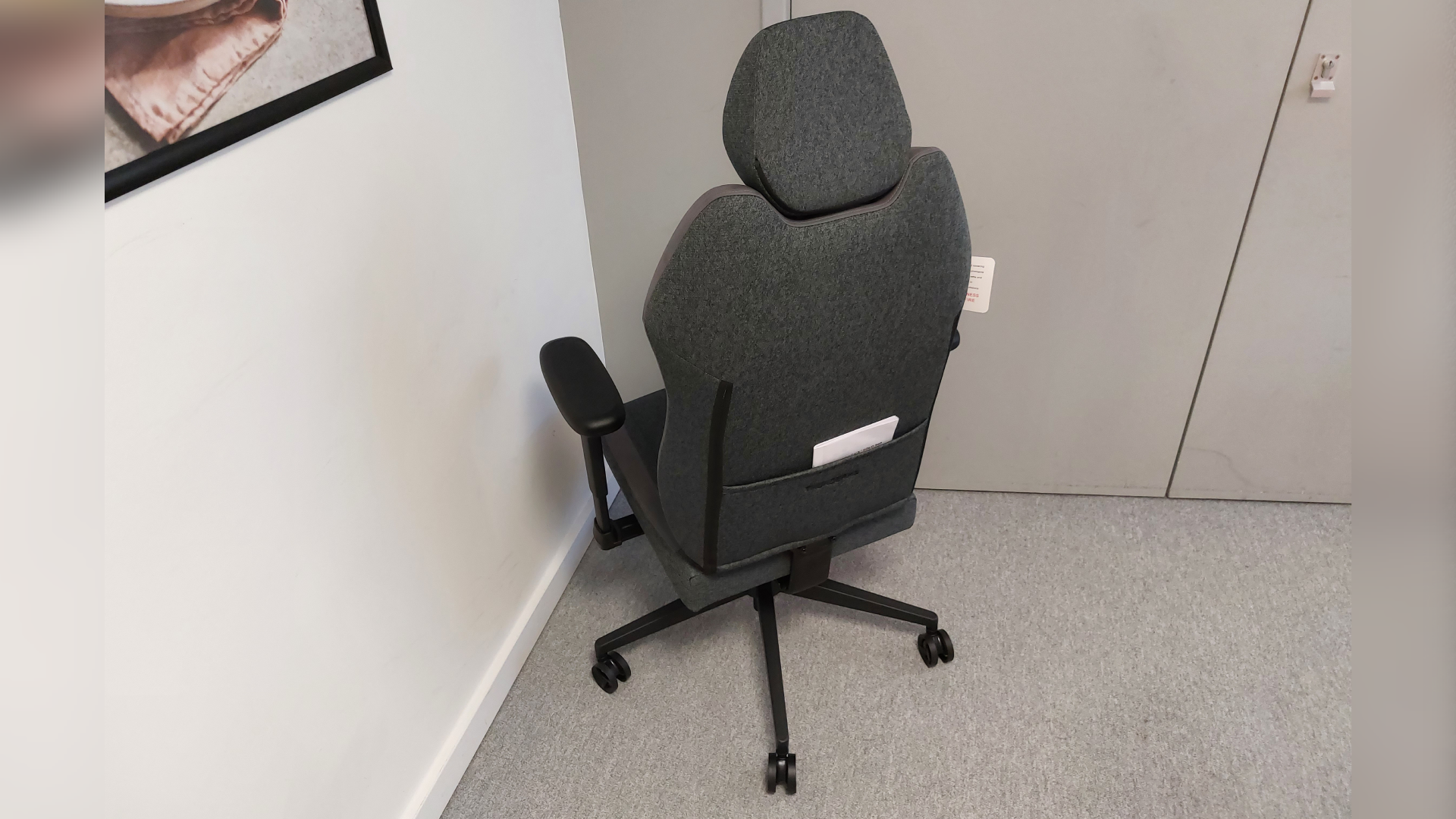
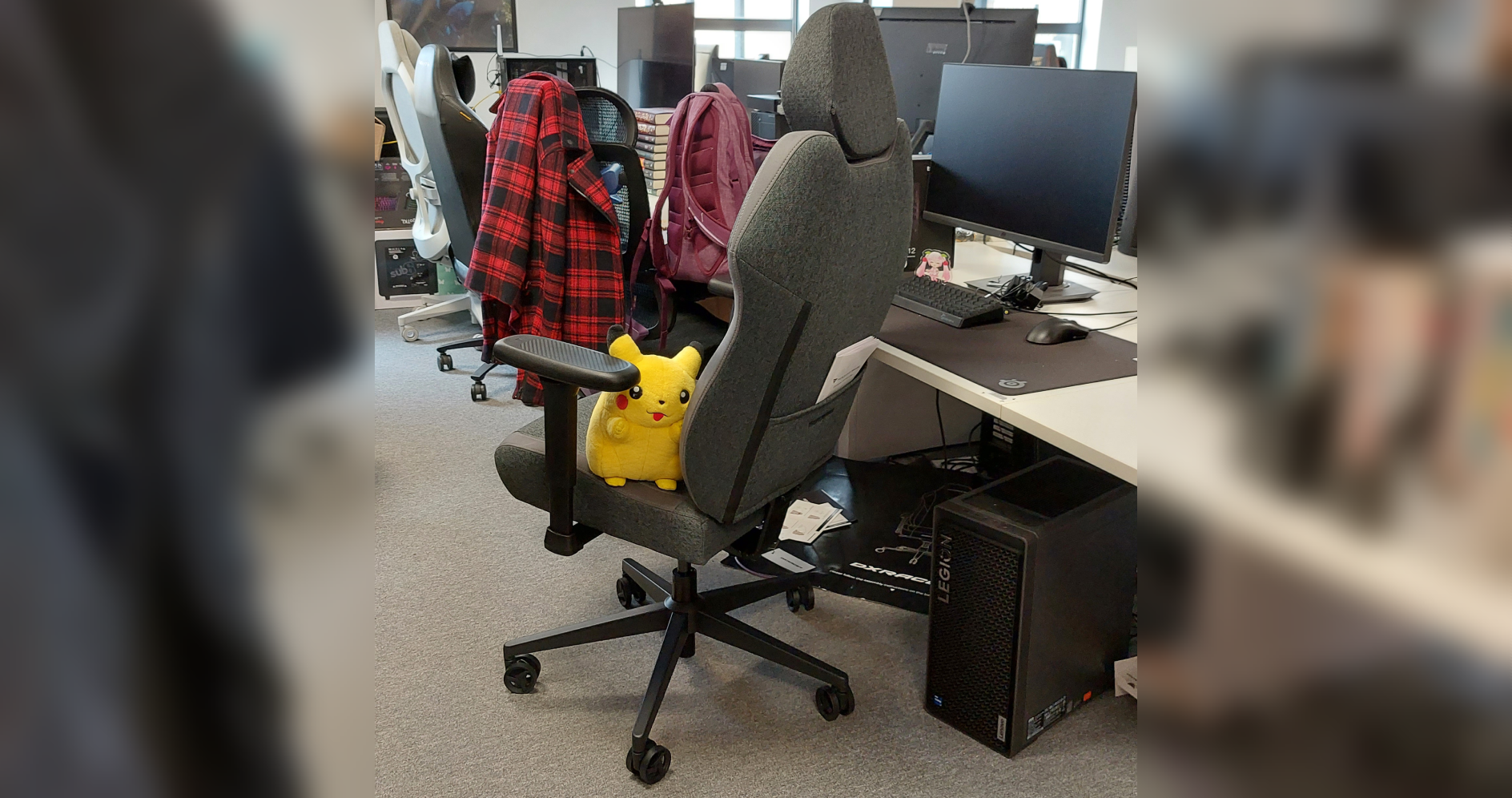
The main drawback of this model specifically is its woven fabric seat covering. It's definitely not wipe clean, so good luck to us all come summertime—though I suppose it beats peeling myself away from polyurethane leather.
Though basic, that's not to say there's no attention to aesthetic detailing here. For one thing, I like the subtle logo embroidery on the headrest, and the soft suede accents marking the contours of the chair. I personally prefer to go for hardware that's a lot showier, but I'm not immune to this chair's low-key, subtle charm. For only £200, you can definitely live without a showier gaming chair.
✅ You're on a budget: The ThunderX3 Solo 360 packs in a lot for only £200. On top of that, it's often on sale. There are few places where your gaming chair money could be better spent.
✅ Adjustability matters to you: The 3D x 360 armrests are a particular highlight, but the synchronous tilt is the comfy calling card of the ThunderX3 Solo 360.
❌ You want finely tuned lumbar support: There's no adjustable system inside the chair, nor a separate support cushion outside of it. The back rest's existing ergonomic shape is the most cradling your lower back will get.
❌ You prefer showier hardware: The most exciting colourways are red and blue for the Modern style of the Solo 360. Everything else is a variation on black or grey.
Though the ThunderX3 Solo 360 does without magnetic head rest pillows or a seat wide enough to sit cross-legged upon, it does give the Corsair TC100 Relaxed a run for its similarly reasonable price point. Both are genuinely comfy gaming chairs and both offer a deep recline, but the Solo 360 manages to pack slightly more into its £200 offering.
For one thing, you've got fairly sturdy armrests that are also highly adjustable. While the Corsair TC100 Relaxed offers '2D' armrests, you can't really argue with the ThunderX3 Solo 360's extra dimension of adjustability. On top of that, the Solo 360 is far more straightforward to build, even if you've only got one pair of hands to spare.
Lastly, and certainly not least of all to me, I simply prefer the low-key look of the Solo 360. The Corsair TC100 Relaxed also offers understated colourways (and, I'm literally only just finding this out, also comes in lilac) but I think I enjoy the well-balanced silhouette of the Solo 360 even more.
But could the ThunderX3 Solo 360 roll the Corsair TC100 Relaxed away from the budget pick top spot? I'd certainly go to bat for it. Shame about that US availability, though.
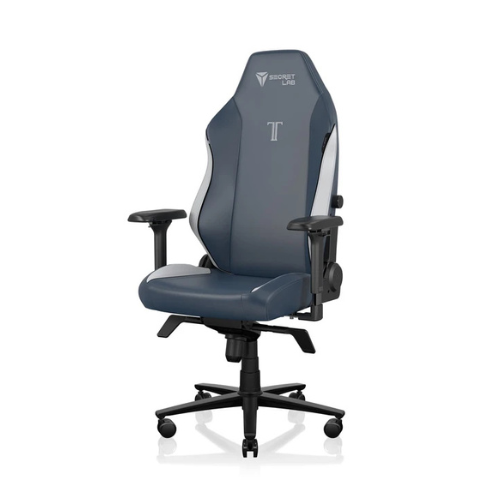
1. Best overall: Secretlab Titan Evo
2. Best budget: Corsair TC100 Relaxed
3. Best luxury: Herman Miller Embody
4. Best support: ThunderX3 Core
5. Best big boi: AndaSeat Kaiser 4 XL
6. Best office: ThunderX3 Flex Pro
7. Best budget office: Ikea Matchspel
Simply the best budget gaming chair I've had the pleasure to perch upon. Though not the showiest seat, a package that offers highly adjustable 3D x 360° armrests and a supremely comfortable synchronous tilt for only £200 is tough to argue against—especially when it's often on sale to boot.

You must confirm your public display name before commenting
Please logout and then login again, you will then be prompted to enter your display name.