Join The Club





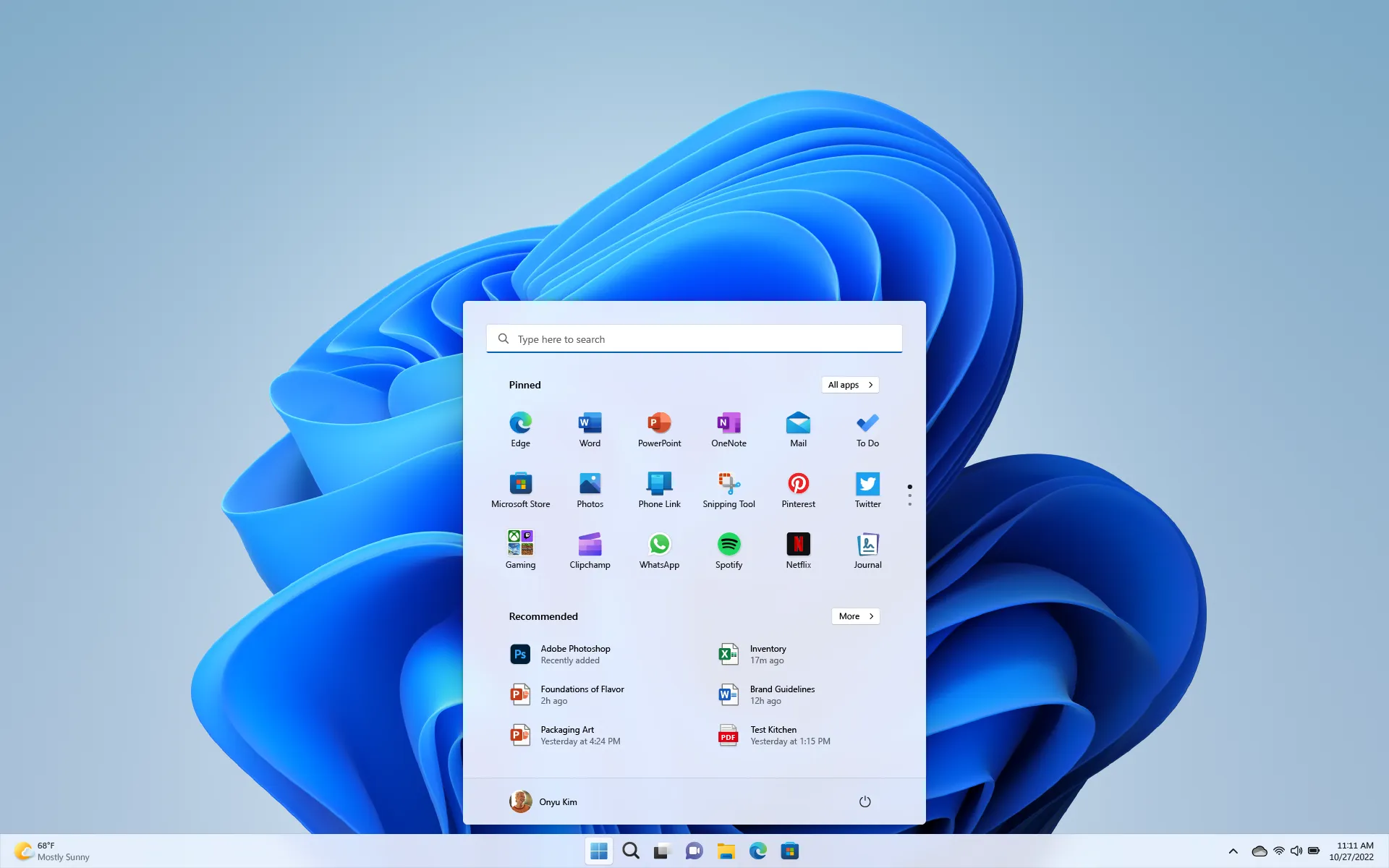
Rejoice all ye doubters of network performance. Microsoft has announced a new speed test feature being integrated right into the Windows 11 taskbar, making it easier than ever to take your internet connection's performance for a spin.
In a blog post on the Windows Insider portal, Microsoft explains that the new feature is included in Windows 11 Builds 26100.7918 and 26200.7918 (KB5077241).
The network icon in the system tray's context menu and the Wi-Fi quick settings page in Windows 11 are getting buttons to let you quickly run a network speed test. (Takes you to Bing to do the speed test.) pic.twitter.com/ZXcQvs5BP8September 13, 2025
"New! A built‑in network speed test is now available from the taskbar. Open it from the Wi‑Fi or Cellular Quick Settings, or by right-clicking the network icon in the system tray. The speed test opens in the default browser and measures Ethernet, Wi‑Fi, and Cellular connections. This feature helps check network performance and troubleshoot issues," the post says.
Article continues belowLong story short, the new feature adds an option for "Perform speed test" or "test internet speed" when you either mouse-over or right-click, respectively, the network icon in System Tray on the far righthand side of the taskbar, as shown in the X post above. This allows you to immediately open an internet speed test page in your default browser. Our understanding is that it will take you to the Bing speed test found here.
Whether this is necessarily more convenient than, say, a simple browser bookmark is an open question. But it could at least come in slightly hand for new PCs or builds.

Of course, this feature isn't the only novelty in the new builds of Win 11. Other highlights include the ability to control pan and tilt for supported cameras in the Settings app, a revised set of emojis, enhanced restore and recovery capabilities for cloud PCs and enterprise installations, support for .webp image files as desktop backgrounds and, well, a whole litany of other detailed tweaks.
Indeed, this appears to be one of the more comprehensive updates for Windows 11 of late. There's nothing that immediately looks revolutionary. But it's a long list of fixes and upgrades. Take this fix, for example: "For laptops used with a docking station while the lid is closed, improved reliability of resuming from sleep when connecting to AC power, without needing to open the laptop lid."
That's the sort of annoying glitch that makes Windows feel pretty flakey. If you use a docked laptop and find that you have to lift the lid to wake it every time it drops off, that fix will be very welcome indeed.
Of course, with the general narrative of late arguably being that Windows has becoming increasingly klunky, it's an open question exactly how far this set of updates will go to redressing the balance. But we should all be able to find out pretty soon.
The updates are rolling out now for Windows Insiders subscribers and are expected to be made available to everyone running Windows 11 in the few weeks. That should start with the non-preview security update for February, due before the end of the month.
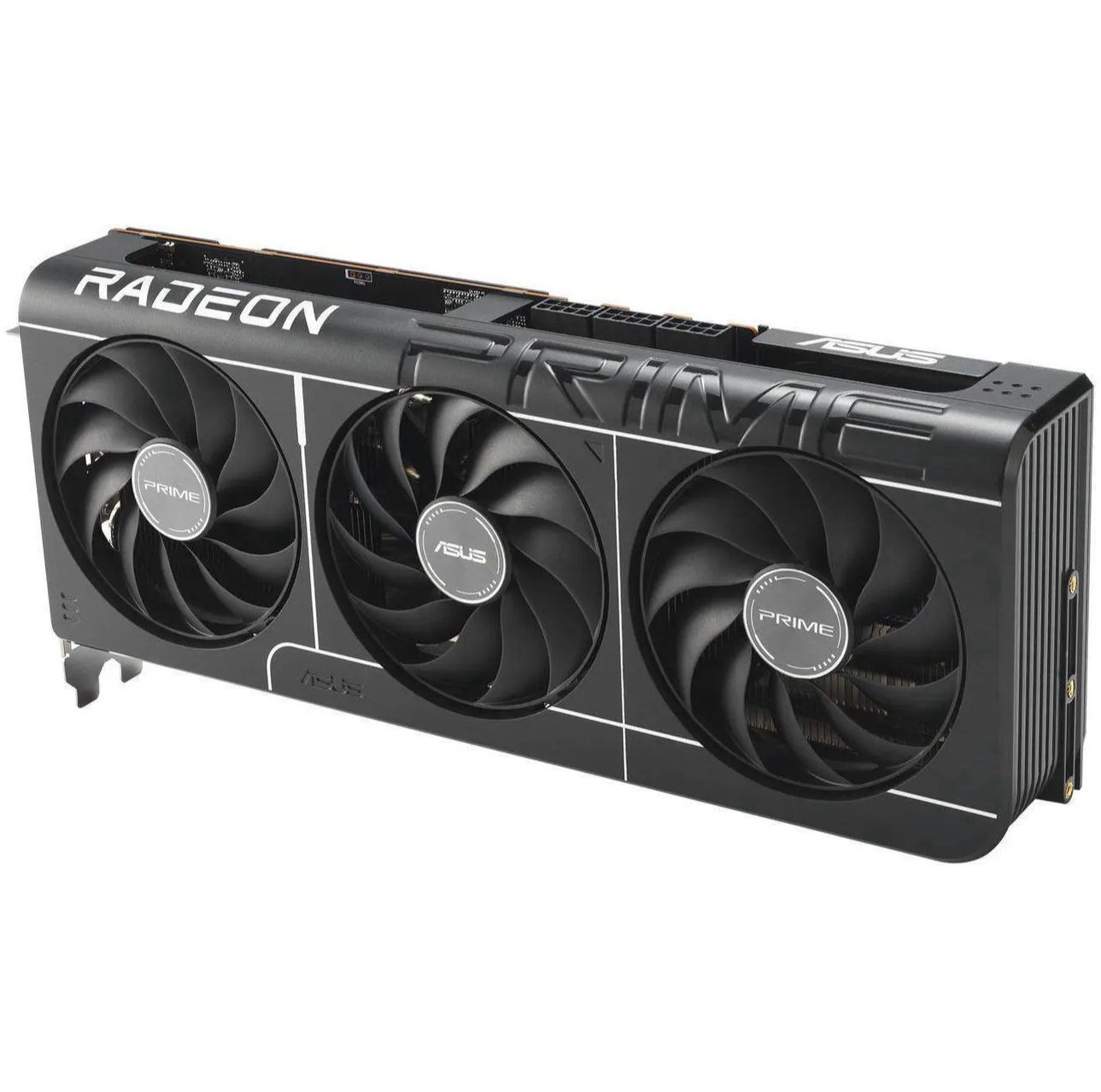
1. Best overall: AMD Radeon RX 9070
2. Best value: AMD Radeon RX 9060 XT 16 GB
3. Best budget: Intel Arc B570
4. Best mid-range: Nvidia GeForce RTX 5070 Ti
5. Best high-end: Nvidia GeForce RTX 5090

You must confirm your public display name before commenting
Please logout and then login again, you will then be prompted to enter your display name.