

Intel's Thunderbolt Share is the easiest way yet to link and share data between two PCs
It's not quite plug and play though.
Keep up to date with the most important stories and the best deals, as picked by the PC Gamer team.
You are now subscribed
Your newsletter sign-up was successful
Want to add more newsletters?
Every Friday
GamesRadar+
Your weekly update on everything you could ever want to know about the games you already love, games we know you're going to love in the near future, and tales from the communities that surround them.
Every Thursday
GTA 6 O'clock
Our special GTA 6 newsletter, with breaking news, insider info, and rumor analysis from the award-winning GTA 6 O'clock experts.
Every Friday
Knowledge
From the creators of Edge: A weekly videogame industry newsletter with analysis from expert writers, guidance from professionals, and insight into what's on the horizon.
Every Thursday
The Setup
Hardware nerds unite, sign up to our free tech newsletter for a weekly digest of the hottest new tech, the latest gadgets on the test bench, and much more.
Every Wednesday
Switch 2 Spotlight
Sign up to our new Switch 2 newsletter, where we bring you the latest talking points on Nintendo's new console each week, bring you up to date on the news, and recommend what games to play.
Every Saturday
The Watchlist
Subscribe for a weekly digest of the movie and TV news that matters, direct to your inbox. From first-look trailers, interviews, reviews and explainers, we've got you covered.
Once a month
SFX
Get sneak previews, exclusive competitions and details of special events each month!
Intel has unveiled its Thunderbolt Share technology, which utilizes the bandwidth on offer from Thunderbolt 4 and 5 ports to share and sync data, and control two PCs with one keyboard and mouse.
It's not the first way to link two PCs. I've used crossover cables in years past, and I recall using a USB link device about a decade back, but this method looks like it will be the easiest way yet to link two PCs together. It's not quite a plug and play solution though, as it will need a software app to work.
At its most basic, Thunderbolt Share is a great way to share data between two computers that would eliminate the need to use flash drives or external hard drives to transfer data. It supports drag and drop functionality, and automatic folder sync. I really like the idea of using this to transfer Steam backups between benchmarking systems!
Beyond data sharing, Thunderbolt Share supports remote access, so you can control a second PC using one monitor, keyboard and mouse. It supports screen sharing at up to 1080p at 60fps. Support for 1440p or 4K would be nice, but that's something that could come in the future.
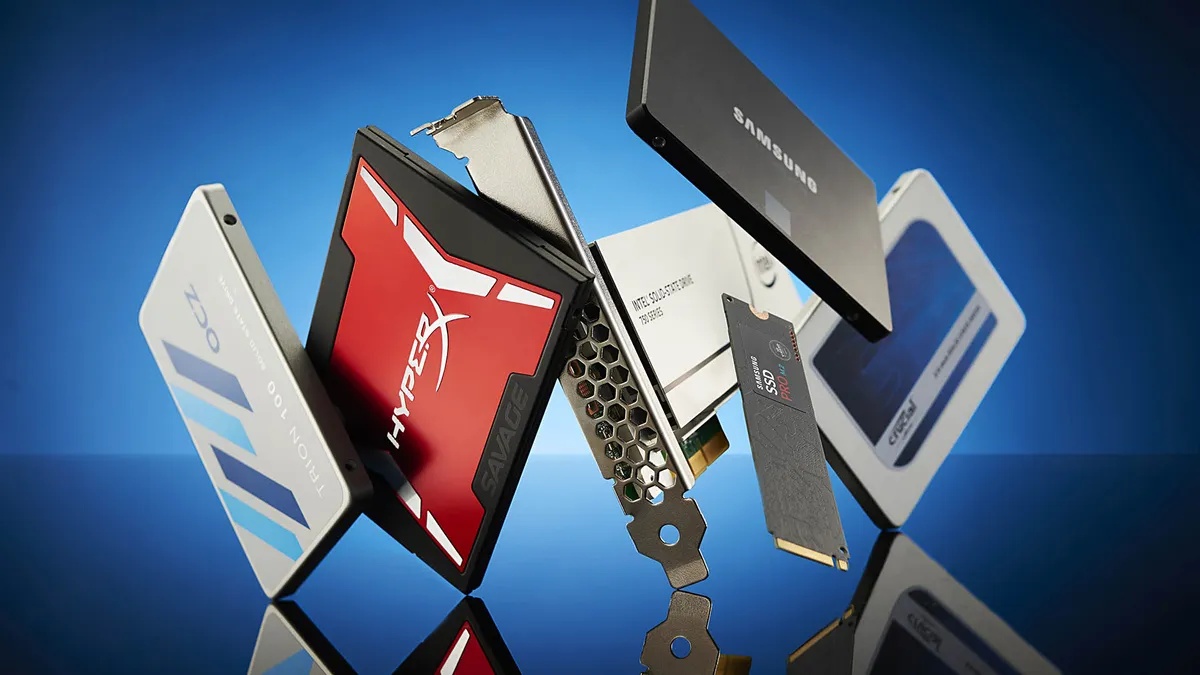
Best SSD for gaming: The best speedy storage today.
Best NVMe SSD: Compact M.2 drives.
Best external hard drives: Huge capacities for less.
Best external SSDs: Plug-in storage upgrades.
Thunderbolt Share can be licensed with Thunderbolt accessories. Docks would be the most logical example, while things like monitors with multiple Thunderbolt ports could use it too. As it's an Intel technology, and separate from USB4, AMD owners appear to be out of luck, at least for now.
Intel emphasizes the security aspects of Thunderbolt Share. It supports VT-d and Windows User Access Control. And, sharing data over a cable is inherently more secure than using WiFi, a wide area network or the cloud.
Apart from a couple of tests with external GPUs in years past, I have never used a Thunderbolt device on any of my home systems. I quite like how this sounds, and this might be the first time I consider using Thunderbolt on a day-to-day basis. We'll have to wait and see just how the app performs in practice before giving it the thumbs up though.
Keep up to date with the most important stories and the best deals, as picked by the PC Gamer team.
Intel says Thunderbolt Share will be offered on select PCs and accessories starting in the second half of 2024. Lenovo, Acer, MSI, Razer, Kensington, Belkin, Promise, Plugable, OWC and others are on board, with more announcements to come.

Chris' gaming experiences go back to the mid-nineties when he conned his parents into buying an 'educational PC' that was conveniently overpowered to play Doom and Tie Fighter. He developed a love of extreme overclocking that destroyed his savings despite the cheaper hardware on offer via his job at a PC store. To afford more LN2 he began moonlighting as a reviewer for VR-Zone before jumping the fence to work for MSI Australia. Since then, he's gone back to journalism, enthusiastically reviewing the latest and greatest components for PC & Tech Authority, PC Powerplay and currently Australian Personal Computer magazine and PC Gamer. Chris still puts far too many hours into Borderlands 3, always striving to become a more efficient killer.

