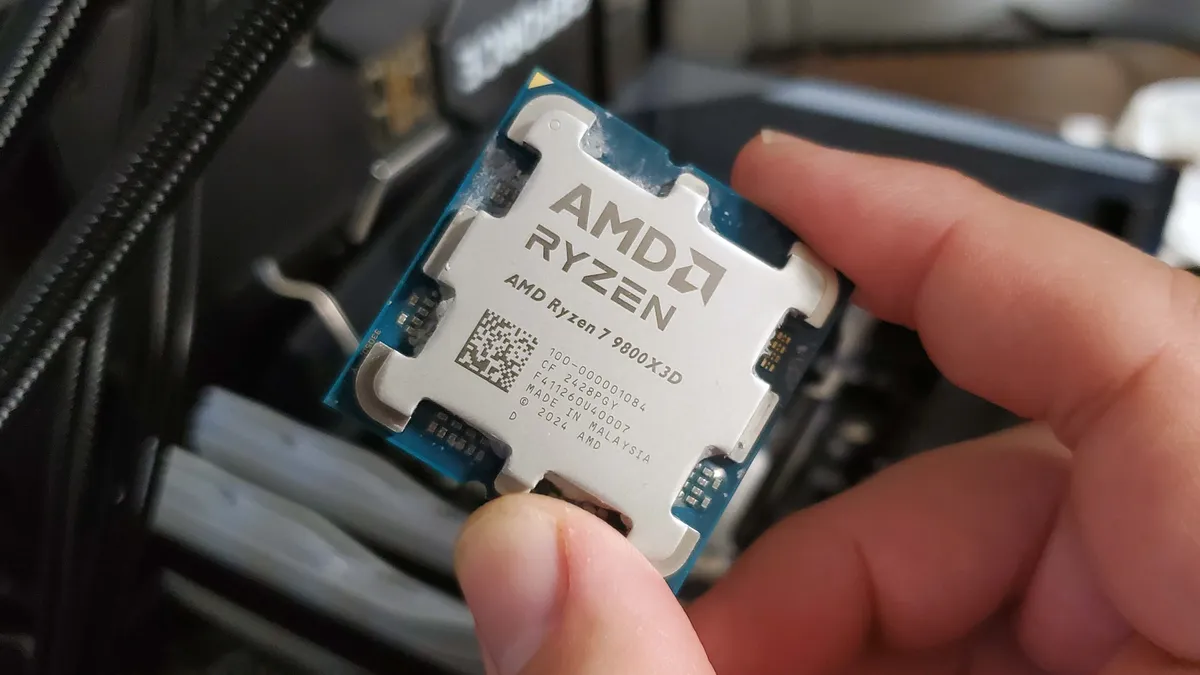
Imagine that you'd just bought a new Ryzen 7 9800X3D, the best gaming CPU around right now. You drop it into your AM5 socket motherboard and start enjoying the freshly boosted frame rates. After a while, you then start experiencing all kinds of problems, until eventually your gaming PC no longer fires up: the CPU is dead. That's happened to some owners of ASRock motherboards, but it's also apparently occurring with Asus models, and the company has launched an investigation into it all.
In the case of the whole ASRock thing, the company was arguably a bit dismissive of the whole problem to begin with, before admitting that the BIOS on certain motherboards was allowing too much current to be drawn by the CPU in specific scenarios. A little while afterwards, AMD itself stated that "this issue arises because some ODM (original design manufacturer) BIOSes do not adhere to AMD's recommended values."
And should you have experienced any issues yourself, then it says that you should "contact ASUS customer service for direct assistance. We take this matter seriously and value our customers’ trust, and we remain committed to transparency and to ensuring our products can be used with confidence." Though given Asus' history with customer service, you may not feel particularly encouraged by that advice.
Understandably, no company is ever going to admit fault until all the facts are clear and present, and even then, any responses are likely to be tempered to avoid causing alarm. But I do wonder if there is more to all of this than just out-of-specification BIOS configurations. After all, the failure of 13th and 14th Core processors in 2024 ultimately transpired to not being a motherboard problem, but design and manufacturing flaws inherent to Intel's Raptor Lake processors.
That required a slew of microcode updates to be released, to bring voltages and currents back under control, though the reputational damage was irreversible. As good as the Core i7 14700K and Core i9 14900K are, you won't see many PC enthusiasts recommending them, simply because one can't know for sure that they won't fail at some point, despite Intel's best efforts in resolving the problems.
Could it be that AMD's processor designs are doing something similar? Will Ryzen 7000 and 9000-series owners, especially those with X3D models, require microcode updates to limit current draw such that even if a motherboard vendor doesn't quite stick to AMD's guidelines, there's no way the chip can permanently fail?
One thing is certain, though: We haven't heard the last of AMD CPU meltygate, as Zen 5 chips are still going to be popular choices for many years to come.
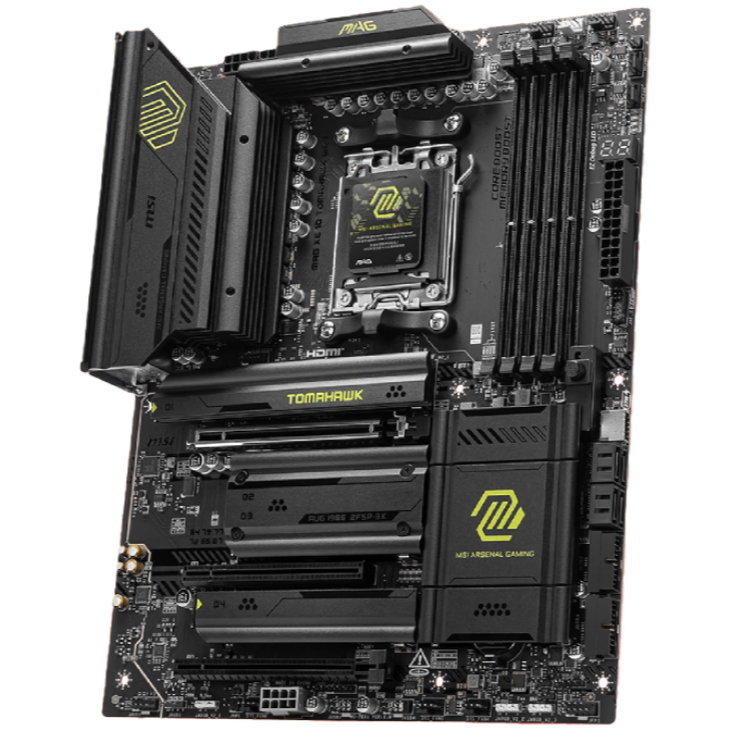
1. Best AM5 - AMD Ryzen 9000/7000:
MSI MAG X870 Tomahawk WiFi
2. Best budget AM5 - AMD Ryzen 9000/7000:
Asus TUF Gaming B650-Plus WiFi
3. Best midrange AM5 - AMD Ryzen 9000/7000:
ASRock B850 Steel Legend WiFi
4. Best AM4 - AMD Ryzen 5000/3000:
Asus ROG Strix B550-E Gaming
5. Best LGA1851 - Intel Core Ultra 200S:
Asus ROG Maximus Z890 Hero
6. Best budget LGA1851 - Intel Core Ultra 200S
ASRock B860 Steel Legend Wi-Fi
7. Best LGA1700 - Intel 14/13th Gen:
MSI MAG Z790 Tomahawk WiFi
8. Best budget LGA1700 - Intel 14/13th Gen:
Asrock B760M PG Sonic WiFi

You must confirm your public display name before commenting
Please logout and then login again, you will then be prompted to enter your display name.