You are now subscribed
Your newsletter sign-up was successful
Want to add more newsletters?

Every Friday
GamesRadar+
Your weekly update on everything you could ever want to know about the games you already love, games we know you're going to love in the near future, and tales from the communities that surround them.

Every Thursday
GTA 6 O'clock
Our special GTA 6 newsletter, with breaking news, insider info, and rumor analysis from the award-winning GTA 6 O'clock experts.

Every Friday
Knowledge
From the creators of Edge: A weekly videogame industry newsletter with analysis from expert writers, guidance from professionals, and insight into what's on the horizon.

Every Thursday
The Setup
Hardware nerds unite, sign up to our free tech newsletter for a weekly digest of the hottest new tech, the latest gadgets on the test bench, and much more.

Every Wednesday
Switch 2 Spotlight
Sign up to our new Switch 2 newsletter, where we bring you the latest talking points on Nintendo's new console each week, bring you up to date on the news, and recommend what games to play.

Every Saturday
The Watchlist
Subscribe for a weekly digest of the movie and TV news that matters, direct to your inbox. From first-look trailers, interviews, reviews and explainers, we've got you covered.

Once a month
SFX
Get sneak previews, exclusive competitions and details of special events each month!
If you thought your gaming monitor was fast, well, it might be. But as fast, as clever, and as luscious to look at as the newly-announced MSI MPG 271QR QD-OLED X50? I doubt it. MSI's 27-inch, 1440p, QD-OLED beauty was in front of my very eyes today at Computex 2025, and it's got quite the spec sheet—including MSI's AI Care Sensor for a spot of monitor peek-a-boo.
Allow me to explain. A CMOS sensor module sitting at the bottom of the display captures images of whoever's sitting in front of the monitor every 0.2 seconds, then filters that information through an NPU (yep, here comes the magic of AI).
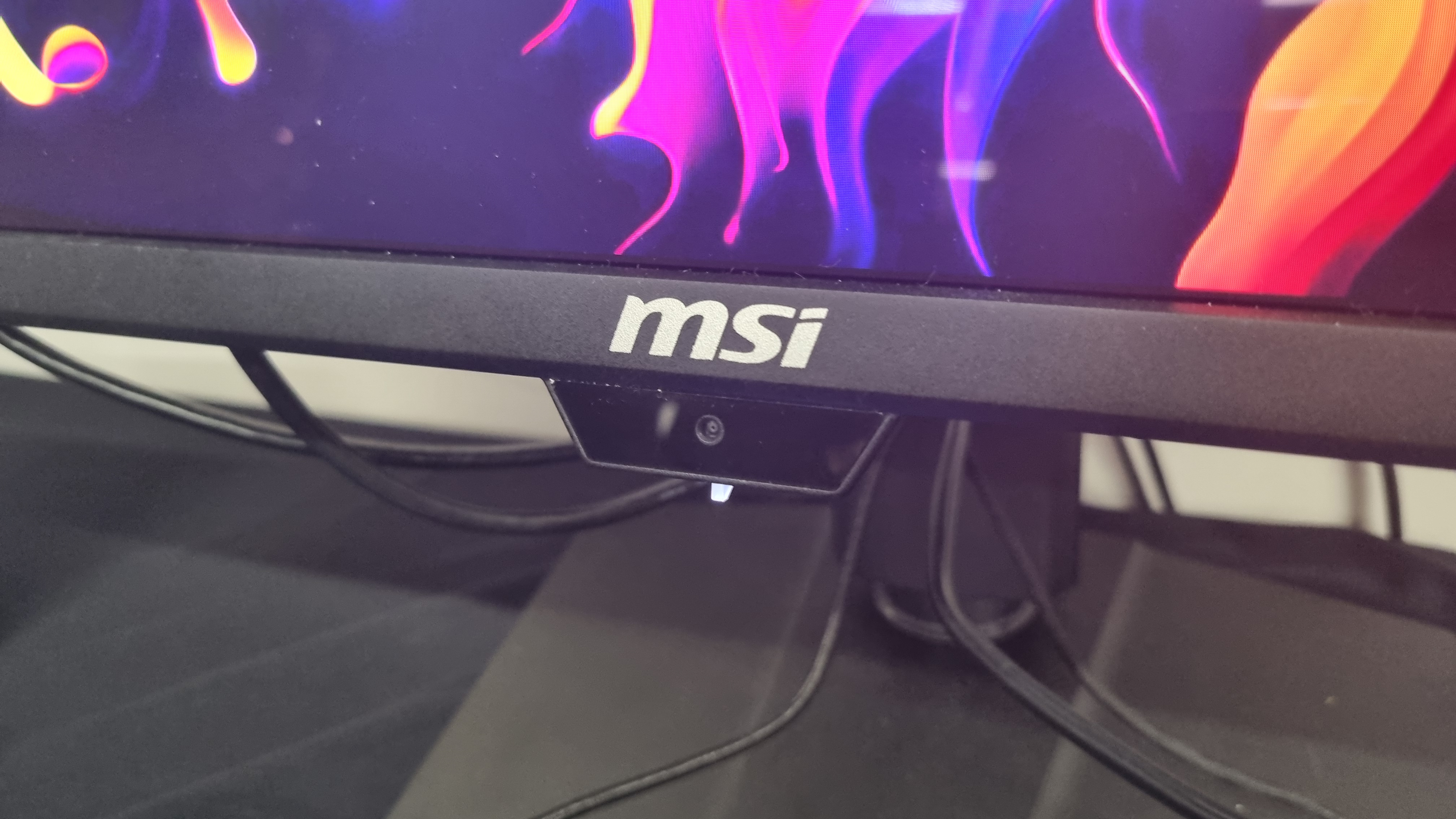
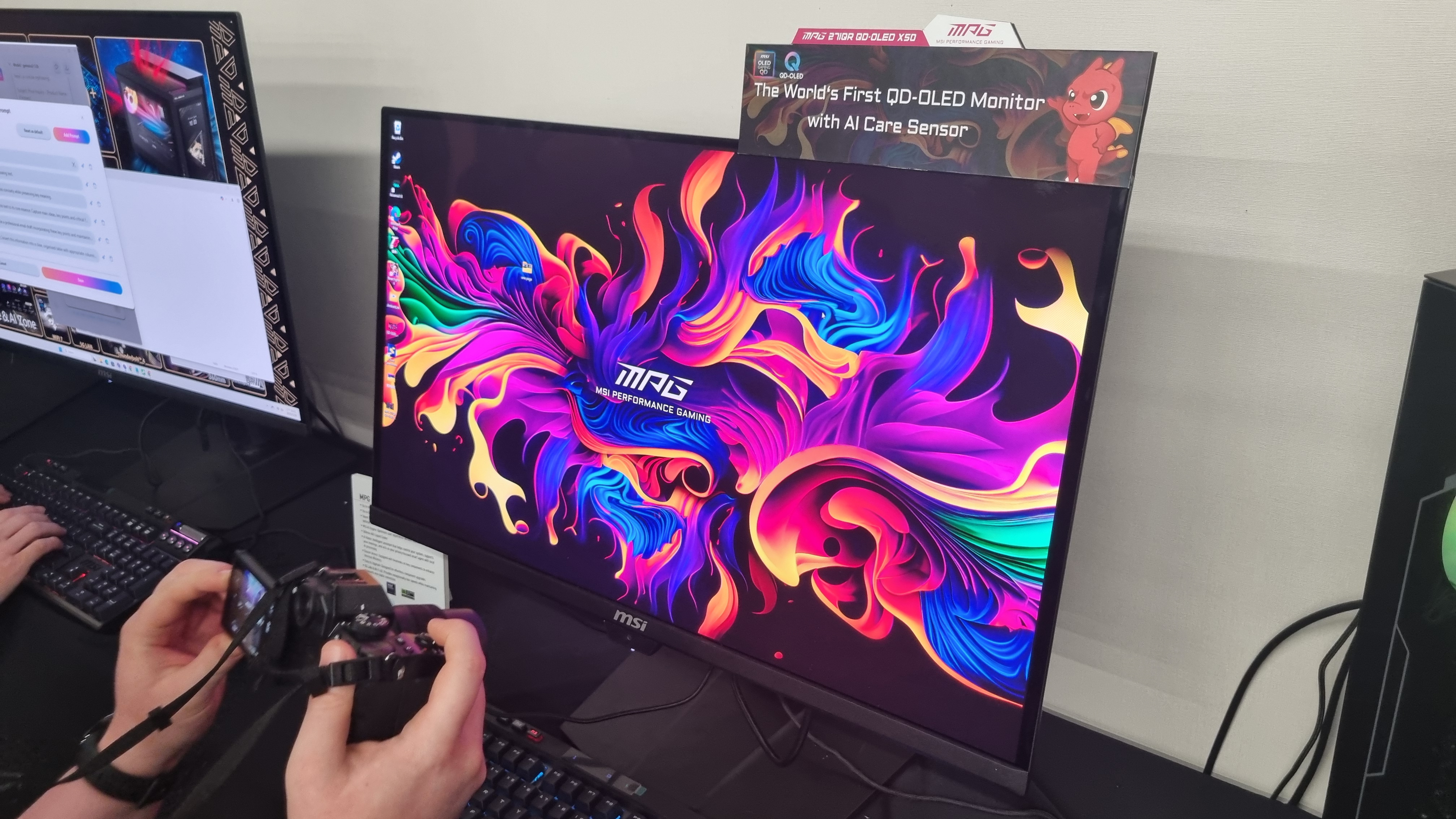
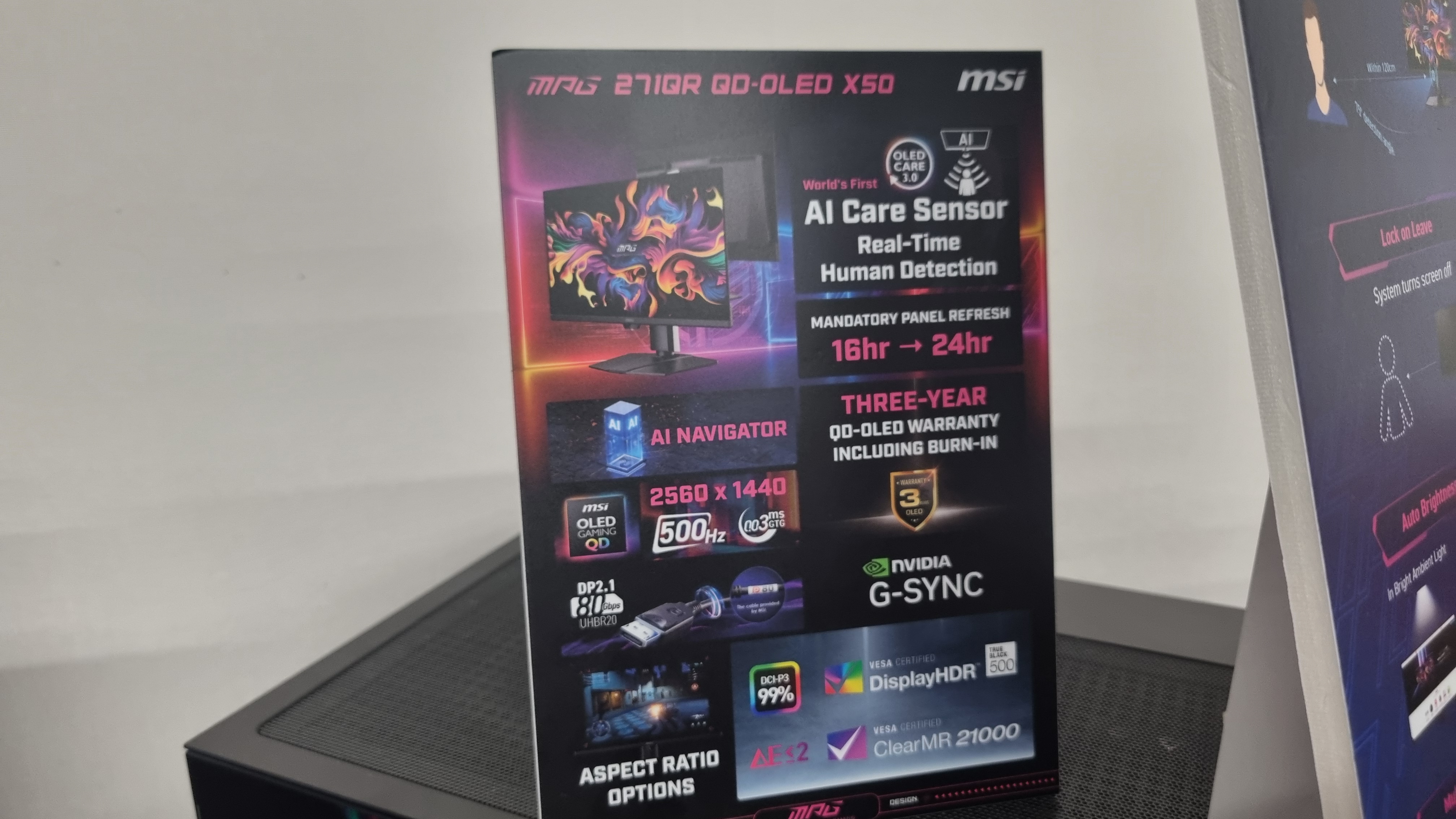
Should you decide to get up and make a cup of coffee, the monitor can detect your absence, then switch itself off and begin its OLED care cycle to prevent burn-in. You can sit back down in front of it before it's finished, too, and it'll turn itself back on without complaint.
I was shown a short clip of the monitor correctly staying on for a human subject, then switching itself off when confronted by a dragon plushie, so it's got that down to a fine art, at least. In practice, the monitor used in the live demo was a touch slow to react—although an MSI rep told me it would be much faster by the time it reaches the shelves.
Anticipating privacy-related issues, my MSI hosts were keen to point out that the AI Care Sensor captures images for detection, but doesn't store them. Just as well, really. Otherwise this particular monitor would have thousands of photos of my haggard, jet-lagged visage on file, and nobody deserves to see that.
Not only can the sensor turn off the monitor entirely, but it can also activate adaptive dimming, which auto-adjusts the screen brightness when you look away to save power—and auto-adjust the colour temperature of the display to compensate for the level of ambient light in a room.

I'm not sure I'm entirely sold on the idea of my monitor messing with the settings for me, AI-powered or not—but if it works as well as MSI says it does it may well extend the monitors lifespan quite significantly, as well as make it look better over the course of a long day.
All this ties in with MSI OLED Care 3.0, which also extends the maximum mandatory OLED refresh prompt from 16 hours to 24. That should mean less interruptions for those of you annoyed by such things. I'm not sure who's leaving their OLED monitor on for 16-24 hours straight to begin with, but it sure sounds like an improvement, at least.

Catch up with Computex 2025: We're stalking the halls of Taiwan's biggest tech show once again to see what Nvidia, AMD, Intel, Asus, Gigabyte, MSI and more have to offer.
Back to the specs. With a 500 Hz refresh rate the MPG 271QR QD-OLED X50 is blazing fast, and a 2560 x 1440 resolution is well-suited to its 27-inch panel size. As you might expect from a monitor with these credentials, it's not cheap—$899, to be precise—which puts it in competition with the slower, yet still gorgeous MSI MPG 321URX QD-OLED, which can often be found for roughly the same money.
That's a 32-inch 4K stunner, so whether the massive refresh rate (and impressive party tricks) of the MPG 271QR QD-OLED X50 wins buyers over remains to be seen.
The same panel also comes (without the AI Care Sensor) in the form of the $849 MAG 272QP Q-OLED X50, which was sitting somewhat forlornly off to the side in a very crowded room. It still looks like a gorgeous display, but everyone wanted to play with the sensor-equipped version.
It's not every day you see a monitor playing peek-a-boo, I guess, and at $50 more I reckon a few might pay the extra just for the novelty.
Still, I've stood in front of a lot of luscious displays over the years, and these two certainly look like stunning panels in the flesh. MSI makes some of the best gaming monitors we've tested to date, and I'll be anxious to see if either of these two make the cut when we get them in for review.

You must confirm your public display name before commenting
Please logout and then login again, you will then be prompted to enter your display name.