Join The Club





A laptop's panel can account for over half of its overall power usage, according to Intel, hence why it's teamed up with Samsung Display on a new OLED technology to reduce power consumption by as much as 22%.
It's called SmartPowerHDR. It works by analysing each frame's peak brightness in real-time, sending that data to the panel's Timing Controller (TCON), which then optimises the voltage sent to the panel based on how many pixels are active on-screen. More or less, it's adapting the voltage depending on what the screen displays. Today's HDR modes apply a fixed voltage.
Article continues below 
Catch up with CES 2026: We're on the ground in sunny Las Vegas covering all the latest announcements from some of the biggest names in tech, including Nvidia, AMD, Intel, Asus, Razer, MSI and more.
The power saving from SmartPowerHDR in general usage is reportedly similar to SDR content.
"Displays account for over half of a laptop’s total power usage, making them a key target for efficiency gains," Todd Lewellen, VP and GM of PC ecosystem & AI solutions at Intel, said.
I'm a fan of any tech that works behind the scenes and without my explicit knowledge or noticing it. So, if this improves battery life with minimal impact on my enjoyment in HDR games, that's a win.
Though one thing that's not specified is whether this requires explicit hardware support or could be implemented in software. I'm hoping for the latter, though I wouldn't bet on it. Similarly, Windows HDR mode can lead to weak SDR content and HDR may be automatically disabled on battery mode anyways, so the impact of this feature might be limited. Namely by how janky HDR remains on Windows.
But hey, power savings for an OLED gaming monitor wouldn't go amiss.
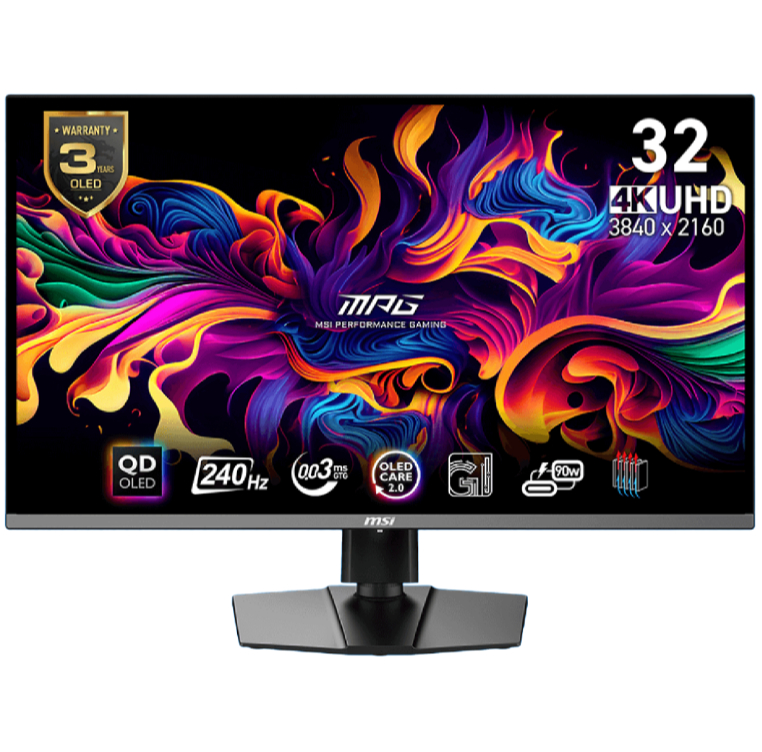
1. Best overall / 4K:
MSI MPG 321URX
2. Best budget 4K:
Asus ROG Strix XG27UCG
3. Best 1440p:
MSI MPG 271QRX
4. Best budget 1440p:
KTC H27T22C-3
5. Best 1080p:
AOC Gaming C27G4ZXE
6. Best Ultrawide:
Gigabyte MO34WQC2
7. Best budget ultrawide:
Xiaomi G34WQi
8. Best 32:9:
Samsung Odyssey OLED G9
9. Best dual-mode:
Alienware AW2725QF

You must confirm your public display name before commenting
Please logout and then login again, you will then be prompted to enter your display name.