Here's some great news out of LG. The company has unveiled a new OLED panel that runs at a high refresh rate and uses an RGB Stripe subpixel layout. If you're not familiar with subpixel layouts, here's why that's a very good thing.
Today's OLED gaming monitors have an issue. Not a huge one for gaming—any OLED is superb for playing games on—but more noticeable on some panels than others when you're browsing your desktop. It's especially noticeable if you're regularly typing out pages of words. It's called text fringing.
Text fringing, as the name suggests, appears as a colourful border around characters rendered on an OLED panel. Sort of like a chromatic aberration effect in-game. It happens because the subpixels—red, green, and blue—don't align exactly with how the text is being rendered. In some OLED panels, that's because the subpixels are arranged in a triangular pattern, though LG's popular panels include a white subpixel in an RGWB structure.
Article continues belowWell, that's what LG is offering with its latest OLED panel. Announced ahead of CES 2026, LG's new 4K, 27-inch OLED panel is using an RGB Stripe subpixel layout. The subpixels are aligned as stripes of red, green, and blue—more the norm.

"Existing high-end Gaming OLED monitor panels have primarily used RGWB structures," LG says, "which include a white subpixel, or configurations where RGB pixels are arranged in a triangular pattern.
"As LG Display developed its new pattern optimized for monitor use, it applied various new technologies—such as increasing the aperture ratio, which is the proportion of the pixel area that emits light. As a result, it achieved the world first of implementing both an RGB stripe structure and a high refresh rate simultaneously."
The new OLED panel can run up to 240 Hz at 4K, or 480 Hz at 1080p.
"This product’s high refresh rate not only delivers optimal performance in first-person shooter (FPS) games and other applications that require rapid screen transitions, but it is also optimized for operating systems such as Windows and for font-rendering engines, ensuring excellent text readability and high color accuracy."
The only thing hanging over the announcement is whether brightness will be in any way affected by the change. By the sounds of it, the increased aperture ratio might make up for the lost white subpixel, but LG has not provided any specifics on brightness levels yet.

Altogether, this sounds like exactly the kind of upgrade we've been waiting for. There's still lots of positives with any OLED monitor, new or old, but it's great to see one of the last bugbears for desktop browsing on an OLED get nixed. Though we'll need the tech to land on a 1440p panel to really reap the benefits.
With burn-in protections now vastly improved and brightness gradually ticking up, we only need prices to drop further to recommend OLED panels for near-enough every desktop. Good news is that 1440p OLED panels are getting cheaper by the month; it's only 4K panels that still cost a small fortune.
We can expect new OLEDs built using this panel in the coming year. Specific models and prices are yet to be announced, though with OLED shipments skyrocketing this past year, we're sure to see plenty of interest in this new panel.
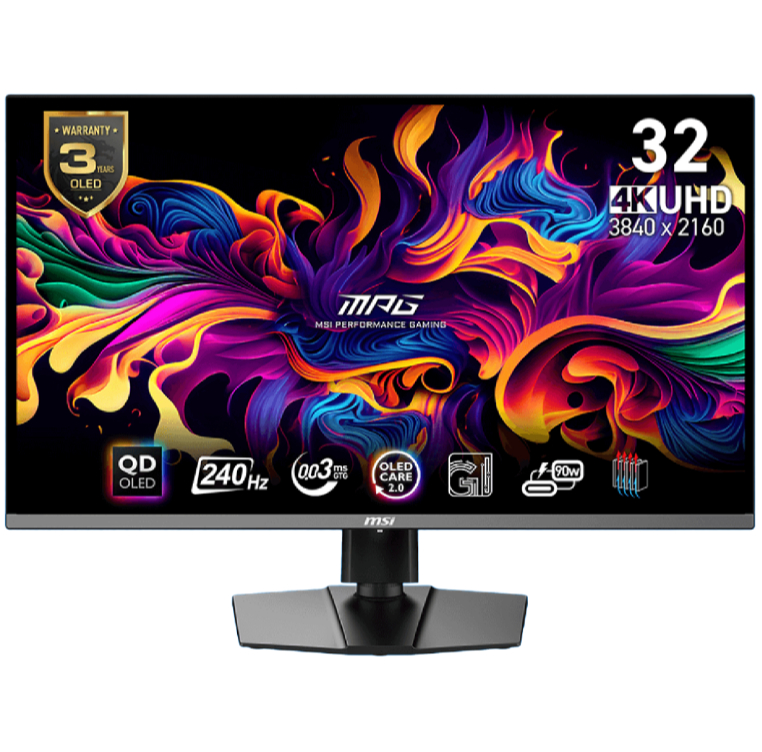
1. Best overall / 4K:
MSI MPG 321URX
2. Best budget 4K:
Asus ROG Strix XG27UCG
3. Best 1440p:
MSI MPG 271QRX
4. Best budget 1440p:
KTC H27T22C-3
5. Best 1080p:
AOC Gaming C27G4ZXE
6. Best Ultrawide:
Gigabyte MO34WQC2
7. Best budget ultrawide:
Xiaomi G34WQi
8. Best 32:9:
Samsung Odyssey OLED G9
9. Best dual-mode:
Alienware AW2725QF

You must confirm your public display name before commenting
Please logout and then login again, you will then be prompted to enter your display name.