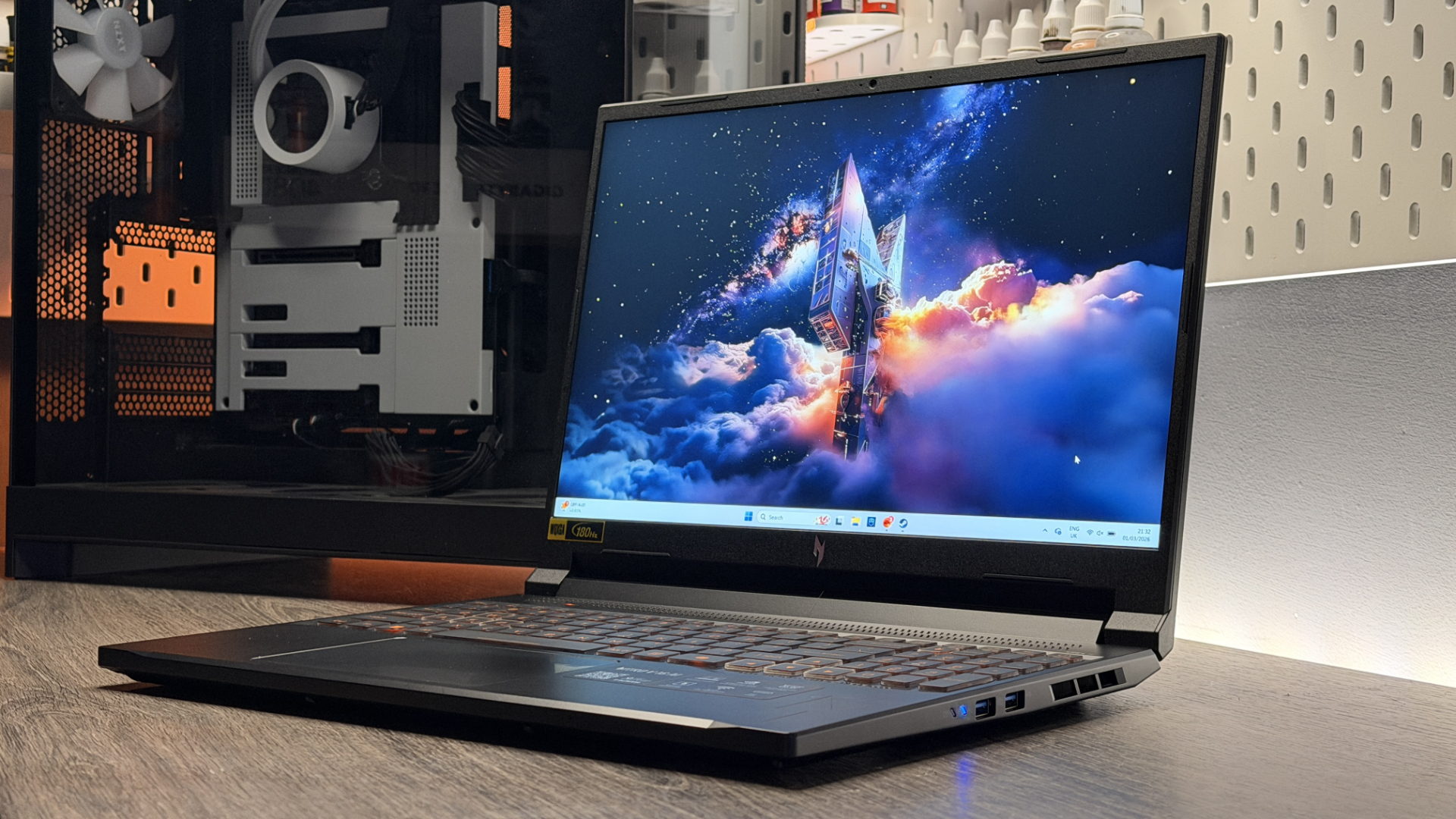
Fast, feisty, fabulous. That's how I described the Intel Core Ultra X9 388H in my review, and I stand by it. It's got an Arc B390 iGPU that crushes all the others we've tested for gaming performance, and that's a remarkable technical achievement given the size of the graphics tile relative to the rest of the chip.
But there's a significant caveat hanging over the Intel Arc B390, and it goes like this: it's very, very quick—for an iGPU. Sure, it's capable of delivering gaming laptop-like performance, but compare it to any discrete mobile GPU of the current generation and the little graphics tile's limits are quickly revealed.

Again, that's still fairly impressive for an iGPU, particularly as the Core Ultra X9 388H machine was claimed to be using 45 W for the whole shebang during those tests. But in reality, a low-wattage RTX 4050 mobile isn't particularly quick by modern standards.
Intel Arc B390 1080p gaming benchmarks
No upscaling
| Product | Value |
|---|---|
| Intel Arc B390 (Asus Zenbook Duo) | 64 Avg FPS, 52 1% Low FPS |
| Radeon 890M (Asus Zephyrus G16) | 41 Avg FPS, 35 1% Low FPS |
| Intel Arc 140V (Asus Zenbook S 14) | 33 Avg FPS, 27 1% Low FPS |
| RTX 4050 Mobile (75 W, Acer Nitro V 15) | 81 Avg FPS, 56 1% Low FPS |

And if you up the GPU wattage to something you might find in a regular entry-level machine (75 W, in the case of our Acer Nitro V 15 test laptop), Nvidia's last-gen lowest-tier graphics hardware pulls significantly ahead in most of our benchmarks.
We don't include frame generation in our iGPU test suite, but we do run the numbers again with Quality upscaling enabled. And yes, the Intel iGPU is remarkably quick compared to its direct competition, particularly with some XeSS enhancement. But stick it up against a budget, previous-gen gaming laptop with a half-decent dose of juice, and it does have a tendency to come unstuck.
Intel Arc B390 1080p upscaled gaming benchmarks
Upscaling set to Quality
| Product | Value |
|---|---|
| Intel Arc B390 (Asus Zenbook Duo) | 92 Avg FPS, 60 1% Low FPS |
| Radeon 890M (Asus Zephyrus G16) | 53 Avg FPS, 45 1% Low FPS |
| Intel Arc 140V (Asus Zenbook S 14) | 40 Avg FPS, 33 1% Low FPS |
| RTX 4050 Mobile (75 W, Acer Nitro V 15) | 110 Avg FPS, 63 1% Low FPS |
Again, this isn't to cast doubt against Intel's claims, nor do I aim to put too much of a dampener on all the excitement surrounding Panther Lake's performance. Believe me, I'm excited too. But it is important to view the Arc B390 iGPU in context. And it must be said, when compared to most modern mobile graphics chips, it's still off the pace for the most part.
But the advantages of gaining a genuine dose of graphics grunt in a single chip are, nonetheless, legion. It means that productivity-style, slim and sleek gaming laptops making use of high-end Panther Lake chips can realistically be called gaming laptops in their own right, even without any dedicated, off-chip hardware to handle the demanding stuff.
Never mind the power efficiency gains. I spent a day at the office with a charger-less Panther Lake test machine, and came away massively impressed. Without a dGPU onboard, and with huge efficiencies made to the way the new Intel chips handle their power load, I managed roughly 11 hours away from the wall socket, with 18% battery left to spare. And yes, that included some light gaming on the train.

The Intel Core Ultra Series 3 chips are made of remarkable stuff, that's clear to see. I can't wait to see what happens when one (or something similar to what we've currently seen) ends up in a gaming handheld, as this sort of performance in combination with its low-power tendencies seems like a recipe for a truly excellent handheld gaming machine.
But should you want one in your next gaming laptop? Perhaps not, if cutting-edge performance is your aim. And I haven't even mentioned price yet.
My Asus Zenbook Duo test machine will likely retail for $2,000+ (US pricing is yet to be confirmed, although the UK version starts at $2,300). Granted, it's a dual-OLED equipped marvel, so traditional lappys featuring Intel's new B390-equipped chips will likely be cheaper. But even if that knocks $500, perhaps even $800 off the price, anything from our under-$1,000 gaming laptop deals list is likely to run rings around it for raw gaming performance.
Once more, for good measure: I am thoroughly impressed with Intel's new chip. But if you're on a budget, or you're not too fussed about all-day battery life and still want high frame rates in the latest games, it's still a discrete GPU-equipped machine that should be near the top of your shopping list.
Traditional gaming laptops don't have too much to fear from Panther Lake, I reckon—but they do have some new competition in town with some clear benefits, and that's worth celebrating. I'll stop being too much of a downer now, I promise.

1. Best overall:
Razer Blade 16 (2025)
2. Best budget:
Lenovo LOQ 15 Gen 10
3. Best 14-inch:
Razer Blade 14 (2025)
4. Best mid-range:
MSI Vector 16 HX AI
5. Best high-performance:
Lenovo Legion Pro 7i Gen 10
6. Best 18-inch:
Alienware 18 Area-51

You must confirm your public display name before commenting
Please logout and then login again, you will then be prompted to enter your display name.