You are now subscribed
Your newsletter sign-up was successful
Want to add more newsletters?

Every Friday
GamesRadar+
Your weekly update on everything you could ever want to know about the games you already love, games we know you're going to love in the near future, and tales from the communities that surround them.

Every Thursday
GTA 6 O'clock
Our special GTA 6 newsletter, with breaking news, insider info, and rumor analysis from the award-winning GTA 6 O'clock experts.

Every Friday
Knowledge
From the creators of Edge: A weekly videogame industry newsletter with analysis from expert writers, guidance from professionals, and insight into what's on the horizon.

Every Thursday
The Setup
Hardware nerds unite, sign up to our free tech newsletter for a weekly digest of the hottest new tech, the latest gadgets on the test bench, and much more.

Every Wednesday
Switch 2 Spotlight
Sign up to our new Switch 2 newsletter, where we bring you the latest talking points on Nintendo's new console each week, bring you up to date on the news, and recommend what games to play.

Every Saturday
The Watchlist
Subscribe for a weekly digest of the movie and TV news that matters, direct to your inbox. From first-look trailers, interviews, reviews and explainers, we've got you covered.

Once a month
SFX
Get sneak previews, exclusive competitions and details of special events each month!

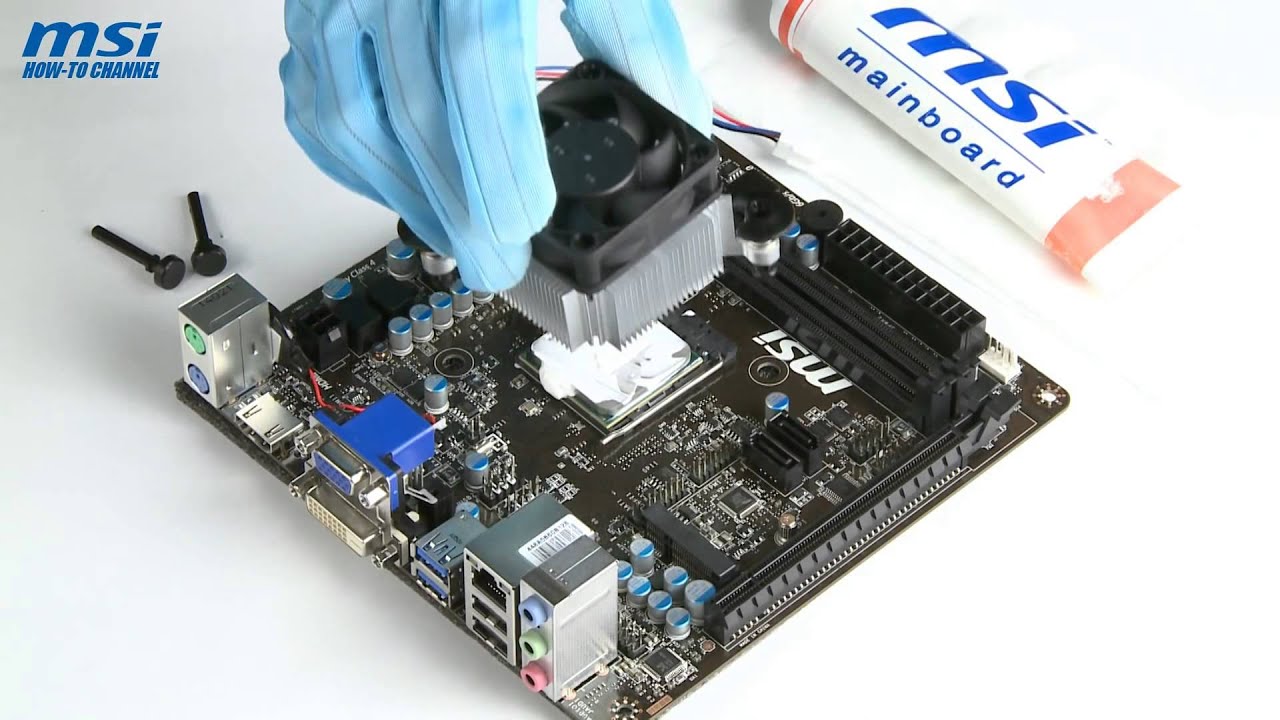
Everyone has their preferred method of applying thermal paste, whether it's putting a dab roughly the size of a grain of cooked rice on the center, drawing a line down the middle, or making an X. While temps can vary a little bit, there really is no wrong way, so long as you use an appropriate amount of paste. Or, so we thought until we watched one of MSI's instructional videos.
The video is a few years old and we're not sure if it still exists somewhere on MSI's website. However, YouTuber iAxX saved and uploaded the video, along with two others from MSI demonstrating the same technique on other platforms. None of them are textbook examples of how to apply thermal paste, but this one is especially bad.
It starts off with MSI applying a glob of white goo near the edge. The instructor then attempts to even it out with a plastic card, only to push a portion of the paste off the heatsink where it is destined to drip on the motherboard. A few more swipes and the sloppy application is complete. One of the commenters summed it up best.
"Only put the heatsink on after the thermal past is unevenly applied to the CPU's surface and you've gotten a bunch of shit all over the motherboard," Greg Zen said.
If you want to know how to properly apply thermal paste, check out the guide we recently posted. And to see how definitely NOT to do it, check out this video: