Saved you a click: The latest Windows 11 24H2 Insider preview build offers internet speed check right from the taskbar
Testing patience.
Keep up to date with the most important stories and the best deals, as picked by the PC Gamer team.
You are now subscribed
Your newsletter sign-up was successful
Want to add more newsletters?
Every Friday
GamesRadar+
Your weekly update on everything you could ever want to know about the games you already love, games we know you're going to love in the near future, and tales from the communities that surround them.
Every Thursday
GTA 6 O'clock
Our special GTA 6 newsletter, with breaking news, insider info, and rumor analysis from the award-winning GTA 6 O'clock experts.
Every Friday
Knowledge
From the creators of Edge: A weekly videogame industry newsletter with analysis from expert writers, guidance from professionals, and insight into what's on the horizon.
Every Thursday
The Setup
Hardware nerds unite, sign up to our free tech newsletter for a weekly digest of the hottest new tech, the latest gadgets on the test bench, and much more.
Every Wednesday
Switch 2 Spotlight
Sign up to our new Switch 2 newsletter, where we bring you the latest talking points on Nintendo's new console each week, bring you up to date on the news, and recommend what games to play.
Every Saturday
The Watchlist
Subscribe for a weekly digest of the movie and TV news that matters, direct to your inbox. From first-look trailers, interviews, reviews and explainers, we've got you covered.
Once a month
SFX
Get sneak previews, exclusive competitions and details of special events each month!
Bath is a beautiful city in the UK. Unfortunately, as a hardware writer renting creaky, drafty, listed buildings dating from the Georgian period, that beauty does not really translate into decent internet speeds. At the very least, the latest Windows 11 preview build offers one small feature that might make my life slightly easier.
Rolling out to the Dev and Beta channel, preview build 26220.6760 will offer an internet speed check right from the Windows system tray in the taskbar. This feature is currently only accessible to Windows Insiders on Windows 11, version 24H2, and it won't mean my enduring friendship with Ookla's Speedtest.net will have to come to an end either. According to Windows Latest, Microsoft entered into a partnership with Ookla back in 2023 to provide Bing's speed test widget, and the new taskbar feature is just a more local redirect to this Bing widget.
Windows Insiders can either launch the speed test from the Wi-Fi quick settings menu or by simply right-clicking the network icon in the system tray on the right-most side of the taskbar. Folks can test Wi-Fi, Ethernet, and cellular internet connections this way—and likely be just as frustrated when your best attempts at troubleshooting don't work, as is so often my experience.
Obviously, this isn't the only new feature on its way for Windows Insiders. Preview Build 26220.6760 also seeks another avenue to foist Copilot upon managed commercial devices with a Microsoft 365 subscription, adding a new Microsoft 365 Copilot page to the Get Started setup process. As you may already be aware, the AI assistant Copilot will automatically be installed alongside Microsoft 365 from October. At the time of writing, there'll apparently be no option to opt out beyond simply choosing another office suite provider (I'm quite partial to LibreOffice's suite of apps myself).
Speaking of, Insiders using Copilot+ PCs will also see some tweaks to the File Explorer Search Box following January's big update. That beefy update at the start of the year introduced "semantic indexing along with traditional indexing," meaning you could simply describe one of the images stored on your PC in the search bar to find it rather than remembering the file name. The preview build adjusts the wording in the File Explorer Search Box to more directly highlight this feature…though I reckon I'll just stick with my robust, personal filing system (that only makes sense to me).
Besides a few other fixes and features, it's not the most momentous preview build update. You may think that's because the Windows 11 25H2 update is now live, but that's hardly reinventing the minimalist pane either.
We appear to be in an era of 'The more operating systems change, the more they stay the same', with Windows 11 only just becoming more popular than its predecessor this July—four years after its release. Given that most official support for Windows 10 will be ending this October, it's about time.
Keep up to date with the most important stories and the best deals, as picked by the PC Gamer team.

1. Best overall:
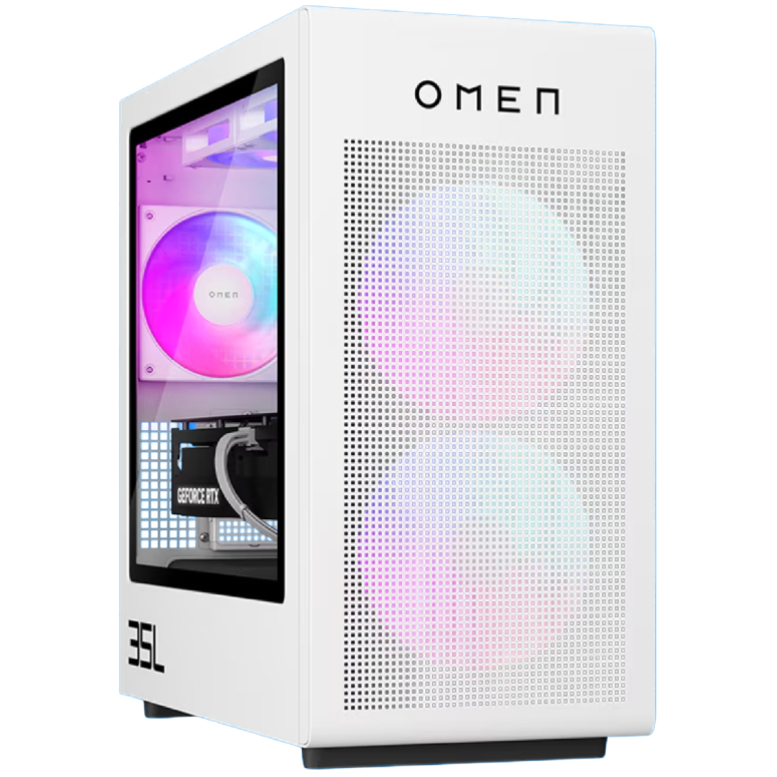
HP Omen 35L
2. Best budget:
Lenovo Legion Tower 5i
3. Best high-end:
Corsair Vengeance A7500
4. Best compact:
Velocity Micro Raptor ES40
5. Alienware:
Alienware Area-51
6. Best mini PC:
Minisforum AtomMan G7 PT

Jess has been writing about games for over ten years, spending the last seven working on print publications PLAY and Official PlayStation Magazine. When she’s not writing about all things hardware here, she’s getting cosy with a horror classic, ranting about a cult hit to a captive audience, or tinkering with some tabletop nonsense.
You must confirm your public display name before commenting
Please logout and then login again, you will then be prompted to enter your display name.