Starfield is arguably this year's most hyped game. At this point in time, the game runs well on AMD hardware thanks to its partnership with Bethesda, but Nvidia owners haven't gotten as much love. Though the game runs well enough, Nvidia GPUs are uncharacteristically underperforming in Starfield, and official support for Nvidia's bedrock technologies such as DLSS are missing.
Over time things will improve, as Nvidia and Bethesda release driver updates and patches. If you don't want to wait, there's an interim tweak you can do yourself, and if the early testing is to be believed, it can deliver major performance boosts for Nvidia owners playing Starfield.
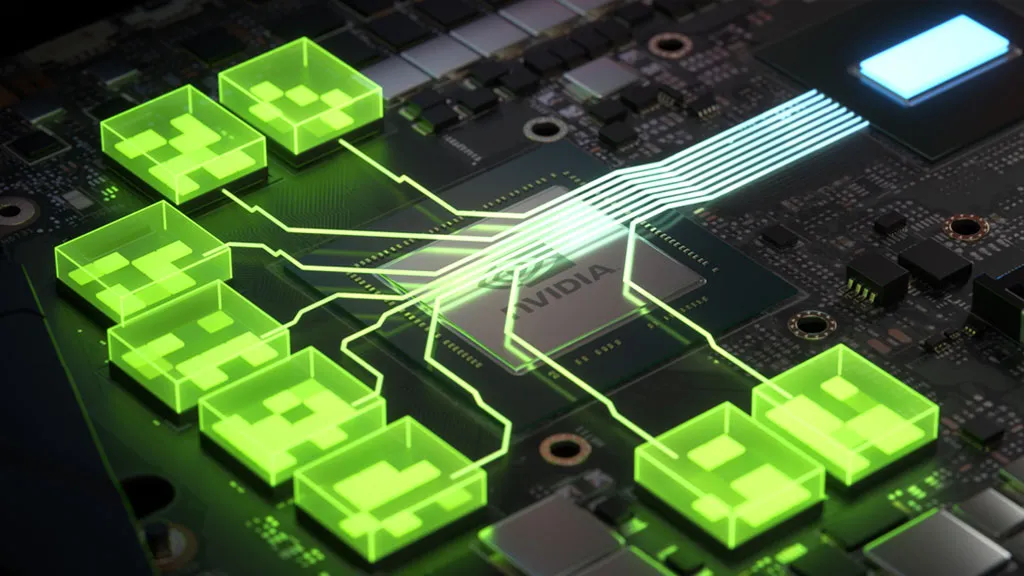
Okhayko at Nexus Mods (via Reddit) has posted a very handy guide that gives Nvidia owners a welcome FPS boost. The secret is to enable Resizable BAR. Resizable Base Address Register (BAR) is a PCI Express technology. AMD calls it Smart Access Memory. It allows the CPU to access all of a GPU's memory, allowing assets to be transferred faster. Some games don't benefit at all from Resizable BAR, while others do, and Starfield appears to be one of them.
There are a few steps to get Resizable BAR working in Starfield. I wouldn't call it easy for everyone, but it's not too complicated either. Starting with the hardware side of things, the first step is to make sure you have it enabled in your motherboard's BIOS. On the Intel side, only 10th Gen and 400-series chipsets and newer have Resizable BAR support. On the AMD side, Zen 3 CPUs and 400-series motherboards or later have it. You might need to update your BIOS if it's an older one. In some cases the Resizable BAR setting is easy to find, while it can be buried in submenus on others. I'm looking at you Asus.
If you own an RTX 30-series GPU, you might need to update its firmware. Nvidia has a handy firmware update tool that adds Resizable BAR support. Of course, you can skip these steps if you've got an RTX 40-series GPU, or your motherboard already supports Resizable BAR.
Once the hardware side of things is taken care of, download Nvidia Profile Inspector and change the following settings.

- Select Starfield in the profile drop menu
- Navigate to section 5
- Set the rBAR feature to enabled
- Set the rBAR options to 0x00000001 (Battlefield V, Returnal etc)
- Set the rBAR size limit to 0x0000000040000000 (Battlefield V, F1 2022, etc)
- Hit Apply Changes at the top right
- Done
Now I might be the only writer at PC Gamer that hasn't yet played Starfield, but the early feedback from many users at Reddit is positive. Note that faster cards will benefit more, while slower cards won't gain much, if any additional performance.
In time, Nvidia will surely iron out any kinks with an updated driver. But when? In the meantime, if you're struggling to hit stutter free FPS levels at your chosen resolution and settings, enabling Resizable BAR might be the secret to enjoying Starfield to its fullest.