Are you ready for yet another battlefield in the war between AMD and Nvidia? Well, it turns out you can get very different results when driving certain HDR monitors depending on whether you are using AMD or Nvidia graphics hardware.
As Monitors Unboxed explains, the reasons for this are complex. It's not necessarily that AMD or Nvidia is better. But it certainly adds a layer of complexity to the whole "what graphics card do I buy?" conundrum. As if things weren't already complicated enough, what with ray tracing, FSR versus DLSS, and all the other stuff you have to weigh up when choosing a new graphics cards.
The investigation here centres on the Alienware 34 AW3423DWF. That's the slightly cheaper version of Alienware's 34-inch OLED gaming monitor which ditches Nvidia's G-Sync tech for more generic adaptive refresh and AMD FreeSync.
The G-Sync equipped non-F Alienware 34 AW3423DW actually performs differently with HDR, which gives you an idea of how complicated this can all get. Anyway, the problem involves the AW3423DWF's performance when using the HDR 1000 mode.
That's the mode you need to use to achieve Alienware's claimed peak brightness of 1000 nits, as opposed to the True Black HDR mode, which tops out at just 400 nits. By default, the HDR 1000 mode simply ramps up the brightness of everything on screen.

That's not actually ideal. Instead, HDR 1000 should increase the brightness of the brightest objects but leave darker objects that are intended to hit brightness levels below 400 nits alone. That's the point of HDR—to increase the contrast between bright and dark objects, not just ramp up the overall brightness.
The difference between AMD and Nvidia GPUs comes when you attempt to adjust the Alienware to achieve more accurate brightness. In the settings menu, there's an option for using "source tone mapping" which essentially sets the monitor to use the brightness curve coded in the source content to dictate brightness.
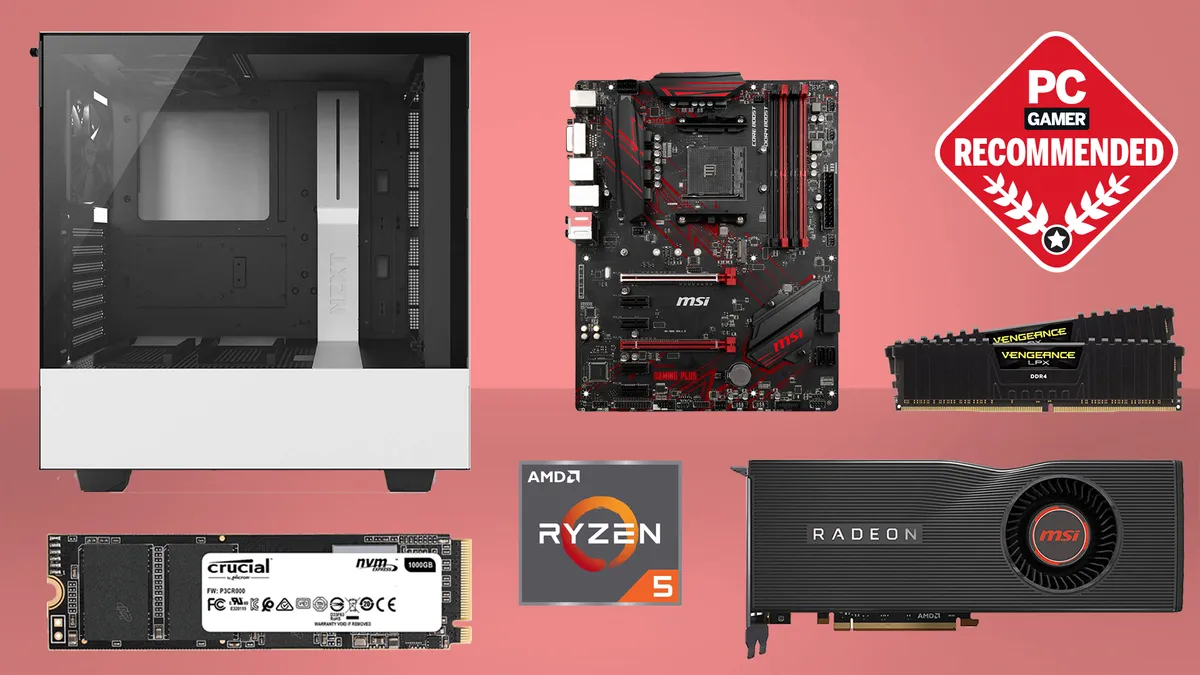
Best CPU for gaming: The top chips from Intel and AMD
Best gaming motherboard: The right boards
Best graphics card: Your perfect pixel-pusher awaits
Best SSD for gaming: Get into the game ahead of the rest
Problem is, that option is only available to Nvidia GPU users. The reason why? According to Monitors Unboxed, it's because AMD GPUs instead use AMD's own tone mapping, which is a part of the FreeSync feature set.
To be clear, while this problem isn't universal to all HDR monitors, it is indicative of the complexities of implementing HDR. How a given monitor implements tone mapping pipelines for HDR content can in turn mean you get very different results depending on the GPU being used.
Since its introduction on the PC, HDR has been a hit and miss affair. But this is the first time we've seen reports of dramatically different HDR performance depending on choice of GPU vendor. At the very least, we'll keep our scanners peeled for how the new generation of OLED and mini-LED HDR screens perform with both AMD and Nvidia GPUs when running HDR content.
You can check out the full video on Monitors Unboxed if you want to learn more.