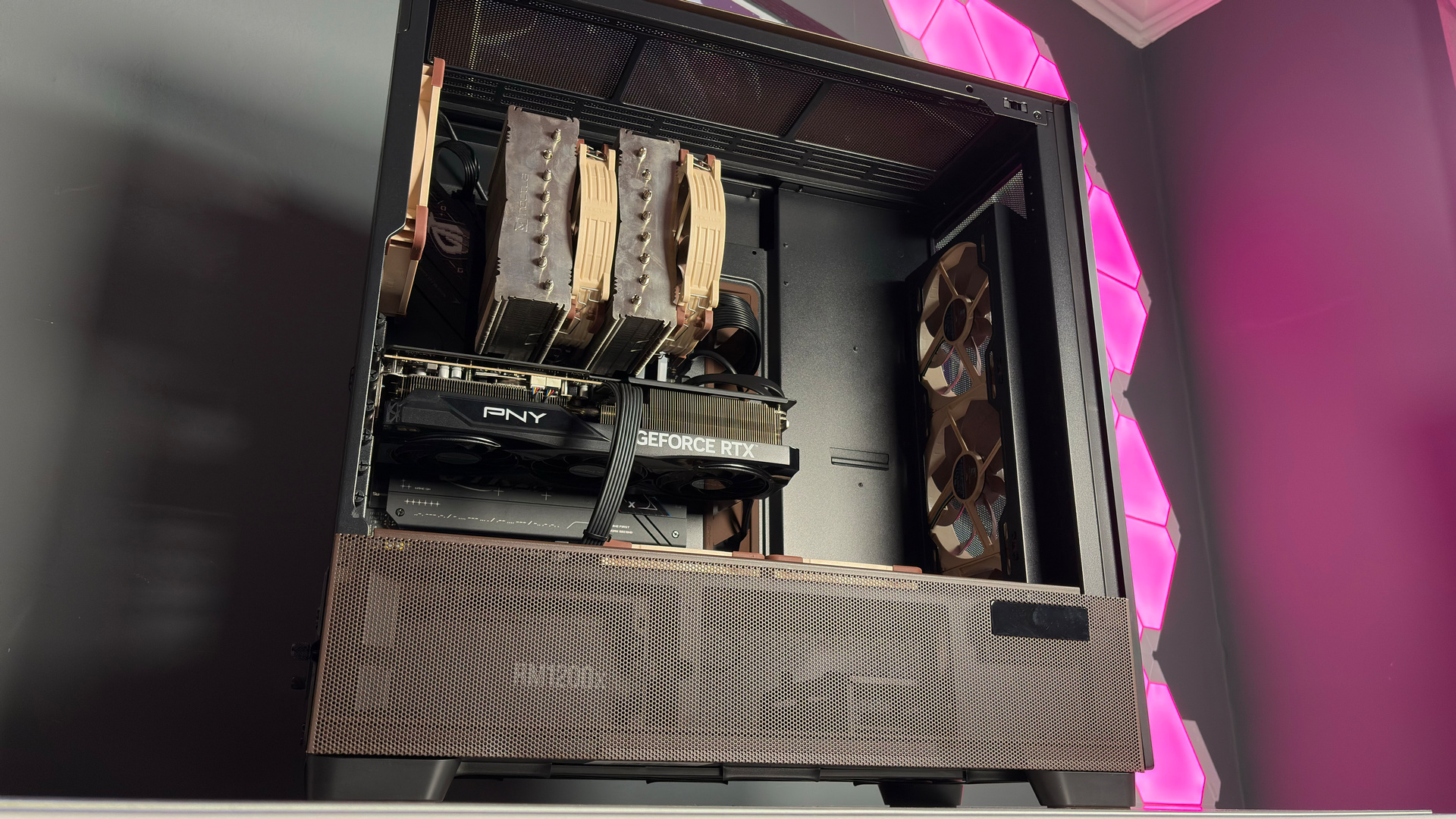
If your Ryzen-powered PC has an AM5 ASRock motherboard and sometimes just won't boot, then rescue is at hand in the form of a new BIOS update
Of course, if it won't boot because the CPU is fried, no amount of BIOS tweakery will help.
Keep up to date with the most important stories and the best deals, as picked by the PC Gamer team.
You are now subscribed
Your newsletter sign-up was successful
Want to add more newsletters?
Every Friday
GamesRadar+
Your weekly update on everything you could ever want to know about the games you already love, games we know you're going to love in the near future, and tales from the communities that surround them.
Every Thursday
GTA 6 O'clock
Our special GTA 6 newsletter, with breaking news, insider info, and rumor analysis from the award-winning GTA 6 O'clock experts.
Every Friday
Knowledge
From the creators of Edge: A weekly videogame industry newsletter with analysis from expert writers, guidance from professionals, and insight into what's on the horizon.
Every Thursday
The Setup
Hardware nerds unite, sign up to our free tech newsletter for a weekly digest of the hottest new tech, the latest gadgets on the test bench, and much more.
Every Wednesday
Switch 2 Spotlight
Sign up to our new Switch 2 newsletter, where we bring you the latest talking points on Nintendo's new console each week, bring you up to date on the news, and recommend what games to play.
Every Saturday
The Watchlist
Subscribe for a weekly digest of the movie and TV news that matters, direct to your inbox. From first-look trailers, interviews, reviews and explainers, we've got you covered.
Once a month
SFX
Get sneak previews, exclusive competitions and details of special events each month!
Modern gaming PCs are relatively easy to build and use, but underneath that friendly exterior, they're still incredibly complicated things. So when they start doing weird stuff like refusing to boot after being used for a while, it can be really hard to solve the issue. However, if your PC is doing precisely that and uses an AM5 Ryzen processor in an ASRock motherboard, then the fix is actually very simple.
Specifically, all you need to do is update the BIOS to ASRock's newly announced beta version 4.07.AS01, which incorporates AMD's latest AGESA ComboAM5 PI 1.3.0.0a (don't you just love short, snappy tech names?). Just head over to this list of all AM5 ASRock motherboards to the right update for your rig.
"This update is specifically designed to address system no-boot scenarios, including cases where systems may fail to boot after being used for a period of time," says ASRock. "Users who encounter such behavior are recommended to update to this BIOS version to help restore normal system boot functionality."
It's worth noting that if your gaming PC doesn't have a 'no boot' problem, and it's sunshine and roses, then you can skip this BIOS update. It won't make anything faster or provide new features, just a fix for the above problem and "optimized memory compatibility." The latter only matters if you're planning to buy a cheap, unknown-brand DDR5 as an upgrade, because that's all anyone can afford these days.
Now, you might be wondering just how you're supposed to update the BIOS if the PC won't boot. That's where ASRock's BIOS Flashback feature comes in, and you watch its tutorial for the process below. Mind you, if your PC won't boot because of ASRock's issue and you don't have access to another machine, then you're somewhat scuppered.
The same is true if your PC won't boot because your ASRock motherboard appears to have fried your AMD Ryzen processor. No amount of BIOS updates is ever going to solve that problem. I hasten to add that it's not just ASRock motherboards that have been giving PC gamers coniptions because there have reports of CPUs dying in Asus, Gigabyte, and MSI boards. However, when you collate all of these, ASRock does top the list and by no small margin.
Given that the company had worked really hard at overcoming its old reputation of 'cheap and cheerful', it's a shame that it's topping the news headlines for all the wrong reasons at the moment. Still, at least ASRock is releasing solutions to these various problems. Now it just needs to develop a fix for its reputation.
Keep up to date with the most important stories and the best deals, as picked by the PC Gamer team.

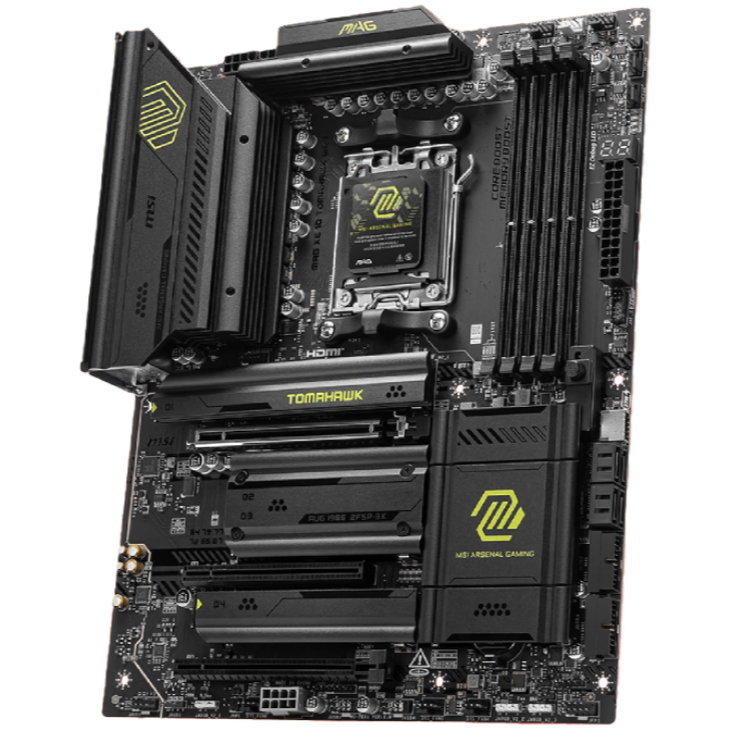
1. Best AM5 - AMD Ryzen 9000/7000:
MSI MAG X870 Tomahawk WiFi
2. Best budget AM5 - AMD Ryzen 9000/7000:
Asus TUF Gaming B650-Plus WiFi
3. Best midrange AM5 - AMD Ryzen 9000/7000:
ASRock B850 Steel Legend WiFi
4. Best AM4 - AMD Ryzen 5000/3000:
Asus ROG Strix B550-E Gaming
5. Best LGA1851 - Intel Core Ultra 200S:
Asus ROG Maximus Z890 Hero
6. Best budget LGA1851 - Intel Core Ultra 200S
ASRock B860 Steel Legend Wi-Fi
7. Best LGA1700 - Intel 14/13th Gen:
MSI MAG Z790 Tomahawk WiFi
8. Best budget LGA1700 - Intel 14/13th Gen:
Asrock B760M PG Sonic WiFi

Nick, gaming, and computers all first met in the early 1980s. After leaving university, he became a physics and IT teacher and started writing about tech in the late 1990s. That resulted in him working with MadOnion to write the help files for 3DMark and PCMark. After a short stint working at Beyond3D.com, Nick joined Futuremark (MadOnion rebranded) full-time, as editor-in-chief for its PC gaming section, YouGamers. After the site shutdown, he became an engineering and computing lecturer for many years, but missed the writing bug. Cue four years at TechSpot.com covering everything and anything to do with tech and PCs. He freely admits to being far too obsessed with GPUs and open-world grindy RPGs, but who isn't these days?
You must confirm your public display name before commenting
Please logout and then login again, you will then be prompted to enter your display name.