I'll always be impressed with the shenanigans PC makers get up to to try and fit everything inside mini PCs. The upcoming Steam Machine is the most pertinent recent example of this, but, to crank up the enigmatic dial, every bespoke mini PC has its secrets. Case in point, the Zotac Magnus EN mini workstation with RTX 5060 Ti, which seems to power that GPU via the PCIe connector, and not in the same way as Asus BTF cards and motherboards.
The mini PC was disassembled and inspected by HKEPC, then brought to my attention by Unikoshardware and Wccftech. Apart from how impressive it is to be able to fit a discrete desktop RTX 5060 Ti into such a small chassis at all, one thing that sticks out is the complete lack of a power cable for the GPU.
zotac new mini pc EN275060TC got a dgpu 5060ti, it is a desktop form gpu not the mobile one.according to hkepc's teardown, the 5060ti looked very strange in the sense that it has no external power connector. the aic x16 gold finger is even stranger.the aic pcie god finger… https://t.co/7JcP5h0Cil pic.twitter.com/GUOYtNcdhPDecember 10, 2025
It can do this because the RTX 5060 Ti isn't a particularly power-hungry card, with a TDP of 180 W. If 19 V is pulled into the PCIe connector, that high of a voltage means each pin doesn't have to sustain a current that's too high. This, in turn, means temperatures don't need to be a worry for the connector, which is presumably why Zotac designed it to work like this in the first place.
It's all very inventive as a means of saving space. But saying all this, my colleague Nick points out that it's all very complicated and surely expensive when simply creating a custom PCB to mount it all could have done the job just as well.
"Expensive" is right, too, because looking at its China launch price, it's around $2,000. And I doubt that's for the full spec, given it can have up to 96 GB of DDR5-6400 RAM, and there's just a little bit of a memory supply crisis right now. That's mini workstations for you, I guess.
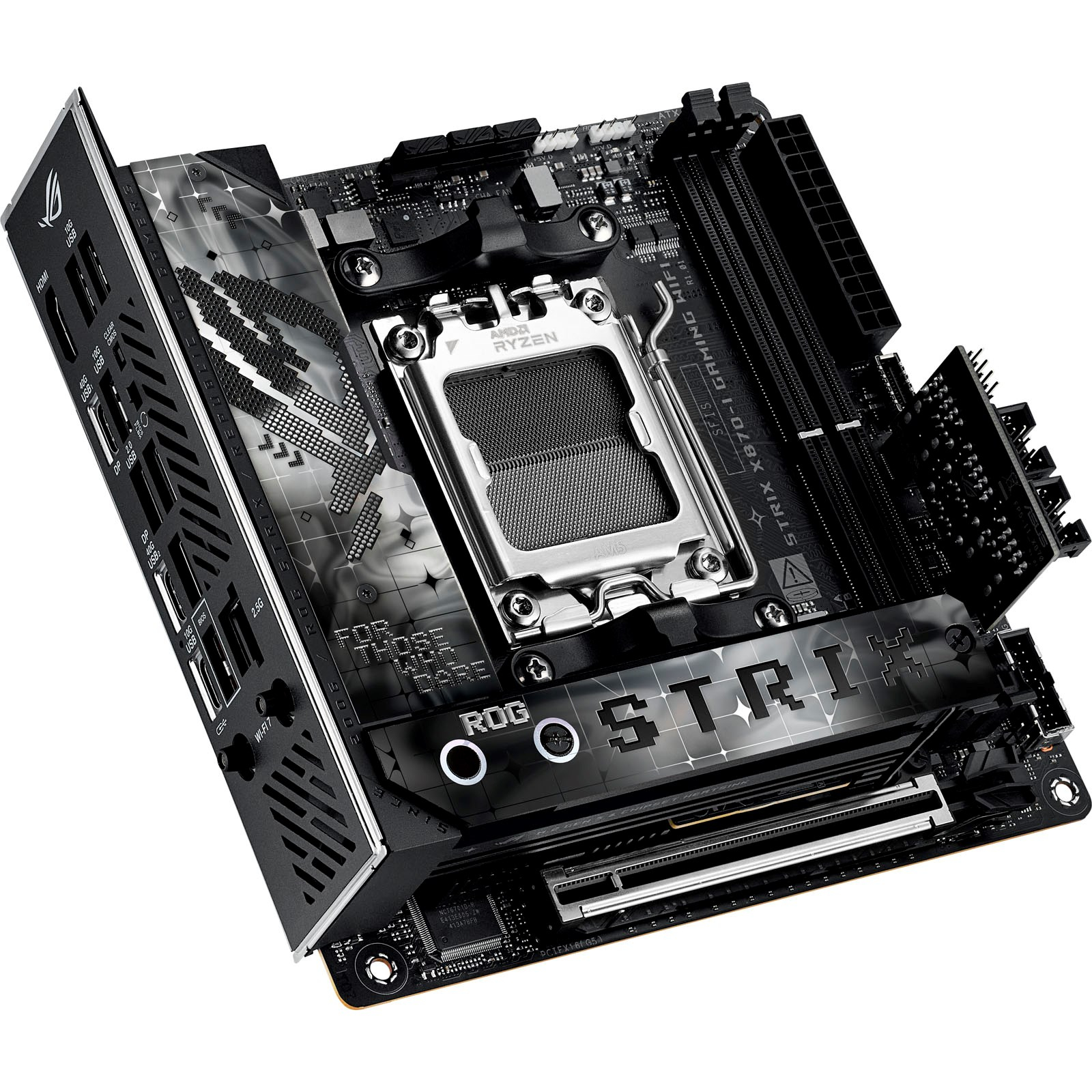
1. Best AMD AM5:
Asus ROG Strix X870-I Gaming WiFi
2. Best budget AMD AM5:
Gigabyte A620I AX
3. Best mid-range AMD AM5:
ASRock Phantom B850I Lightning Wi-Fi
4. Best budget AM4:
ASRock A520M-ITX/ac
5. Best Intel Core Ultra 200s:
ASRock Phantom Gaming B860I Lightning Wi-Fi
6. Best Intel 14th/13th Gen:
Asus ROG Strix Z790-I Gaming WiFi
7. Best budget Intel 14th/13th Gen:
ASRock B760I Lightning WiFi

You must confirm your public display name before commenting
Please logout and then login again, you will then be prompted to enter your display name.