

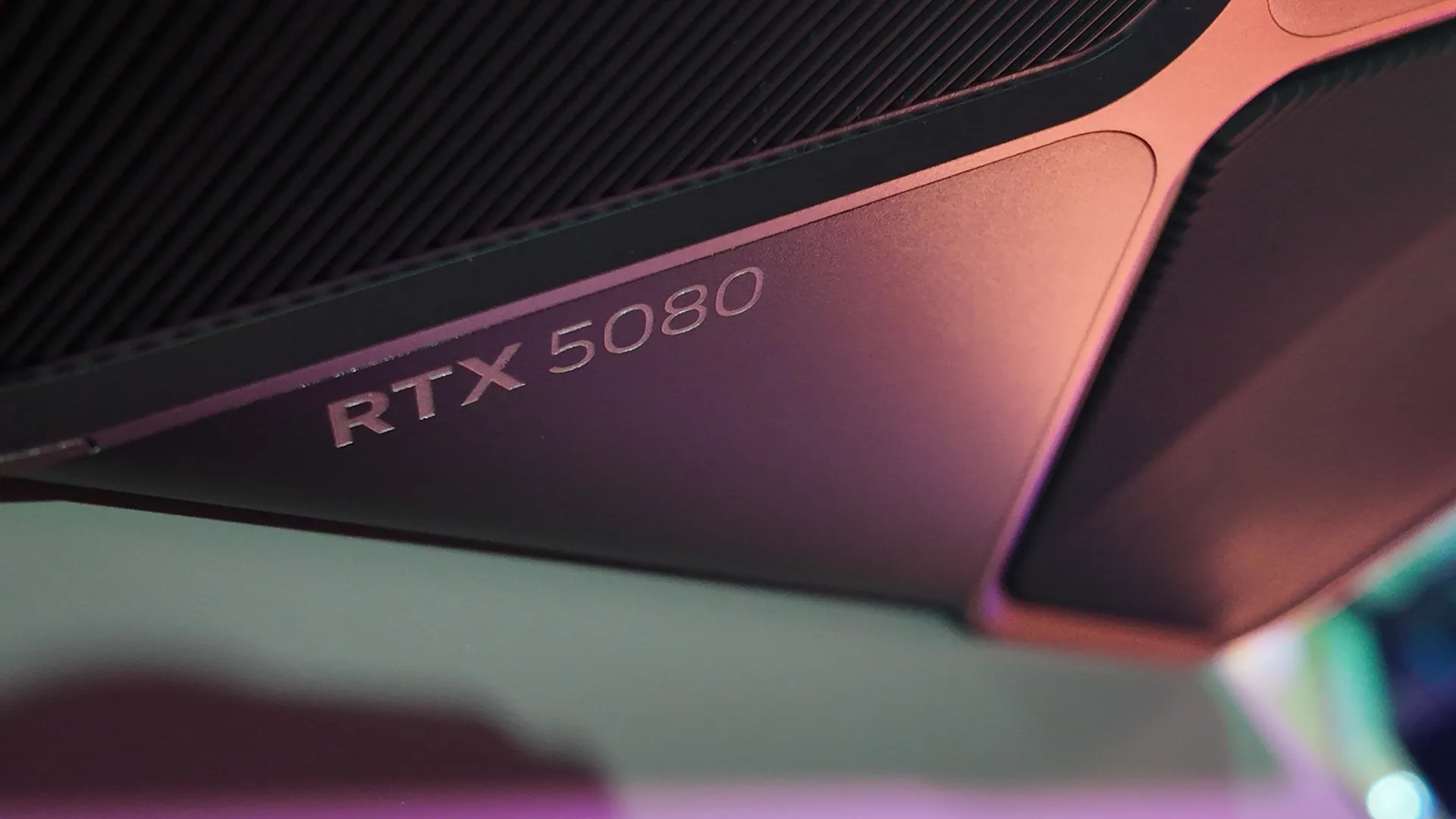
Latest Nvidia Game Ready drivers fix various black screen issues that left gamers staring at their sad reflections
Get yourself down to the driver store and pick up version 572.60 for a fix.
Keep up to date with the most important stories and the best deals, as picked by the PC Gamer team.
You are now subscribed
Your newsletter sign-up was successful
Want to add more newsletters?
Every Friday
GamesRadar+
Your weekly update on everything you could ever want to know about the games you already love, games we know you're going to love in the near future, and tales from the communities that surround them.
Every Thursday
GTA 6 O'clock
Our special GTA 6 newsletter, with breaking news, insider info, and rumor analysis from the award-winning GTA 6 O'clock experts.
Every Friday
Knowledge
From the creators of Edge: A weekly videogame industry newsletter with analysis from expert writers, guidance from professionals, and insight into what's on the horizon.
Every Thursday
The Setup
Hardware nerds unite, sign up to our free tech newsletter for a weekly digest of the hottest new tech, the latest gadgets on the test bench, and much more.
Every Wednesday
Switch 2 Spotlight
Sign up to our new Switch 2 newsletter, where we bring you the latest talking points on Nintendo's new console each week, bring you up to date on the news, and recommend what games to play.
Every Saturday
The Watchlist
Subscribe for a weekly digest of the movie and TV news that matters, direct to your inbox. From first-look trailers, interviews, reviews and explainers, we've got you covered.
Once a month
SFX
Get sneak previews, exclusive competitions and details of special events each month!
Gamers have been reporting various black screen issues on Nvidia's latest RTX 50-series graphics cards since release, leaving some staring at their sad selves in the inky darkness of an IPS panel. We were not immune to this issue at PC Gamer, either. One of our RTX 5090 cards for review wouldn't run unless capped at 60 Hz, which sort of defeats the point of the $2,000 card. Well, no longer, as a new driver promises to fix a few different black screen issues.
You can grab the new driver, version 572.60, from either Nvidia's website or direct through the Nvidia App.
In the release notes, Nvidia says little of the issue or its fix, besides the following text in the 'Fixed Issues' section:
- [GeForce RTX 50 series] Various black screen issues [5088957] [5100062] [5089089]
Say no more, fam.
Other fixes include:
- [Adobe Substance 3D Sampler] Crashing at launch with R570 branch drivers [5083712]
- [Adobe Substance 3D Painter] Texture corruption in baking results from GPU raytracing [5091781]
- [VRay 6] Unexpected Low Performance on CUDA Vpath Tests for Blackwell GPUs [4915763]
- Audio issues when GPU is connected via DisplayPort 1.4 w/ DSC at very high refresh rates [5104848]
- Applications may display slight image corruption on pixelated 2D patterns [5071565]
The driver should be a fix all in itself for black screen issues, though for clarity, there was another fix available this week. Prior to this driver update, a vBIOS was made available for our MSI RTX 5090 Suprim in the MSI Center app, containing the "same fix". We installed it, and after a little tinkering, found it had indeed fixed all of our issues with the card. Yippee! Generally flashing your vBIOS is a little riskier than a driver update, however, so try the driver update first and see how you get on.
The 572.60 driver also includes provisions for Naraka: Bladepoint to include DLSS 4, which includes all the latest technologies with the RTX 50-series, and to add further support for recently released critter-bashing title, Monster Hunter Wilds. Though, honestly, those bug fixes are worth a download alone.
Keep up to date with the most important stories and the best deals, as picked by the PC Gamer team.
Best CPU for gaming: Top chips from Intel and AMD.
Best gaming motherboard: The right boards.
Best graphics card: Your perfect pixel-pusher awaits.
Best SSD for gaming: Get into the game first.

Jacob earned his first byline writing for his own tech blog, before graduating into breaking things professionally at PCGamesN. Now he's managing editor of the hardware team at PC Gamer, and you'll usually find him testing the latest components or building a gaming PC.
You must confirm your public display name before commenting
Please logout and then login again, you will then be prompted to enter your display name.


