With the launch of its Panther Lake CPU architecture in October 2025, Intel also announced a new version of its AI-powered upscaling and frame gen suite, XeSS 3. The most notable feature of the update was the introduction of 3x and 4x frame generation. Now that Intel has made all the relevant files available to everyone, it hopefully won't take long for devs to update their games to add support.
In theory, it should be a very quick fix, too, as all devs need to do is download the XeSS 3 SDK from GitHub, extract all the relevant dll files, and then swap their game's current XeSS files for the new ones. However, gamers won't be able to select 3x or 4x frame generation until the menu settings are updated, because XeSS frame gen was originally just on or off.
Article continues below
Don't get me wrong: XeSS SR is pretty good, and it's way better than AMD's FSR 3 upscaler, but Radeon RX 9000-series owners now get the superior FSR 4, and every RTX card user has access to Nvidia's transformer DLSS upscaler and multiple preset options. Intel isn't going backwards here, but it's not exactly pushing the boat forward very much, either.
As to why this is the case, it's probably down to the fact that Intel gets more mileage out of the time and cost spent on training the neural networks for frame generation than it does for upscaling. After all, Nvidia has a 'supercomputer' running non-stop for years on end to make DLSS better, and while the transformer model produces better results visually, it's actually slower than the previous convolutional model, especially on older RTX hardware.
Frame generation is effectively a better solution for Intel to focus on because it will always produce more frames per second, no matter what Arc GPU is running the algorithm. Of course, basic integrated processors are still going to struggle to run things fast enough to overcome the additional input latency that's inherent to frame gen, but from Intel's perspective, it's getting more bang for its buck with FG than it does with upscaling development.
Still, at least Arc owners can be happy with the fact that at least they have the option to mess around with multi frame generation, whereas only RTX 50-series users have that luxury and poor old Radeon fans get nothing but a 2x mode, regardless of what GPU they have.
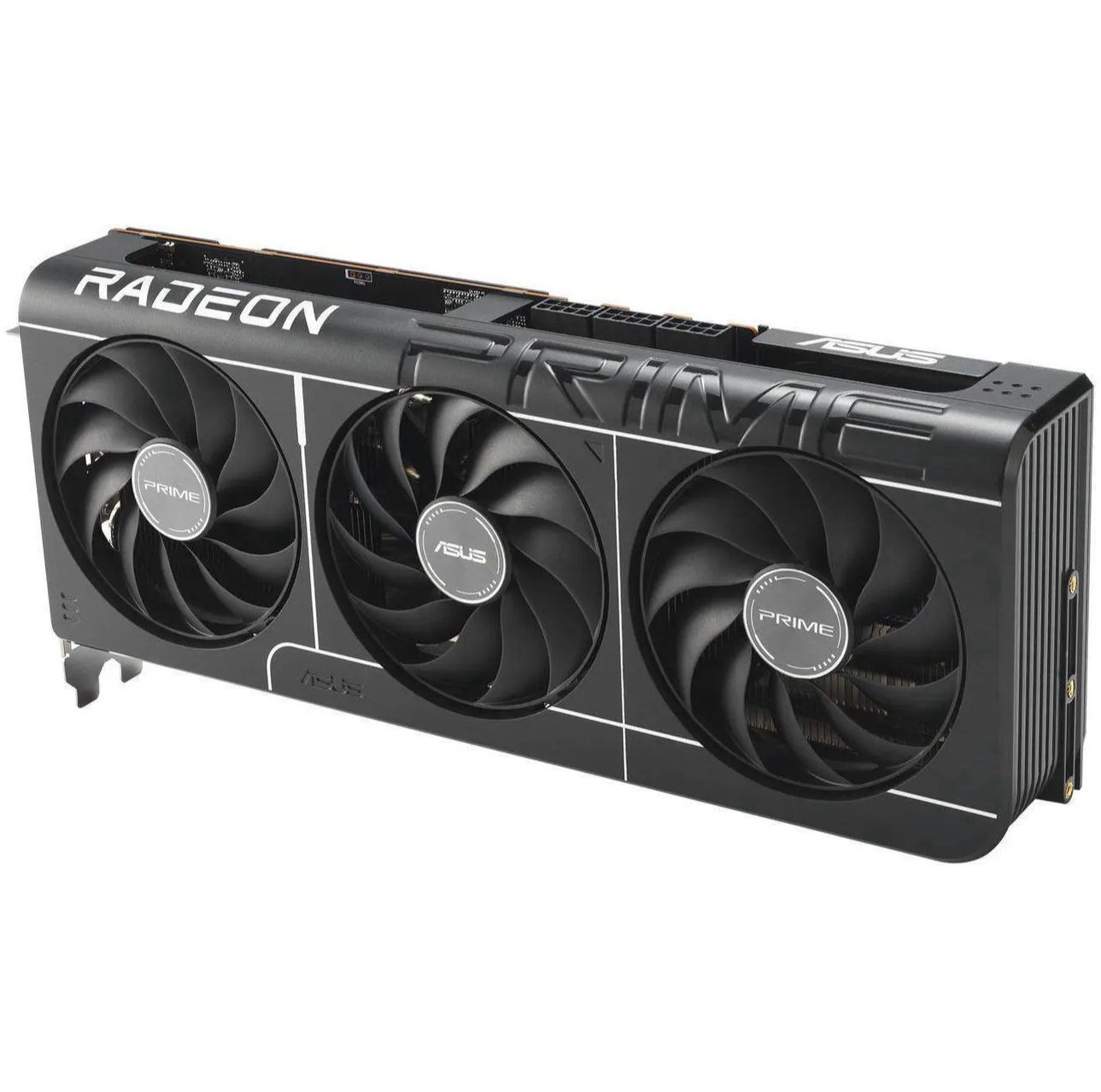
1. Best overall: AMD Radeon RX 9070
2. Best value: AMD Radeon RX 9060 XT 16 GB
3. Best budget: Intel Arc B570
4. Best mid-range: Nvidia GeForce RTX 5070 Ti
5. Best high-end: Nvidia GeForce RTX 5090

You must confirm your public display name before commenting
Please logout and then login again, you will then be prompted to enter your display name.