Back in October of last year, at the Arizona Tech Tour event, Intel announced the details behind its Panther Lake CPU architecture. Almost as a small aside, it also introduced XeSS 3, an update to its AI-powered graphics suite in the form of multi-frame generation. That made an official appearance with the launch of the Core Ultra 300-series of processors, but with the latest set of Arc drivers, now any Intel GPU owner can get into a spot of multi-frame interpolation action.
You can download the new WHQL-certified 32.0.101.8509 set of drivers from here, and if you have any Intel Alchemist or Battlemage GPU, you'll be able to enable XeSS 3 MFG (multi-frame generation) as an override in Intel's Graphics Software app.
Article continues below
And I don't just mean the discrete Arc graphics cards, such as the A770 or B850, either. GPUs integrated into Meteor Lake, Lunar Lake, and Arrow Lake processors support it too, and that's because when Intel brought its Xe graphics architecture to market, it decided that every single level of GPU would sport XMX units (Xe Matrix Extensions).
These pipelines within the GPU are equivalent to Nvidia's Tensor cores, and are designed to handle the matrix/tensor calculations that AI algorithms routinely use. You can do them on standard shader cores, but with dedicated hardware, you get way better performance.
Now, it's important to understand that XeSS 3 MFG can't just be applied to any game: it has to already support the standard XeSS FG (specifically version 1.1 as a minimum). Compared to the number of games with DLSS or FSR frame gen implemented in them, Intel's collection of XeSS-supported games is pretty small.

But even so, this distinctly puts AMD in third place when it comes to frame generation, because it's now the only GPU vendor that doesn't offer multi-frame interpolation.
One game that certainly does support XeSS Frame Generation is Cyberpunk 2077, so I fired it up on a Core Ultra 9 285K test bench, with no discrete graphics card installed. Just the pure, unadulterated sheer power of the integrated 'Intel Graphics': 512 Xe shaders, with a boost clock of 2,000 MHz.
With the graphics preset of Medium and a resolution of 1080p (no upscaling), the little four Xe unit iGPU can barely reach an average of 20 fps in Cyberpunk's built-in benchmark. Activating the XeSS 3 MFG override, with a value of 2x, lifts this to 31 fps, but the end result isn't great.
For a start, the output is decidedly choppy, but I also discovered that using the MFG override also disables any screen scaling. What I mean by that is that I use a 4K monitor on my test rigs, but even with Cyberpunk 2077 set to 2077, the output will still fill the screen. However, with the MFG override, the game's output is now just a small slice of the monitor (i.e. a 1080p slice).
I got around this problem by setting the display resolution in Windows to 1080p, though it might just be an issue exclusive to my hardware configuration and/or this particular game, as I don't experience the problem if I use the native implementation of XeSS frame gen. If you only ever plan to use 2x MFG, it would seem that it's not worth using the override functionality.
Not that you would anyway, as it's the 3x and 4x options that XeSS 3 is bringing to the party, so to see what the full shebang is like, I reran the benchmark with the maximum override setting applied. I got an average frame rate of just under 48 fps, which certainly isn't four times greater than 20 fps, but that's the nature of the beast.
Frame generation should only be applied in situations where a game's performance is either completely CPU-limited or it already has a decent baseline frame rate, such as 60 fps. Tiny iGPUs, like the one I used, really need a fair amount of upscaling to give them breathing room to handle the frame generation algorithm, but if it's a meaty one, like the Arc B390 used in the top-end Panther Lake CPUs, Intel's MFG should really help a lot.
So, although my initial tests of XeSS 3 multi-frame generation might not appear to be particularly encouraging, the fact that any Arc owner can dive in and experiment with the system is great news. No mods or additional software are required, just any Xe GPU and the latest drivers. Are you paying attention, AMD?
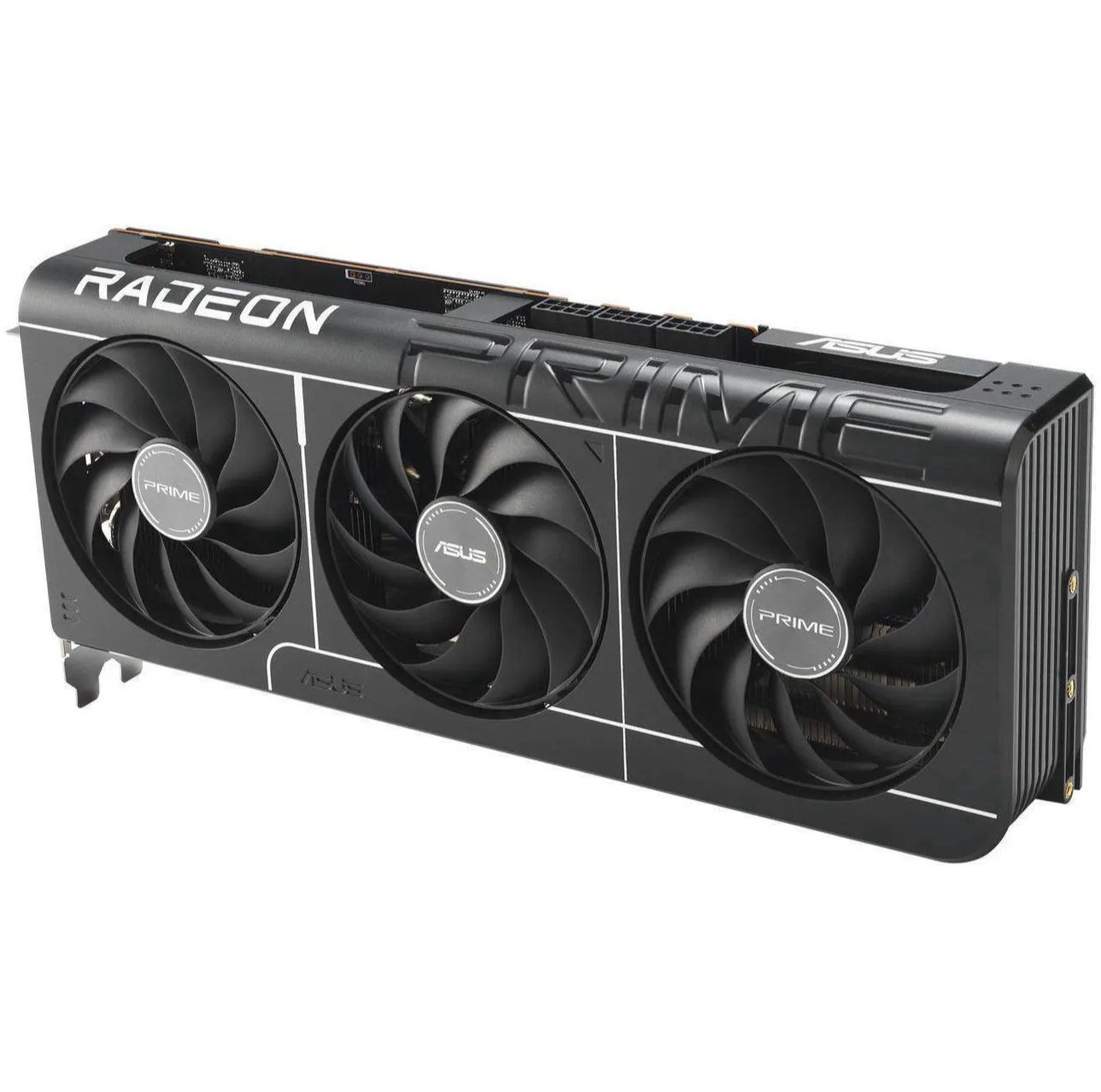
1. Best overall: AMD Radeon RX 9070
2. Best value: AMD Radeon RX 9060 XT 16 GB
3. Best budget: Intel Arc B570
4. Best mid-range: Nvidia GeForce RTX 5070 Ti
5. Best high-end: Nvidia GeForce RTX 5090

You must confirm your public display name before commenting
Please logout and then login again, you will then be prompted to enter your display name.