Our Verdict
A fast and powerful Hall effect gaming keyboard with some thoughtful physical touches and excellent software. It is costly, though.
For
- Responsive Hall effect switches
- Thoughtful inclusions such as macro keys and a wrist rest
- Lightweight, but powerful web-based software
Against
- How much is it again?
- Some may want wireless
PC Gamer's got your back Our experienced team dedicates many hours to every review, to really get to the heart of what matters most to you. Find out more about how we evaluate games and hardware.
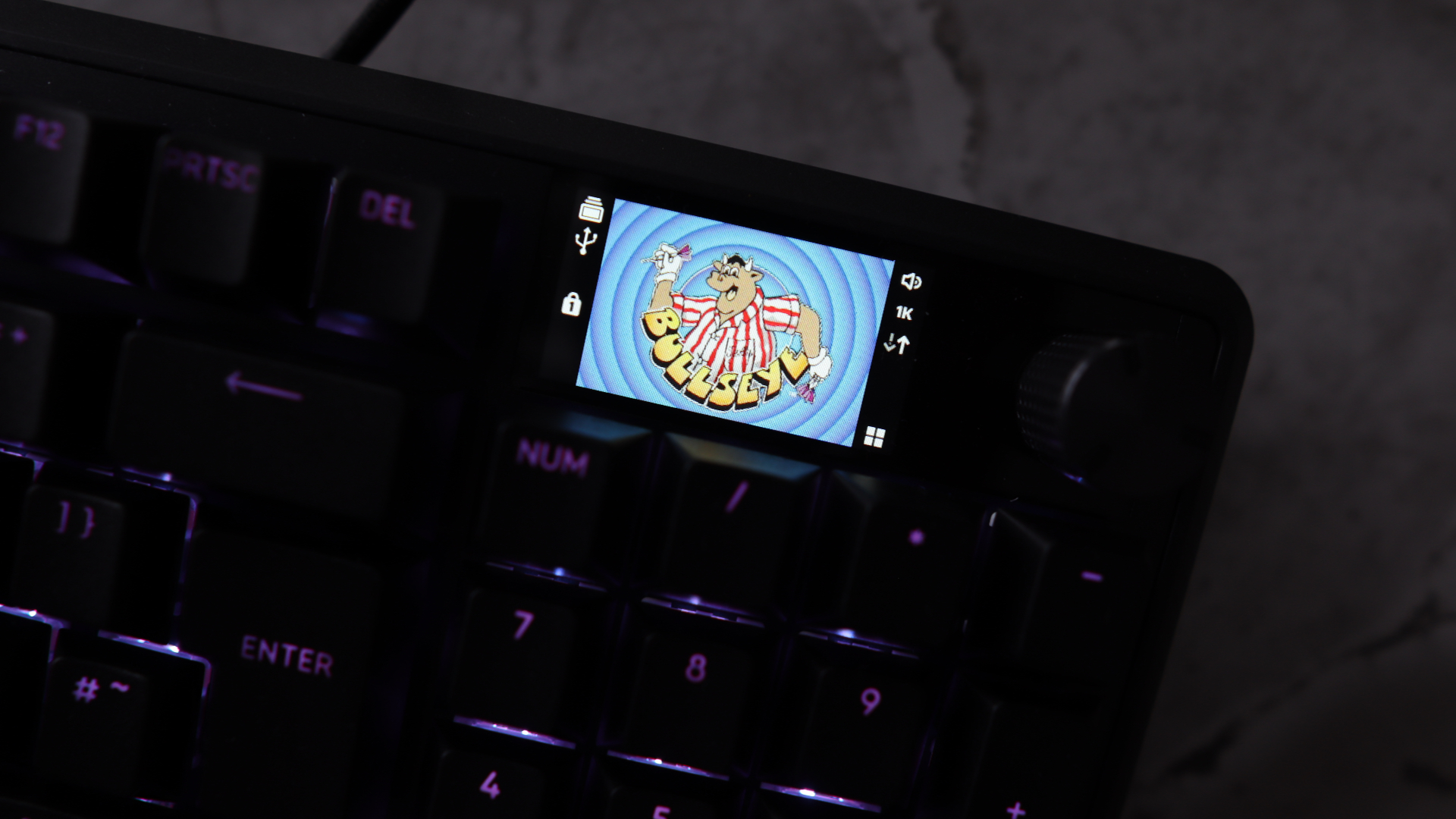
I know that a lot of keyboards have little LCD screens these days that you can use to do things such as keep an eye on system metrics and such, but I like the one on the new Corsair Vanguard Pro 96 purely because I can display an image of the Bullseye logo on it.
Every time I look down at the keyboard, I'm reminded of the quintessential British darts-based game show, and inevitably get the theme tune stuck in my head. That alone makes this worth its £210/$240 asking price, of course.
Okay, I guess I'll have to flesh this review out more—I like the Corsair Vanguard Pro 96. A lot. Is that still not enough?

Switch type: Corsair MGX Overdrive
Keycaps: PBT, doubleshot
Lighting: RGB, controllable in software
Onboard storage: 5 profiles
Extra ports: None
Connection type: Wired
Cable: USB Type-C/USB Type-A, detachable
Weight: 1.095 kg/2.41 lbs
Price: $240/£210
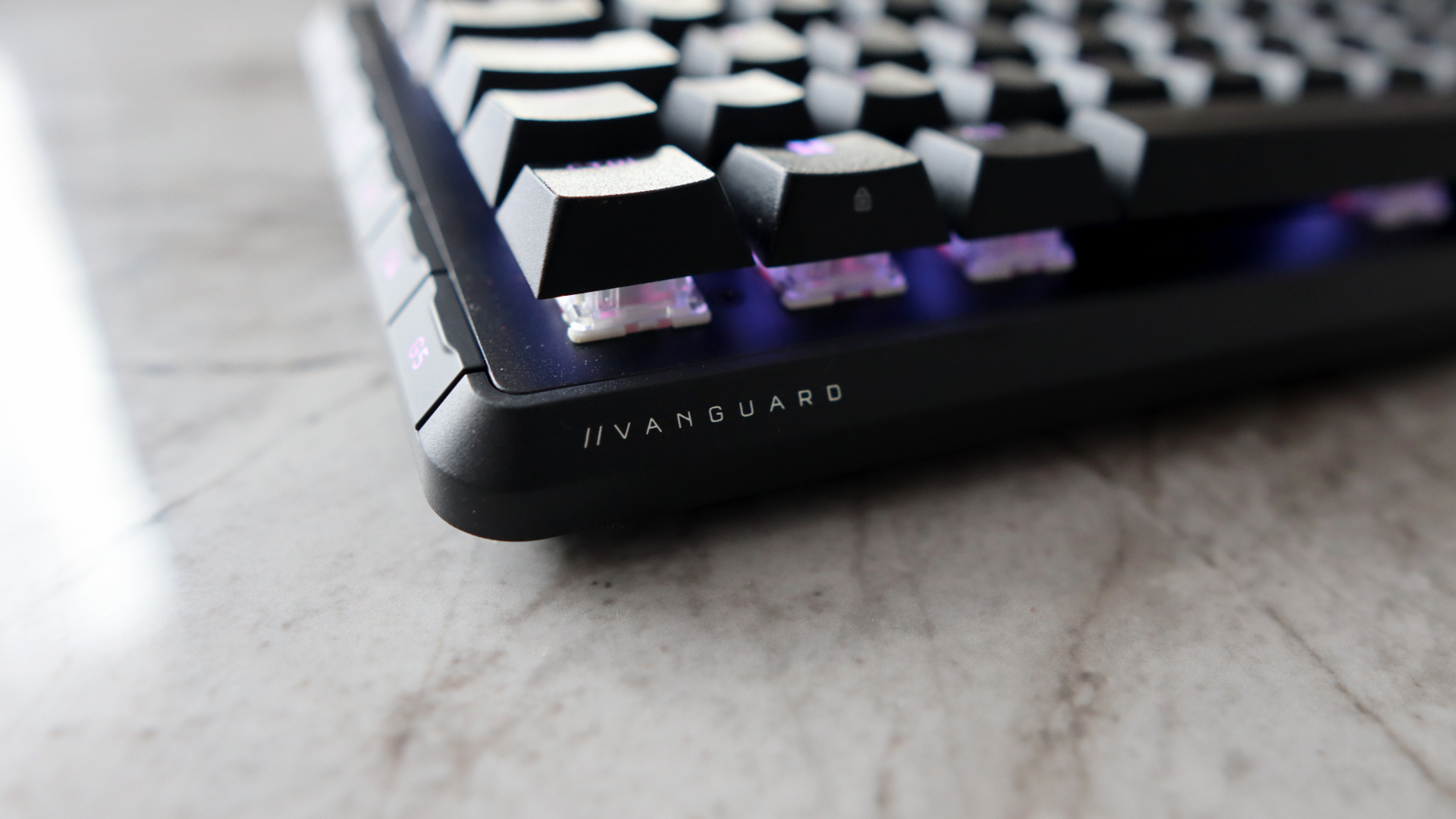
The Vanguard Pro 96 reminds me of the Corsair keyboards of old—big, brash full-size options that made little physical compromises for layout and, by virtue of that, their features. You get a 96 percent, or 1800, layout to use, providing all the creature comforts, such as arrow keys, a number pad and a function row, which budges up the traditional full-size layout into a somewhat space-saving option. Combine this with Corsair's more modern design language, and it means this board looks the part, too.
Somehow, Corsair has managed to slot in a 1.9-inch LCD screen, a hefty volume dial, and six macro keys in this chassis without making this keyboard the size of a whale. That's a feat in itself. It means the Vanguard Pro 96 is easily one of the most feature-rich keyboards in a physical sense that you're likely to be able to find these days.
Those macro keys, plus the dedicated Elgato Stream Deck key on the bottom row, mean you can use this keyboard as its own Stream Deck, which is very clever. Oh, and did I mention you get a magnetically attaching, plush wristrest?
Build quality is strong too, with a metal top plate and generally solid-feeling plastics. It's not as heavy as the fully machined options from Keychron and such, limiting its viability as a physical weapon, but it is heavy enough that it won't move around your desk if you look at it funny.
The LCD screen can do more than just display a Bullseye wallpaper, too. Using Fn+F12, you can cycle through settings that it can display in conjunction with the rotary dial to its right, such as volume control, macro recording, and even scrolling vertically or horizontally. It's one of the most versatile screen and dial combos I've seen on any keyboard in quite some time.
Corsair has also ditched its woeful iCUE software for the Vanguard Pro 96, instead following the lead of Keychron and other smaller brands, opting for a web-based software that's slick, lightweight, and very easy to use.
Here you can program what the screen and rotary dial of the keyboard will do, plus do all the usual business with remapping keys, configuring RGBs and setting things such as actuation point and rapid trigger powers.
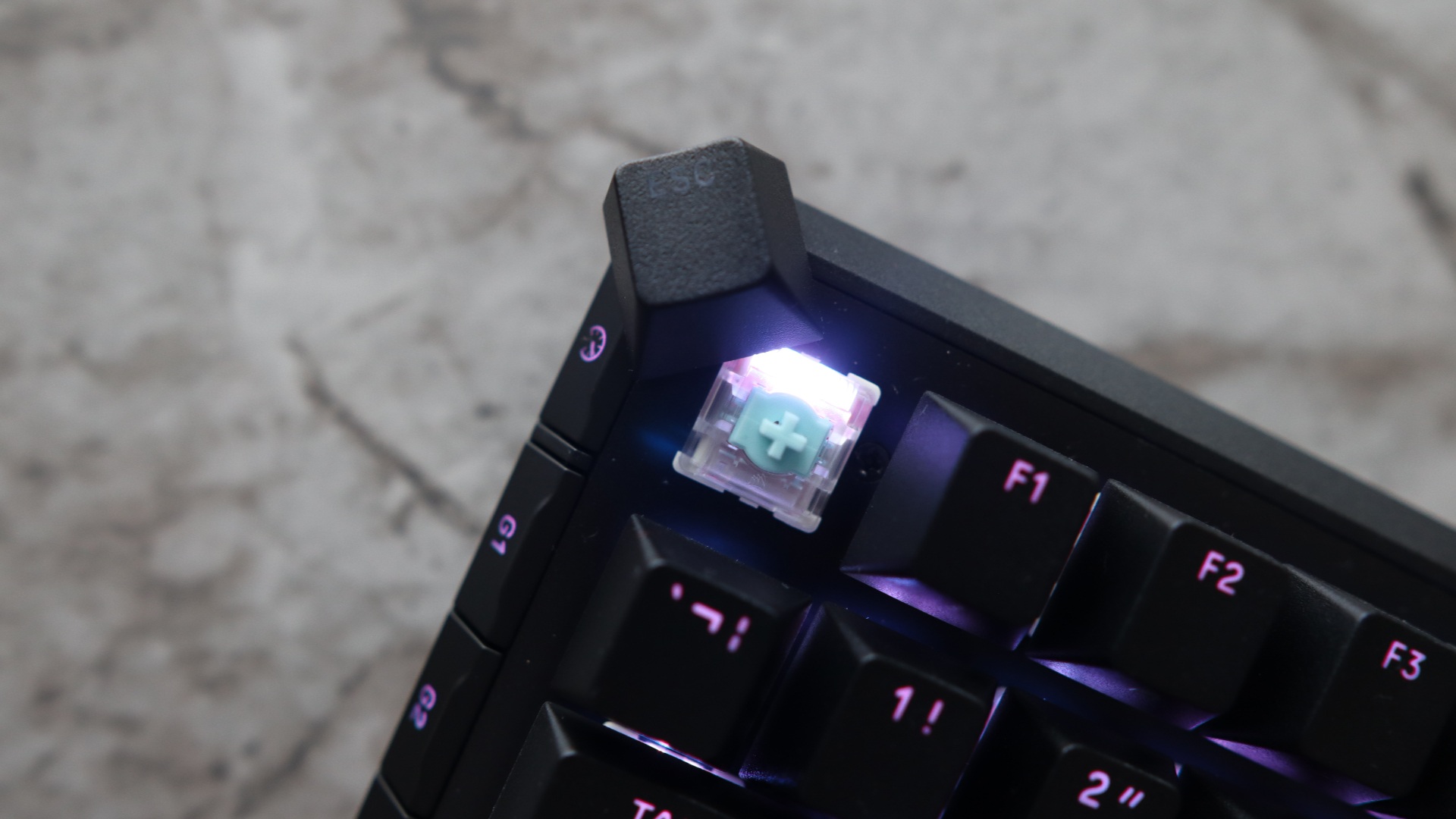
This keyboard is a Hall effect option, meaning we've got versatile and customisable magnetic switches—the ones inside this keyboard are Corsair's own MGX Hyperdrive switches.
These come with the versatile customisation I've come to expect, with both the actuation and reset point of the switch adjustable across virtually the entire travel, as high as 0.1 mm and as low as 4 mm.


Being rapid trigger, the MGX Hyperdrive switches have the benefit of adjustable actuation and reset point for near-instant response times. You can set both the actuation and reset point as high as possible—as high as 0.1 mm with this keyboard—to mean that you barely need to breathe on the switch for it to register an input. At that point, Corsair says they have a super light 30 g actuation force, while setting it all the way down at 4 mm means a 55 g force.
There is also the usual SOCD-type tech we've seen in rival boards from Wooting, Keychron and others, with different priority modes for all your unnaturally quick strafing action. I maintain that brands put it into the keyboard to add to the spec sheet, as the feature is about as useful as a chocolate fireguard in competitive online play, as it could allow folks to wield the ban hammer against you, as Valve has done with Counter-Strike 2.
Technically, the MGX Hyperdrive switches are hot-swappable, and Corsair bundles a handy switch and keycap puller in the box. However, it is unclear as to what switches you could replace them with, as they lack the usual 3 or 5 pinouts of standard MX switches, and the compatibility for Hall effect hot-swappable keyboards can be quite hard to pin down anyway.
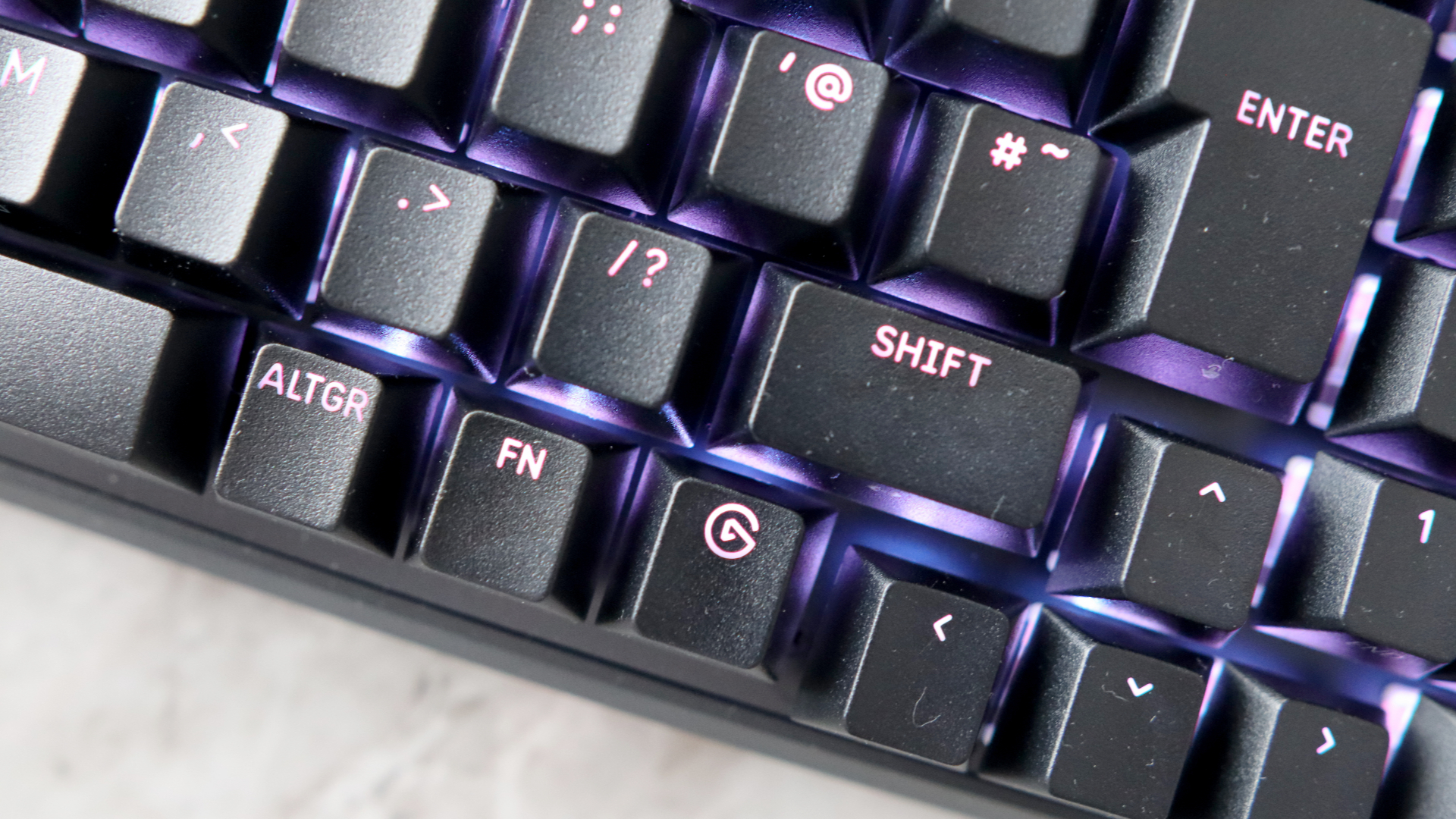
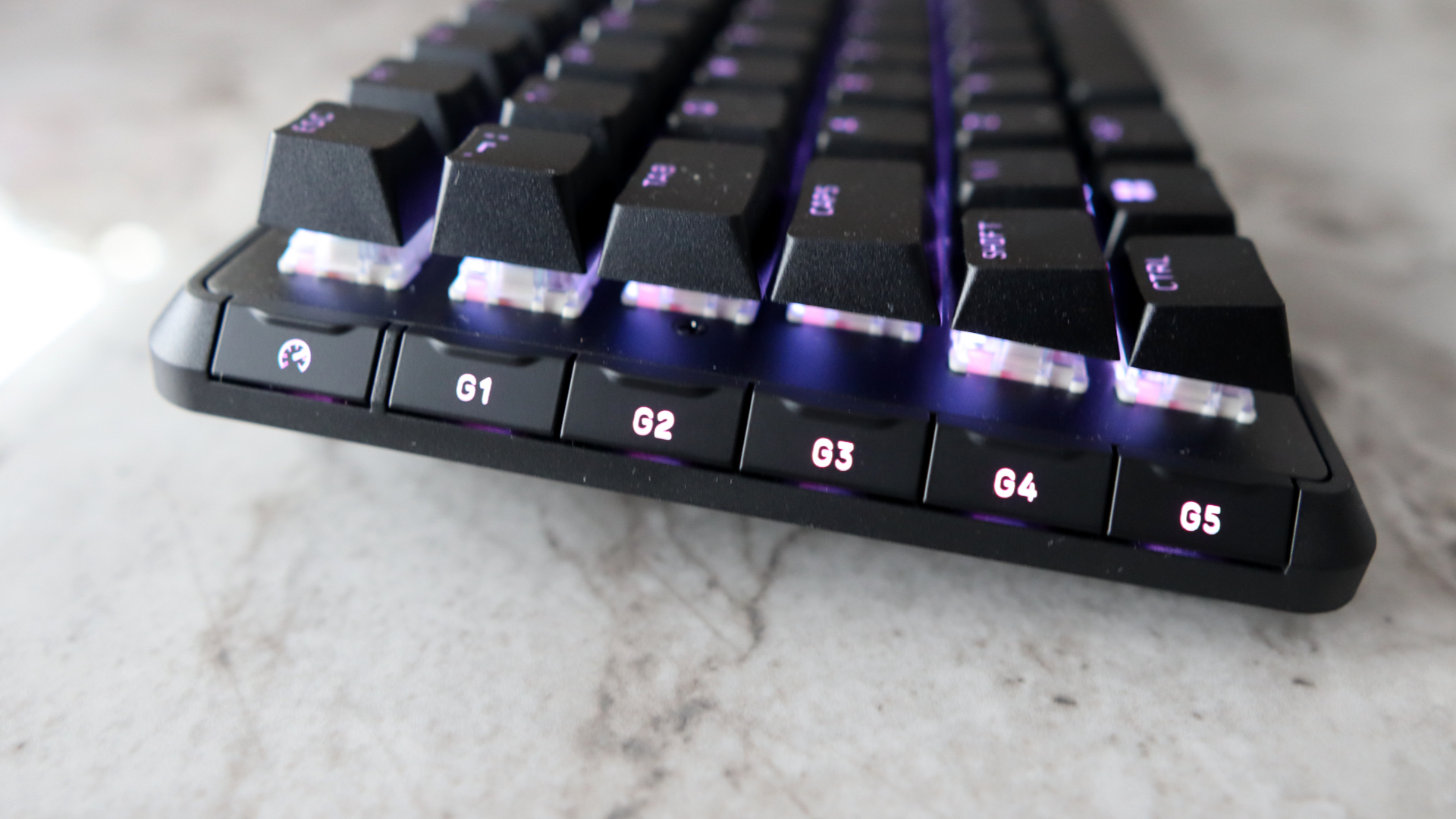
During several gos at Counter-Strike 2 (more than I care to admit, pwning low-level bots can be quite addictive), I found the Vanguard Pro 96's switches to be especially brisk and consistent in their feel. They're a smooth and snappy pre-lubricated switch that helps to make the keyboard one of the fastest you'll find in its class, plus if you want it, there is an 8000 Hz polling rate—not that most mere mortals will be able to tell the difference.
Connectivity for this keyboard is fully wired, meaning you never have to worry about pairing it over Bluetooth or 2.4 GHz, and there's no need to worry about charging it up. The braided USB Type-C to USB Type-A cable that comes with it is a decent quality, and the Vanguard Pro 96 has lots of cable channelling on its underside, so you can decide where to route the cable with no trouble.
✅ You want a powerful full-size keyboard: The Vanguard Pro 96 is a potent keyboard with few compromises on size, speed, and physical features.
❌ You want wireless connectivity: Given the higher price tag, some folks may prefer a more versatile wireless option against the strictly wired connectivity Corsair has provided.
I do have a small bone to pick with Corsair, though, on the cable routing. The USB Type-C port for connecting the keyboard in the first place is so far sunk into the chassis that it can be a bit of a pain to access at first. It surely would have been easier to put the port directly on the rear edge of the chassis, rather than sinking it several inches deep.
To sum up, I like the Corsair Vanguard Pro 96, and it's for more than just some childish fun with an LCD screen. This is genuinely one of the best Hall effect keyboards out there if you want a full-size layout with lots of nice touches, plus some versatile software and responsive switches. At £210/$240, it will come at a considerable cost against its rivals, though.
1. Best overall:
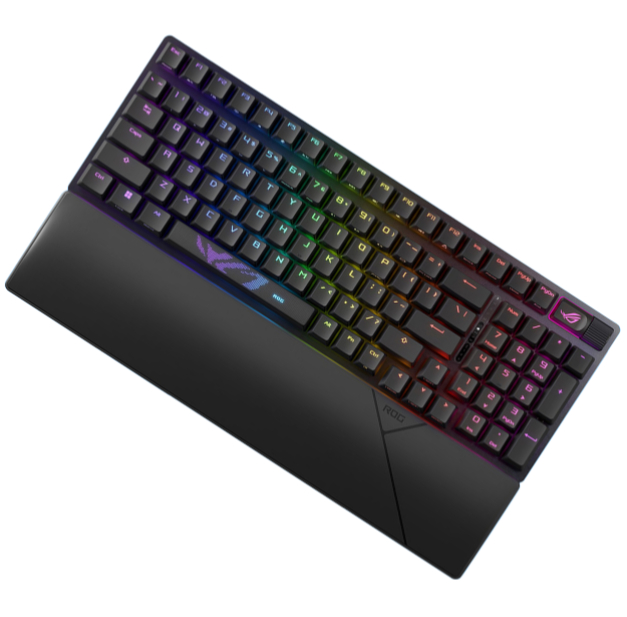
Asus ROG Strix Scope II 96 Wireless
2. Best budget:
Gamakay x Naughshark NS68
3. Best mid-range:
Ducky Zero 6108
4. Best rapid trigger:
Wooting 80HE
5. Best wireless rapid trigger:
Keychron K2 HE
6. Best silent:
Be Quiet! Light Mount
7. Best tenkeyless:
Keychron Q3 Max
8. Best low profile:
NuPhy Air60 HE
9. Best ergonomic:
Kinesis Freestyle Edge RGB
10. Best membrane:
Roccat Magma
A fast and powerful Hall effect gaming keyboard with some thoughtful physical touches and excellent software. It is costly, though.

You must confirm your public display name before commenting
Please logout and then login again, you will then be prompted to enter your display name.